How to Use the Document Inspector in PowerPoint
Learn how to prepare your presentations for their final version with the Document Inspector in PowerPoint. Step-by-step instructions.
How to Remove Background from Images in Canva
Canva’s Background Remover makes it easy to cut out distractions and let your subject shine. Here’s how to remove backgrounds from any image in just a few steps.
How to Present Research Findings: Interpreting Findings for Impact
Turn a findings chapter into slides that argue your case: map chapters to slides, visualize interpretation, avoid common pitfalls.
How to Create a Strip Chart in PowerPoint
Strip charts are a simple yet effective way to visualize data trends. Learn how to create a strip chart in PowerPoint with this step-by-step guide.
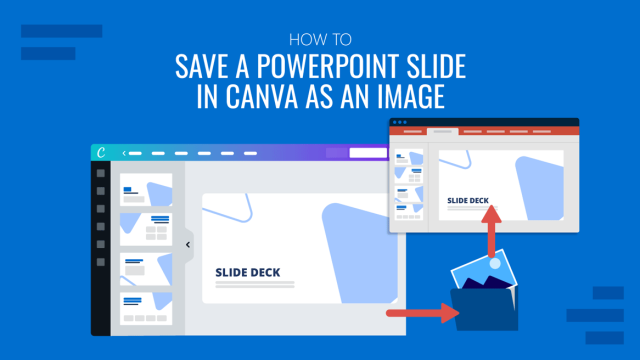
How to Save a PowerPoint Slide in Canva as an Image
Want your Canva slides as image files? Here’s the fastest way to export a PowerPoint slide as an image.
How to Craft a Persuasive Story
A persuasive story turns a data-heavy deck into a case business audiences act on. Learn to build, structure, and deliver one.
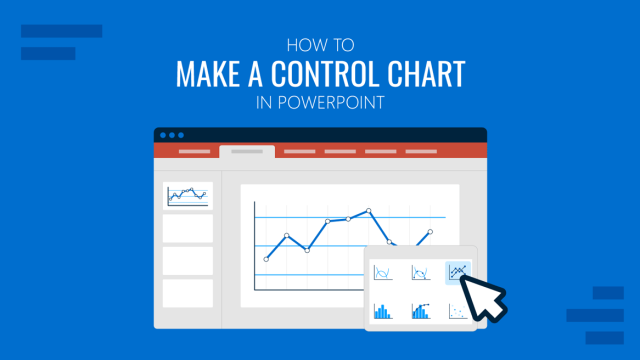
How to Make a Control Chart in PowerPoint
Improve the impact of your management or operation slides for data analysis by learning how to make a control chart in PowerPoint.
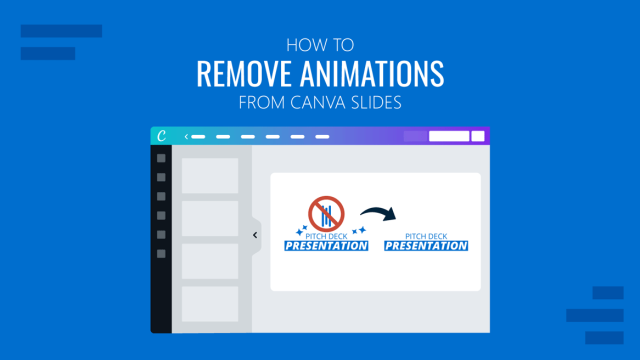
How to Remove Animations from Canva Slides
Discover how easy it is to remove animations from Canva with this step-by-step tutorial. Instructions covering different methods.
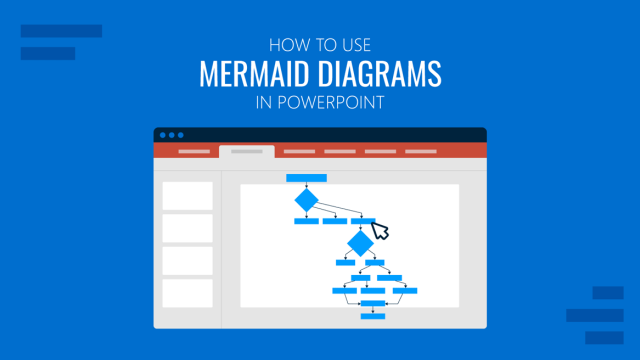
How to Use Mermaid Diagrams in PowerPoint
PowerPoint can’t render Mermaid natively. This guide walks through the export and insertion workflow for all major diagram types.