Internet Web Browser PowerPoint template is a presentation design containing browser clipart and shapes that you can use to prepare presentations in Microsoft PowerPoint, PowerPoint Online or Google Slides.
You can use the pre-designed web browser clipart to make presentations on website design processes, Internet security, web applications and online web marketing. This presentation template with web browser illustration & slide designs can be used to make presentations on Internet security, Internet projects or online business ideas.
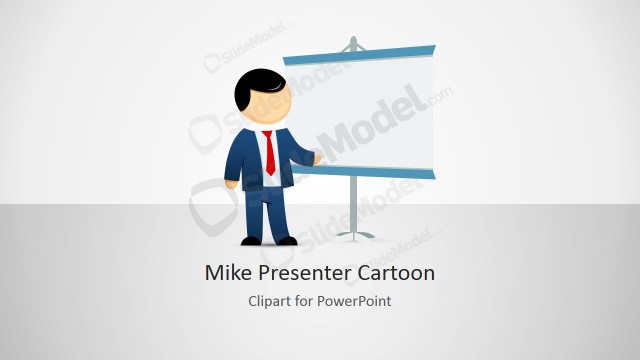
Some of the slides included in this presentation template contains illustrations of Mike. Mike is one of the creative cartoon & comic illustrations we have created with different postures & gestures that can help to personify your PowerPoint presentations and engage your audience with cool characters.
What’s inside this template
Example presentation scenarios
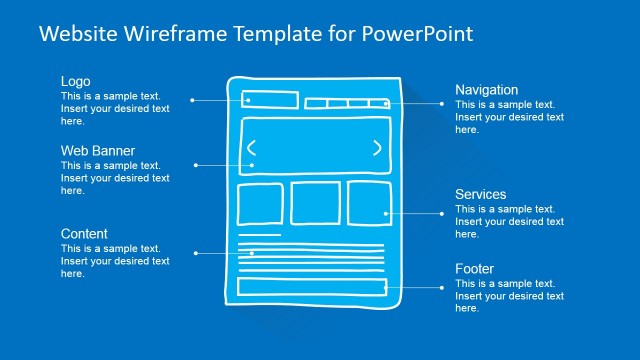
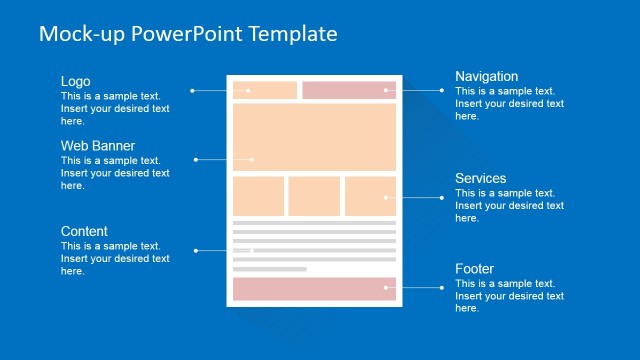
- A web design lead can use the browser mockup slides to explain a proposed website structure, placing page sections and search interactions inside familiar browser frames.
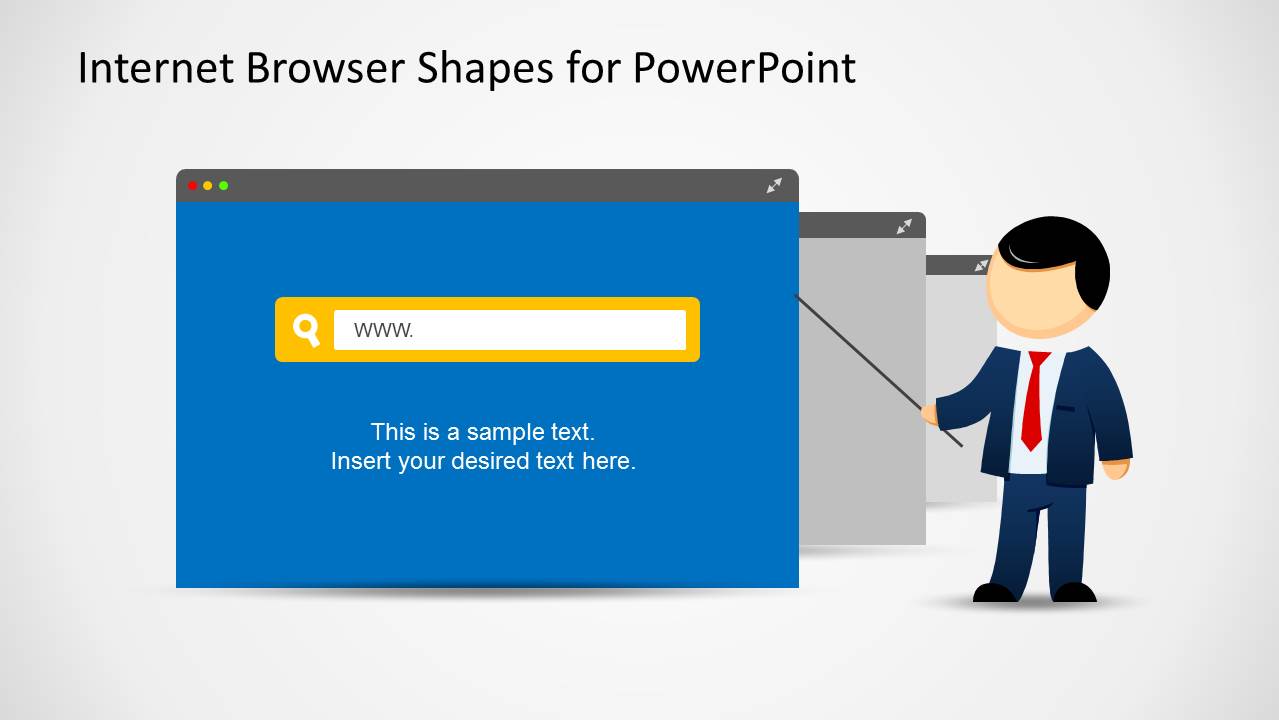
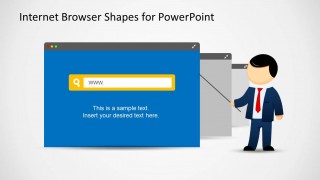
- A product manager can present a web application idea to stakeholders using the search panel and presenter callout layout to frame the product screen and key explanation.
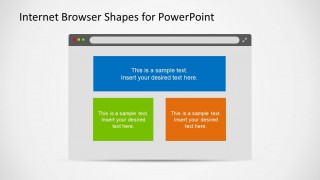
- A digital marketing team can use the three-panel browser slide to compare online campaign messages, landing page options, or website content blocks.
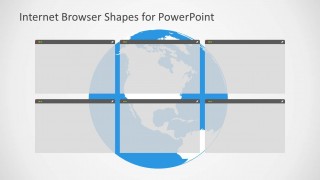
- An IT consultant can use the globe with browser windows to discuss web access, internet services, or distributed online touchpoints for a client briefing.
Features
- 100% editable presentation template
- Compatible with Microsoft PowerPoint and Google Slides
- 16:9 aspect ratio slides
- Scalable vector shapes, icons and illustrations
- AI-Ready for Microsoft Copilot and Claude
- Instant access and download
Frequently asked questions
Q: How should a presenter structure a web project explanation with this template?
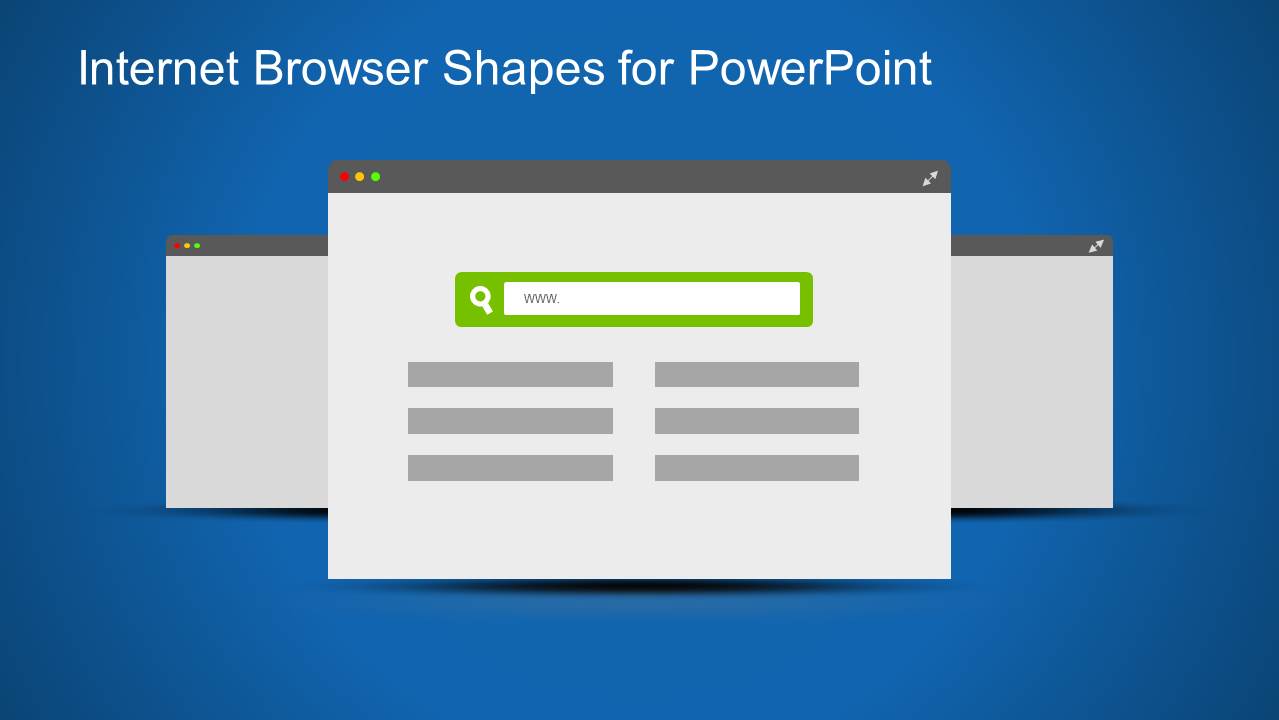
A: Start with the stacked browser mockup to introduce the web concept, then move to the presenter callout for the main explanation. Use the three-panel browser slide to compare alternatives or feature groups, and close with the globe layout if the message involves reach, access, or connected online services.
Q: Who benefits most from using browser clipart instead of standard text slides?
A: This template fits presenters who need to make digital topics understandable for mixed audiences, such as web designers, product managers, IT consultants, and marketers. Browser frames give the audience an immediate context for website design, search, online services, and web applications without requiring detailed technical screenshots.
Q: Why do the browser window and globe metaphors help communicate internet topics?
A: The browser window acts as a recognizable container for web content, so audiences quickly understand that each message relates to an online experience. The globe with browser panels extends the metaphor from a single page to wider internet reach, making it useful for service coverage, web presence, or connected touchpoints.



Web Browser Clipart Template for PowerPoint
6-slide presentation template with web browser clipart, website mockups, and internet concept graphics.
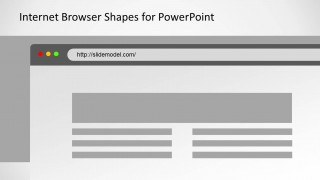
Web Browser Clipart Template for PowerPoint is a 6-slide set of editable browser illustrations for Microsoft PowerPoint and Google Slides. It includes layered browser mockups, a presenter callout slide, three-panel content blocks, a URL page layout, a search panel, and a globe with browser windows for web, app, and internet topics.
- Category
- Shapes
- Rating


 Loading...
- Aspect ratio
- 16:9
- Item ID
- 6667-01
- Colors
 Microsoft PowerPoint
  Microsoft Copilot
  Claude for PowerPoint
 Other formats supported
Subscribe today and get immediate
access to download our PowerPoint templates.