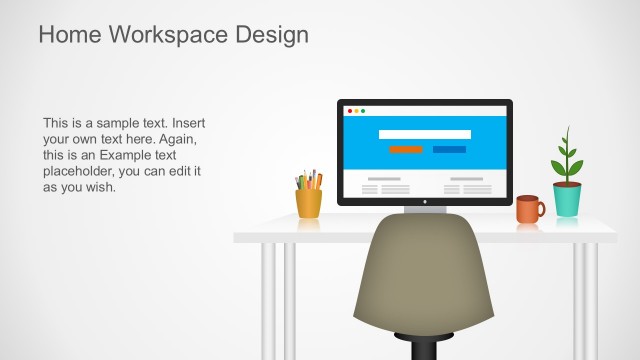
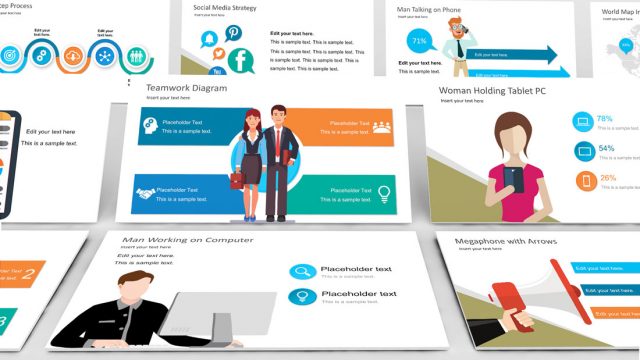
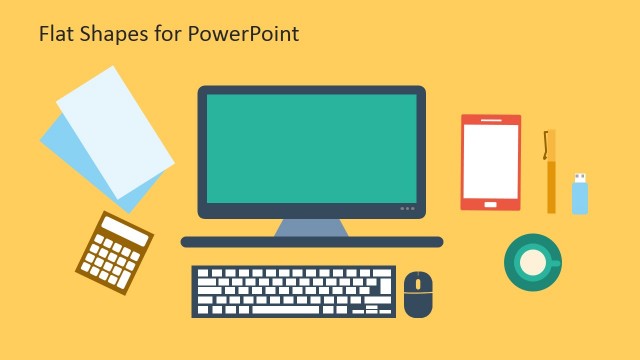
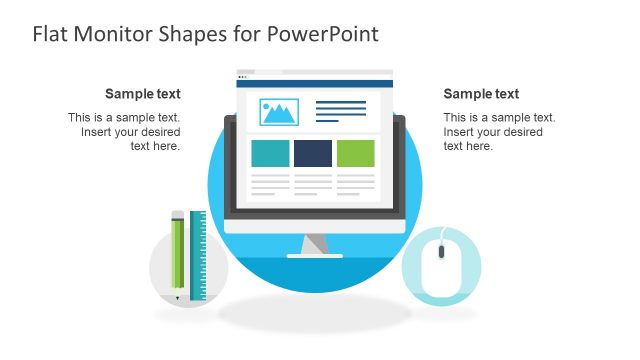
Computer Workspace Flat PowerPoint Shapes – Show off an amazing business presentation using this remarkable flat graphics template. This template design projects a creative and unique business presentation that will leave a noteworthy impact to your audience. It’s a generic illustration that is artistically designed in a PowerPoint platform. The familiar image maintains its professional touch depicted in this design while presenting immense number of uses. This type of illustration is something that anybody can relate to. To people who are regularly working in the office, looking at these images reminds them of their office adventures, goals and coffee breaks. For a business man, this illustration means active schedules, business transactions and meetings. Students relate these images to all-nighters, Starbucks moments and school achievements. It’s a perfect for presentation about this generation’s studying habits where the majority of students’ resources are found in the internet.
These generic images play an important role in the efficiency of a presentation. The target audience has to be able to relate to it as fast as possible. And the most effective way of doing this is by showing them familiar images such as those that remind them of their daily functions. For example, internet marketing professionals’ daily tasks are all done using a computer. The dynamic nature of their work requires them to be inspired and creative. There’s also a lot virtual and real life networking requirements in this career, which necessitate them to work in and outside of the office. It also encourages them to be able to work at home and everywhere else whenever brilliant ideas strike. This PowerPoint template exemplifies that type of work environment, which makes it a perfect structure for an internet marketing presentation. It’s the kind of template that will effortlessly keep your audience actively engaged in your topic.
What’s inside this template
Example presentation scenarios
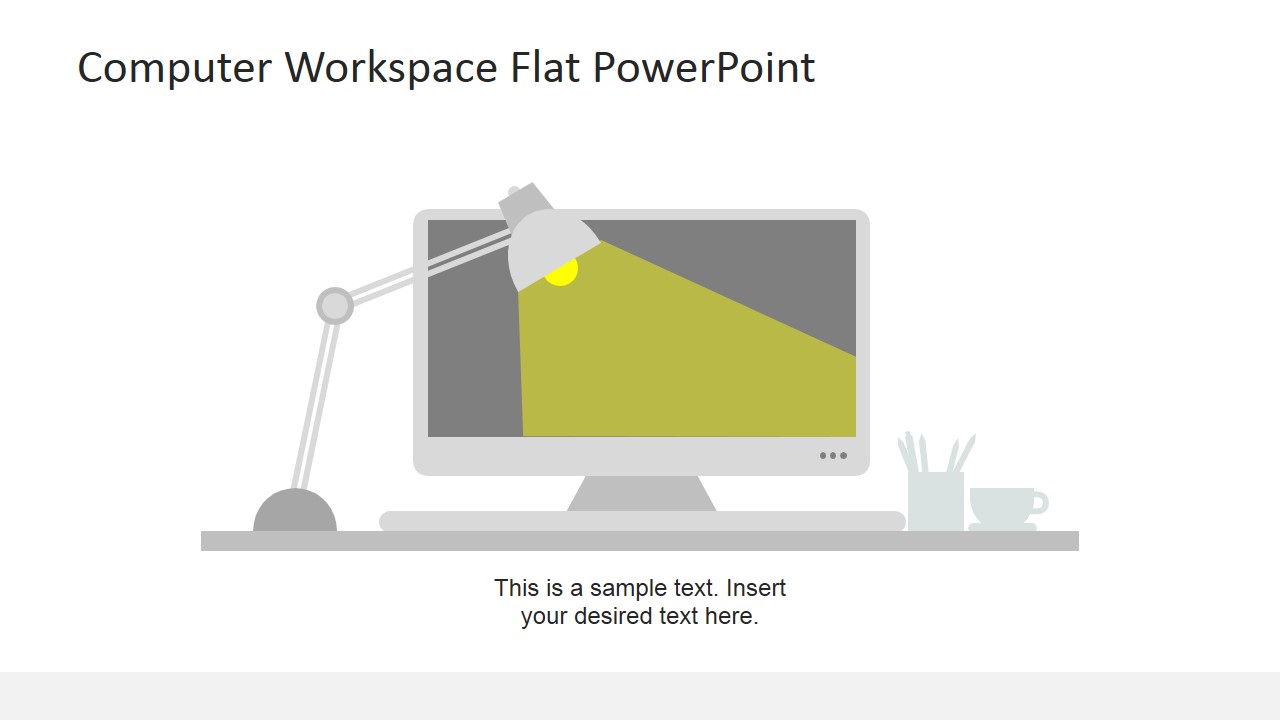
- A training manager can introduce a remote work session by using the laptop workstation and office desk scenes to make the topic feel practical and familiar.
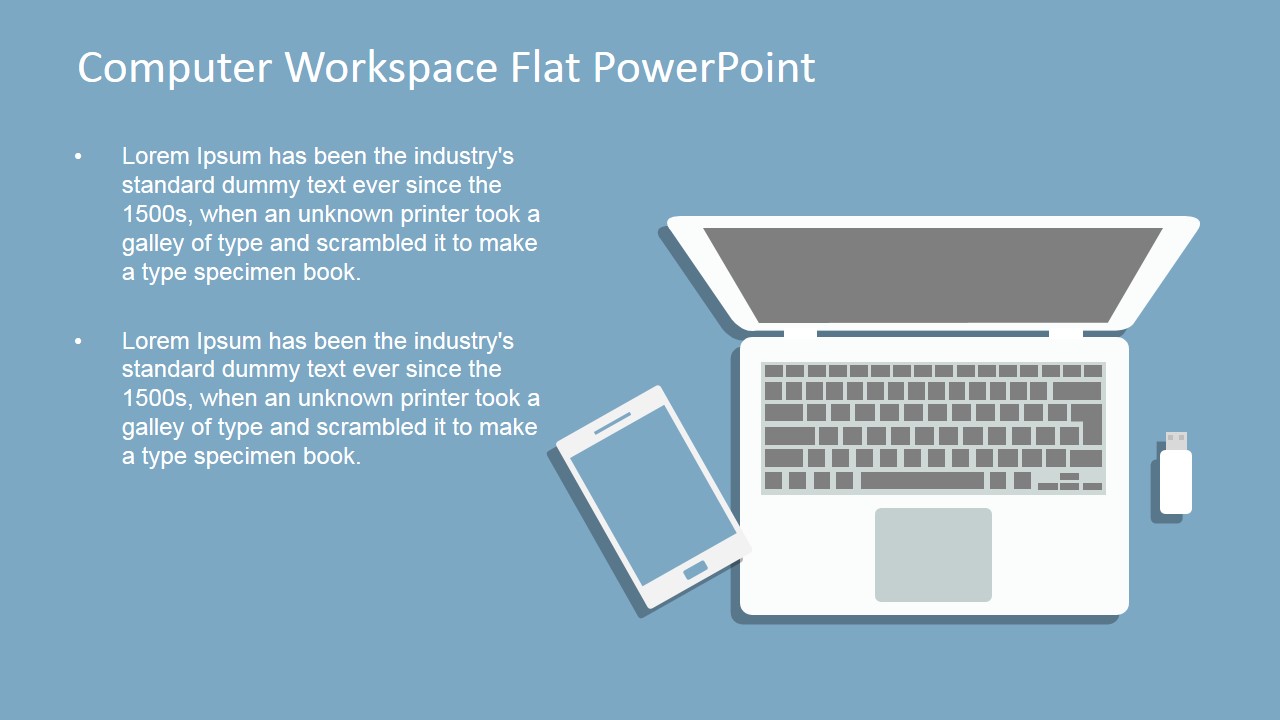
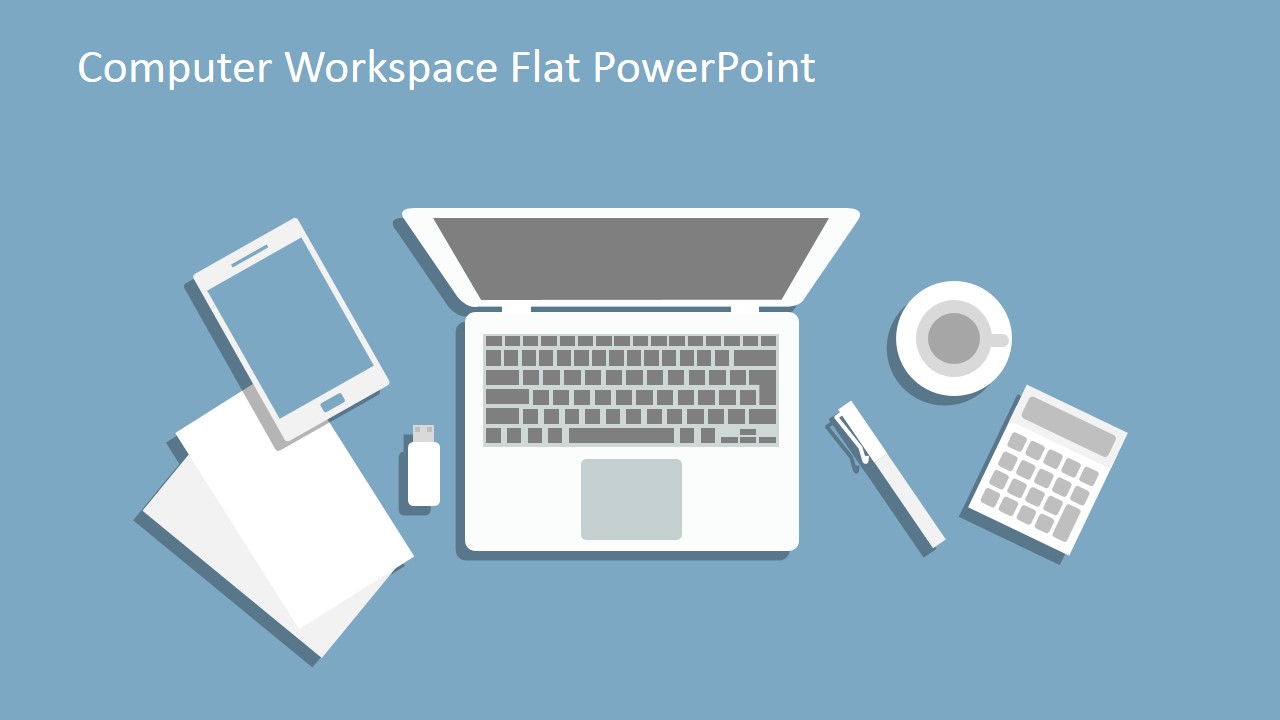
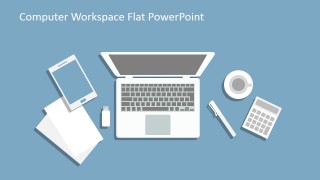
- A marketing presenter can explain online work habits by placing key points beside the top-view laptop, phone, and stationery layouts.
- An educator can discuss digital study routines by using the computer monitor, papers, calculator, and coffee visuals to connect with student work patterns.
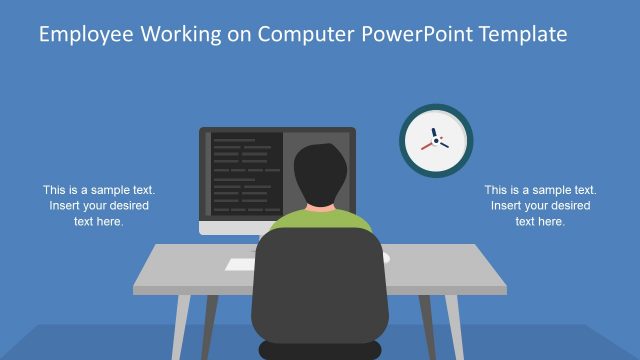
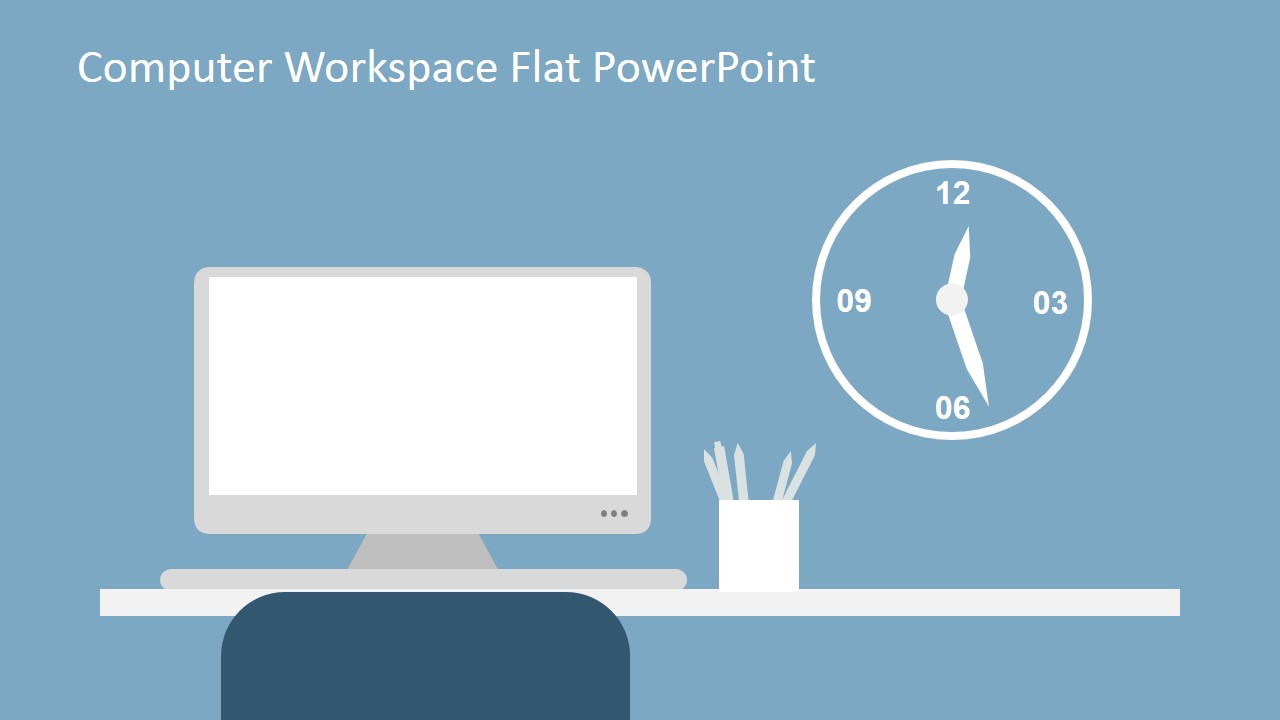
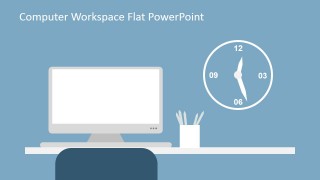
- An HR presenter can open a workplace productivity discussion with the clock, desk, and monitor slide to frame time management and daily workflow.
Features
- 100% editable presentation template
- Compatible with Microsoft PowerPoint and Google Slides
- 16:9 aspect ratio slides
- Scalable vector shapes, icons and illustrations
- AI-Ready for Microsoft Copilot and Claude
- Instant access and download
Frequently asked questions
Q: How should a presenter use these workspace illustrations without making the slides feel decorative only?
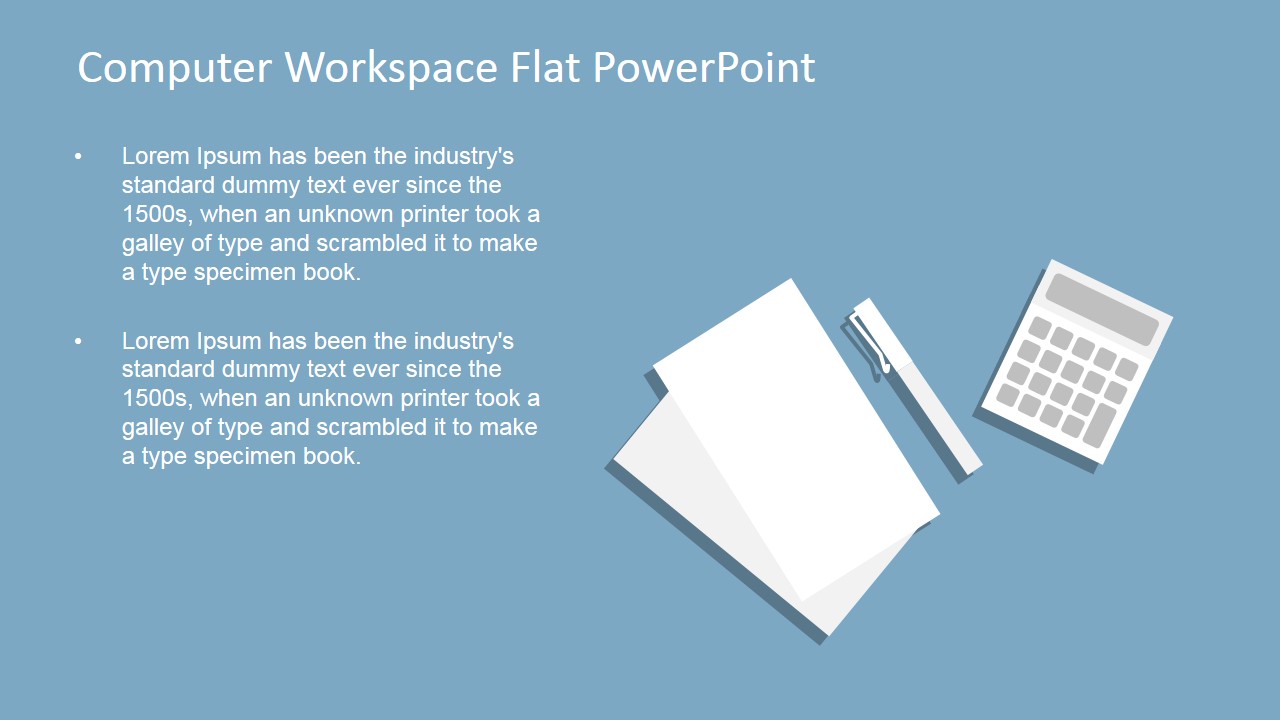
A: Anchor each illustration to a clear idea. Use the laptop slide for digital tasks, the stationery slide for planning, the coffee slide for work rhythm, and the clock slide for time management. Keep text short and place the main message near the visual so the audience sees the connection immediately.
Q: Who is this template best suited for in a business or education setting?
A: It fits presenters explaining everyday computer-based work rather than complex analysis. Trainers, educators, HR teams, consultants, and marketing presenters can use the familiar monitor, laptop, desk supplies, coffee, and clock scenes to discuss remote work, study behavior, productivity routines, or digital office culture.
Q: Why does the flat workspace metaphor help communicate productivity and digital work topics?
A: The desk, laptop, phone, papers, coffee, and clock create a shared visual language for office and study routines. Because the objects are simple and recognizable, they reduce explanation time and let the presenter frame abstract topics like focus, scheduling, and online work through concrete workspace cues.


Computer Workspace Flat PowerPoint Shapes
6-slide presentation template with editable computer workspace clipart, laptop desk scenes, and office icons
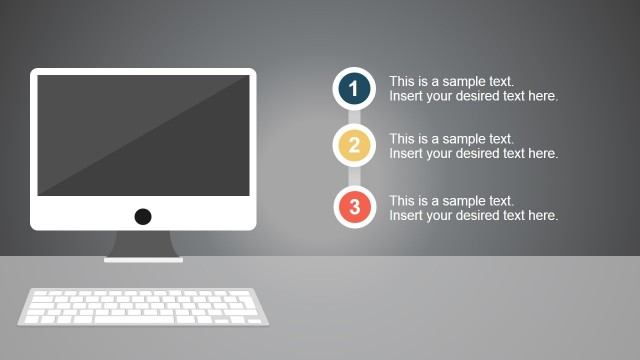
Computer Workspace Flat PowerPoint Shapes is a 6-slide presentation template with flat office workspace illustrations. It includes a desktop monitor scene, top-view laptop workstation, stationery desk layout, coffee cup visual, and clock office setup for business, education, remote work, or productivity topics in Microsoft PowerPoint and Google Slides.
- Category
- Shapes
- Rating


 Loading...
- Aspect ratio
- 16:9, 4:3
- Item ID
- 6768-01
- Colors
 Microsoft PowerPoint
  Microsoft Copilot
  Claude for PowerPoint
 Other formats supported
Subscribe today and get immediate
access to download our PowerPoint templates.