Vibrant Color Shade PowerPoint Template is a presentation design containing several slides that you can use to make a business presentation. It contains multiple layouts that you may find suitable to present your data. This vibrant color shade PowerPoint template can be used for presentations on business plans, marketing and finance but you can also use it to make educational PowerPoint presentations.
What’s inside this template
Example presentation scenarios
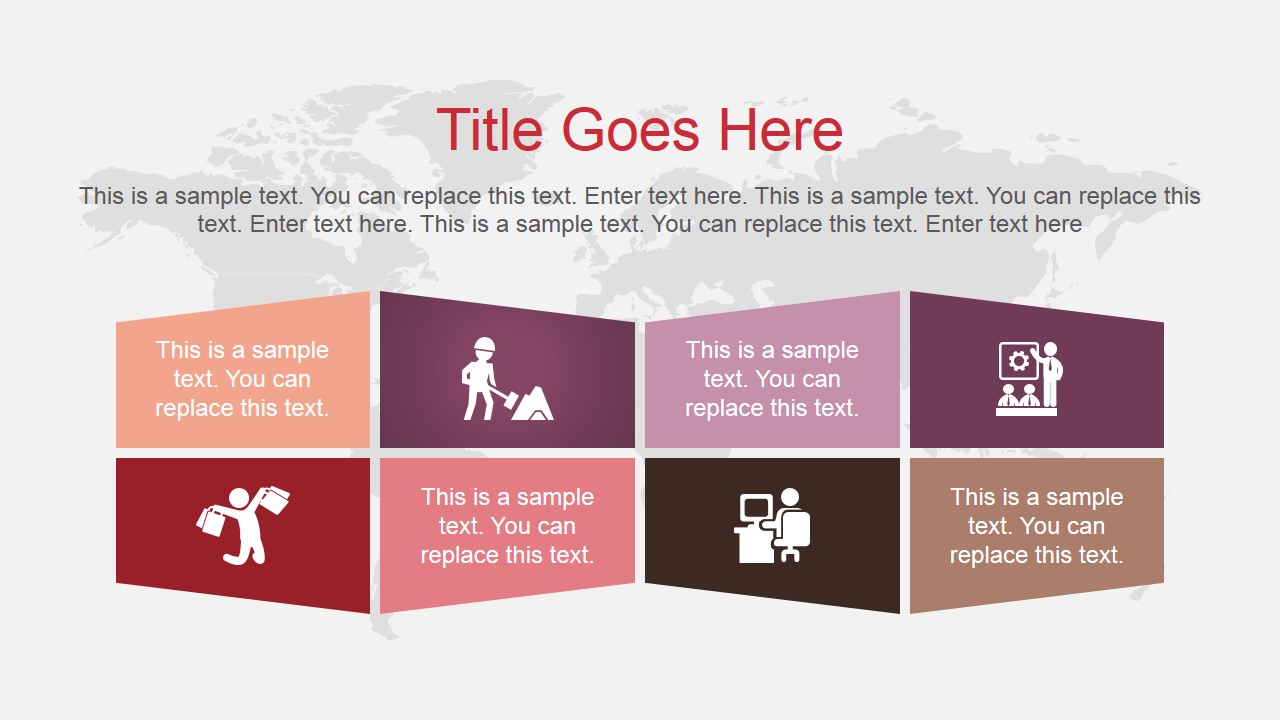
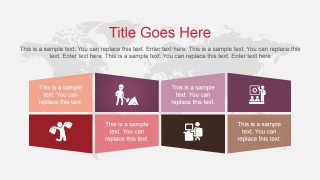
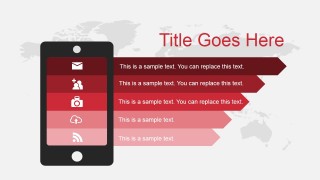
- A marketing manager can use the ribbon lists and smartphone menu slide to explain campaign channels, digital touchpoints, or audience engagement actions.
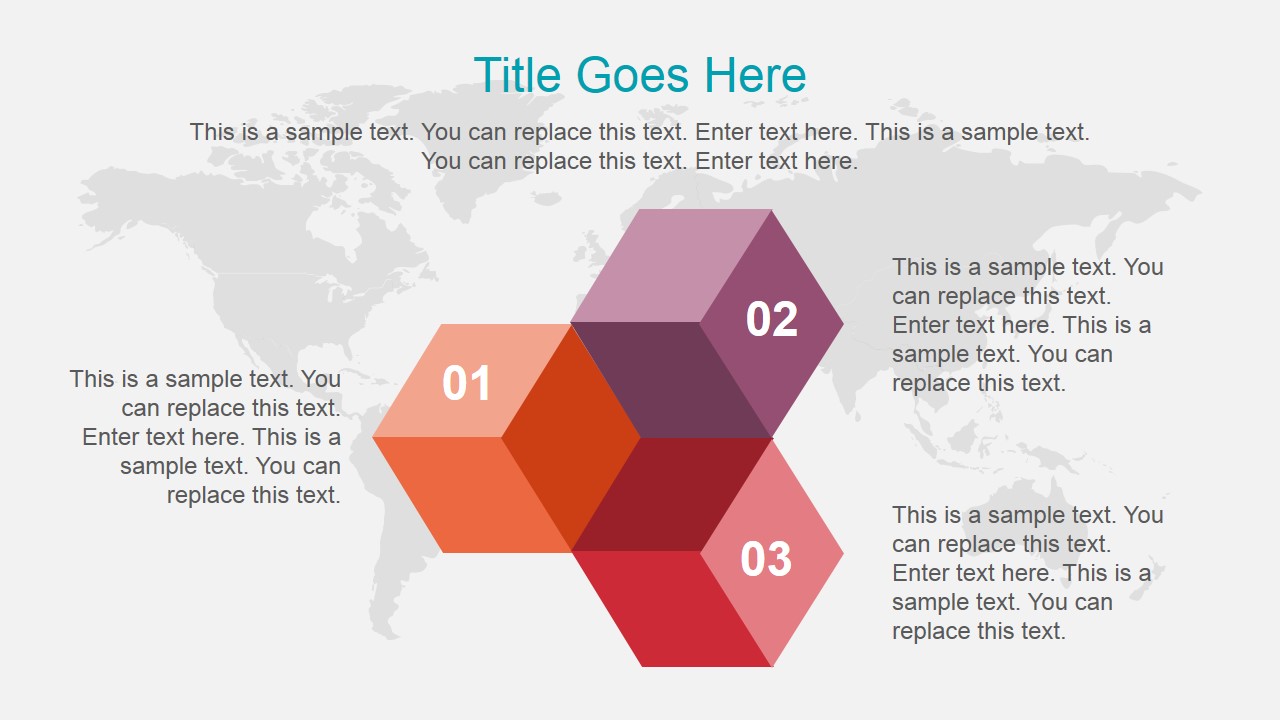
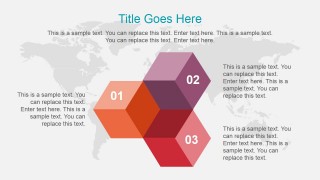
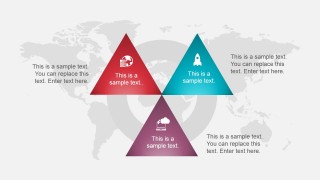
- A consultant can use the hexagon process diagram and three-triangle slide to compare priorities, organize recommendations, and show how separate workstreams connect.
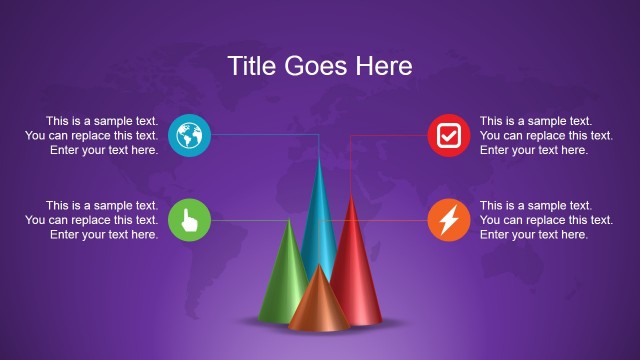
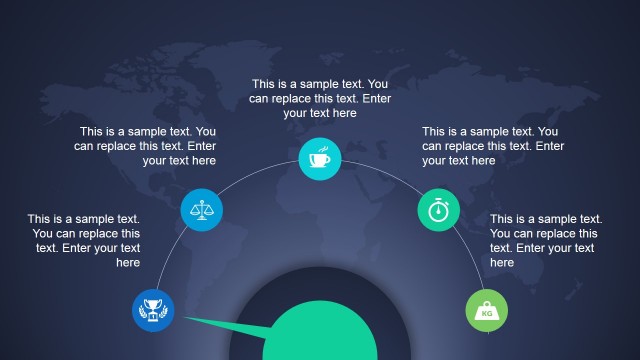
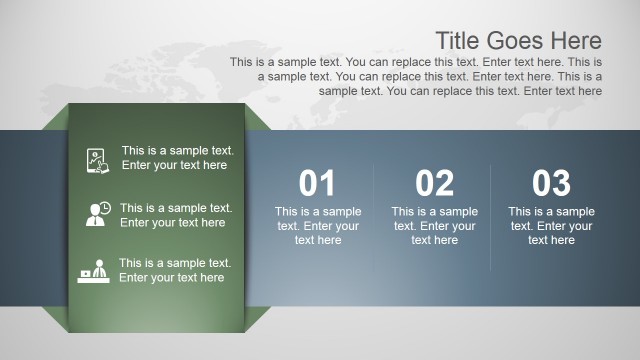
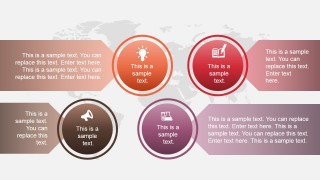
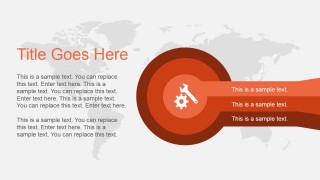
- A finance or operations presenter can use the circular callouts and shaded banner layouts to summarize key topics, risks, or internal initiatives in a visual update.
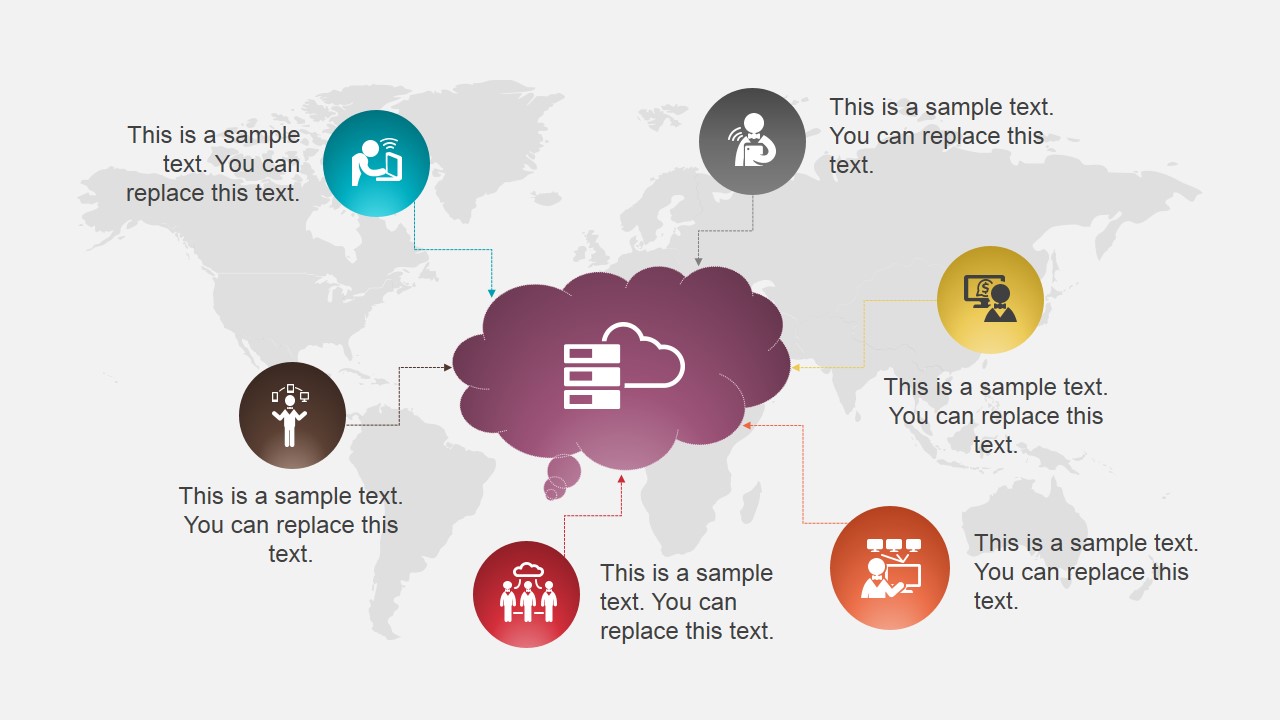
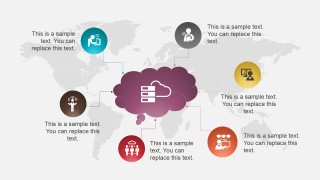
- An educator or trainer can use the cloud network diagram and icon nodes to introduce related concepts, roles, or resources before moving into discussion.
Features
- 100% editable presentation template
- Compatible with Microsoft PowerPoint and Google Slides
- 16:9 aspect ratio slides
- Scalable vector shapes, icons and illustrations
- AI-Ready for Microsoft Copilot and Claude
- Instant access and download
Frequently asked questions
Q: How should a presenter organize content across these shaded infographic slides?
A: Start with the six-tile title slide to frame the topic, then use the hexagon process or three-triangle diagram for the main structure. Reserve the cloud network and circular callouts for related ideas that branch from a central theme. Keep each ribbon or shape to one short claim so the color blocks guide attention instead of competing with the message.
Q: Who is this template best suited for in a business presentation setting?
A: This template fits presenters who need to explain grouped information, process steps, service categories, or digital initiatives without relying on dense tables. Marketing teams, consultants, finance managers, and educators can use the world map backgrounds, icon callouts, and shaded ribbons to make an overview deck feel structured while still allowing flexible topic selection.
Q: Why do the shaded ribbons, cloud, magnifying glass, and smartphone metaphors help communication?
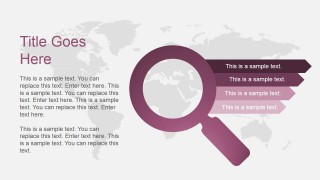
A: The visual metaphors give each message a familiar frame: the cloud suggests connected services or shared resources, the magnifying glass signals analysis, and the smartphone suggests digital channels. The shaded ribbons create a clear reading order for lists. Together, these layouts turn abstract business points into recognizable categories that audiences can scan quickly.

Vibrant Color Shade PowerPoint Template
8-slide 16:9 presentation template with shaded ribbons, world map backgrounds, and icon diagrams
Vibrant Color Shade PowerPoint Template is an 8-slide 16:9 presentation template for business, marketing, finance, or education decks. It includes world map backgrounds, shaded ribbon lists, hexagon steps, circular callouts, a cloud network diagram, and a smartphone list. It is built for Microsoft PowerPoint and Google Slides.
- Category
- Template Backgrounds
- Rating


 Loading...
- Aspect ratio
- 16:9
- Item ID
- 4064-01
- Colors
 Microsoft PowerPoint
  Microsoft Copilot
  Claude for PowerPoint
 Other formats supported
Subscribe today and get immediate
access to download our PowerPoint templates.