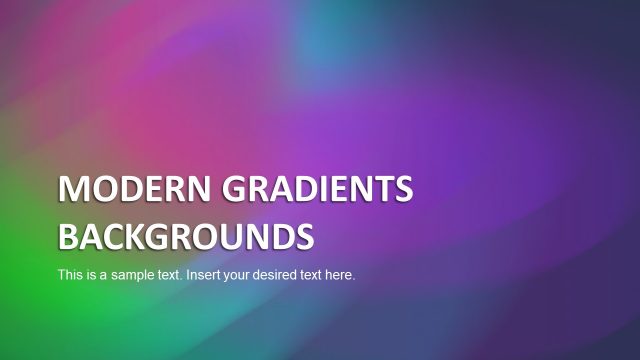
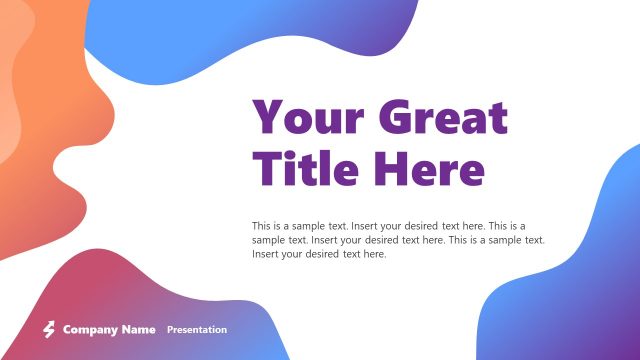
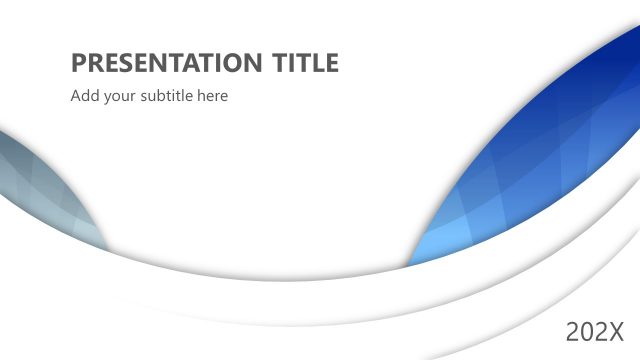
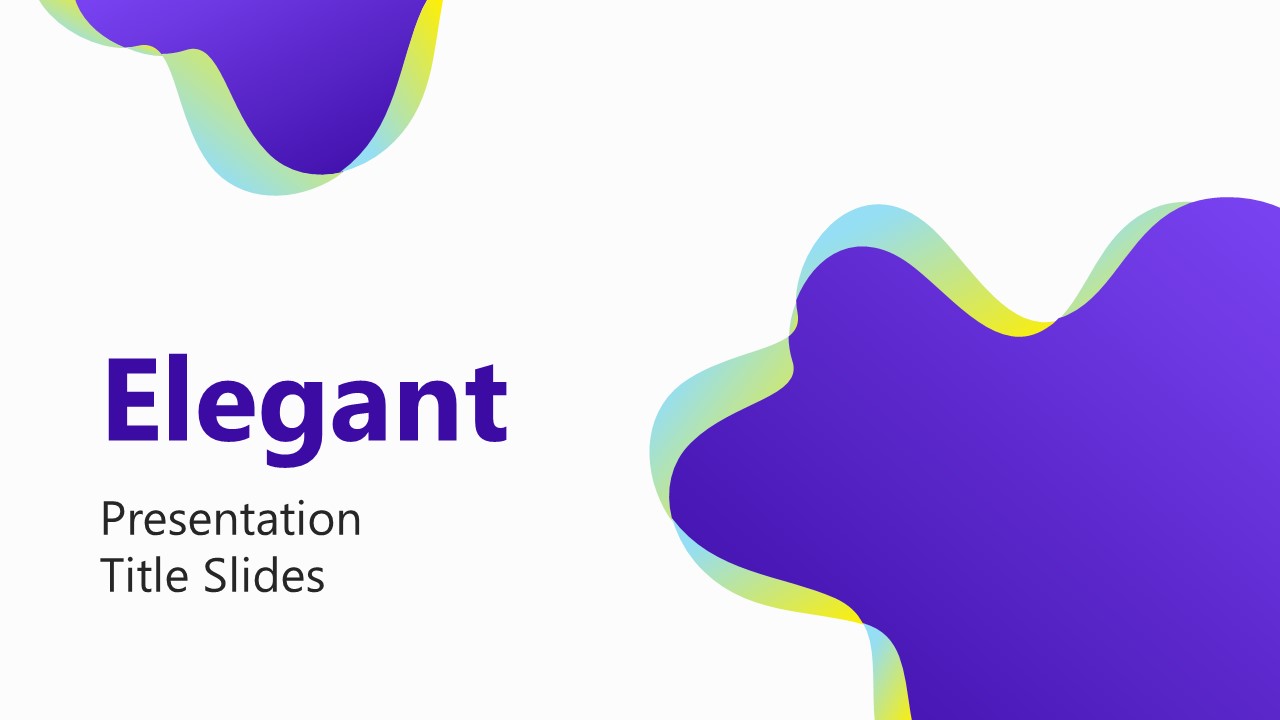
The Elegant Design Shapes PowerPoint Backgrounds are a collection of slide backgrounds to theme presentations. There are eight slides of four background designs; offering white and blue background options. The template backgrounds feature layered fluid shapes and gradient shades. These simple, elegant backgrounds for PowerPoint are modern designs that you can use for a variety of presentation topics. Take an example of a startup project presentation where these cover slides support the introduction creatively. Another good example is to use elegant design shapes as separator slides in shapes in school lectures. These background templates give a modern touch to the presentation regardless of the topic.
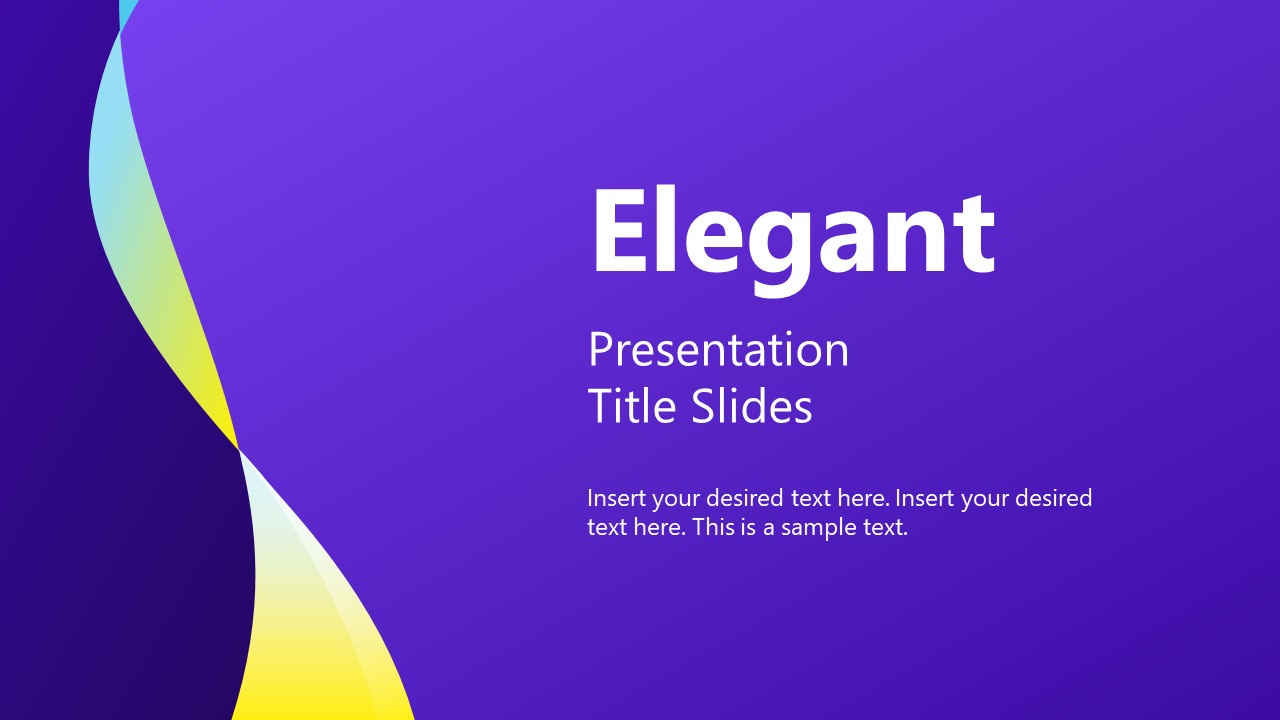
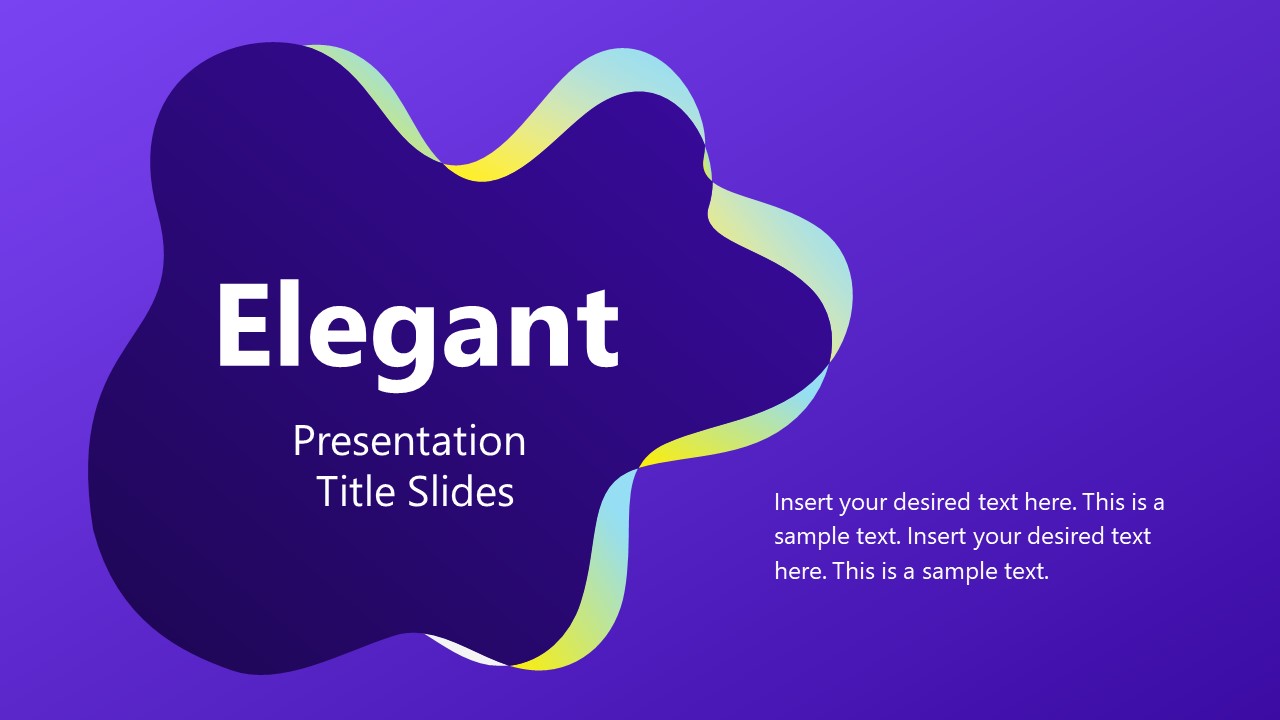
Impress your audience with attractive background templates and make the presenter’s job easier to design a presentation. With editable PowerPoint backgrounds, users can edit and customize PowerPoint elements according to their desired theme. Change the colors or size of background shapes to match the presentation theme. Similarly, the PowerPoint template lets users customize fonts for an impactful visual design. The bold letters and fluid shapes highlight presentation topics in an engaging manner. The first slide presents an elegantly curved shade in the background with space to add an introduction of the presentation and speaker. The fluid ink spot background slide displays a text placeholder inside the shape. It is suitable for organizing presentation topics and brief introductions side-by-side.
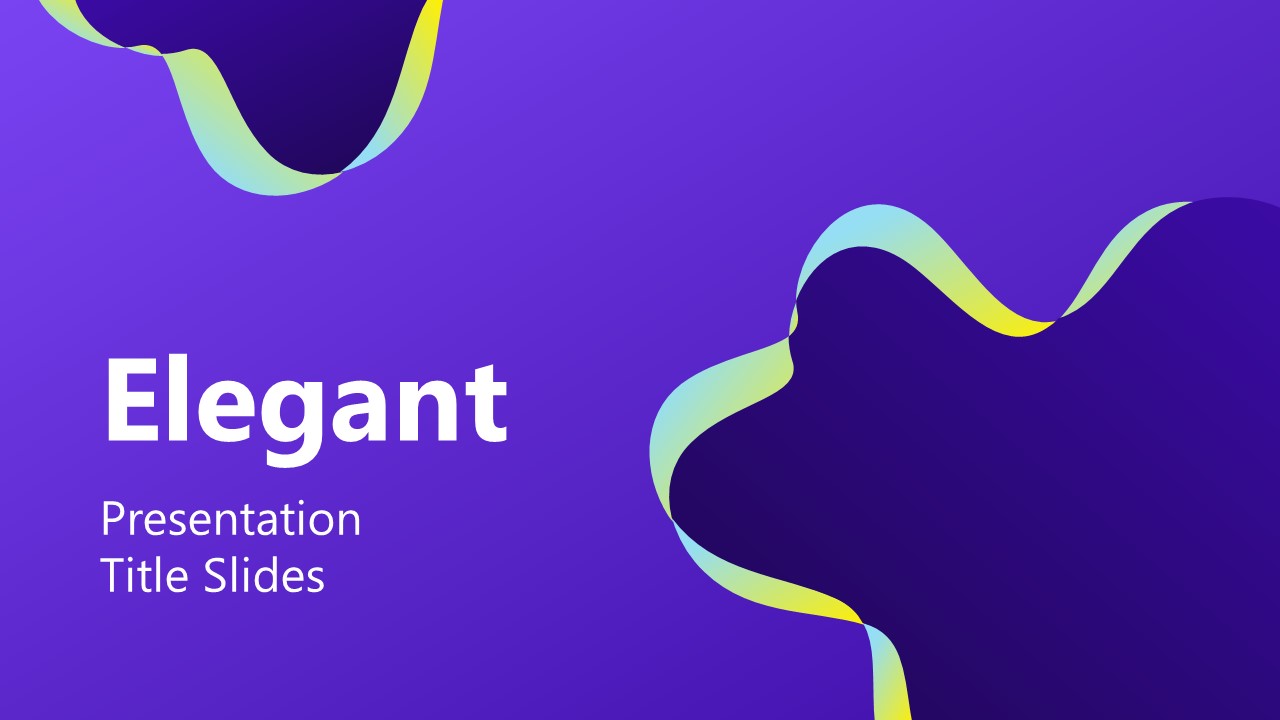
The Elegant Design Shapes PowerPoint Backgrounds with two fluid ink spots is an ideal layout for academic and writing presentations. It can be used to showcase a portfolio of creative writing with a theme of ink and text. The professional backgrounds PowerPoint templates are resourceful for academic professionals to make lectures fun and interesting. The 8 elegant template backgrounds can be used as chapter dividers of school lectures.
What’s inside this template
Example presentation scenarios
- A startup founder can open an investor update with the curved title slide, then use the full purple gradient divider backgrounds to separate product, traction, and next-step sections.
- An educator can introduce lecture chapters with the white fluid blob title layouts, using the open text areas for module names, lesson objectives, or short discussion prompts.
- A creative professional can present a portfolio by placing project names over the dark fluid shapes and using the right-side text placeholders for brief project context.
- A consultant can standardize a workshop deck by using the white title backgrounds for session starts and the purple gradient backgrounds for activity transitions.
Features
- 100% editable presentation template
- Compatible with Microsoft PowerPoint and Google Slides
- 16:9 aspect ratio slides
- Scalable vector shapes, icons and illustrations
- AI-Ready for Microsoft Copilot and Claude
- Instant access and download
Frequently asked questions
Q: How should a presenter use these backgrounds without making the deck feel decorative only?
A: Use each background as a signal for structure. Reserve the large headline area for the section idea, keep supporting copy short, and repeat the same white or purple version for the same kind of moment. The fluid shapes work best when they frame a topic change, not when they compete with dense paragraphs.
Q: Who is this template best suited for?
A: This template fits presenters who already have content slides and need a stronger opening, closing, or chapter structure. It is especially useful for educators, founders, consultants, and creative teams who want title slides and dividers that feel designed without adding complex diagrams or data visuals.
Q: Why do the fluid shapes improve the communication of title and divider slides?
A: The abstract ink-like shapes create motion and contrast while leaving clear zones for text. Cropped edge shapes make the slide feel spacious, and central blob shapes turn the title into the focal point. This visual metaphor suits creative, exploratory, or forward-looking topics because it feels organic rather than rigid.





Elegant Design Shapes PowerPoint Backgrounds
8-slide presentation template with fluid gradient backgrounds and title slide layouts for PowerPoint and Google Slides
Elegant Design Shapes PowerPoint Backgrounds is an 8-slide 16:9 presentation background template for Microsoft PowerPoint and Google Slides. It includes curved edge title slides, central fluid blob title layouts, corner accent section dividers, and full purple gradient backgrounds for presenters who need modern chapter openers or visual breaks.
- Category
- Template Backgrounds
- Rating

 Loading...
- Aspect ratio
- 16:9
- Item ID
- 21267-01
- Colors
 Microsoft PowerPoint
 Microsoft Copilot
 Claude for PowerPoint
Other formats supported
Subscribe today and get immediate
access to download our PowerPoint templates.