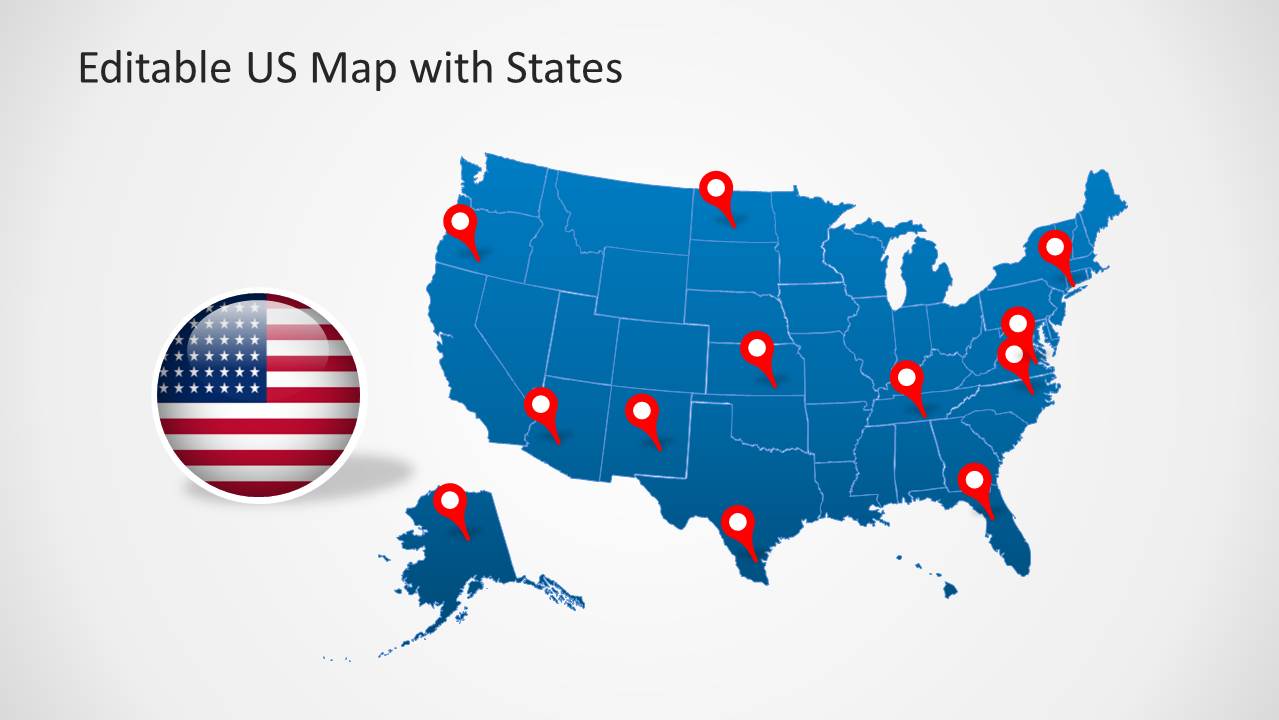
Download a US Map Template for PowerPoint with Editable States. This editable US map template provides a complete map of the United States, with customizable sub-maps for all states of the USA.
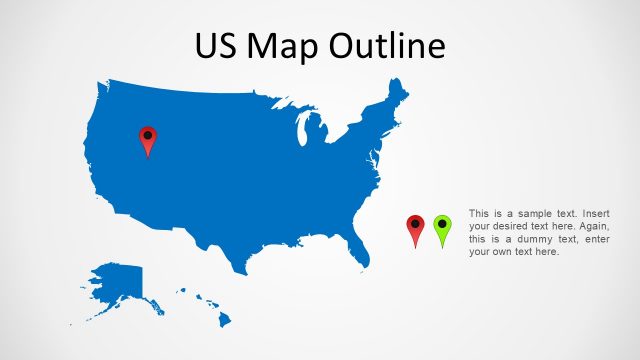
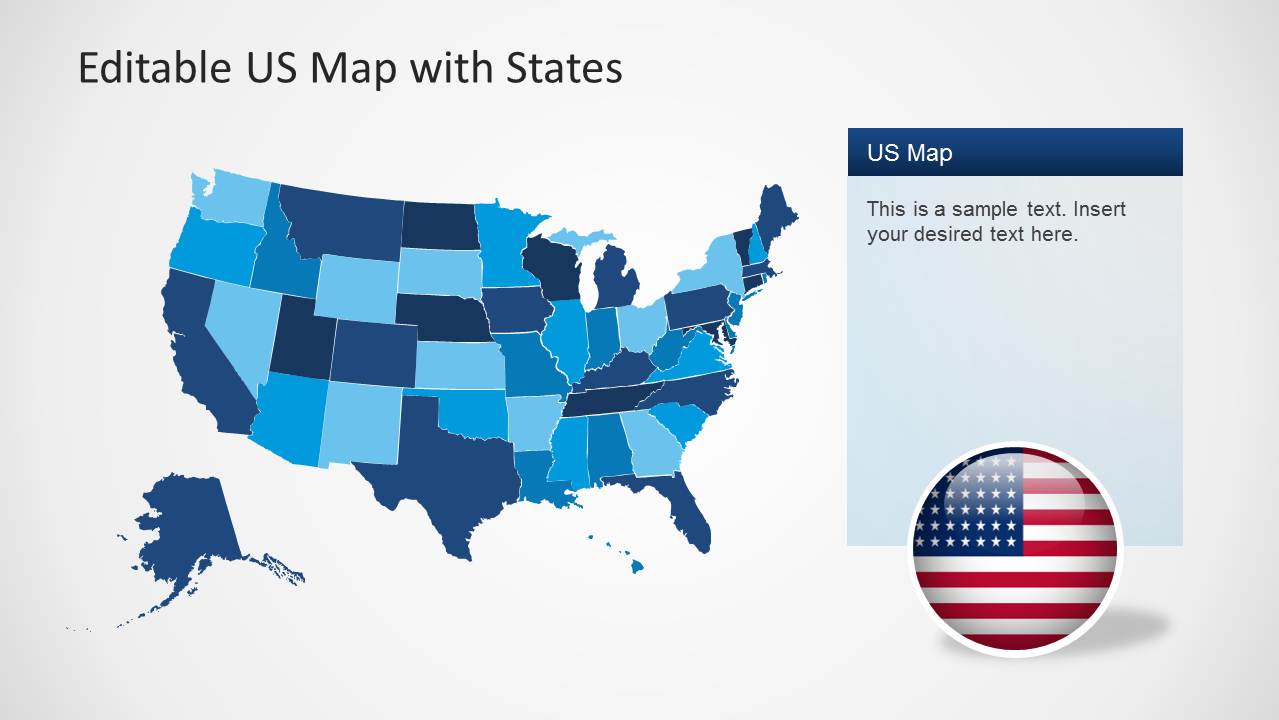
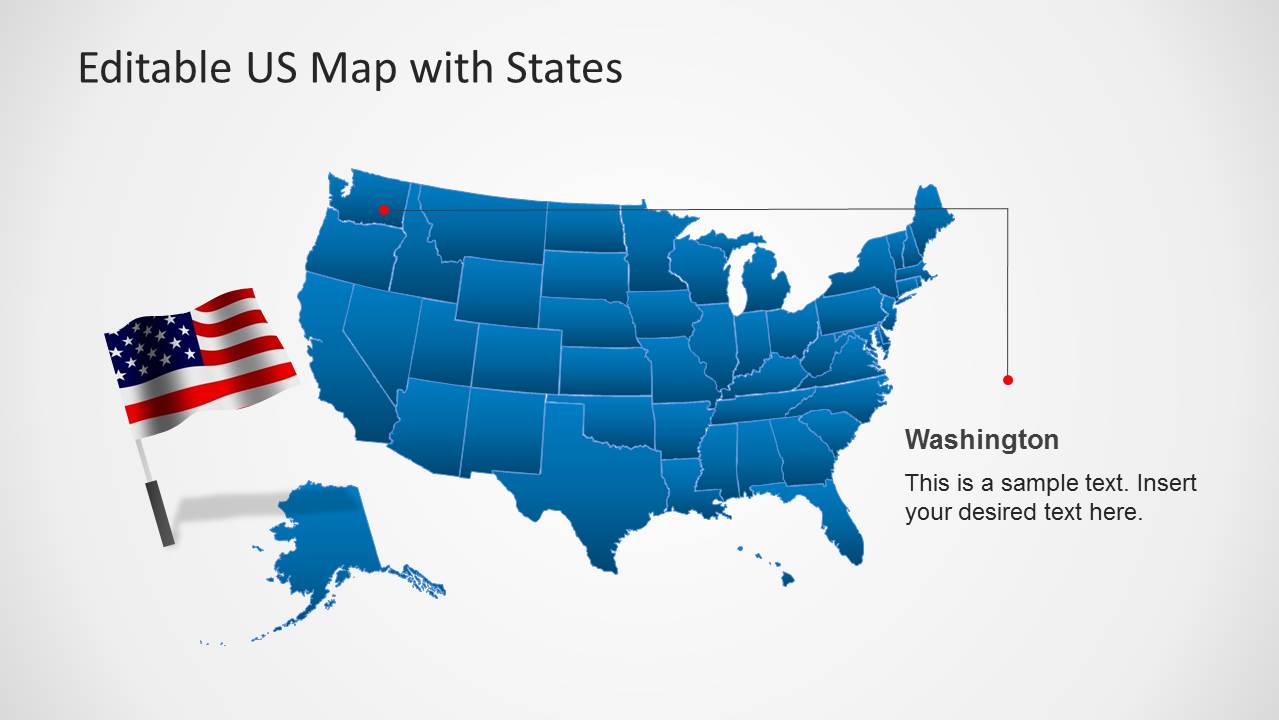
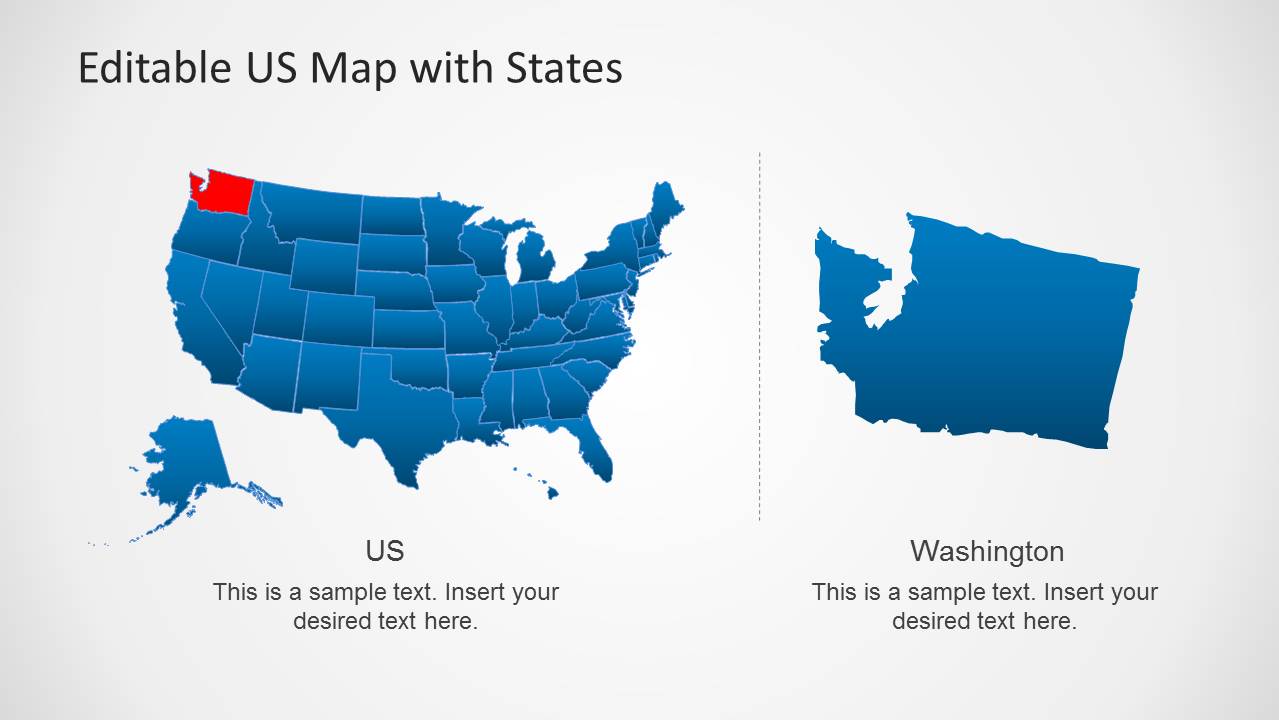
You can customize this US map template by highlighting different states, from within the main map and marking areas with the flag of the USA or GPS pointers given within this map template.
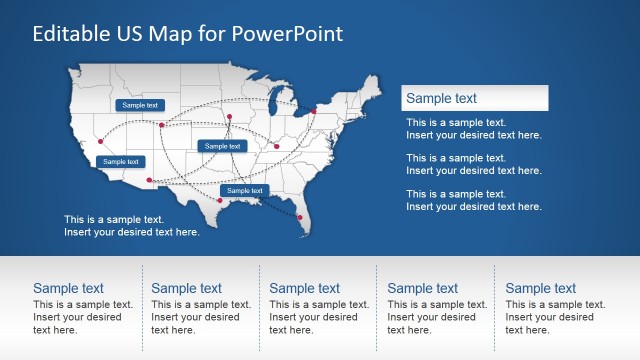
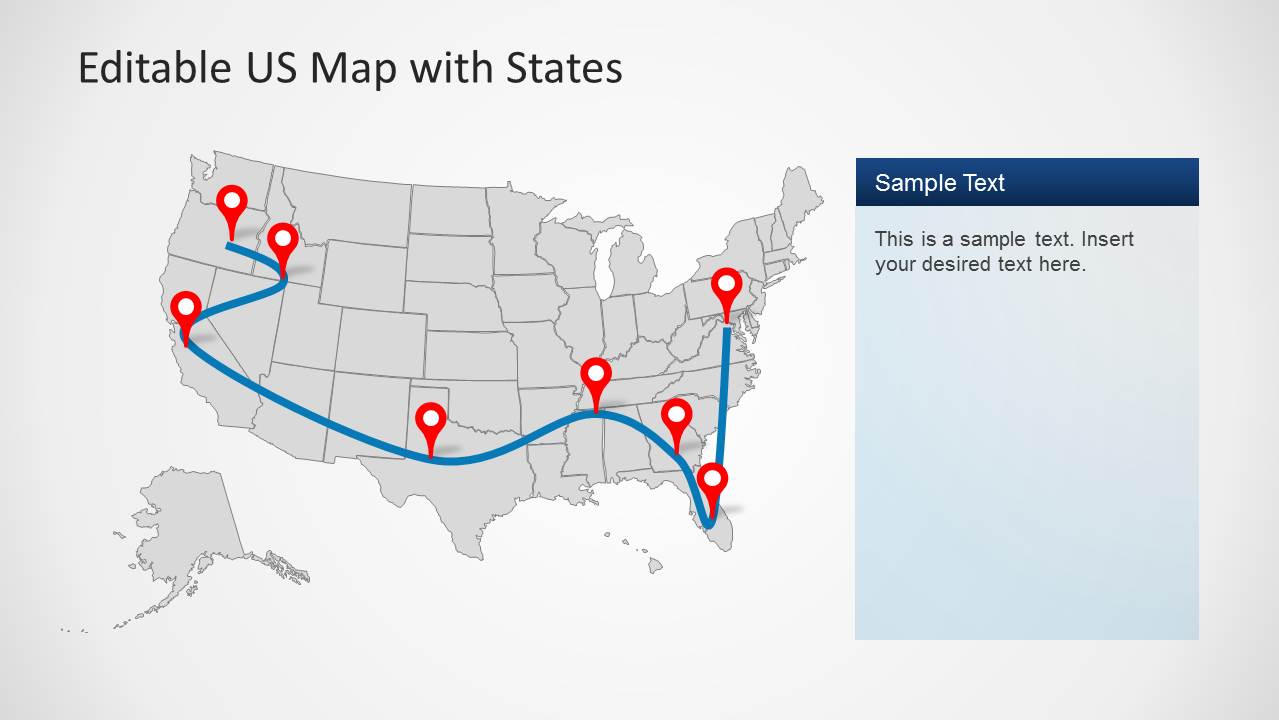
The sample layouts also provide editable lines for forming a communication network on the US map. You can move and adjust these lines to mark specific areas on map slides. See our complete collection of US Map templates for PowerPoint and Google Slides for more creative presentation designs.
The United States of America, the border with Canada at the north, and Mexico at the south. This professional editable slide template for the United States provides the national flag and icons representing the national colors. The user can customize the PowerPoint template, reuse the maps in existing presentations, or combine them with another fillable US map. Users can also use this map as a US map vector. From PowerPoint, you can export the US map as a vector graphic and use it in documents or other presentation reports.
Impress your audience with this useful US Map vector graphic for PowerPoint, ideal for geography lectures, marketing regions, geo targeting, or just describing trips over the territory. Alternatively, check our collection of North America Maps for PowerPoint.
What’s inside this template
Example presentation scenarios
- A sales manager can present territory coverage by coloring states on the state map and adding pins for priority markets.
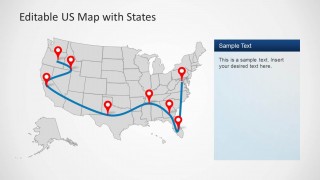
- An operations presenter can explain a delivery or service route with the curved connector map and red location pins.
- A marketing analyst can show regional campaign focus by using the full US map with color-coded state fills and a side text panel.
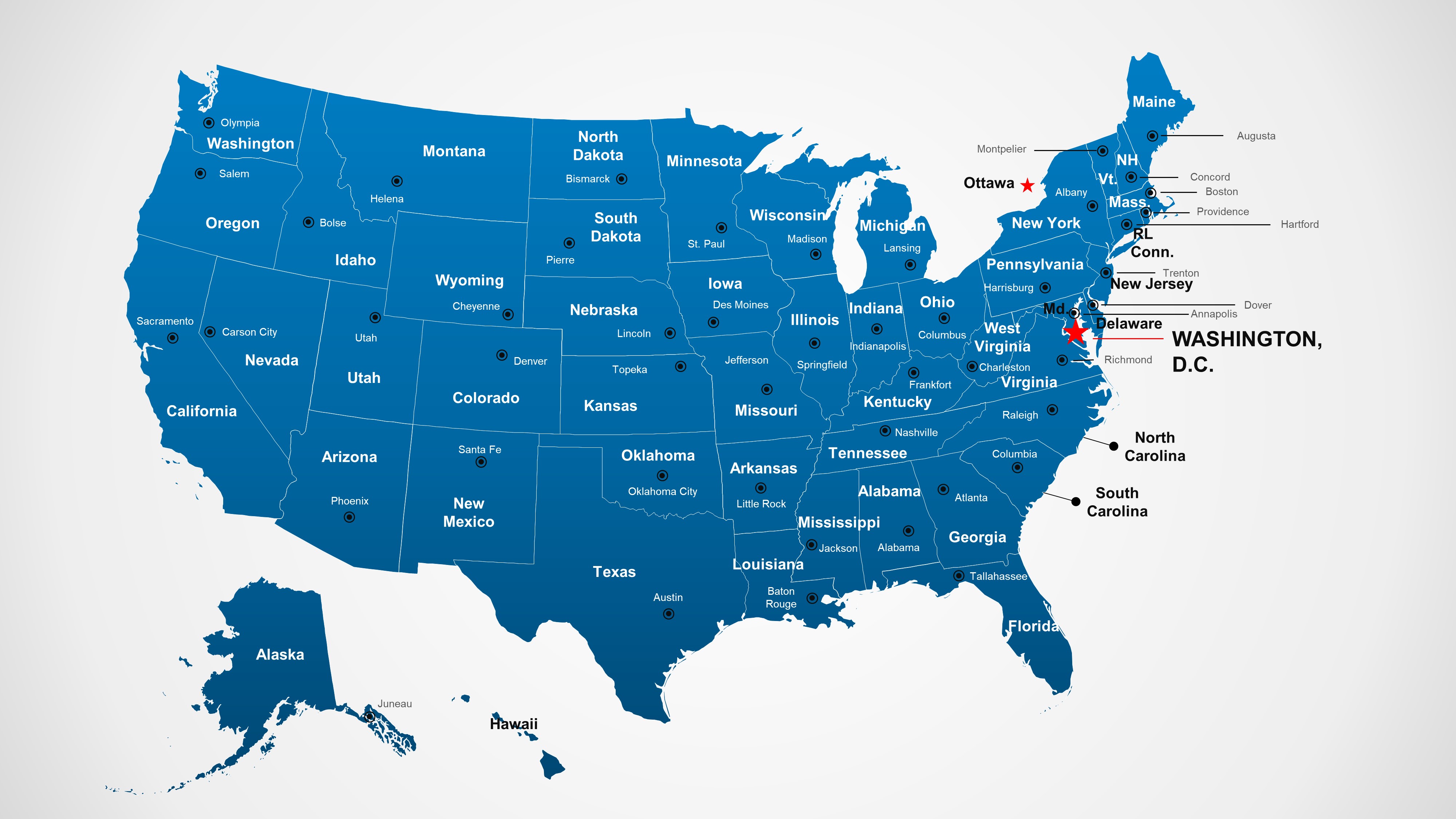
- An educator can introduce US geography by using the detailed labeled map with state names, city markers, Alaska, and Hawaii.
Features
- 100% editable presentation template
- Compatible with Microsoft PowerPoint and Google Slides
- 16:9 aspect ratio slides
- Scalable vector shapes, icons and illustrations
- AI-Ready for Microsoft Copilot and Claude
- Instant access and download
Frequently asked questions
Q: How should I present geographic priorities without making the map feel crowded?
A: Start with the clean national map and limit the first view to the few states or pins that matter most. Move supporting details into the side panel or a state callout slide. The route map should show one primary path, not every possible connection, so the audience can read the pattern quickly.
Q: For whom is this template the best communication choice?
A: It fits presenters who need to explain where something happens inside the United States: sales leaders showing coverage, analysts mapping regional demand, logistics teams describing routes, or teachers introducing state locations. The template is strongest when geography is the organizing idea and the audience needs spatial context before details.
Q: Why do the pins, arrows, and zoom bubbles improve the map story?
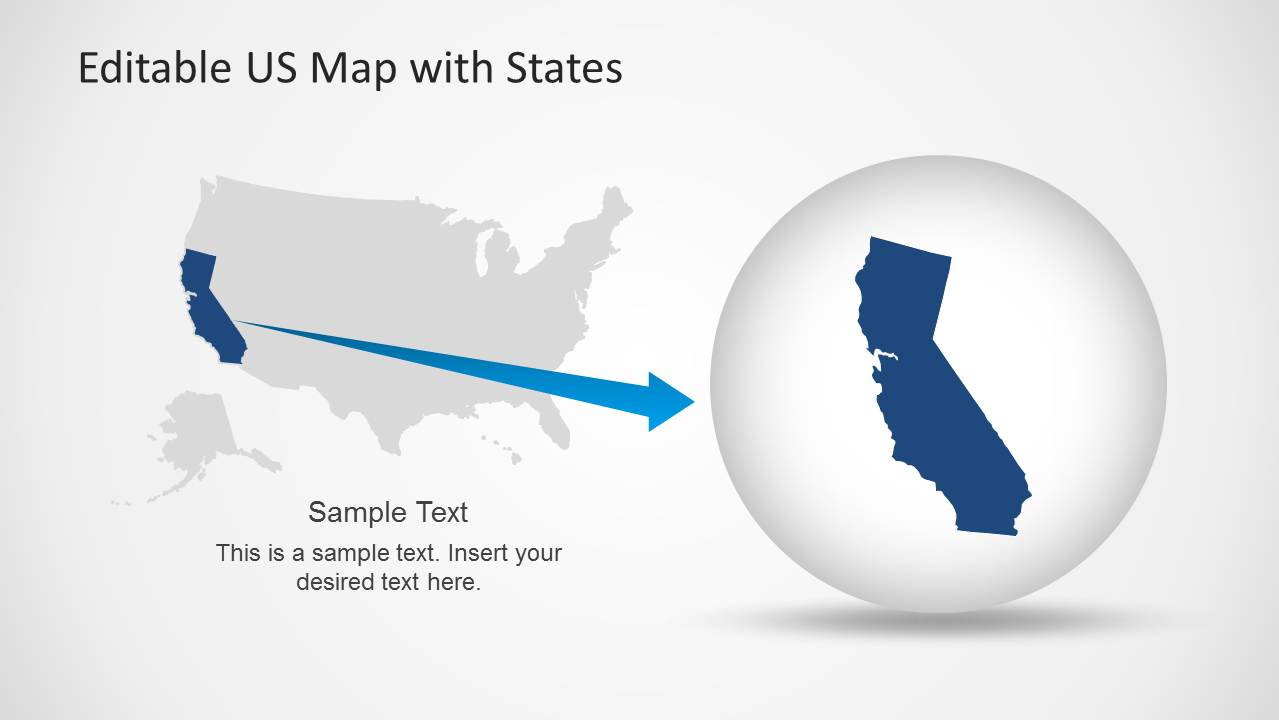
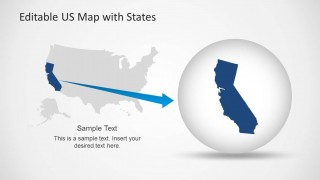
A: The visual metaphors match how people read geography. Pins mark specific places, route lines imply movement, and the zoom bubble turns one state into the focal point without losing national context. This helps the presenter shift from overview to detail while keeping the audience oriented on the same map.


US Map Template for PowerPoint with Editable States
6-slide presentation template for editable US maps, state callouts, route pins, and regional highlights
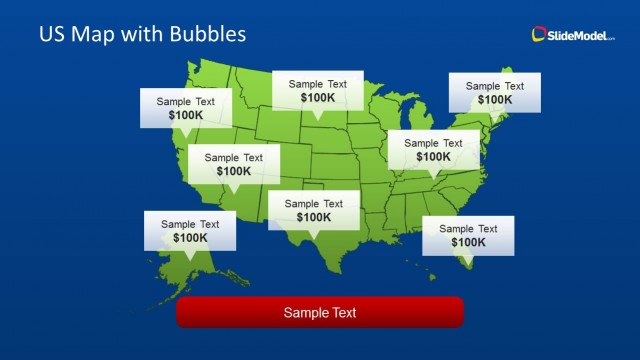
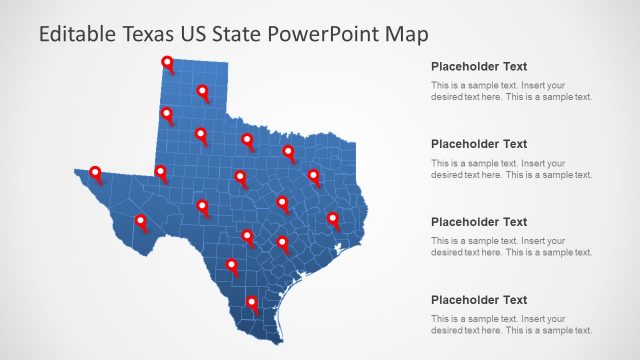
US Map Template for PowerPoint with Editable States is a 6-slide map presentation template for Microsoft PowerPoint and Google Slides. It includes a pin map, state color-coded map, Washington state callout, route map with connectors, California zoom, and labeled state map for geographic reporting, sales coverage, logistics, and demographics.
- Category
- Maps
- Rating


 Loading...
- Aspect ratio
- 16:9
- Item ID
- 6270-02
- Colors
 Microsoft PowerPoint
  Microsoft Copilot
  Claude for PowerPoint
 Other formats supported
Subscribe today and get immediate
access to download our PowerPoint templates.