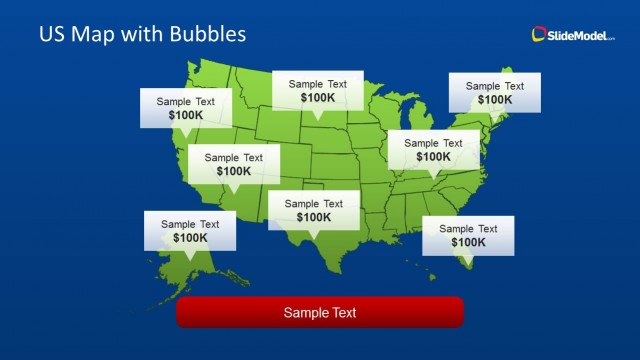
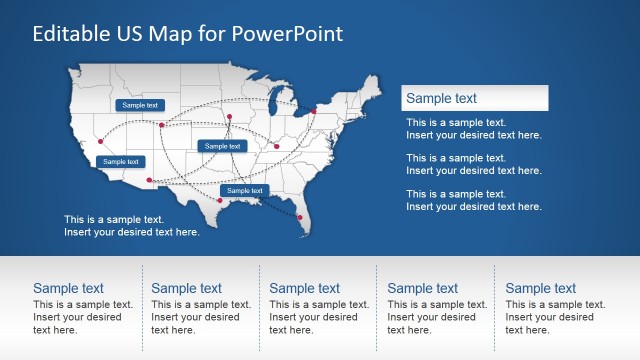
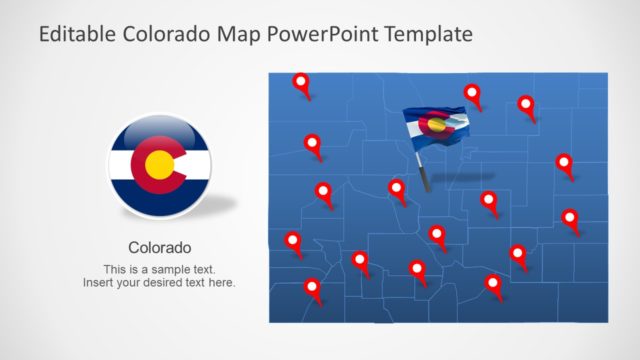
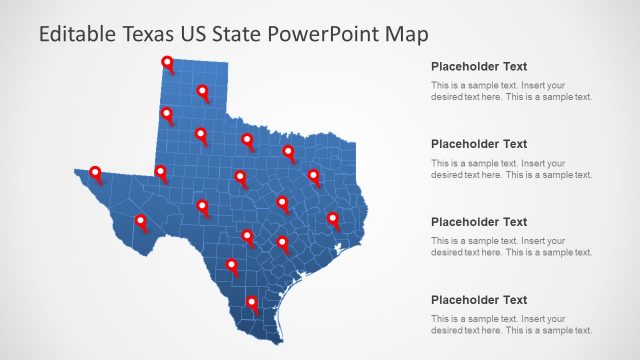
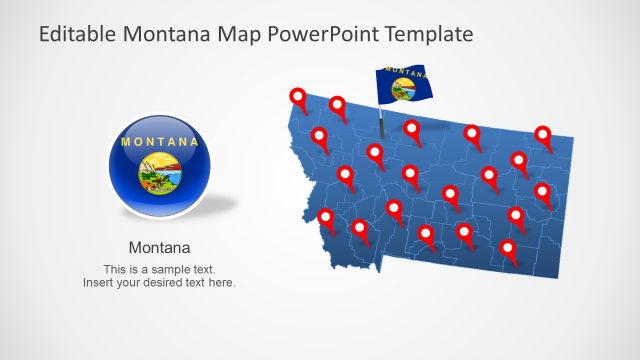
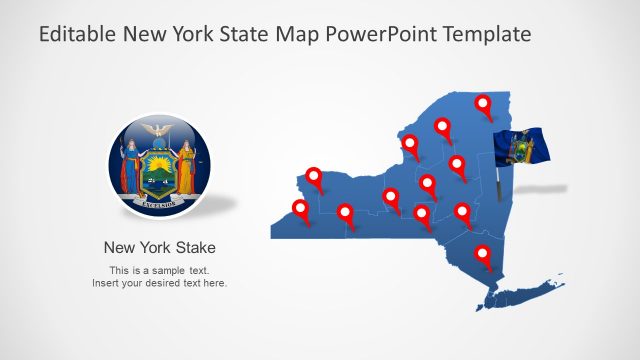
US Map Template for PowerPoint is an editable map template for PowerPoint presentations containing a map of United States that you can copy and use in your own PowerPoint presentations.
This map template of United States for PowerPoint presentations can help you to make presentations on sales and customize a slide design using your own map with map markers.
Alternatively you can download editable PowerPoint map of USA template with states created as PowerPoint shapes so you can easily change the shape properties or make stunning PowerPoint slides with maps. Also, check our collection of North America Maps for PowerPoint.
What’s inside this template
Example presentation scenarios
- A sales manager can show territory focus or account concentration by placing marker icons on the blue US map and explaining the sales implication in the side text.
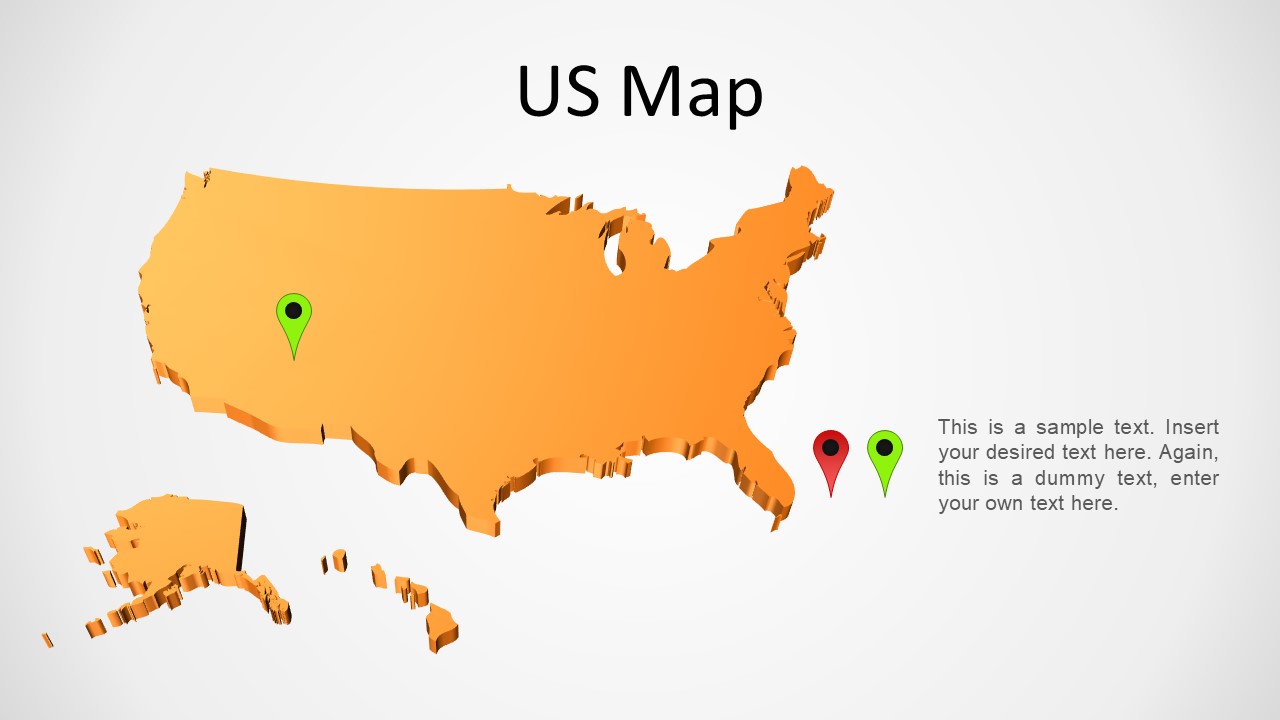
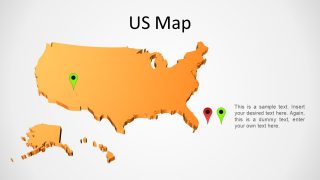
- A business development presenter can introduce a new market entry plan using the orange US map to call attention to priority regions and planned expansion points.
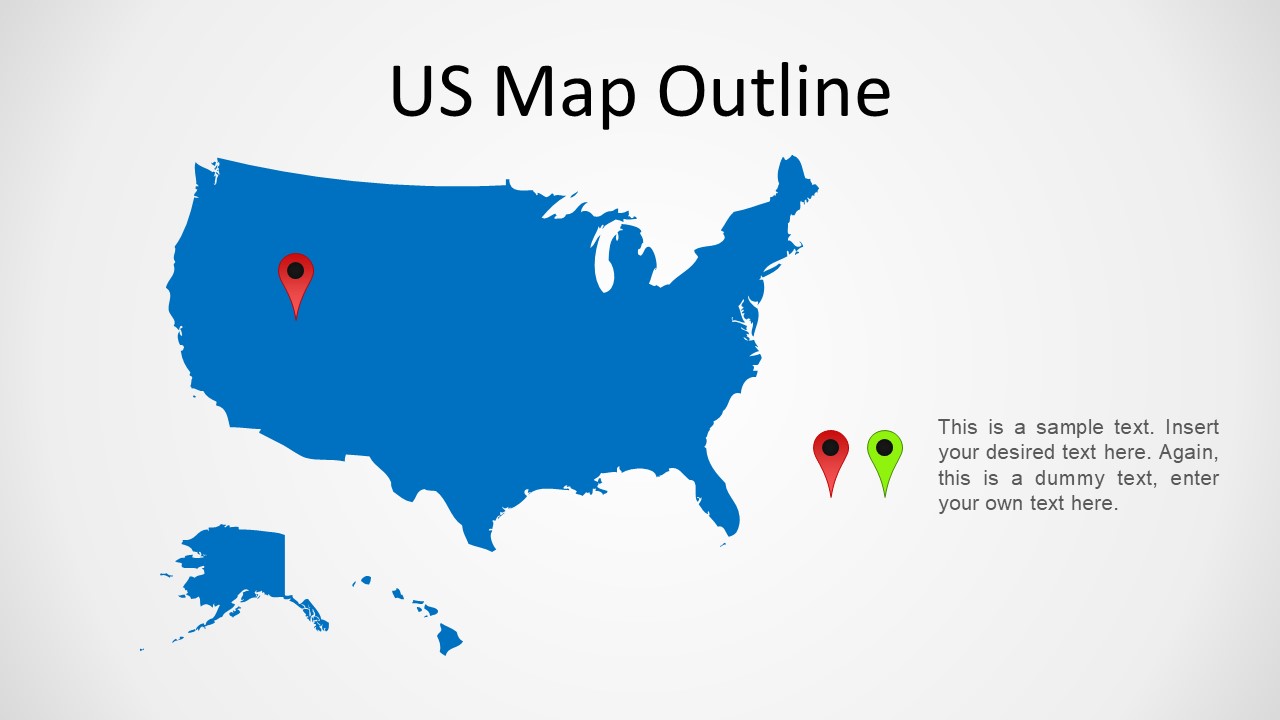
- An operations leader can explain service coverage or facility locations with the US outline map, using the editable markers to point to hubs or field offices.
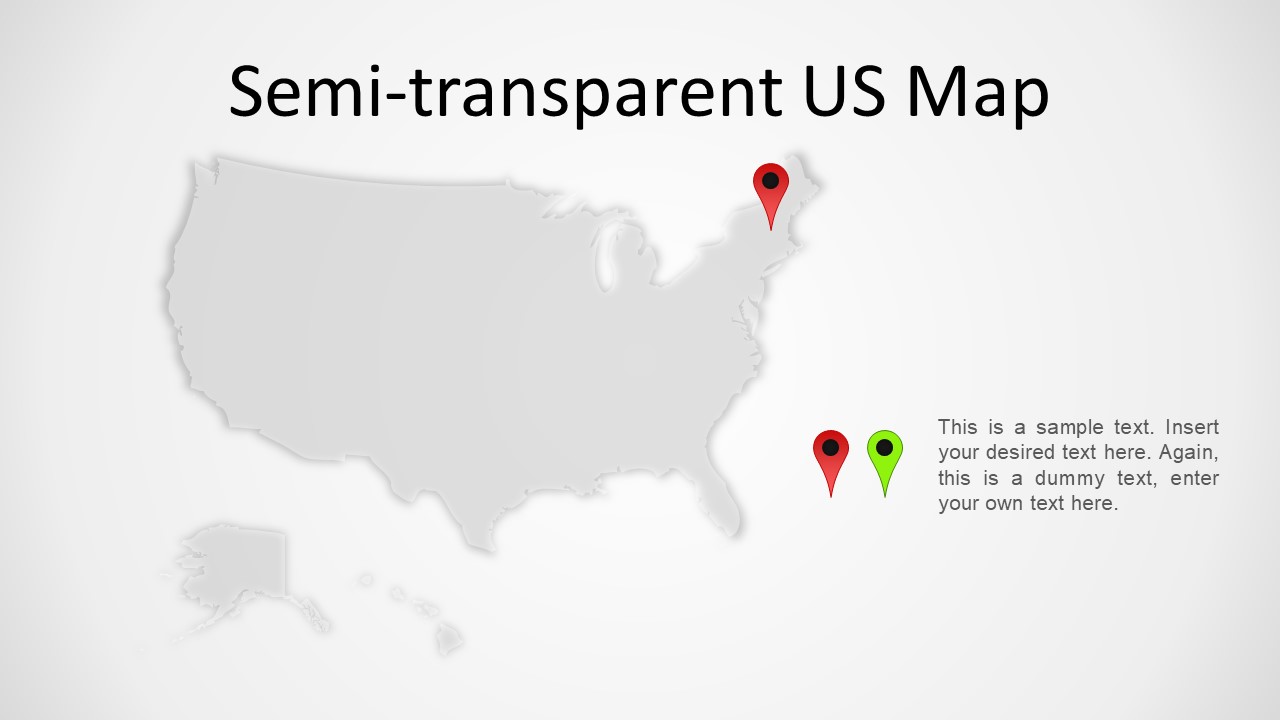
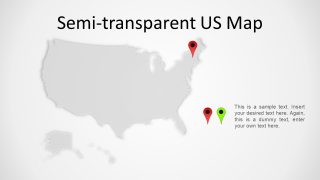
- A strategy consultant can use the semi-transparent gray map to keep geography in the background while discussing a high-level recommendation for a specific US region.
Features
- 100% editable presentation template
- Compatible with Microsoft PowerPoint
- 16:9 aspect ratio slides
- Scalable vector shapes, icons and illustrations
- AI-Ready for Microsoft Copilot and Claude
- Instant access and download
Frequently asked questions
Q: How should a presenter make the location markers meaningful instead of decorative?
A: Treat each marker as a claim that needs a short explanation. Place the marker where the audience should focus, then use the side text to name the business reason: sales growth, office presence, service coverage, or expansion priority. Avoid adding many pins unless they are grouped into a clear story.
Q: Who is this map template best suited for in a business presentation?
A: It is best for sales, operations, marketing, and leadership teams that need to explain a US footprint quickly. The solid outline map works for a simple national overview, while the colored marker maps support territory or location emphasis without forcing the presenter into a detailed data report.
Q: Why does the template include both colored and semi-transparent map styles?
A: The colored maps make geography the visual focus, which is useful when location is the main message. The semi-transparent gray map reduces visual weight, so it works better when the presenter wants the map to support a recommendation, note, or regional callout rather than dominate the slide.
US Map PowerPoint
4-slide US map presentation template with outline maps, location markers, and semi-transparent map styling
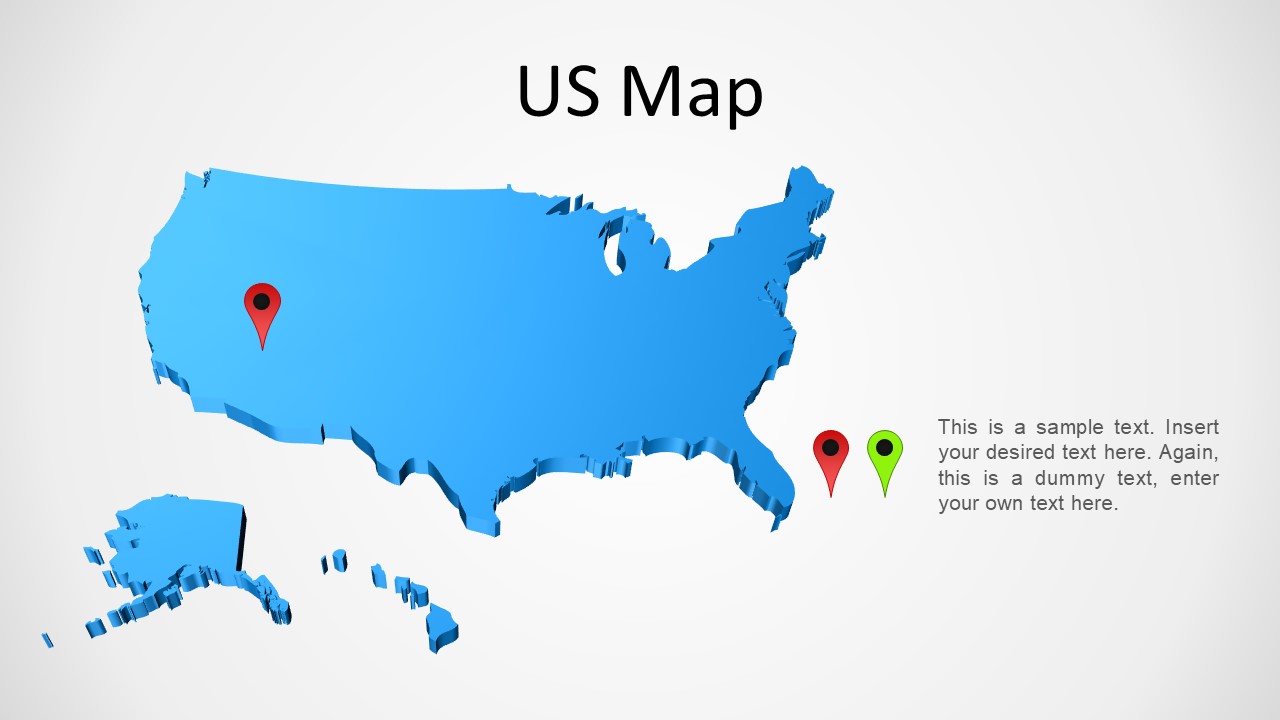
US Map PowerPoint is a 4-slide Microsoft PowerPoint map template for showing locations, coverage, and regional notes across the United States. Visible layouts include a solid US outline map, blue and orange shaded maps with location pin markers, and a semi-transparent gray map with editable side text for explanations.
- Category
- Maps
- Rating


 Loading...
- Aspect ratio
- 16:9, 4:3
- Item ID
- 16-01
- Colors
 Microsoft PowerPoint
  Microsoft Copilot
  Claude for PowerPoint
 Other formats supported
Subscribe today and get immediate
access to download our PowerPoint templates.