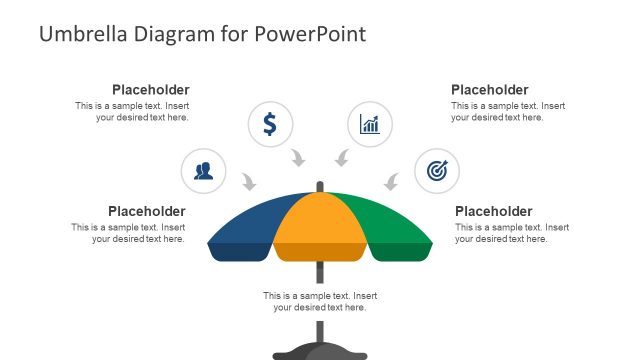
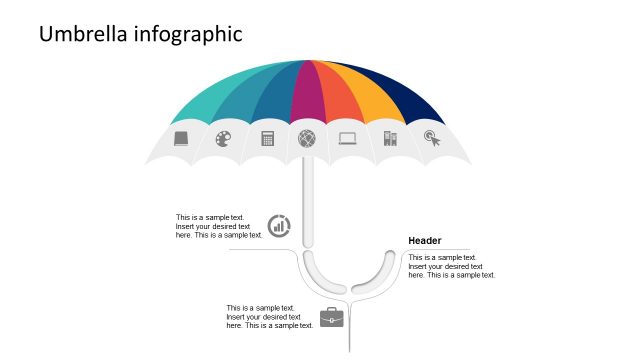
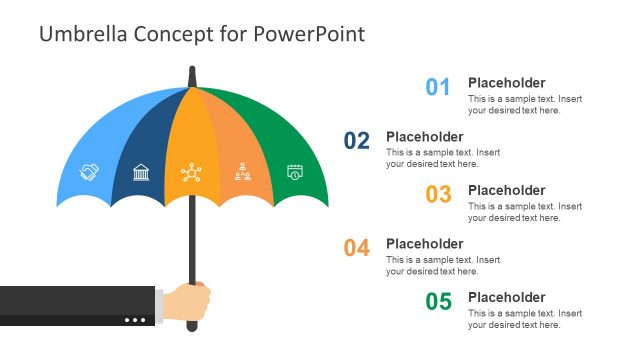
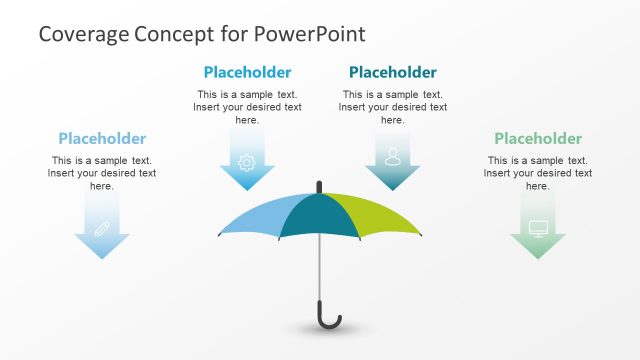
Umbrella Chart Diagram for PowerPoint is a presentation template containing umbrella shapes ready to be used in your PowerPoint presentations.
Using this Professional PowerPoint Template you can craft umbrella diagrams with the help of easy to customize slides.
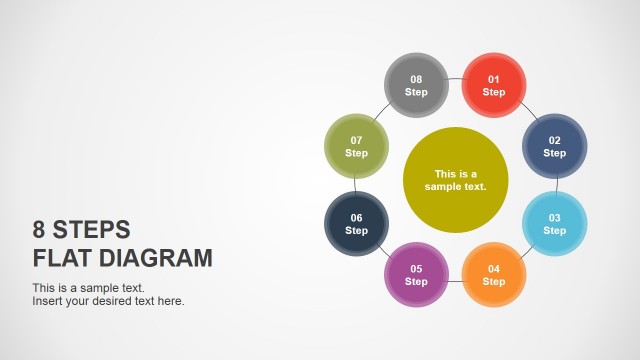
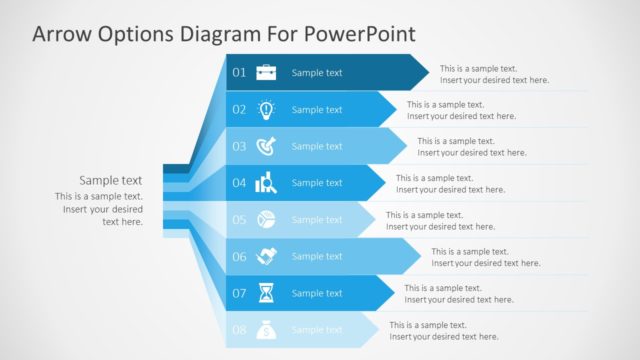
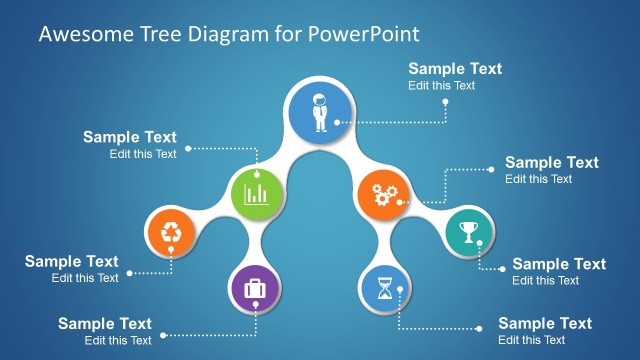
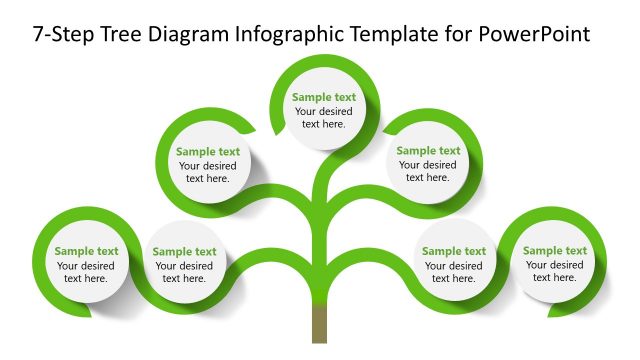
Just enter text in the respective textboxes to create visually appealing diagrams or customize the shape, size and color of the given slide elements to craft a custom diagram in no time. The given sample slides can be used to create PowerPoint Timelines, comparison slides, 4-8 step diagrams, business models, etc.
What’s inside this template
Example presentation scenarios
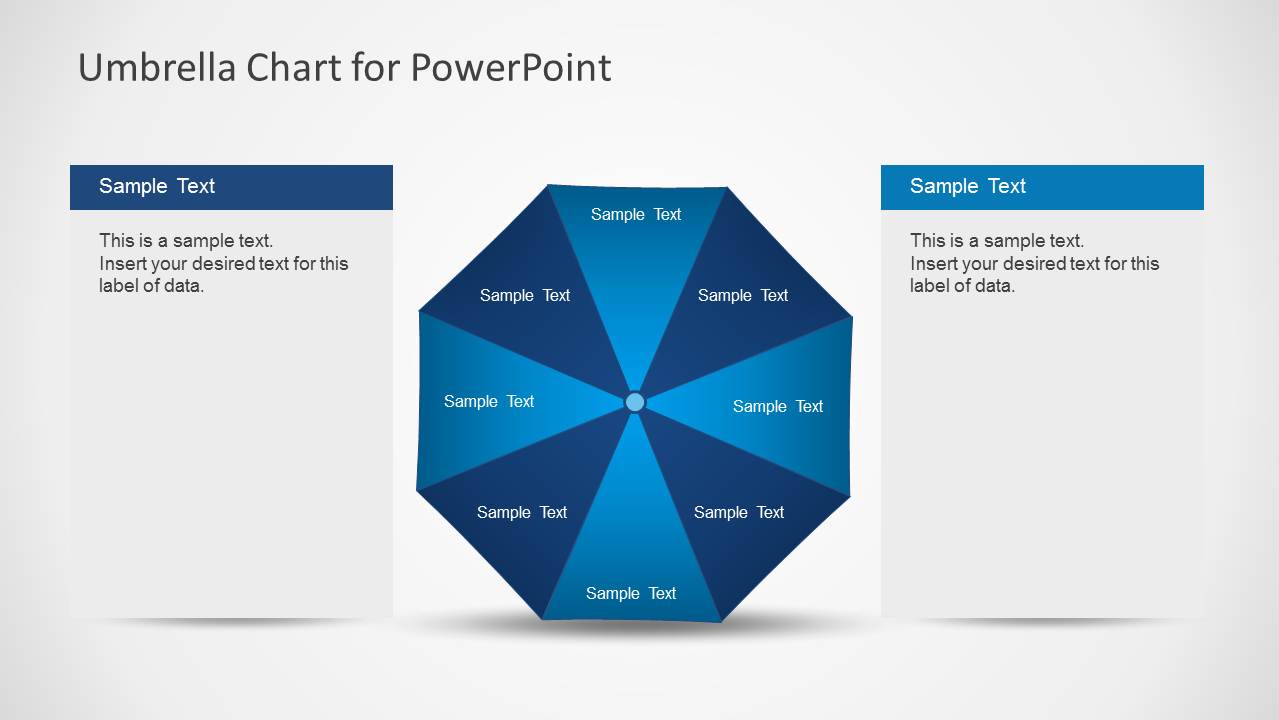
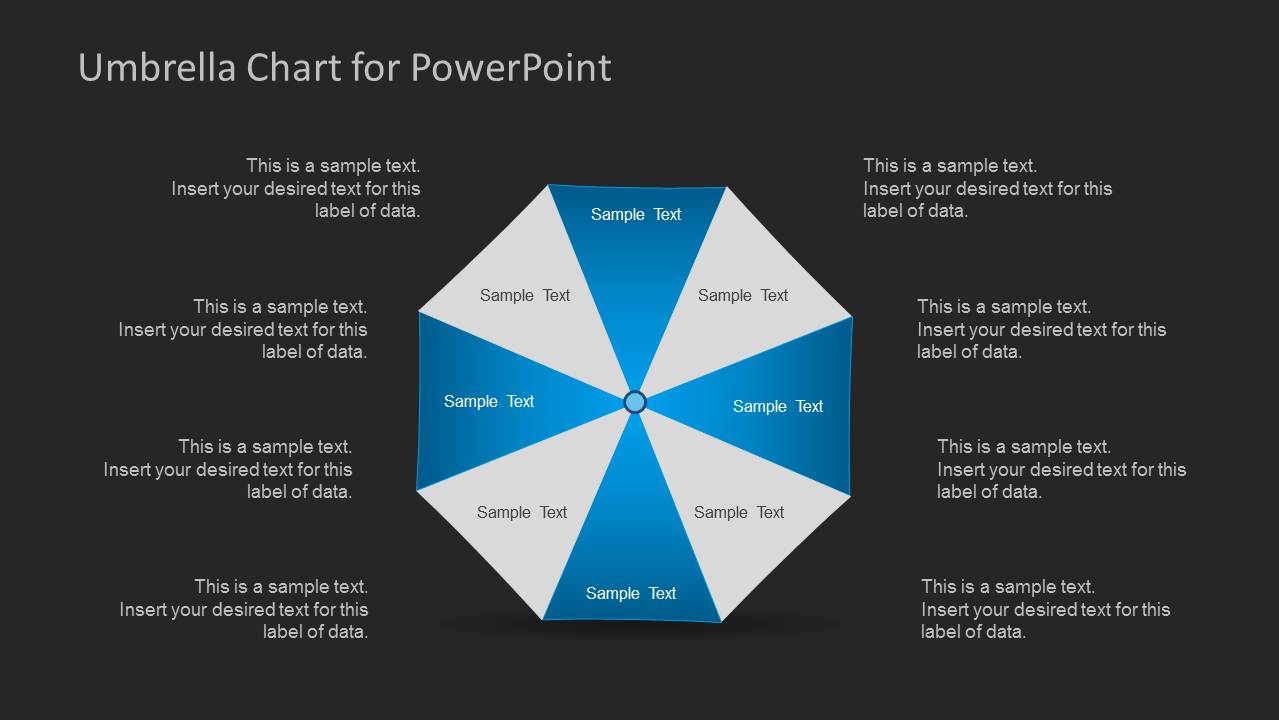
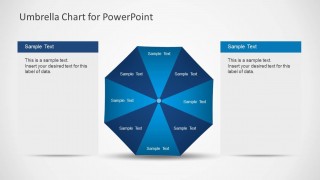
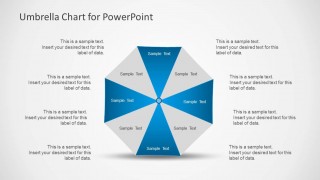
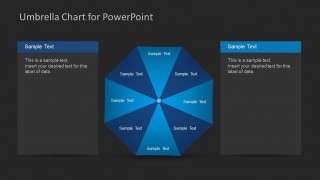
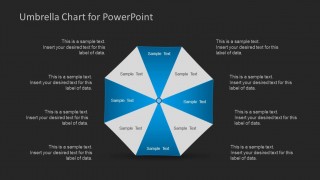
- A strategy consultant can use the 8-segment umbrella wheel to show how several workstreams connect to one operating model during an executive briefing.
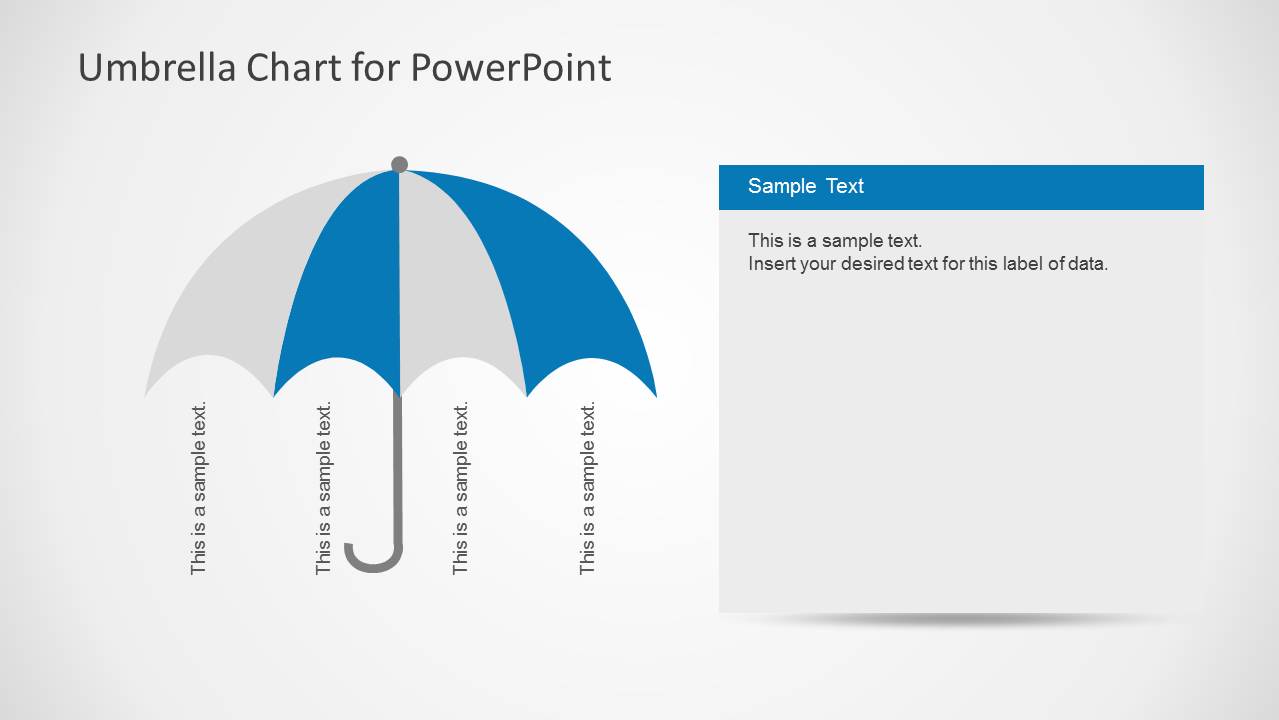
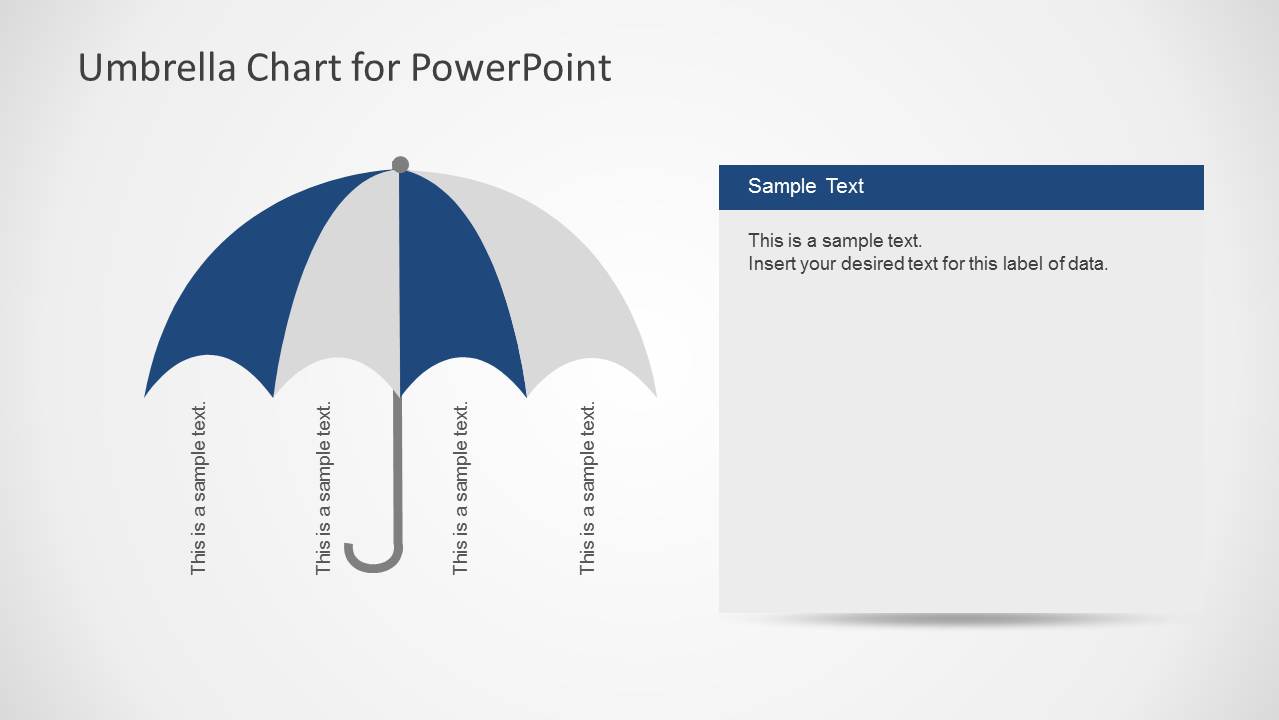
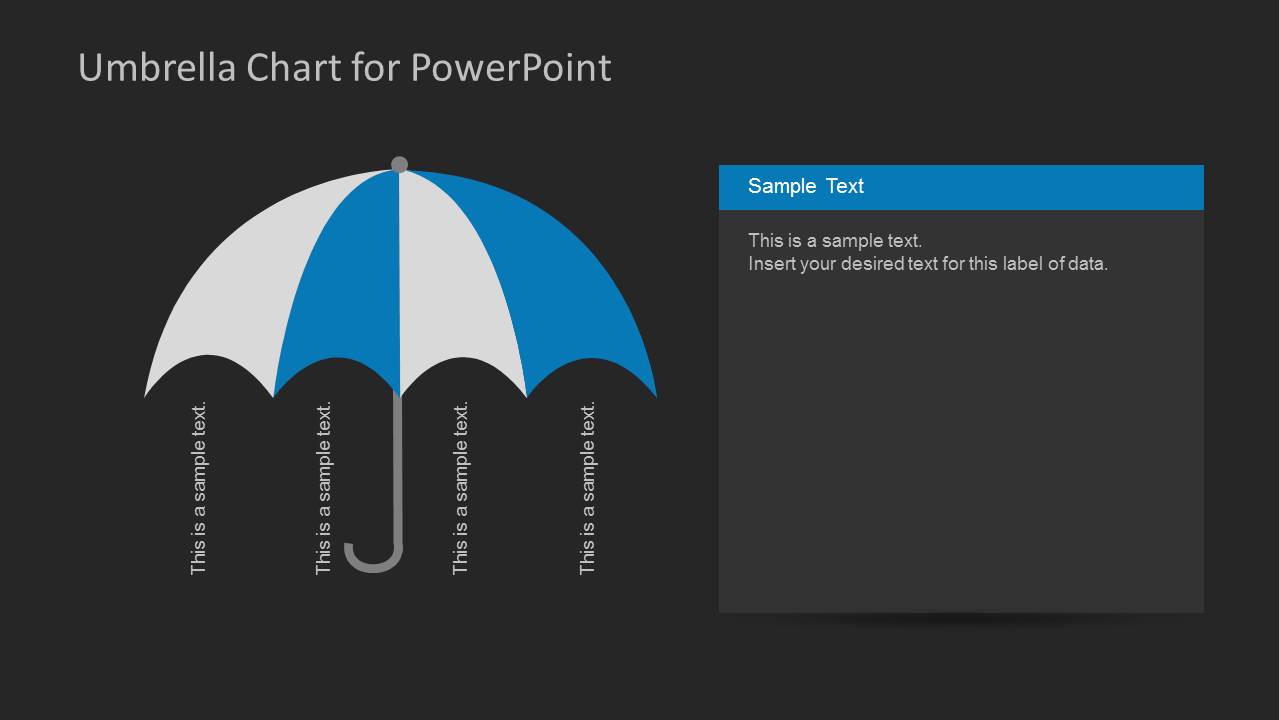
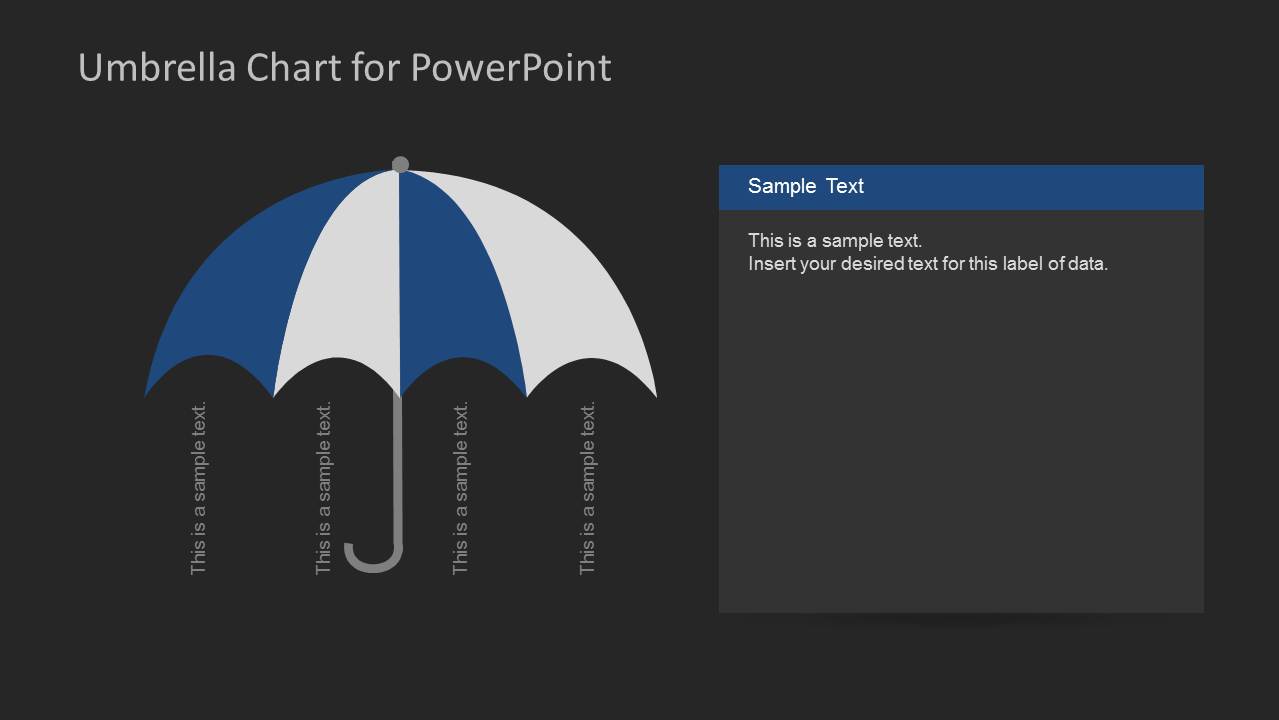
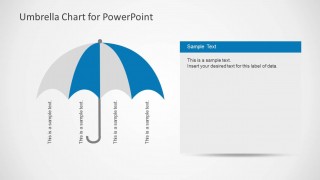
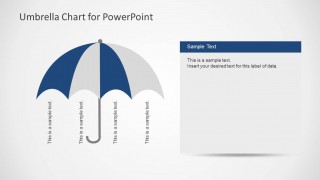
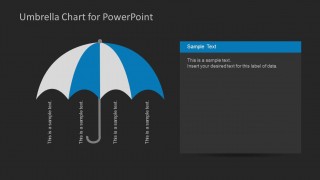
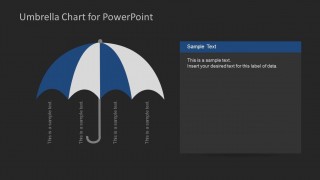
- A project manager can use the four-rib umbrella diagram to present ownership areas, risk categories, or deliverable groups in a team planning meeting.
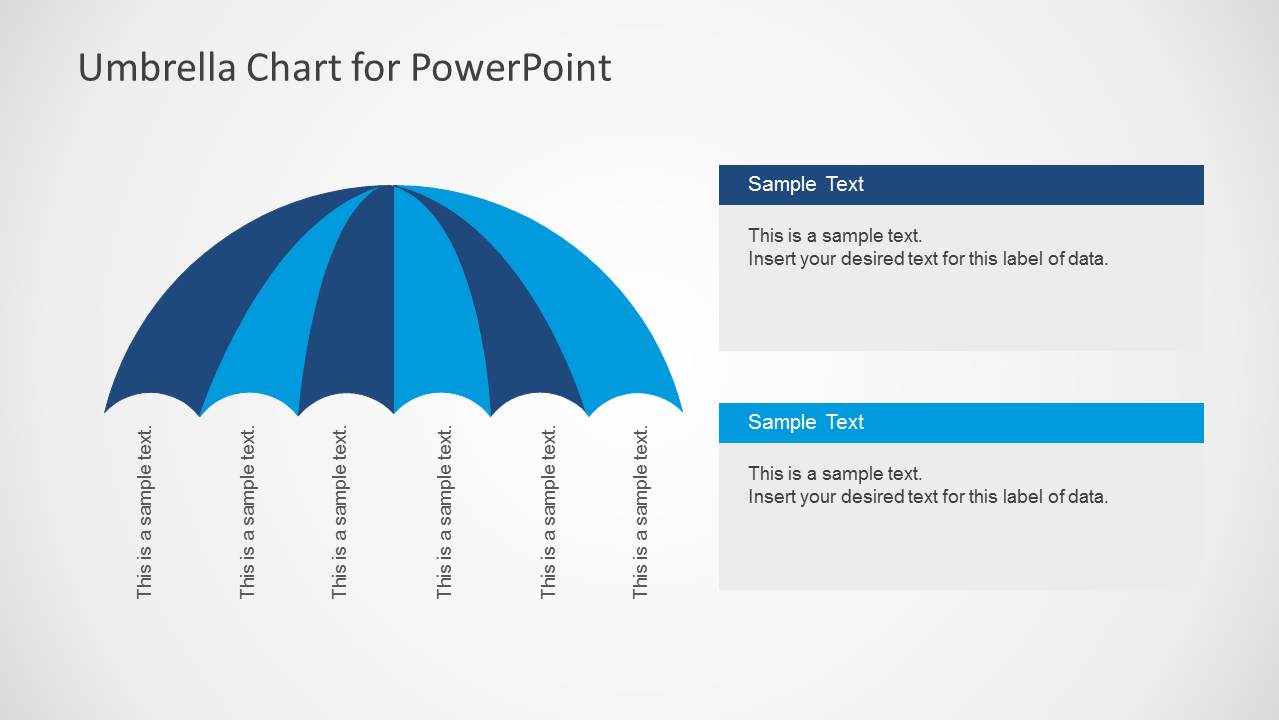
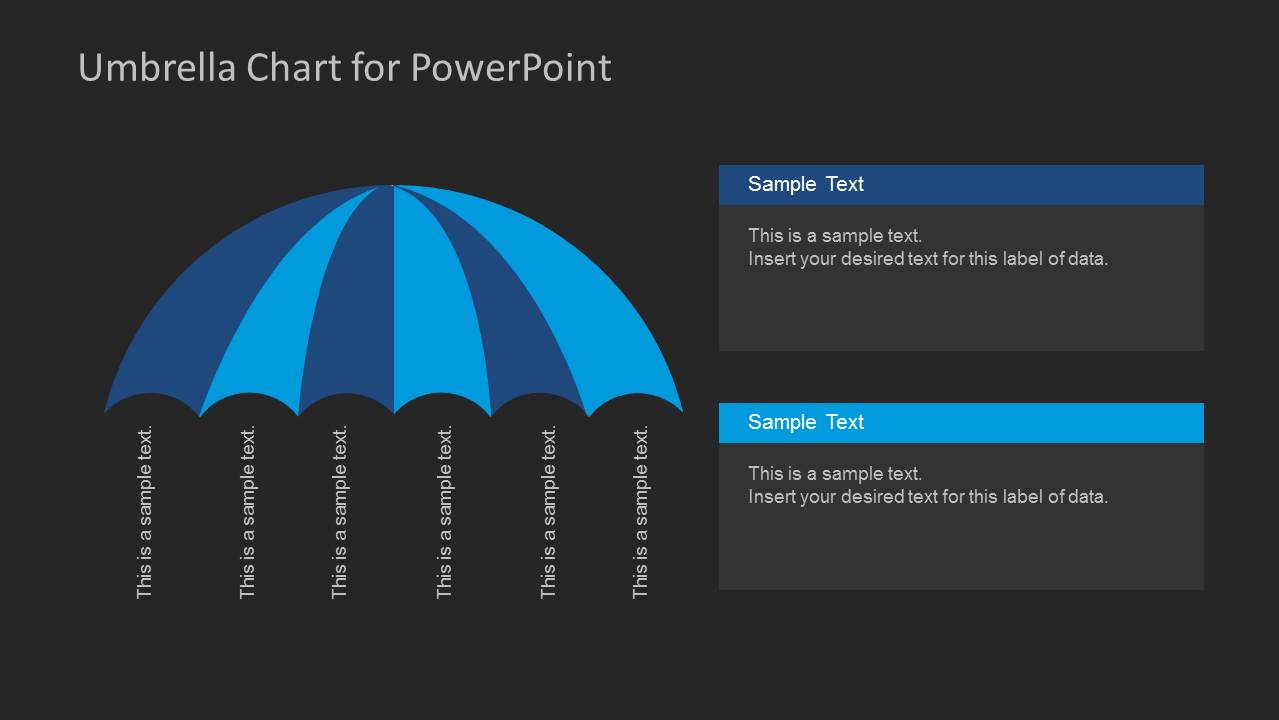
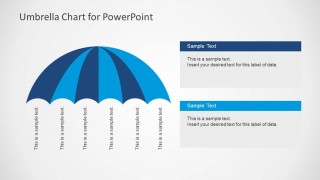
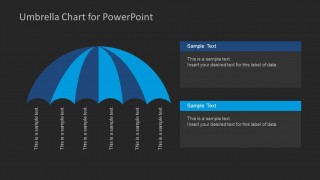
- A training presenter can use the six-rib umbrella layout to teach related principles, policies, or competencies under one learning theme.
- A marketing manager can use the side-panel umbrella layouts to compare campaign pillars while keeping explanatory notes next to the visual metaphor.
Features
- 100% editable presentation template
- Compatible with Microsoft PowerPoint and Google Slides
- 16:9 aspect ratio slides
- Scalable vector shapes, icons and illustrations
- AI-Ready for Microsoft Copilot and Claude
- Instant access and download
Frequently asked questions
Q: How should a presenter structure the message with this umbrella diagram template?
A: Start by naming the umbrella idea in the slide title, then limit each rib or segment to one short label. Use the surrounding text boxes for explanation, not for repeating the labels. This keeps the audience focused on the relationship between the central concept and the supporting categories.
Q: When is an umbrella chart a better choice than a standard process diagram?
A: Choose this template when the parts are related by ownership, coverage, protection, or a shared theme rather than by strict sequence. The four-rib and six-rib umbrella slides work well for program pillars, service areas, policy coverage, or risk categories where the key message is grouping.
Q: Why does the umbrella metaphor help explain grouped business concepts?
A: The umbrella shape gives the audience an immediate visual cue: several items sit under one wider idea. The radial 8-segment layouts show balanced categories, while the ribbed umbrella slides make each support area feel connected to the same top-level theme. This reduces the need for long verbal setup.


Umbrella Chart Diagram for PowerPoint
10-slide diagram presentation template with umbrella charts for 4-step and 8-step business concepts
Umbrella Chart Diagram for PowerPoint is a 10-slide diagram template for explaining grouped ideas under one theme. It includes segmented umbrella wheels, four-rib umbrella diagrams, six-rib umbrella diagrams, side text panels, and light or dark background variants for business models, comparisons, timelines, and process summaries in Microsoft PowerPoint and Google Slides.
- Category
- Diagrams
- Rating

 Loading...
- Aspect ratio
- 16:9
- Item ID
- 6192-01
- Colors
 Microsoft PowerPoint
  Microsoft Copilot
  Claude for PowerPoint
 Other formats supported
Subscribe today and get immediate
access to download our PowerPoint templates.