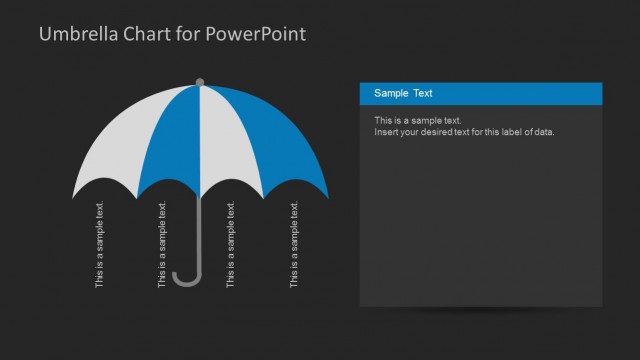
Slide 6 of 10 from Umbrella Chart Diagram for PowerPoint
6192-01-umbrella-chart-6
Umbrella Chart Diagram for PowerPoint
- Diagram
- Umbrella
- Concept Explanation Slide
- 16:9
- 100% Editable
The Umbrella Chart with Side Panels slide from the Umbrella Chart Diagram for PowerPoint template offers a clear visual structure for presenting grouped concepts. This slide layout uses editable shapes and vector icons to highlight multiple ideas under a central theme, making it suitable for strategic planning and project overview presentations. Its design supports business presentation needs by organizing information in a cohesive slide deck format.
What’s on This Slide
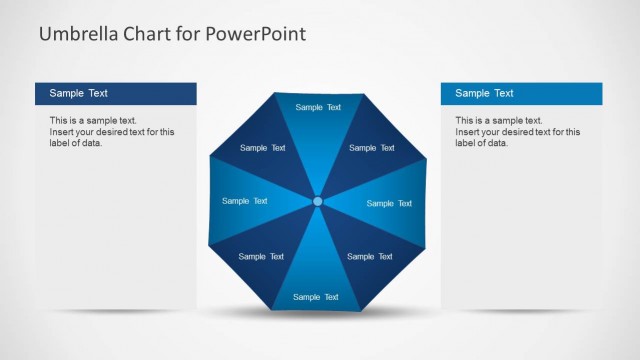
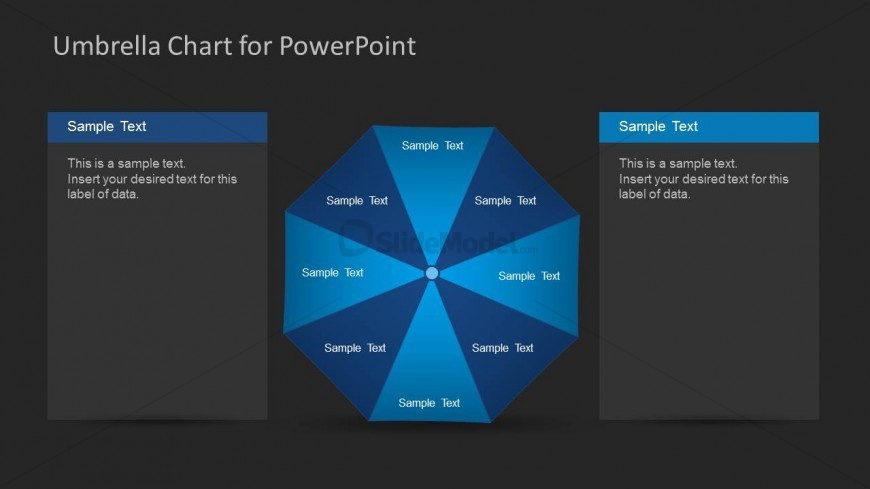
The slide features a central umbrella diagram with eight segments radiating outward. Each segment contains a text placeholder labeled 'Sample Text.' The segments are arranged in a circular layout, with a central circle connecting them. On the left and right sides, there are two rectangular text placeholders, each labeled 'Sample Text' at the top and containing a body text placeholder below. The background is dark, providing contrast to the blue gradient used in the umbrella segments. The visual hierarchy emphasizes the umbrella diagram as the central focus.
How to Use It
This layout serves as a visual representation of grouped ideas under a single theme, suitable for business presentations. It can be used to illustrate concepts, processes, or comparisons in a structured manner. It fits well in a presentation sequence following a problem statement or introduction, leading into detailed discussions. This slide is appropriate for scenarios such as project overviews, strategic planning, or thematic presentations where multiple aspects need to be highlighted.
Text Placeholders & Capacity
Keep your copy within these limits so it fits without resizing. Node body slots can hold roughly 15-20 words each.
| Placeholder | Count | Max characters (approx.) |
|---|---|---|
| Item heading | 8 | 20 |
| Item body | 8 | 80 |
| Body paragraph | 2 | 120 |
| Slide title | 1 | 30 |
Slide Keywords
Download unlimited PowerPoint templates, charts and graphics for your presentations with our annual plan.
DOWNLOADReturn to Umbrella Chart Diagram for PowerPoint.