Slide 8 of 10 from Umbrella Chart Diagram for PowerPoint
6192-01-umbrella-chart-8
Umbrella Chart for PowerPoint - Slide 8
- Diagram
- Umbrella
- Concept Explanation Slide
- 16:9
- 100% Editable
The Umbrella Chart with Side Text Panel slide from the Umbrella Chart Diagram for PowerPoint template offers a clear visual framework for concept explanation. This slide layout integrates a central umbrella graphic with vertically aligned text placeholders and a side text panel, making it suitable for business presentations, strategic initiatives, and project overviews. Its design supports the effective communication of grouped ideas using editable shapes and vector icons within a professional slide deck.
What’s on This Slide
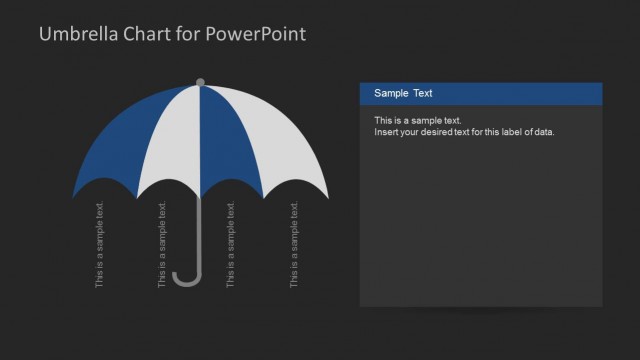
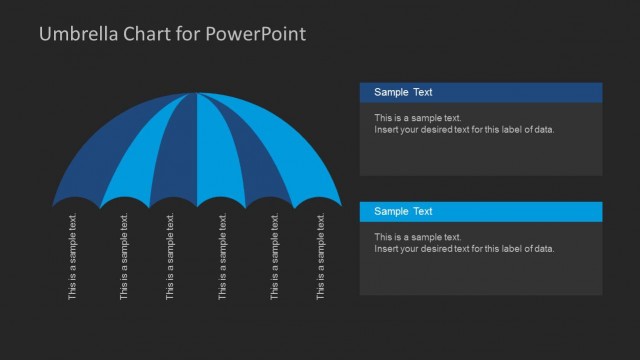
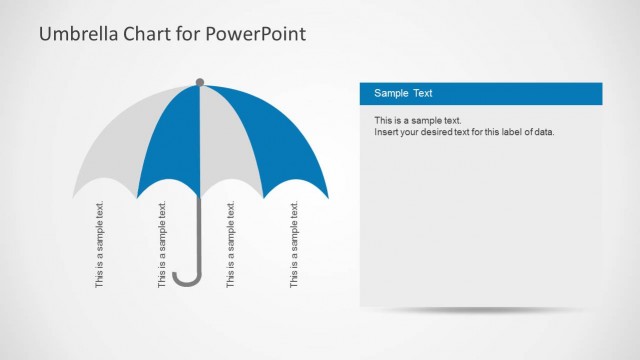
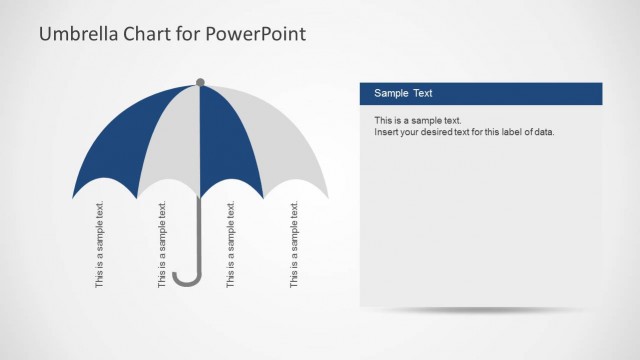
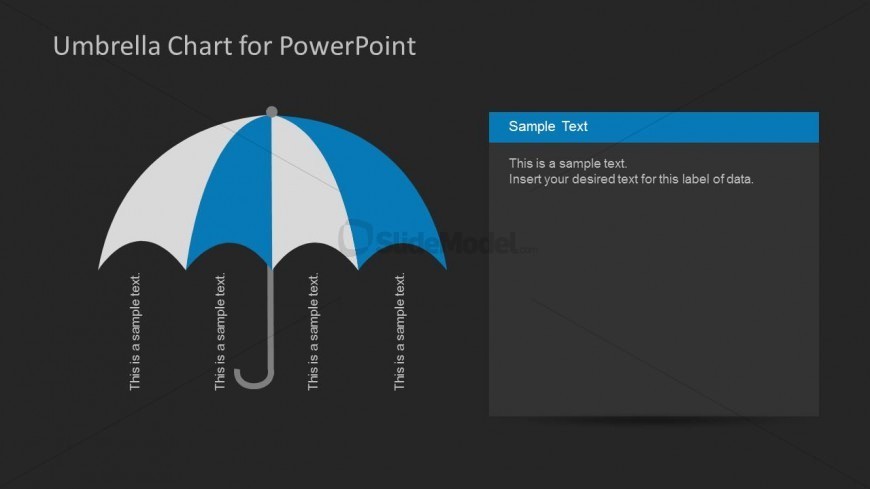
The slide features a large umbrella graphic positioned centrally, with alternating blue and white segments. Four text placeholders are aligned vertically along the left side of the umbrella, each labeled as 'This is a sample text.' On the right, a rectangular text box contains a title placeholder labeled 'Sample Text' and a body placeholder with example text. The background is dark, enhancing the visual contrast. The overall layout emphasizes the umbrella as a central theme, with clear separation between the umbrella graphic and the text elements.
How to Use It
This layout serves as a visual representation of grouped ideas under a central theme, suitable for presenting concepts or categories. It fits well in a presentation sequence following an introduction or problem statement, helping to summarize key points. Ideal for business scenarios such as project overviews, product features, or strategic initiatives, it allows for clear communication of multiple related topics within a cohesive visual framework.
Text Placeholders & Capacity
Keep your copy within these limits so it fits without resizing. Node labels can fit roughly 4-5 words each, while body text can accommodate about 25-30 words.
| Placeholder | Count | Max characters (approx.) |
|---|---|---|
| Item heading | 4 | 20 |
| Slide title | 1 | 30 |
| Body paragraph | 1 | 150 |
Slide Keywords
Download unlimited PowerPoint templates, charts and graphics for your presentations with our annual plan.
DOWNLOADReturn to Umbrella Chart Diagram for PowerPoint.