Slide 2 of 10 from Umbrella Chart Diagram for PowerPoint
6192-01-umbrella-chart-2
Umbrella Chart Diagram for PowerPoint
- Diagram
- Segmented Wheel
- Concept Explanation Slide
- 16:9
- 100% Editable
The Umbrella Chart Diagram slide from the Umbrella Chart Diagram for PowerPoint template offers a segmented wheel layout ideal for illustrating grouped concepts such as project phases or strategic initiatives. This slide uses editable shapes and vector icons arranged around a central node to visually categorize multiple related ideas, making it suitable for business presentations and corporate slide decks requiring clear concept explanation.
What’s on This Slide
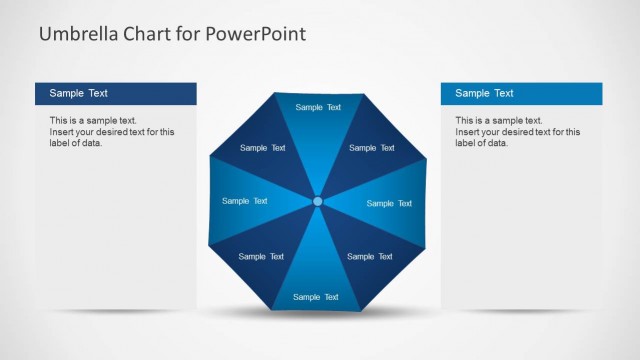
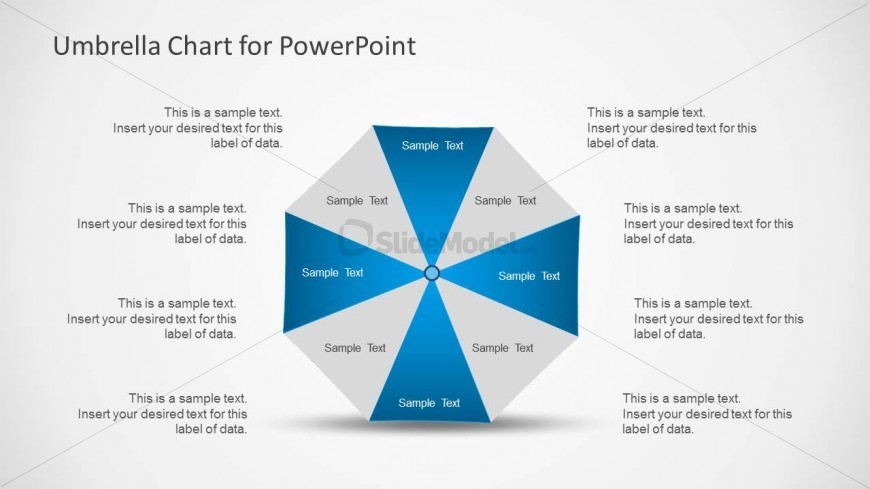
The slide features a central circular node with eight triangular segments radiating outward. Each segment is colored in shades of blue and gray, with sample text placeholders positioned within. The central node contains a placeholder for additional text. The segments are arranged symmetrically around the central node, creating a balanced visual structure. Text placeholders are aligned within each segment, indicating where specific data can be inserted. The background is light, enhancing the visibility of the shapes and text. Overall, the layout emphasizes the grouped ideas under a single theme.
How to Use It
This layout serves as a segmented diagram to illustrate grouped concepts or categories. It is suitable for presentations that require a visual representation of multiple related ideas, such as project phases, product features, or strategic initiatives. This slide fits well in a sequence following a problem statement, helping to clarify solutions or strategies. It can be used in business contexts, such as marketing presentations, project updates, or educational materials where visual categorization is essential.
Text Placeholders & Capacity
Keep your copy within these limits so it fits without resizing. Node body slots can hold roughly 5-6 words each.
| Placeholder | Count | Max characters (approx.) |
|---|---|---|
| Item body | 8 | 30 |
| Slide title | 1 | 30 |
Slide Keywords
Download unlimited PowerPoint templates, charts and graphics for your presentations with our annual plan.
DOWNLOADReturn to Umbrella Chart Diagram for PowerPoint.