Slide 7 of 10 from Umbrella Chart Diagram for PowerPoint
Umbrella Chart Template for PowerPoint
Umbrella Chart Diagram for Presentations
- Diagram
- Umbrella
- Concept Explanation Slide
- 16:9
- 100% Editable
The Umbrella Chart Diagram slide from the Umbrella Chart Diagram for PowerPoint template offers a structured visual tool for presenting grouped concepts in business presentations. This slide layout uses editable shapes and vector icons to highlight project summaries, feature comparisons, or strategic initiatives within a cohesive slide deck. Its symmetrical design and clear text placeholders make it a practical choice for corporate presentations requiring organized and visually distinct data representation.
What’s on This Slide
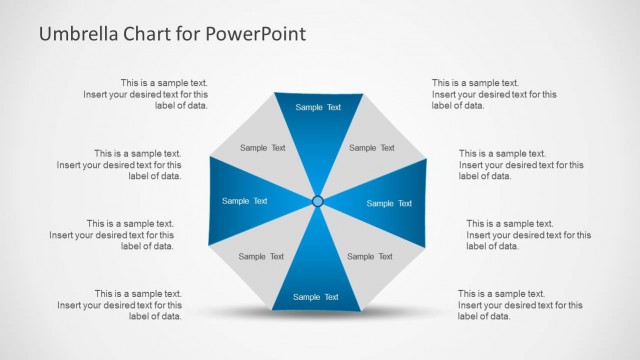
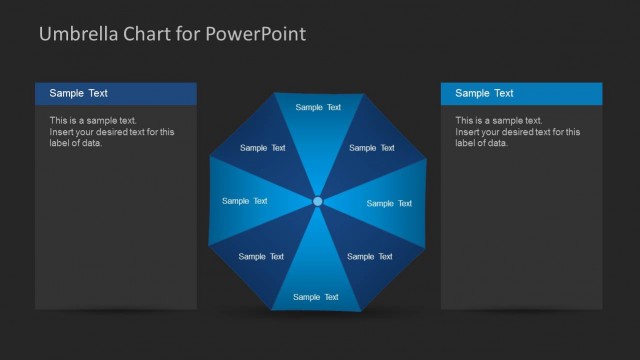
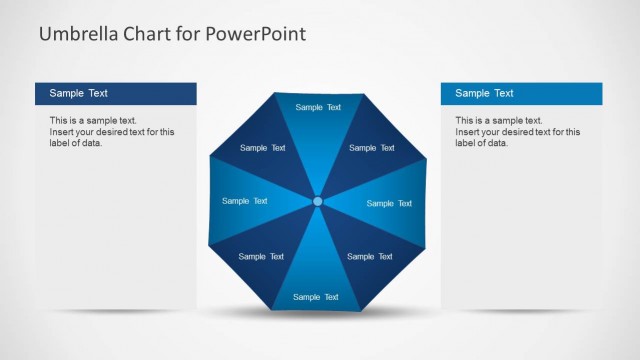
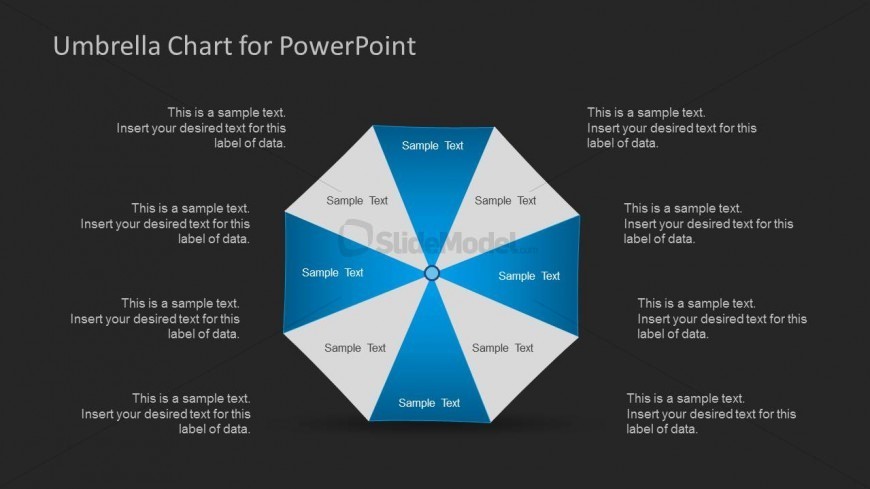
The layout features a central circular node with eight triangular segments radiating outward. Each segment is colored in alternating shades of blue and gray, creating a visually distinct pattern. Text placeholders are positioned within each segment, aligned centrally, indicating where to insert data labels. The central node also contains a placeholder for additional text. The background is dark, enhancing the contrast of the segments. The overall structure is symmetrical, emphasizing the grouped ideas under a unified theme.
How to Use It
This layout serves as a visual representation of grouped concepts, ideal for illustrating relationships among multiple ideas. It fits well in a presentation sequence after introducing a topic and before diving into detailed analysis. Business scenarios include summarizing project phases, comparing product features, or outlining strategic initiatives. This format effectively communicates complex information in an organized manner, making it suitable for team meetings or stakeholder presentations.
Text Placeholders & Capacity
Keep your copy within these limits so it fits without resizing. Each segment can hold up to 50 characters for data labels.
| Placeholder | Count | Max characters (approx.) |
|---|---|---|
| Item body | 8 | 50 |
| Item body | 1 | 50 |
Slide Keywords
Download unlimited PowerPoint templates, charts and graphics for your presentations with our annual plan.
DOWNLOADReturn to Umbrella Chart Diagram for PowerPoint.