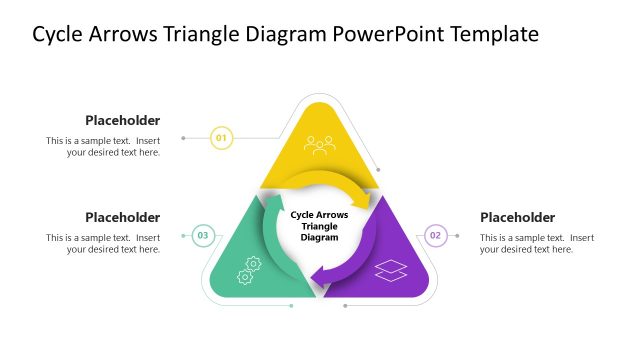
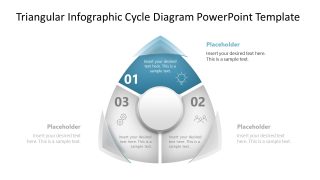
Present the phases in a manufacturing cycle in your stakeholder presentations for review and analysis using our Triangular Infographic Cycle Diagram PowerPoint Template. Every business process has a start and an end; however, some are cyclic, with the output of the last step feeding back into the first. To present the details of such a process, we designed this minimal three-step triangular infographic cycle diagram PPT template. This PowerPoint diagram is divided into three compartments, each explaining a phase or step of the process, concept, or methodology. Business and tech professionals can use it to present any iterative methodology. For instance, a quality assurance team lead can show their interns how to use the final assessment results for their products to feed their continuous improvement cycle. Likewise, presenters can customize it to present the sprint strategy to new teams. In this case, managers can explain how conclusions from one session pass on to the next cycle.
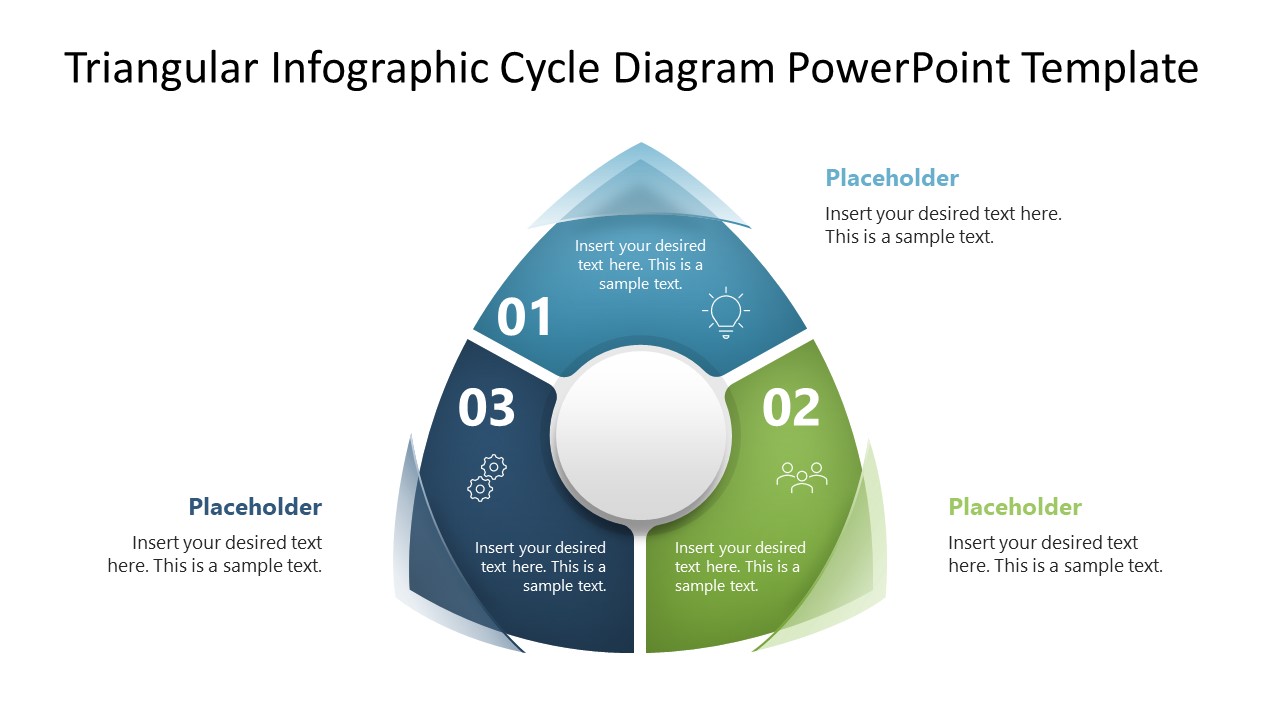
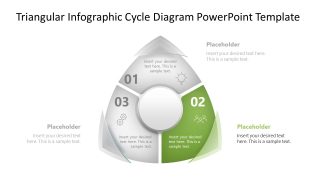
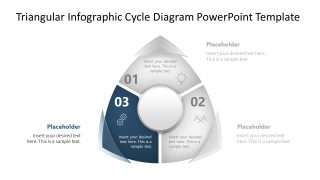
A product manager in a development team meeting can present how three different components, such as testing, user experience, and feedback, connect with each other. They can emphasize how skipping any stage impacts the overall outcome. The Triangular Infographic Cycle Diagram PowerPoint Template features a triangle diagram with rounded edges, giving it a circular appearance. Presenters can use relevant infographics in each segment to visually highlight the marketing concepts in their advertisement planning presentations. For instance, the three sections show continuous email marketing and follow-up steps. In the next three slides, HR professionals can discuss employee onboarding steps in their quarterly planning presentations, focusing on and color-highlighting each step individually. Download the triangular infographic cycle diagram and use it to illustrate the sequence of stages in a continual business process in executive presentations.
What’s inside this template
Example presentation scenarios
- A quality assurance lead can use the triangular cycle overview to explain how assessment, correction, and feedback repeat across a product review process.
- A product manager can use the step-highlight slides to show how testing, user experience review, and customer feedback connect during an iteration.
- An HR manager can present a three-stage onboarding flow by assigning each triangular segment to preparation, orientation, and follow-up.
- A marketing presenter can map an email campaign loop with planning, outreach, and follow-up using the numbered segments and external text callouts.
Features
- 100% editable presentation template
- Compatible with Microsoft PowerPoint and Google Slides
- 16:9 aspect ratio slides
- Scalable vector shapes, icons and illustrations
- AI-Ready for Microsoft Copilot and Claude
- Instant access and download
Frequently asked questions
Q: How should a presenter explain the three-step cycle without making it feel repetitive?
A: Start with Slide 1 to define the full loop and the reason it repeats. Then use Slides 2, 3, and 4 to focus attention on one stage at a time. Keep the outer text placeholders to one main point per stage so the audience sees the dependency between steps instead of reading long process notes.
Q: Who is this template best suited for in a business presentation?
A: This template fits managers, consultants, team leads, and process owners who need to teach or review a simple recurring workflow. It works best when the message has exactly three parts, such as plan, execute, review; onboard, train, follow up; or test, learn, improve. The step-highlight slides make it useful for workshops and planning meetings.
Q: Why use a triangular cycle instead of a standard circular process diagram?
A: The triangle gives each phase equal weight while still suggesting motion around a loop through the rounded outer form. The center circle creates a place for the shared goal, outcome, or operating principle. Highlighting one segment at a time helps the presenter control attention and explain cause-and-effect between the three stages.


Triangular Infographic Cycle Diagram PowerPoint Template
4-slide presentation template with a triangular cycle diagram and three-step process highlights
The Triangular Infographic Cycle Diagram PowerPoint Template is a 4-slide diagram template for showing a three-stage repeating process. It includes a full-color triangular cycle, step 1 highlight, step 2 highlight, and step 3 highlight layouts with icons, numbering, text placeholders, and a central circle for a key concept.
- Category
- Diagrams
- Rating

 Loading...
- Aspect ratio
- 16:9
- Item ID
- 23635-01
- Colors
 Microsoft PowerPoint
  Microsoft Copilot
  Claude for PowerPoint
 Other formats supported
Subscribe today and get immediate
access to download our PowerPoint templates.