Visualize continuous workflows or cyclical processes in operations presentations with our 4-Step Circular Cycle PowerPoint Infographic Template. The 4-step circular diagram enables HR directors to illustrate the employee satisfaction cycle and personal development initiatives in training presentations. Some of the key use cases of this template are:
- Project managers use the circular cycle diagram to showcase the project process steps in a comprehensive single segmented diagram.
- Operations leaders depict the ways to improve team efficiency in continuous cycles using the 4-step diagram.
- In IT operations presentations with stakeholders, engineers depict the repeating four-stage business processes using graphical icons and editable placeholder text.
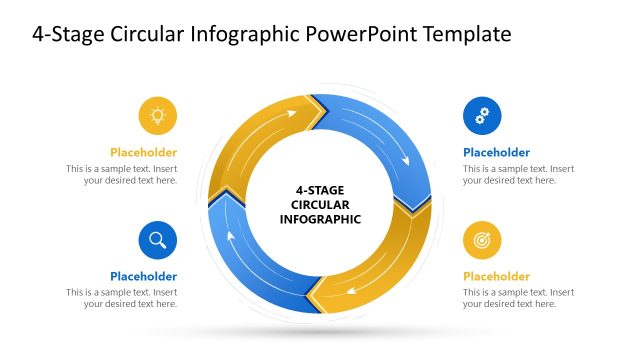
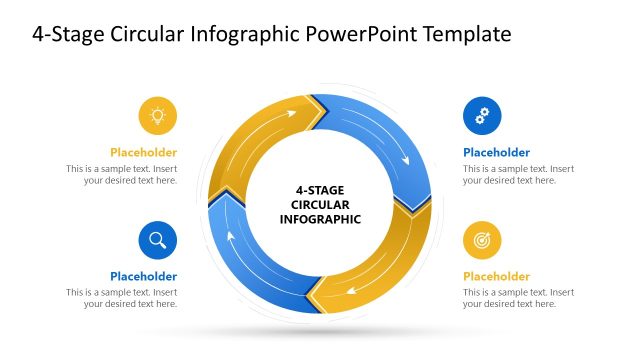
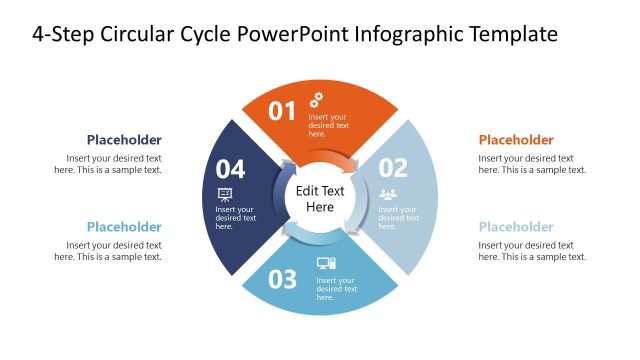
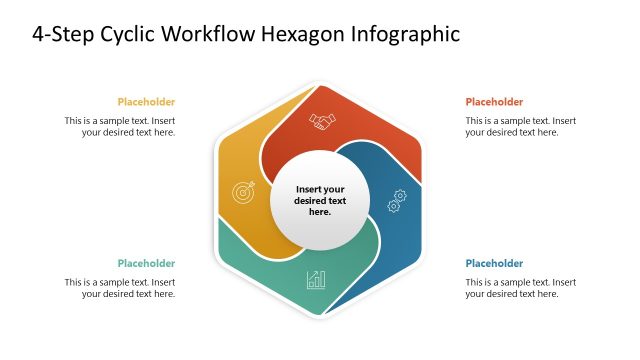
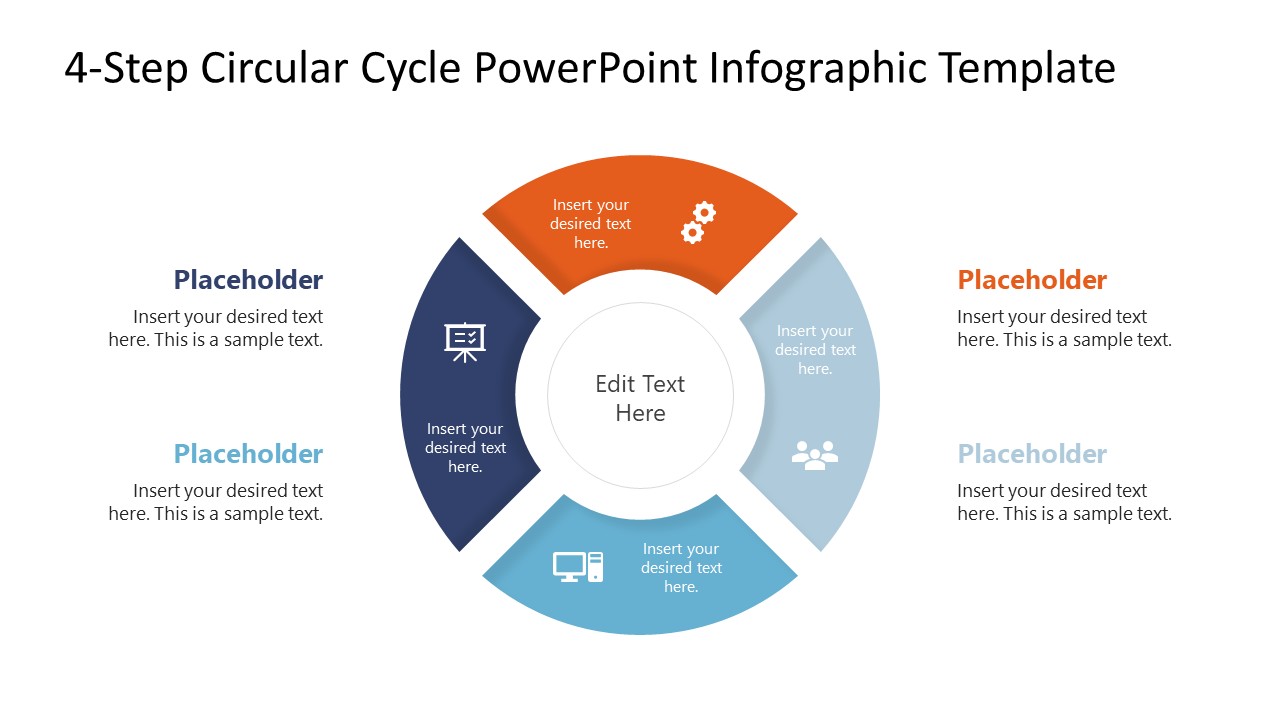
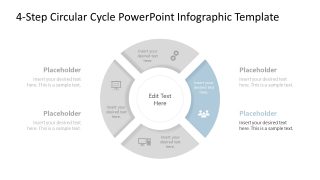
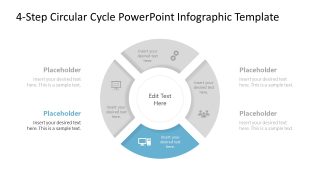
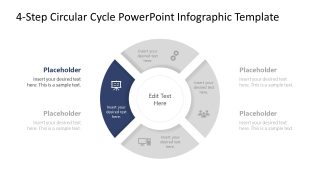
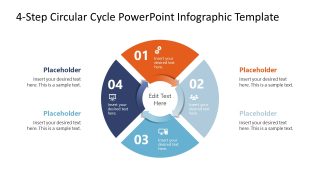
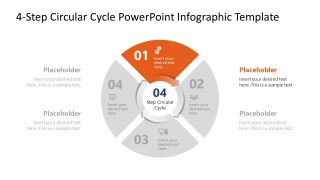
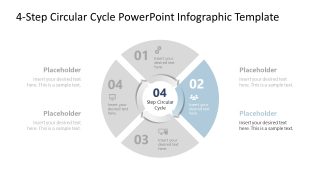
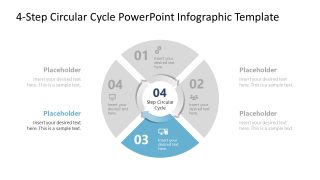
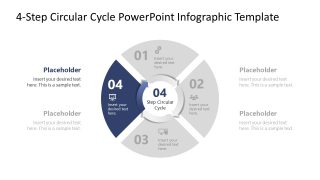
The 4-Step Circular Cycle PowerPoint Infographic Template features a circular segmented diagram with four infographic sections. The closed circular ring has corresponding text sections, allowing users to display information with clarity and ease. It helps users communicate continuity in the presentation rather than definite isolated points. The template has two sets of five slides each. Each set features a cover slide and four focus slides to present individual components effectively. The components in the first and second sets are similar, but the second set includes additional circular arrows around the central shape. The connected arrows depict the connection between the process stages, and each step has a distinct color-coded arrow shape.
This presentation template allows users to customize colors, shapes, and fonts to fit their specific presentation needs or preferences. Download the 4-step circular cycle PPT infographic diagram template with editable segments and icons to represent cyclical processes or models in executive presentations.
What’s inside this template
Example presentation scenarios
- A project manager can use the full 4-step circular cycle to summarize the phases of a repeating project process before reviewing each stage.
- An operations leader can use the highlighted step focus slides to explain how one stage feeds the next in a continuous improvement loop.
- A marketing manager can use the numbered circular cycle layout to present a campaign planning, execution, measurement, and refinement cycle.
- An HR director can use the center label, icons, and side callouts to describe a four-stage employee development or satisfaction cycle.
Features
- 100% editable presentation template
- Compatible with Microsoft PowerPoint
- 16:9 aspect ratio slides
- Scalable vector shapes, icons and illustrations
- AI-Ready for Microsoft Copilot and Claude
- Instant access and download
Frequently asked questions
Q: How should a presenter explain the cycle without making the four steps feel disconnected?
A: Start with the complete circular cycle slide to establish the loop. Then move through the highlighted focus slides one at a time, keeping the same center label and step names. This makes each stage feel part of one repeating system instead of a list of isolated tasks.
Q: What type of business message fits this circular cycle format best?
A: This template works best for processes that repeat, improve, or return to an earlier stage, such as marketing cycles, product life cycle reviews, employee development programs, and operations feedback loops. It is less suited to one-time projects where a linear roadmap or milestone timeline would make sequence clearer.
Q: Why use a circular diagram instead of a numbered list for a four-step process?
A: The circle visually signals continuity, return, and iteration. The colored segments separate each stage, while the gray focus slides reduce distraction when explaining one step. The icons and outer callouts let the presenter pair a short stage label with a practical explanation.


4-Step Circular Cycle PowerPoint Infographic Template
10-slide 4-step circular cycle presentation template for process cycles and product life cycle stages
The 4-Step Circular Cycle PowerPoint Infographic Template is a 10-slide process diagram set for Microsoft PowerPoint. It includes a full 4-step circular cycle, highlighted step focus slides, numbered cycle layouts, and arrow-connected circular process diagrams for operations, marketing, product life cycle, and business process presentations.
- Category
- Process Diagrams
- Rating

 Loading...
- Aspect ratio
- 16:9
- Item ID
- 23778-01
- Colors
 Microsoft PowerPoint
  Microsoft Copilot
  Claude for PowerPoint
 Other formats supported
Subscribe today and get immediate
access to download our PowerPoint templates.