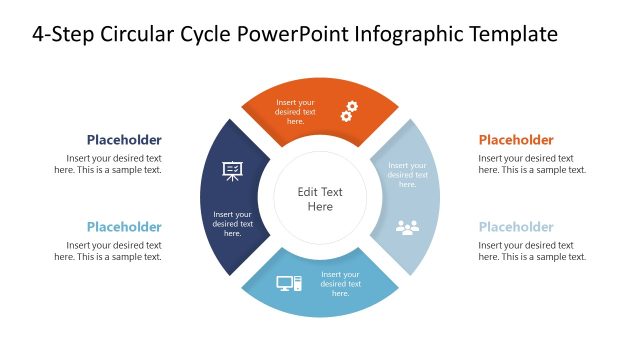
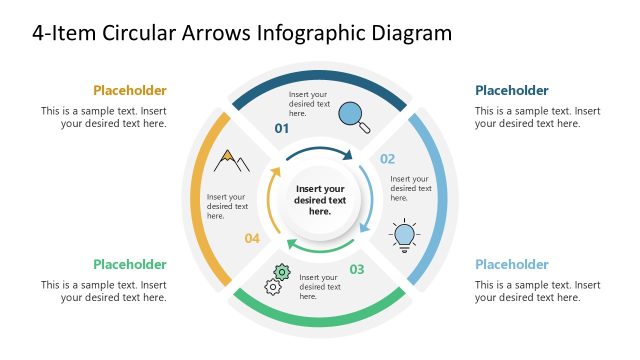
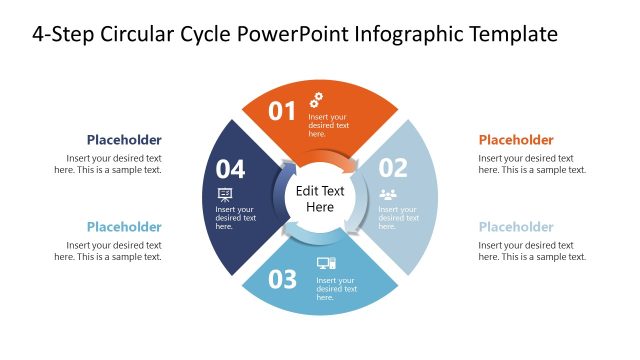
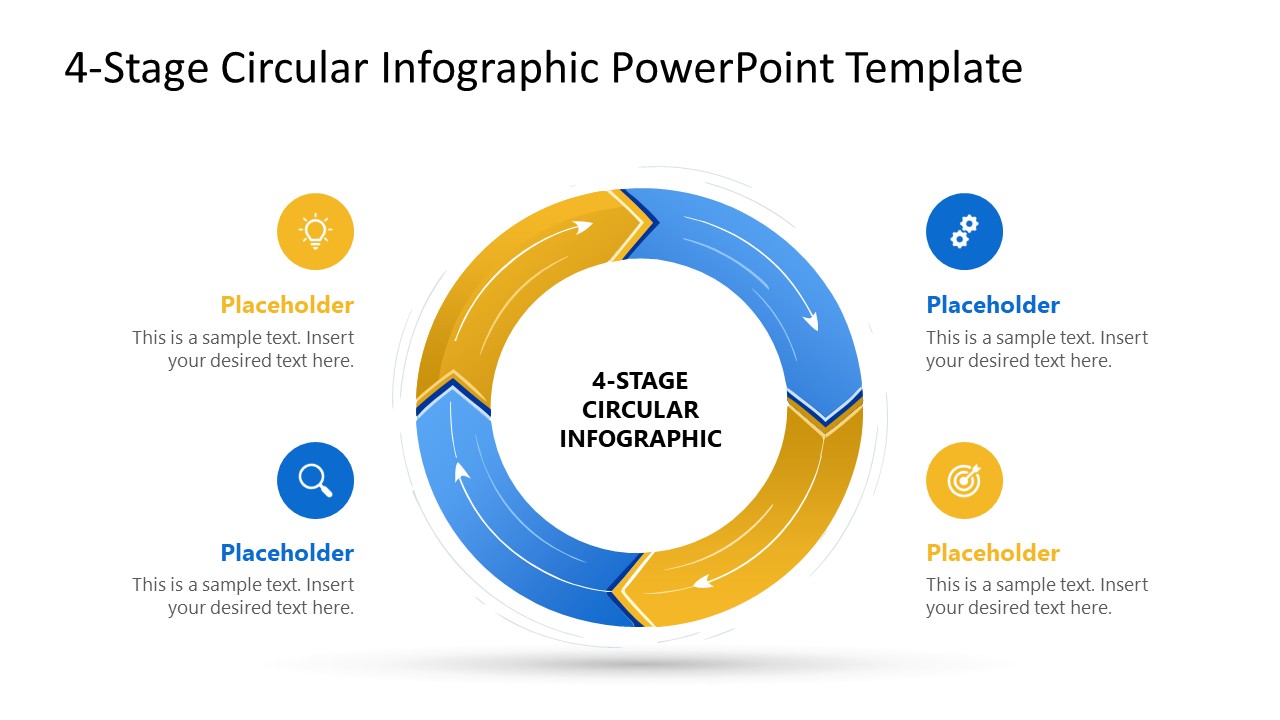
Present four-step cyclical workflows or iterative processes using our editable 4-Stage Circular Infographic PowerPoint Template. The rotating arrows cycle diagram effectively illustrates loops or continuous flows in business presentations. In academic contexts, mentors can use the arrow diagram to highlight the self-learning and development cycle. HR directors can use the central circular diagram with four segments to depict the talent filtering process. Operations managers can use the cyclical diagram to outline the four-step continuous improvement cycle, such as Plan-Do-Check-Act. Adjust the graphical arrangement and PPT elements to suit your requirements. For additional themes, explore our infographic PowerPoint template to find suitable designs.
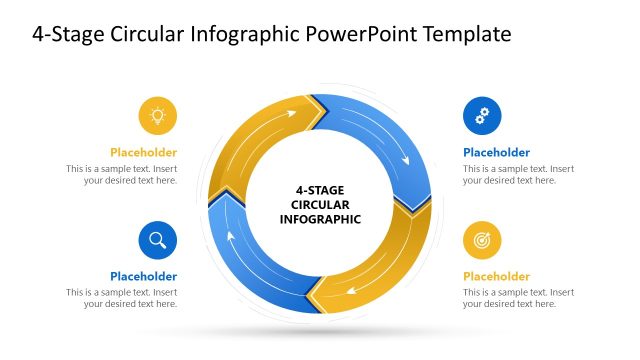
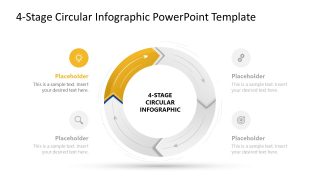
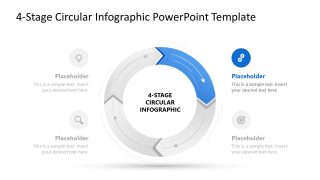
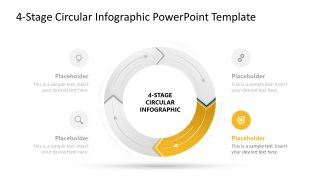
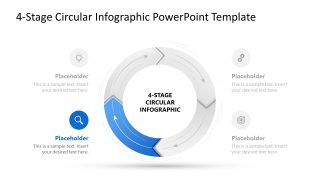
The 4-Stage Circular Infographic PowerPoint Template is fully compatible with all versions of Microsoft PowerPoint. The PPT template allows users to customize the text, infographics, and other PowerPoint elements to outline comprehensive business strategies. In quality assurance discussions, team leads use the 4-stage circular diagram to showcase the steps to ensure the product quality is standardized. The template diagram has alternate blue and golden colored arrows. The link between these arrows enables presenters to depict the connection between stages. With each segment, a corresponding text segment allows strategy directors to provide brief details and visually present the idea through graphical icons.
After the cover slide, we have provided four slides with a spotlight effect, i.e., each slide highlights one point in color. This allows professionals to communicate the strategies or concepts with focus and clarity. Download the 4-stage circular infographic PPT template layout to illustrate the recurring process cycles to your employees.
What’s inside this template
Example presentation scenarios
- An operations manager can explain a continuous improvement cycle by using the full circular arrows diagram to show the loop and the spotlight slides to discuss each step.
- An HR leader can present a talent screening or development process with the four icon callouts as stage labels and the highlighted arrows as the current decision point.
- A trainer can teach an iterative learning model by moving from the complete cycle view to the stage-specific slides that isolate each concept.
- A consultant can map a circular economy or customer lifecycle model for stakeholders using the alternating blue and gold process segments to separate four recurring phases.
Features
- 100% editable presentation template
- Compatible with Microsoft PowerPoint
- 16:9 aspect ratio slides
- Scalable vector shapes, icons and illustrations
- AI-Ready for Microsoft Copilot and Claude
- Instant access and download
Frequently asked questions
Q: How should a presenter explain the four-stage loop without making it feel like a static diagram?
A: Start with Slide 1 to establish the complete cycle and explain why the process repeats. Then use Slides 2 through 5 as a guided walkthrough, assigning one clear verb or decision to each highlighted stage. Keep the surrounding faded segments visible so the audience remembers that each step feeds the next.
Q: Who is this circular infographic best suited for?
A: This template fits presenters who need to teach or document an iterative process rather than compare separate topics. Operations leaders can map improvement loops, HR teams can show talent cycles, and educators can explain learning stages. The four equal segments work best when each phase has similar importance.
Q: Why does the template use spotlight slides after the full circular process view?
A: The sequence reduces audience overload. The first slide gives the whole mental model, while the following slides dim nonactive segments and highlight one arrow at a time. That visual treatment keeps the loop visible but directs attention to the stage being explained, which is useful for training and process adoption.


4-Stage Circular Infographic PowerPoint Template
5-slide presentation template for circular process diagrams and four-stage workflow loops
The 4-Stage Circular Infographic PowerPoint Template is a 5-slide diagram set for Microsoft PowerPoint. It includes a full circular arrows process diagram, four spotlight slides for individual stages, and icon callouts with text placeholders. It is suited for operations, HR, training, and continuous improvement presentations.
- Category
- Diagrams
- Rating


 Loading...
- Aspect ratio
- 16:9
- Item ID
- 23652-01
- Colors
 Microsoft PowerPoint
  Microsoft Copilot
  Claude for PowerPoint
 Other formats supported
Subscribe today and get immediate
access to download our PowerPoint templates.