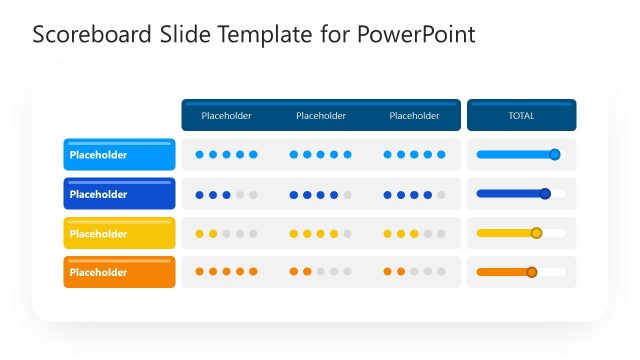
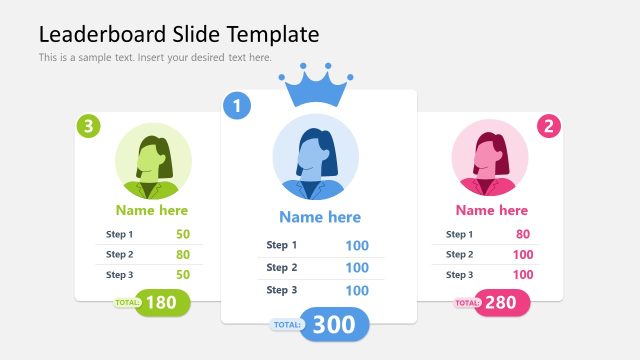
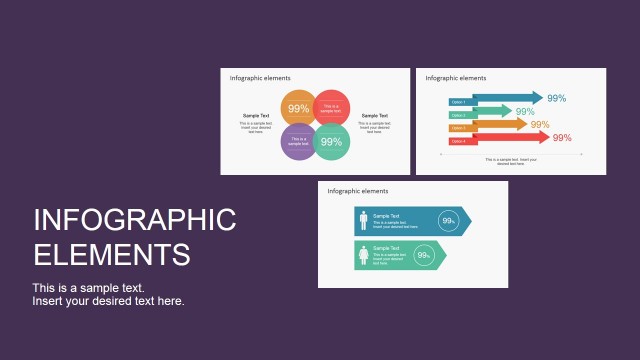
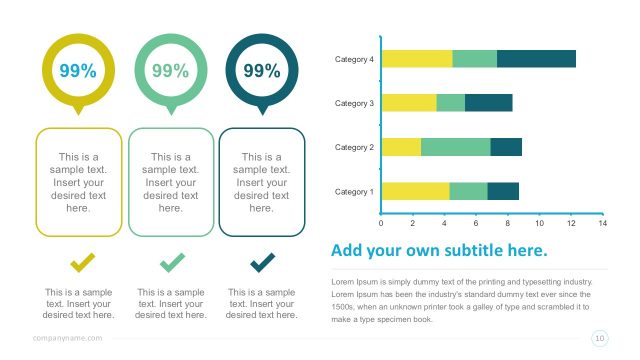
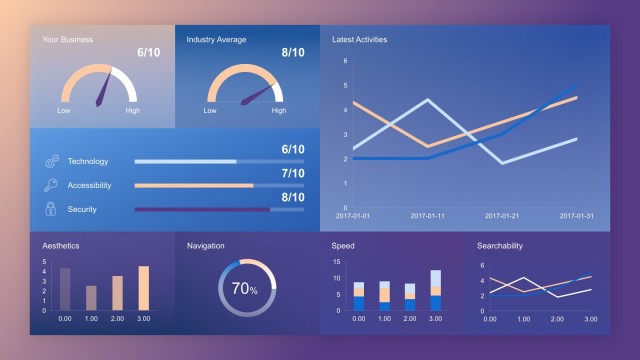
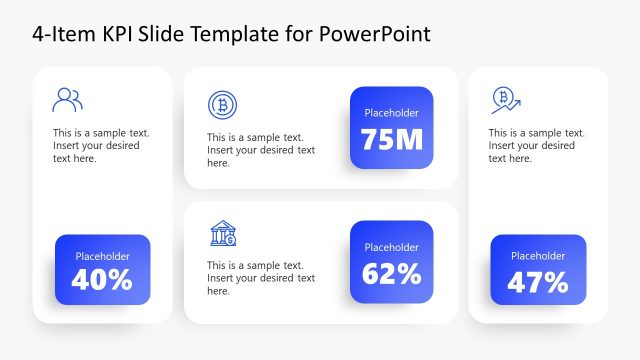
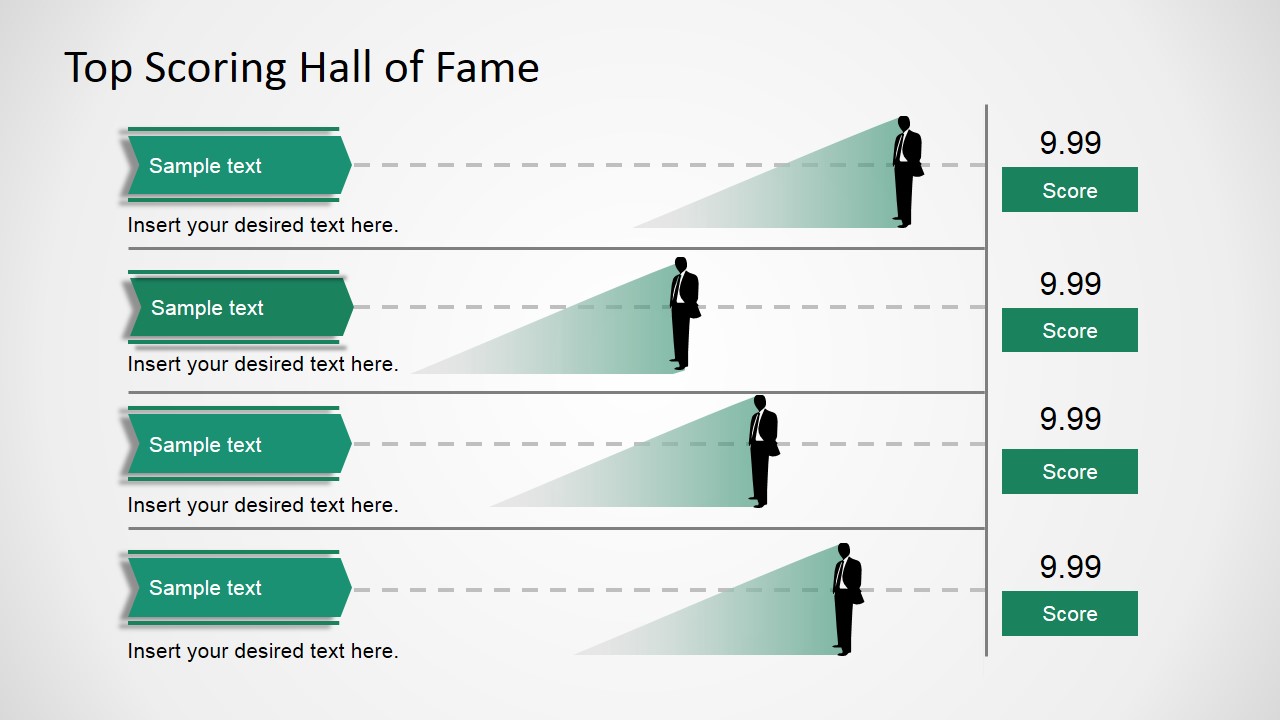
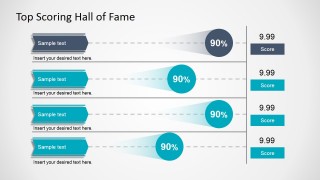
Top Scoring Hall of Fame Infographic is a professional PowerPoint Template ideal for comparing scores. The PowerPoint Design presents a flat table layout where each row represents a scoring value. The value is mapped to a business man clipart or into a circular icon that may represent any concept.
Several management meetings require the presenters to describe KPI’s and their relationships. Also, comparing the same key performance indicator against different periods is a usual practice in business meetings. Users can apply the Top scoring hall of fame infographic to present their KPI’s numbers and comparisons. The themed slide with the business person silhouette is ideal for a presentations referencing people management. Performance reviews or human resources objectives achievement can be mapped with the provided table.
The high scores design can be applicable to any comparison or competition. The infographic element are 100% editable allowing the user to customize their appearance, size and values. Users will save time just applying their content in the text placeholders and updating the scoring positions.
The user can combine the high scores infographic with any of our Demographics Infographic Elements Clipart for PowerPoint if they need to present a market analysis. If the Infographic requires a higher level of data abstraction, the user can include elements from the Data Infographic Flat Elements for PowerPoint. Finally the Top Scoring Hall of Fame Infographic can be decorated with PowerPoint Icons and Shapes from the Colorful Infographic Slides for PowerPoint.
Impress the audience with professional high resolution graphics created for PowerPoint presentations. Alternatively, you can download other slide presentation templates fully compatible with PowerPoint & Google Slides.
What’s inside this template
Example presentation scenarios
- An HR leader can present employee or team achievement rankings by using the business-person silhouette lanes and right-side score callouts.
- A sales manager can summarize contest standings by placing each rep or territory in a ribbon label and showing the score in the numeric badge.
- An operations analyst can compare four KPI results by using the percentage circle marker slide to show relative performance along each lane.
- An executive sponsor can highlight top performers in a quarterly update by using the hall-of-fame table as a fast, audience-friendly leaderboard.
Features
- 100% editable presentation template
- Compatible with Microsoft PowerPoint and Google Slides
- 16:9 aspect ratio slides
- Scalable vector shapes, icons and illustrations
- AI-Ready for Microsoft Copilot and Claude
- Instant access and download
Frequently asked questions
Q: How should I present the scores so the audience understands the ranking quickly?
A: Use the four lanes as a short leaderboard, not as a dense report. Put the most important name or category in each ribbon label, keep the body text to one short explanation, and make the score badge the final read point. The layout works best when the presenter explains why the top entries matter.
Q: Who is this infographic best suited for?
A: This template fits managers, HR teams, sales leaders, and analysts who need to compare a small set of score-based results. It is especially useful when the message is about achievement, rankings, target completion, or performance highlights rather than deep financial modeling or multi-metric dashboard analysis.
Q: Why use the hall-of-fame metaphor instead of a standard table?
A: The hall-of-fame metaphor turns a score comparison into a recognition story. Ribbon labels imply named entries, horizontal lanes imply progression, and the right-side score blocks create a clear finish point. That structure helps the audience see rank, distance, and achievement faster than a plain table of numbers.

Top Scoring Hall of Fame Infographic
2-slide presentation template for KPI score rankings with hall-of-fame table and percentage markers
Top Scoring Hall of Fame Infographic is a 2-slide presentation template for ranking scores and KPI comparisons. It includes a hall-of-fame score table, four-row comparison lanes, business person silhouette markers, and percentage circle markers. It is designed for managers, HR teams, and analysts working in Microsoft PowerPoint or Google Slides.
- Category
- Data & Charts
- Rating


 Loading...
- Aspect ratio
- 16:9, 4:3
- Item ID
- 6061-02
- Colors
 Microsoft PowerPoint
  Microsoft Copilot
  Claude for PowerPoint
 Other formats supported
Subscribe today and get immediate
access to download our PowerPoint templates.