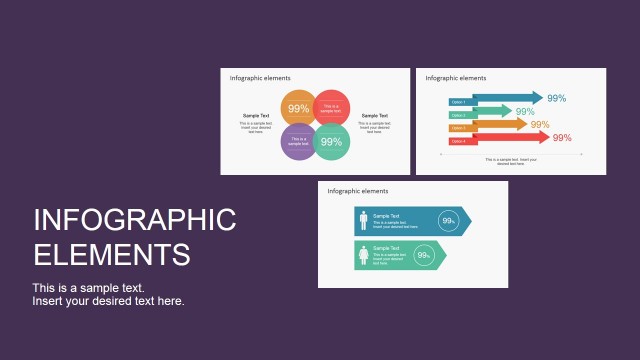
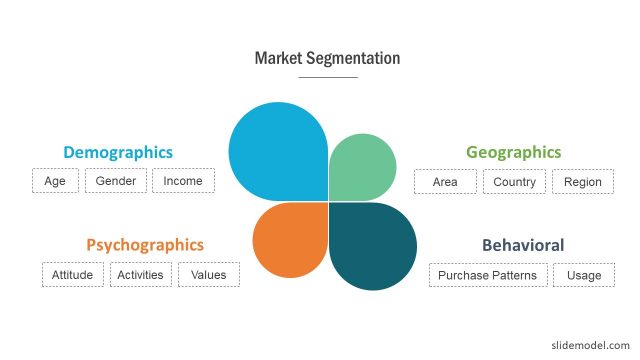
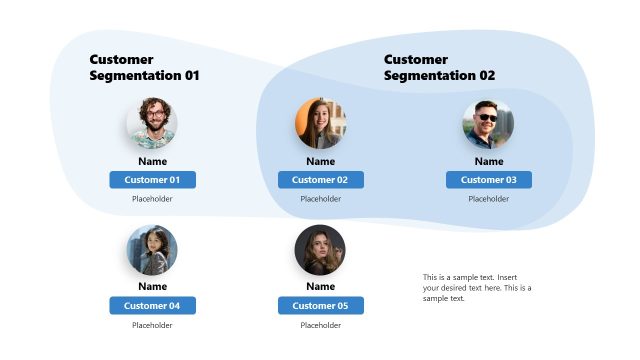
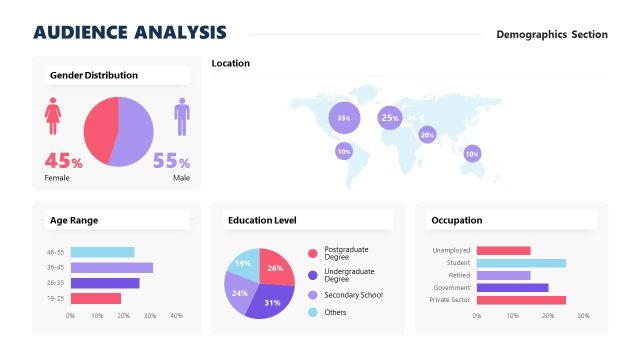
Lead the driving force behind an advanced marketing strategy using the Demographics Infographic Elements Clipart for PowerPoint. This PowerPoint template is a creative tool in making a comprehensive presentation of big data such as global market segmentation. The design in this template is based on the role of market segmentation in business development.
Consumer Products Marketers drive sales by developing versions of products according to gender and age (a.k.a basic demographics). Compared to a generic product, gender identified products strengthens familiarity among the two market segments. Market segmentation is more commonly used in product campaigns and packaging. The products are basically the same but with different packaging and advertisements directed towards different demographic audience. However, as people become more conscious of their product use, market segmentation is now also used in product research and development to reinforce its demographics identification. These days, more product developments have consideration toward the inherent difference between demographics rather than just the gender identification or age identification. This has allowed to target products much more aligned with users use and expectations.
This PowerPoint design is useful for infographic presentations which are becoming popular in print media and online marketing. The infographic type of presentation eliminates the need for verbal explanations by packing major ideas of the campaign in a mix of images, icons and shapes together with a few words. Infographics aim to grab the attention of the audience using interesting and thought provoking combination of images and texts. Ideally, this combo also explains everything about a certain promotion or movement.
Create your Marketing presentations or Market analysis with our PowerPoint Marketing Templates, and impress your audience with professional graphics that appeal to global audiences.
What’s inside this template
Example presentation scenarios
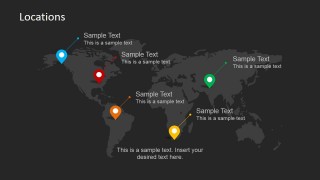
- A marketing manager can present regional campaign targeting by placing audience labels on the world map location slide and connecting each pin to a market note.
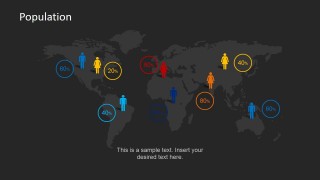
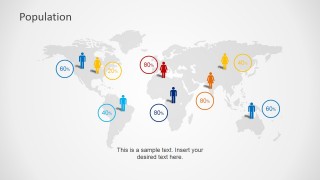
- A market researcher can explain population distribution by using the percentage map slides to compare regions, age groups, or demographic clusters at a glance.
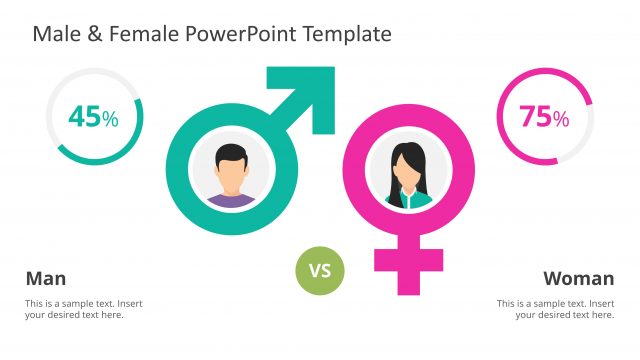
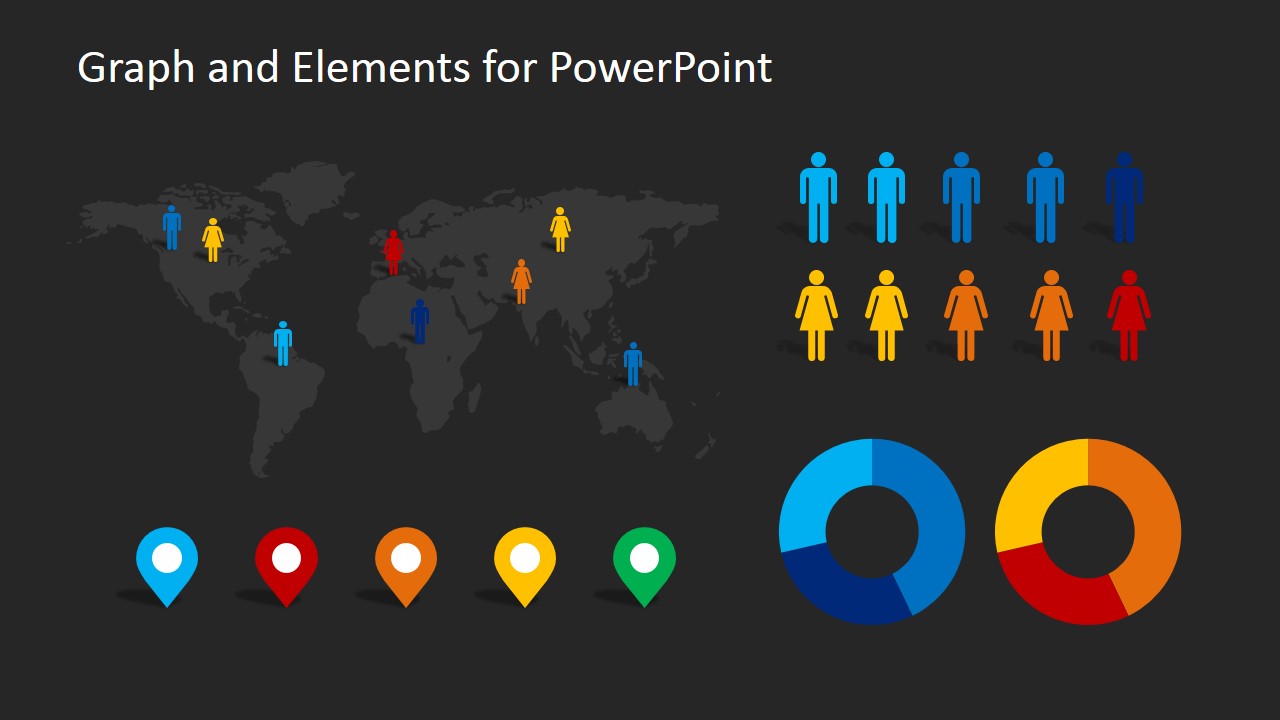
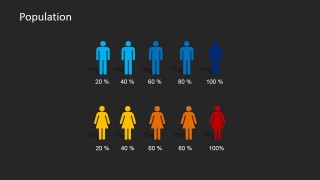
- A product manager can summarize gender-based audience segments with the male and female icon scale layout before discussing product positioning.
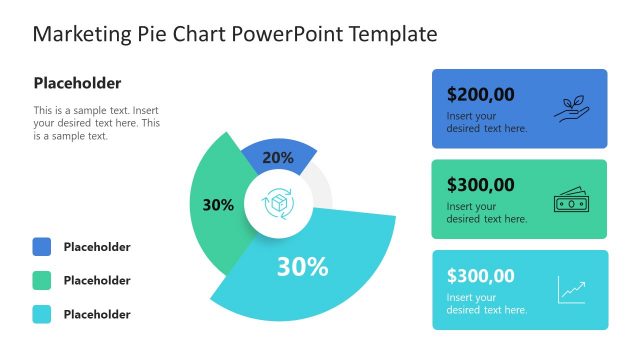
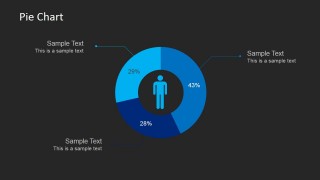
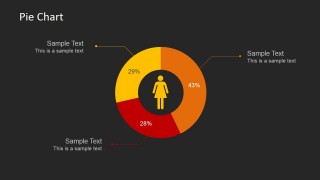
- A consultant can present a client segmentation snapshot by pairing the donut pie chart slides with concise callouts for audience share, priority segment, and growth opportunity.
Features
- 100% editable presentation template
- Compatible with Microsoft PowerPoint and Google Slides
- 16:9 aspect ratio slides
- Scalable vector shapes, icons and illustrations
- AI-Ready for Microsoft Copilot and Claude
- Instant access and download
Frequently asked questions
Q: How should a presenter structure a demographic story with these infographic elements?
A: Start with the world map or location slide to define where the audience exists, then use the population percentage map to show distribution. Follow with the male and female icon scale to compare demographic groups, and close with a donut pie chart that isolates the most important segment share and recommendation.
Q: Who is this template best suited for in a business presentation?
A: This template is best for marketers, researchers, consultants, and product teams that need to explain audience segmentation without turning the presentation into a data table. The maps and icon-based percentage layouts work well for campaign planning, market entry reviews, consumer profile summaries, and stakeholder updates.
Q: Why do the map pins, people icons, and donut charts work well together?
A: The slides move from geography to people to proportion, which mirrors how audiences often understand market segmentation. Map pins answer where, people icons answer who, and donut charts answer how much. That visual progression helps viewers connect location, demographic identity, and segment size without reading long paragraphs.


Demographics Infographic Elements Clipart for PowerPoint
7-slide demographics infographic presentation template with world maps, population icons, and pie chart layouts
Demographics Infographic Elements Clipart for PowerPoint is a 7-slide infographic template for market segmentation and audience analysis. It includes world map location markers, population percentage maps, male and female icon scales, and donut pie chart layouts for marketers, analysts, and business presenters using Microsoft PowerPoint or Google Slides.
- Category
- Shapes
- Rating


 Loading...
- Aspect ratio
- 16:9, 4:3
- Item ID
- 6647-01
- Colors
 Microsoft PowerPoint
  Microsoft Copilot
  Claude for PowerPoint
 Other formats supported
Subscribe today and get immediate
access to download our PowerPoint templates.