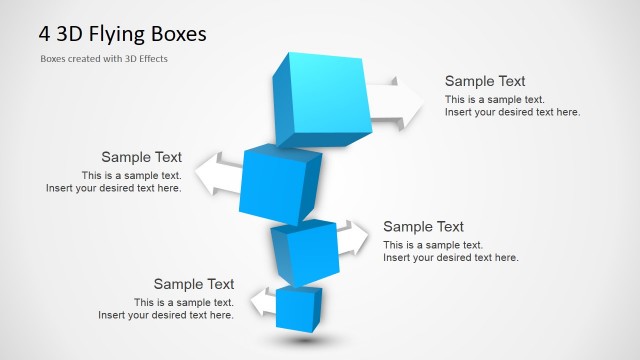
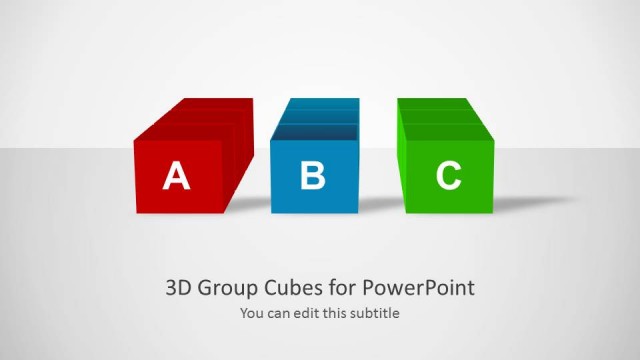
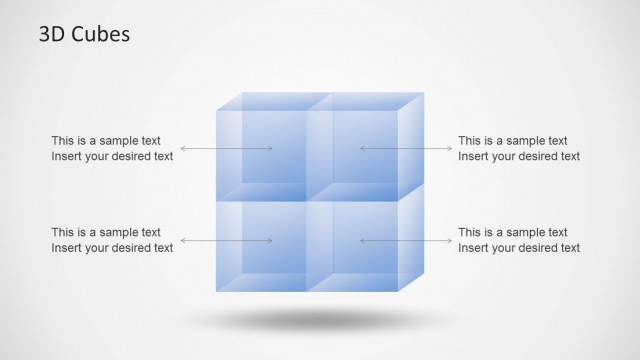
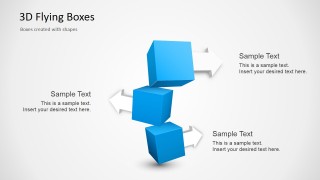
Three 3D Flying Boxes for PowerPoint is a creative presentation slide design containing a 3D illustration with flying boxes or 3D cubes.
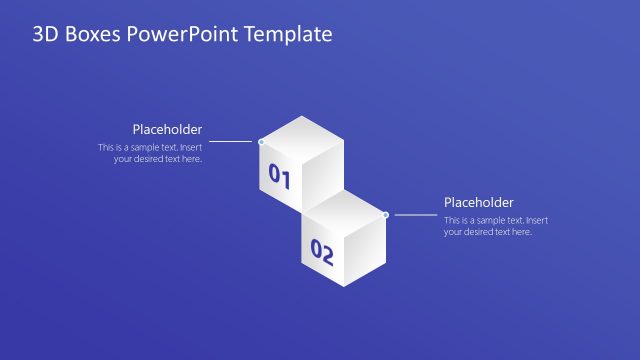
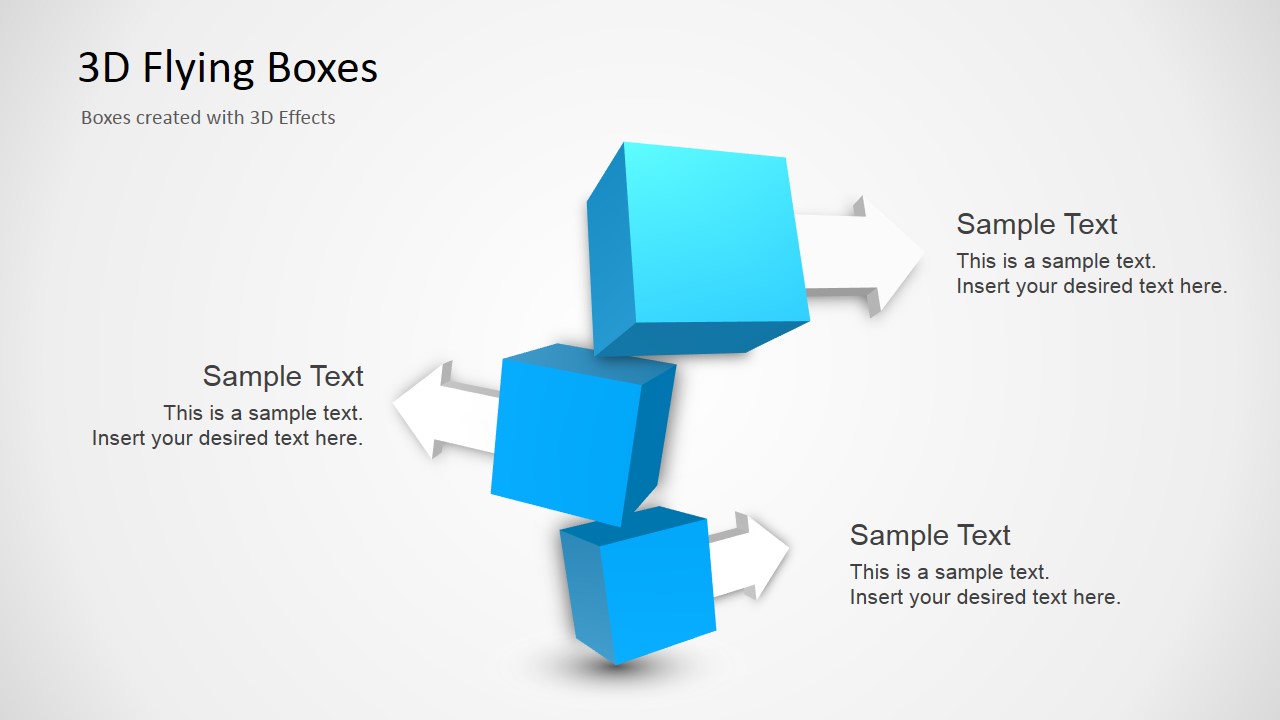
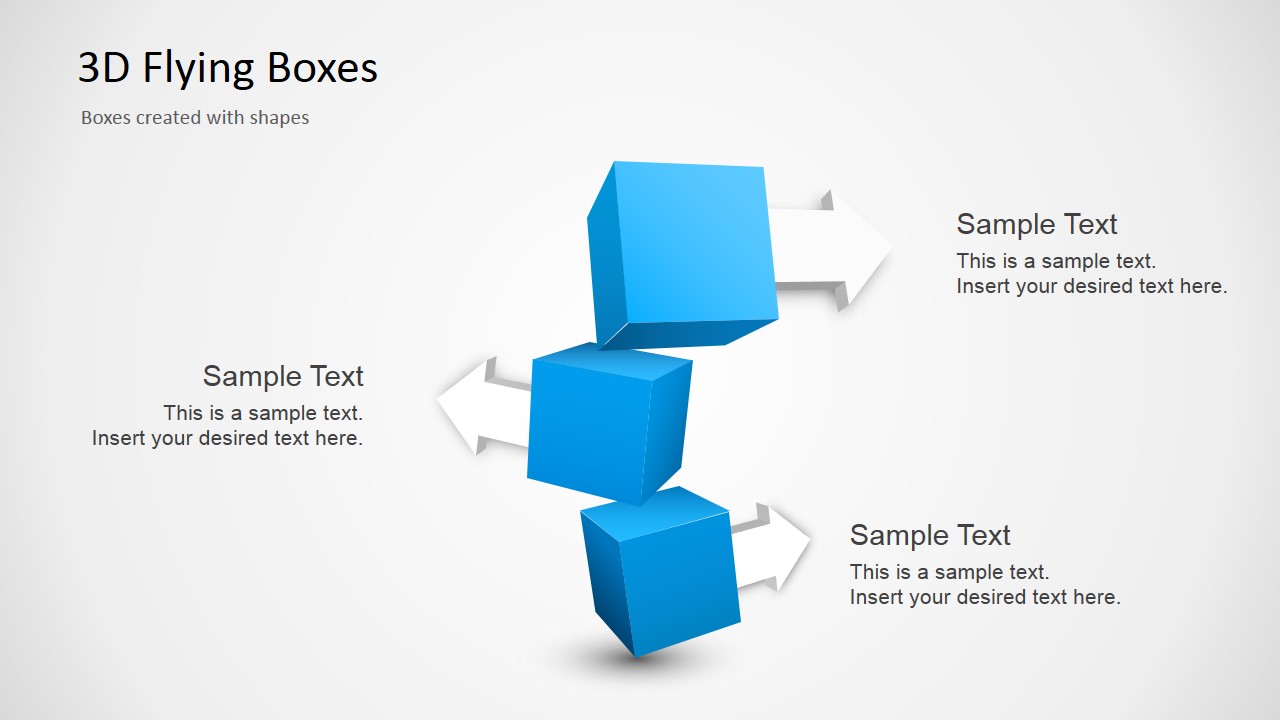
We have created this PowerPoint graphic using two different approaches. The first slide shows a version where we have used 3D effects in PowerPoint while the second slide contains a similar picture using PowerPoint shapes.
What’s inside this template
Example presentation scenarios
- A consultant can use the cube stack diagram to present three strategic options and explain each option through the surrounding arrow callouts.
- A project manager can use the three-box visual to summarize three workstreams, with each text area describing ownership, scope, or expected output.
- A product manager can use the PowerPoint shapes version to frame three product capabilities and connect each capability to a short customer benefit.
- A trainer can use the 3D effects version to introduce a three-step learning model, using the vertical cube arrangement to show progression.
Features
- 100% editable presentation template
- Compatible with Microsoft PowerPoint and Google Slides
- 16:9 aspect ratio slides
- Scalable vector shapes, icons and illustrations
- AI-Ready for Microsoft Copilot and Claude
- Instant access and download
Frequently asked questions
Q: How should a presenter organize content around the three flying boxes?
A: Use one idea per cube and keep each callout to a short label plus one supporting sentence. The visual already carries depth and motion, so the text should clarify the relationship between the three points rather than repeat the same phrase. Present the cubes as steps, options, inputs, or outcomes depending on the message.
Q: What presentation situations fit this template best?
A: This template fits short business explanations where the presenter needs to make three items memorable without building a full process map. Consultants, managers, trainers, and product teams can use it to frame three priorities, features, workstreams, or decisions. It is less suited to dense reporting because the layout is intentionally conceptual.
Q: Why use a 3D cube metaphor instead of a flat three-item list?
A: The cube metaphor gives each item a sense of weight and dimension, which helps the audience treat the three points as substantial components rather than bullets. The stacked arrangement implies progression or relationship, while the arrows guide attention outward to the explanations. This improves recall for abstract business concepts.
Three 3D Flying Boxes for PowerPoint
2-slide presentation template with 3D flying boxes, cube stack diagram, and directional callouts
Three 3D Flying Boxes for PowerPoint is a 2-slide diagram template for Microsoft PowerPoint and Google Slides. It shows a vertical stack of three blue 3D cubes, directional arrow callouts, and text placeholders. The two versions show boxes made with 3D effects and with editable PowerPoint shapes.
- Category
- Shapes
- Rating


 Loading...
- Aspect ratio
- 16:9
- Item ID
- 2026-01
- Colors
 Microsoft PowerPoint
  Microsoft Copilot
  Claude for PowerPoint
 Other formats supported
Subscribe today and get immediate
access to download our PowerPoint templates.