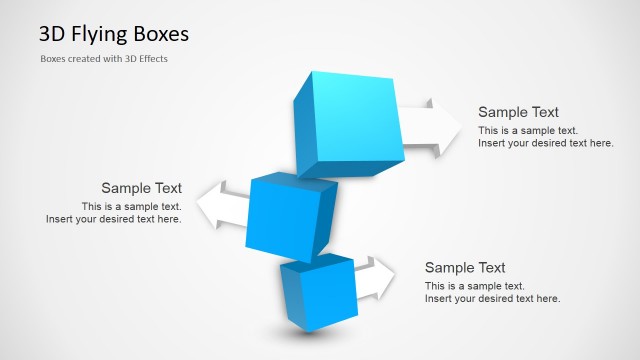
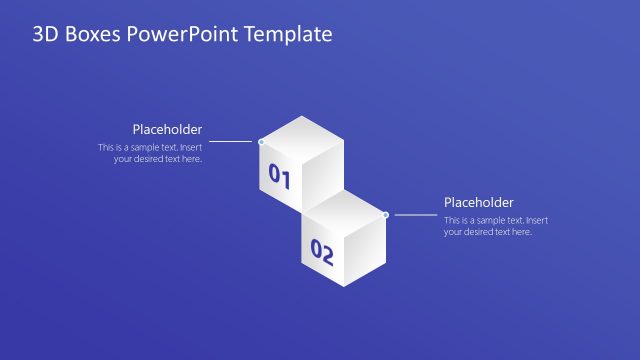
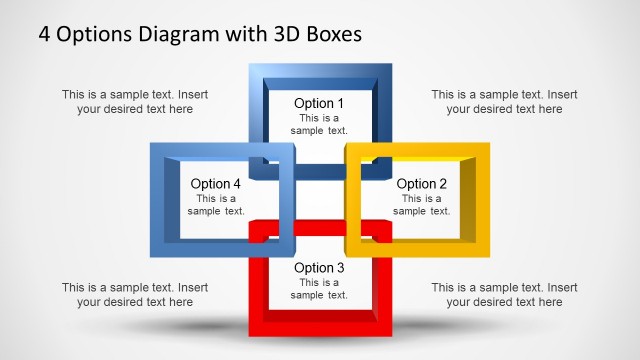
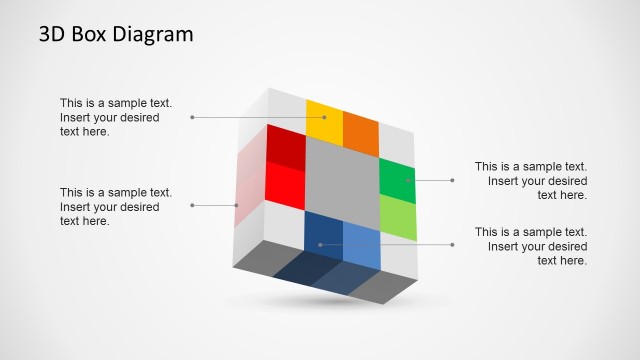
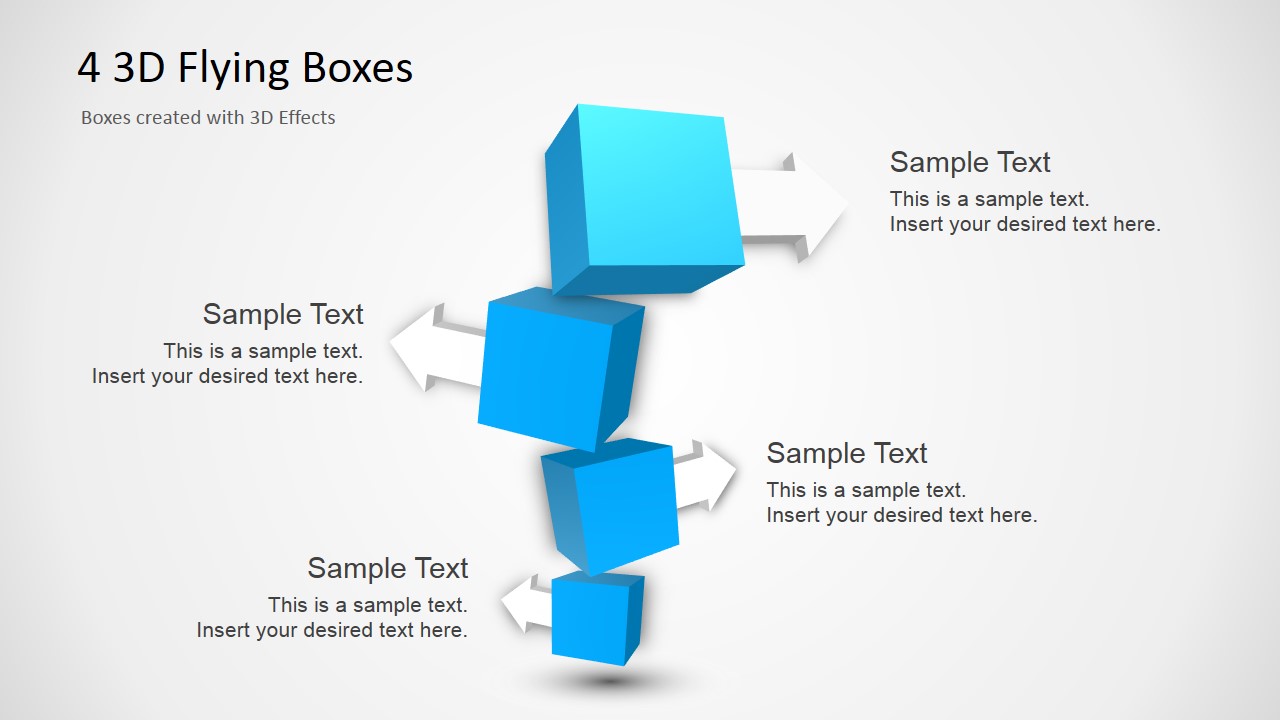
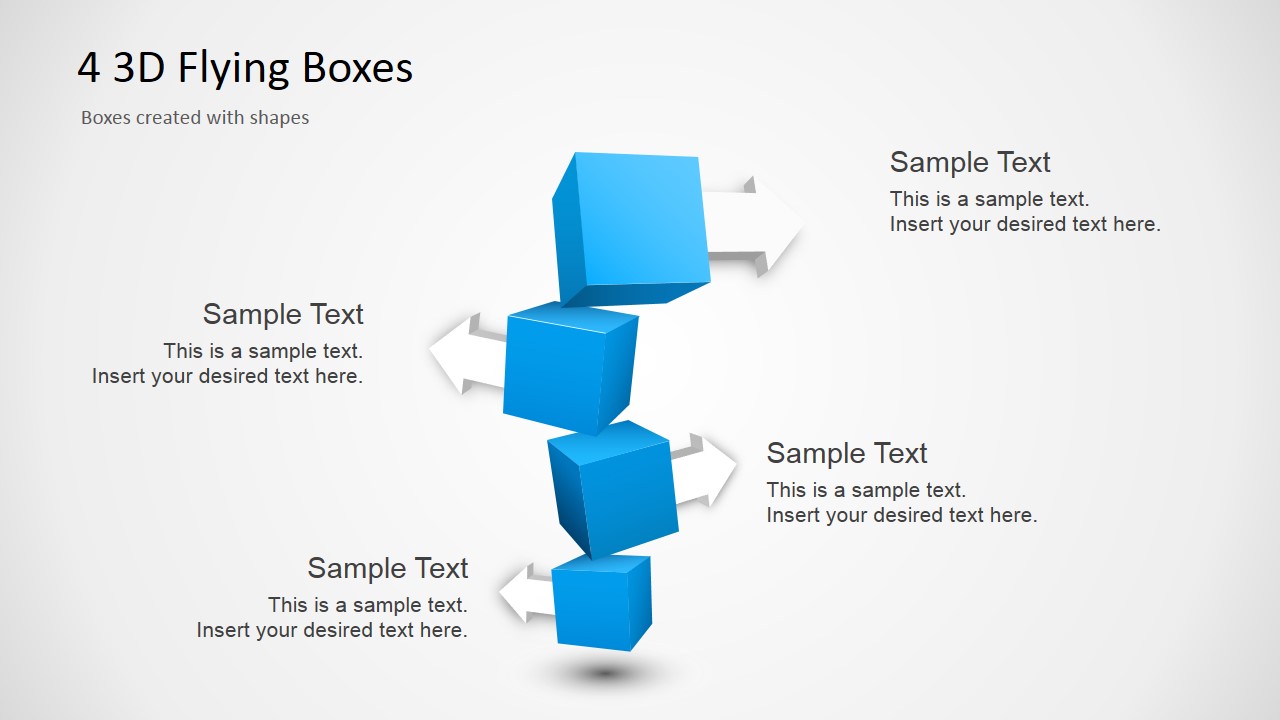
Four 3D Flying Boxes for PowerPoint is a creative presentation slide design containing four 3D boxes in the illustration. This presentation design contains two slides as we have created the illustration following two different approaches. The first slide uses built-in PowerPoint effects to achieve the 3D effect while the second slide has the 3D boxes created as individual shapes. By using the second slide to prepare your presentations you can avoid compatibilities issues while porting your presentation to other non-Microsoft environments for example if you want to use the PowerPoint graphics in Keynote presentations or OpenOffice.
What’s inside this template
Example presentation scenarios
- A project manager can use the four box stack to introduce four milestones and place concise timing or ownership notes in the arrow callouts.
- A consultant can present a four-part operating model by assigning each box to a capability and using the surrounding text labels to explain the business role of each capability.
- A product manager can explain four platform modules by mapping each module to one box and using the callouts to describe user value or implementation notes.
- An instructor can organize a short training section around four learning points, using the floating boxes as a memorable visual anchor for the lesson.
Features
- 100% editable presentation template
- Compatible with Microsoft PowerPoint and Google Slides
- 16:9 aspect ratio slides
- Scalable vector shapes, icons and illustrations
- AI-Ready for Microsoft Copilot and Claude
- Instant access and download
Frequently asked questions
Q: How should I present a four-step message with this diagram?
A: Treat the centered boxes as the main structure and the callouts as short explanations, not paragraphs. Start with the top or bottom box, define the logic of the order, then move through each point in the same direction. Keep each text block to one key statement so the 3D stack remains the dominant visual.
Q: What kind of audience benefits most from this 3D box visual?
A: This layout fits audiences that need a quick mental model rather than dense analysis. Executives, clients, learners, and cross-functional teams can understand four priorities, modules, or steps at a glance. It works best when the presenter has already simplified the message into four balanced parts.
Q: Why use floating boxes instead of a standard list?
A: The flying box metaphor makes separate items feel connected without forcing a strict process timeline. The vertical stack suggests building blocks, levels, or components, while the arrows create space for explanations around the center. This helps the audience see both the whole concept and the four supporting parts.

Four 3D Flying Boxes for PowerPoint
2-slide presentation template for four 3D flying boxes, arrow callouts, and step concepts
Four 3D Flying Boxes for PowerPoint is a 2-slide diagram presentation template for showing a four-part concept with a central stack of blue 3D boxes, directional arrow callouts, and four text labels. It is for presenters explaining steps, components, or priorities in Microsoft PowerPoint and Google Slides.
- Category
- Shapes
- Rating


 Loading...
- Aspect ratio
- 16:9
- Item ID
- 2026-02
- Colors
 Microsoft PowerPoint
  Microsoft Copilot
  Claude for PowerPoint
 Other formats supported
Subscribe today and get immediate
access to download our PowerPoint templates.