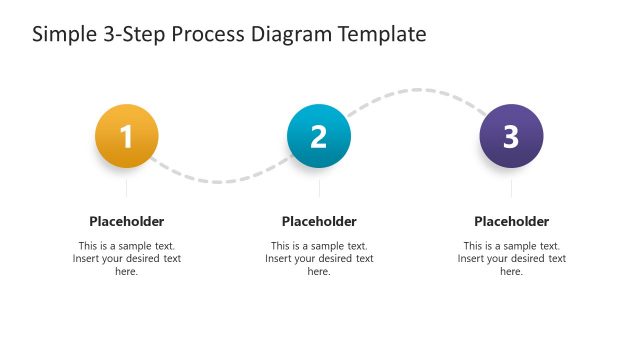
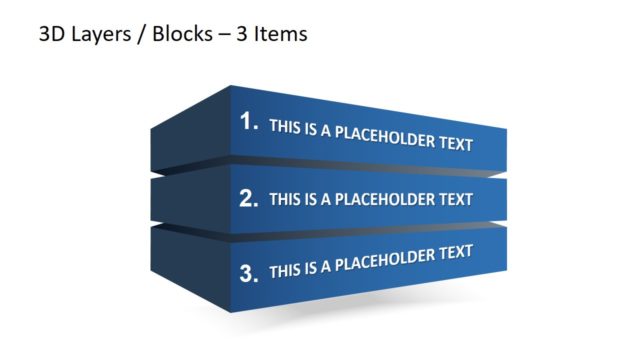
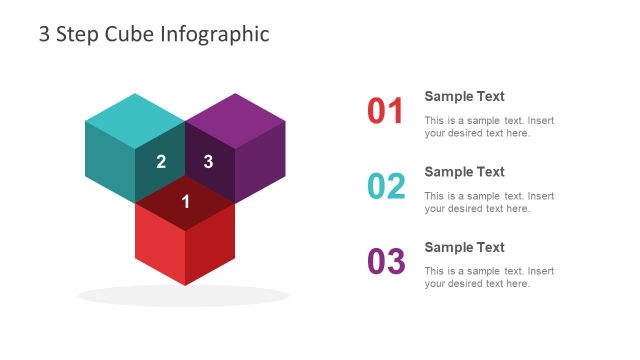
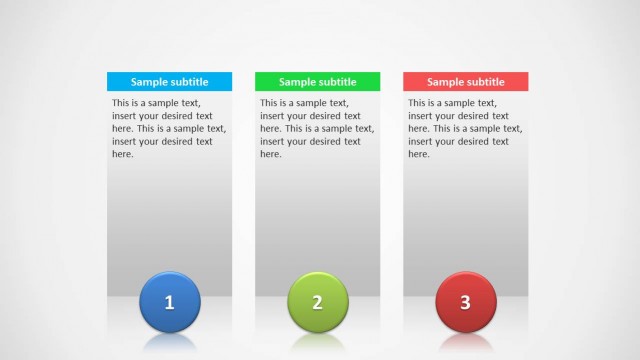
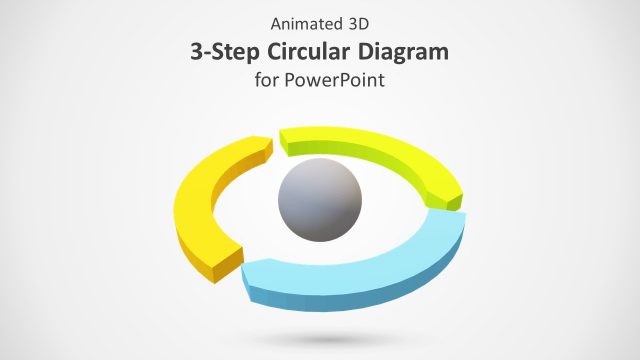
3 Steps Platform & Text Boxes Design for PowerPoint. This template can be used for explaining a three step process using elegant 3D slide designs.
The 3D slides in this template come with space for inserting text and images, with the option to customize the shape, size and color of slide objects.
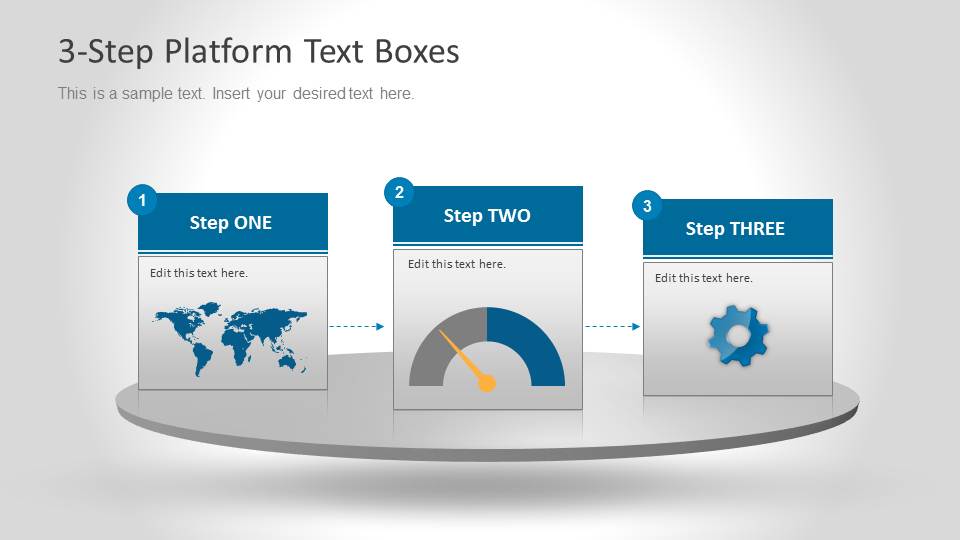
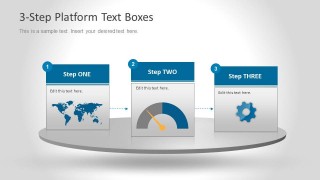
The clipart incorporated in sample slides includes a speedometer, cog and a world map. You can not only use these clipart images for your presentation slides but also replace them according to need.
What’s inside this template
Example presentation scenarios
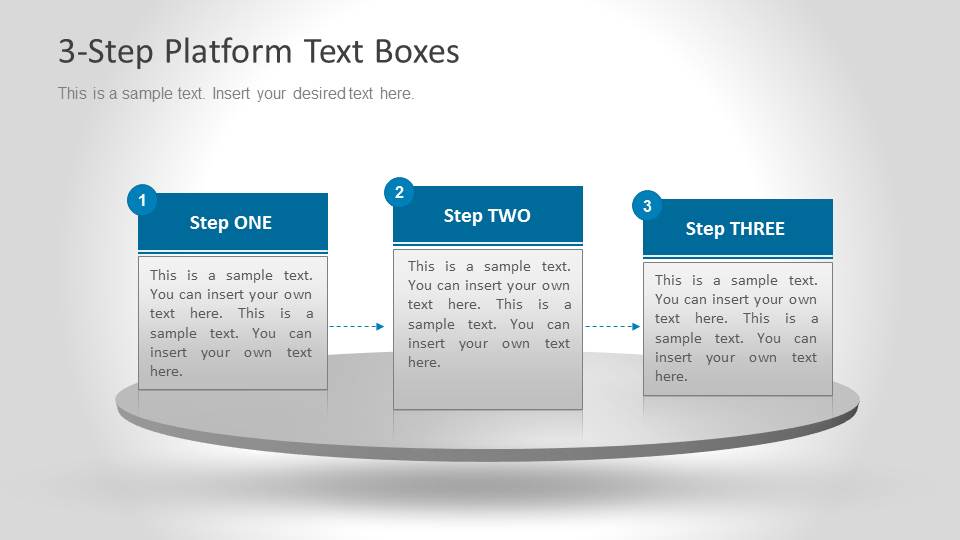
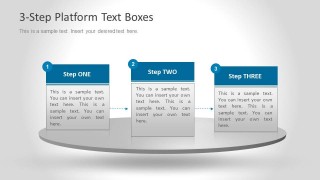
- A project manager can use the text-only platform slide to explain three implementation phases and keep attention on responsibilities, timing, and next actions.
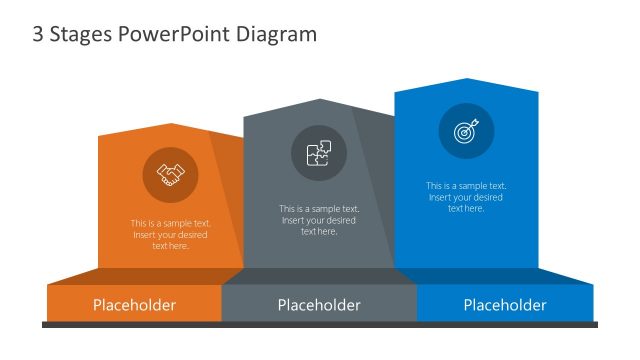
- A consultant can use the icon-card platform slide to frame a diagnostic, measurement, and improvement sequence with the map, speedometer, and gear visuals.
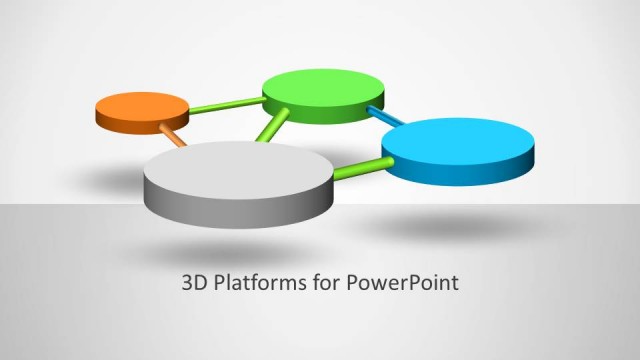
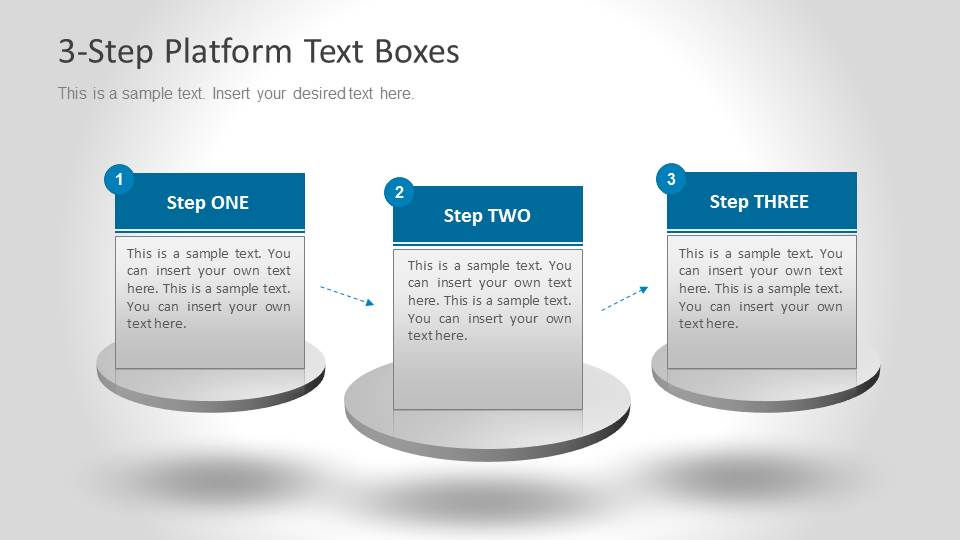
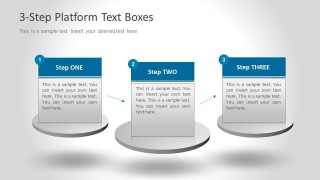
- A sales presenter can use the separated circular platform slide to show three service stages, from discovery to delivery, with dotted arrows guiding the buyer through the process.
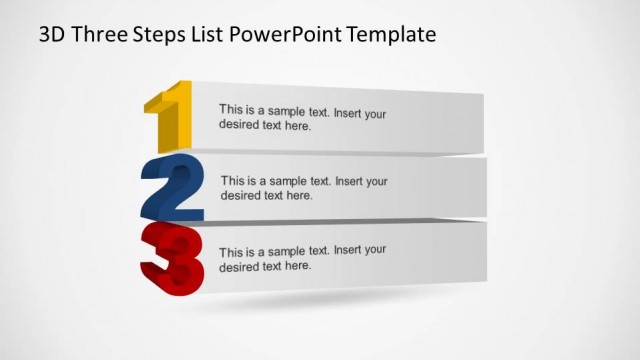
- A training facilitator can use the three numbered cards to break a short lesson into three repeatable actions, supported by concise body text in each step.
Features
- 100% editable presentation template
- Compatible with Microsoft PowerPoint and Google Slides
- Scalable vector shapes, icons and illustrations
- AI-Ready for Microsoft Copilot and Claude
- Instant access and download
Frequently asked questions
Q: How should a presenter write the three steps so the diagram stays clear?
A: Write each header as an action or phase name, then keep the body text to one short idea per card. The platform format works best when the three steps are parallel in wording, similar in length, and connected by a clear sequence. Use the icons only when they reinforce the meaning of each stage.
Q: Who is this template best suited for?
A: This template is best for business presenters who need to explain a compact three-part process without building a full roadmap. Project managers, consultants, sales teams, and trainers can use it to show phases, priorities, or service steps where the audience needs a quick grasp of order and relative importance.
Q: Why does the 3D platform metaphor help communicate a process?
A: The elevated platforms make each step feel like a defined stage rather than a paragraph in a list. Number badges establish order, dotted arrows show movement, and the gray base creates visual grounding. This is useful when the presenter wants the audience to remember three distinct blocks of information.
3 Steps Platform & Text Boxes Design for PowerPoint
3-slide PowerPoint presentation template for 3D process platforms and step text boxes
3 Steps Platform & Text Boxes Design for PowerPoint is a 3-slide template for explaining a three-part process with 3D platform metaphors. Visible layouts include a platform with icon cards, a platform with text-only cards, and separated circular platforms connected by dotted arrows for business process, priority, or workflow presentations.


 Loading...
 Microsoft PowerPoint
  Microsoft Copilot
  Claude for PowerPoint
 Other formats supported
Subscribe today and get immediate
access to download our PowerPoint templates.