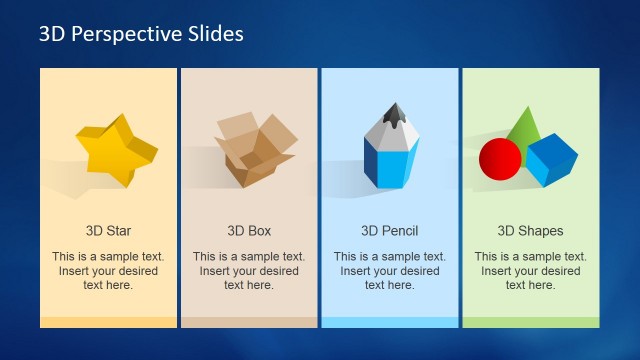
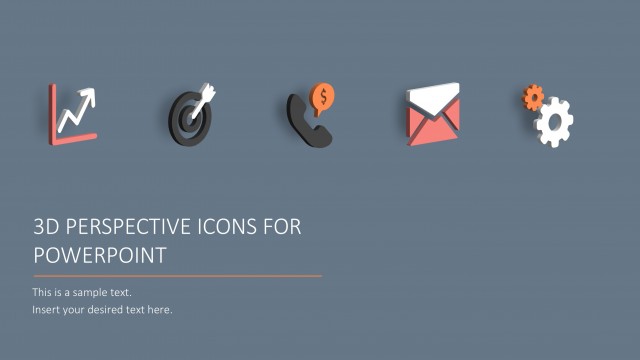
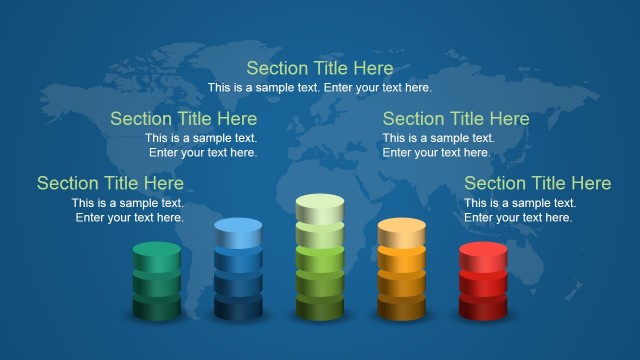
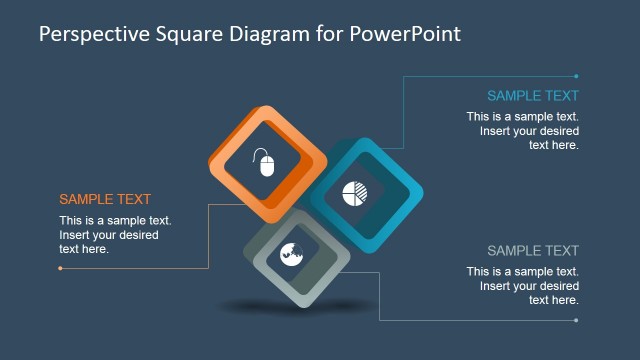
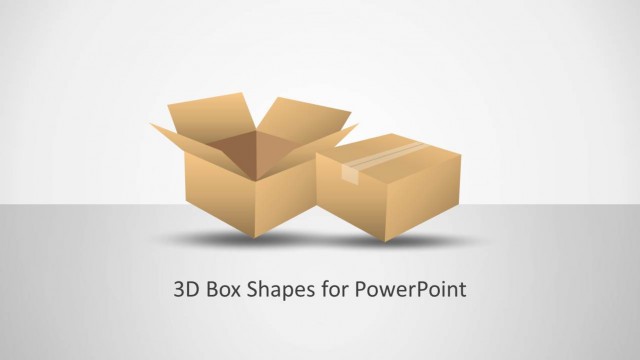
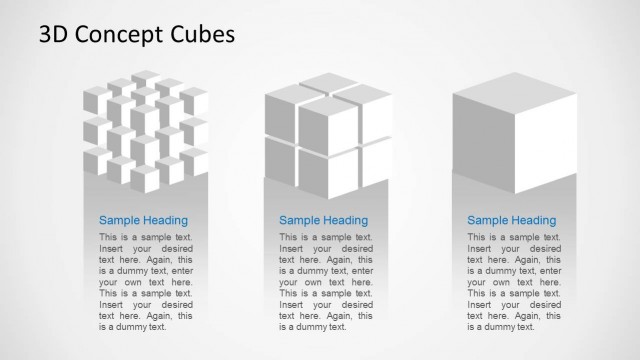
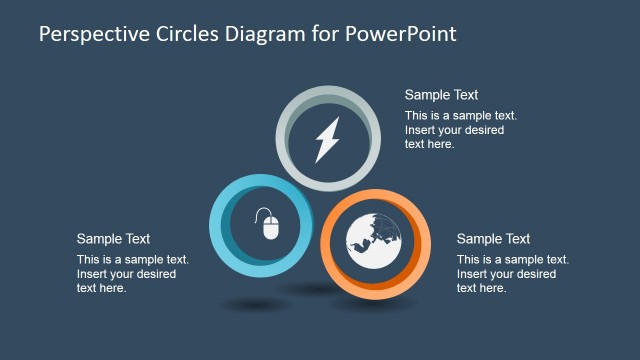
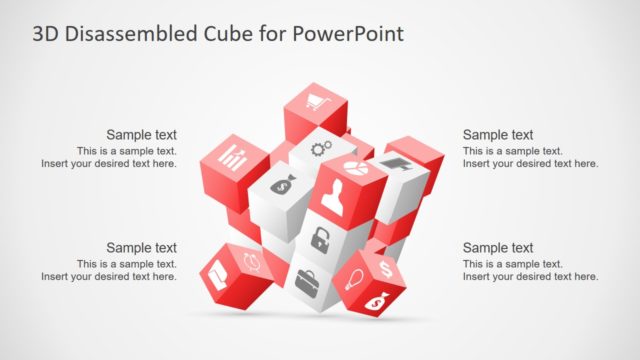
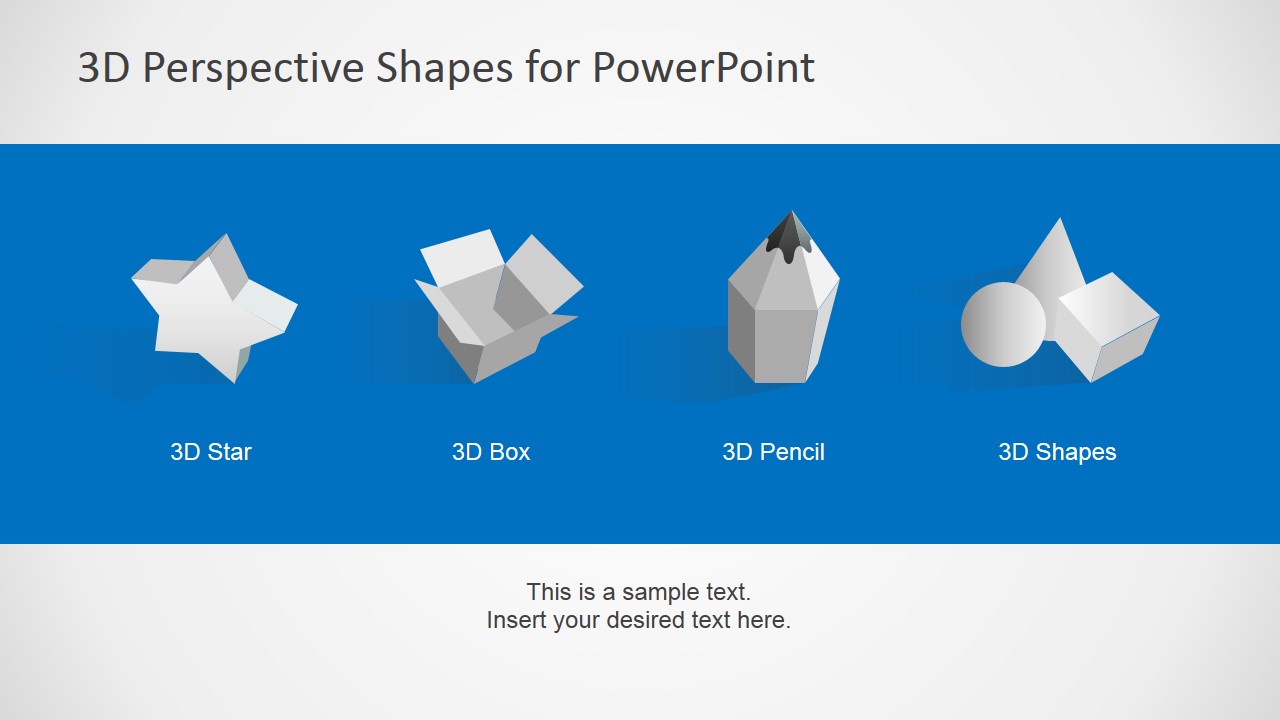
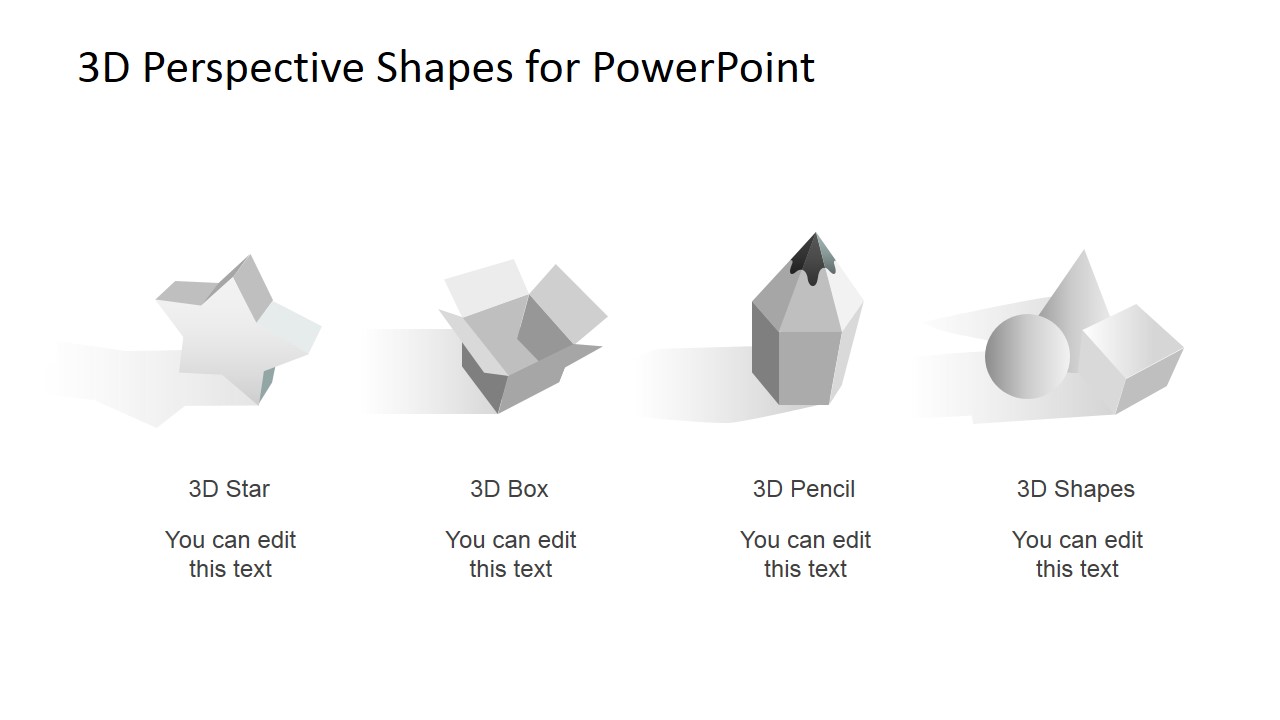
3D Perspective Shapes for PowerPoint is a creative PowerPoint template design containing multiple 3D icons as PowerPoint shapes that you can copy and paste into your own slides. We have created this 3D Perspective template for PowerPoint with four unique PowerPoint graphics & cliparts seen from a higher perspective.
Inside this presentation template you can find:
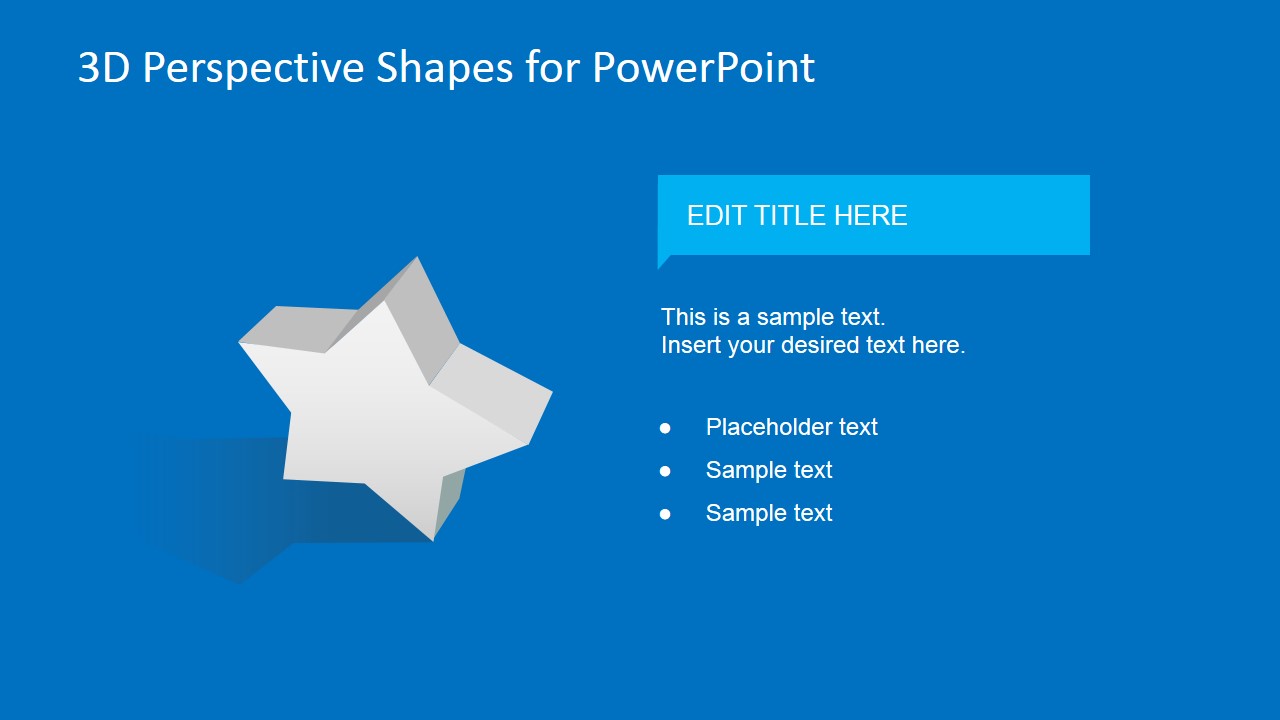
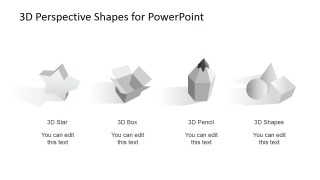
- 3D Star
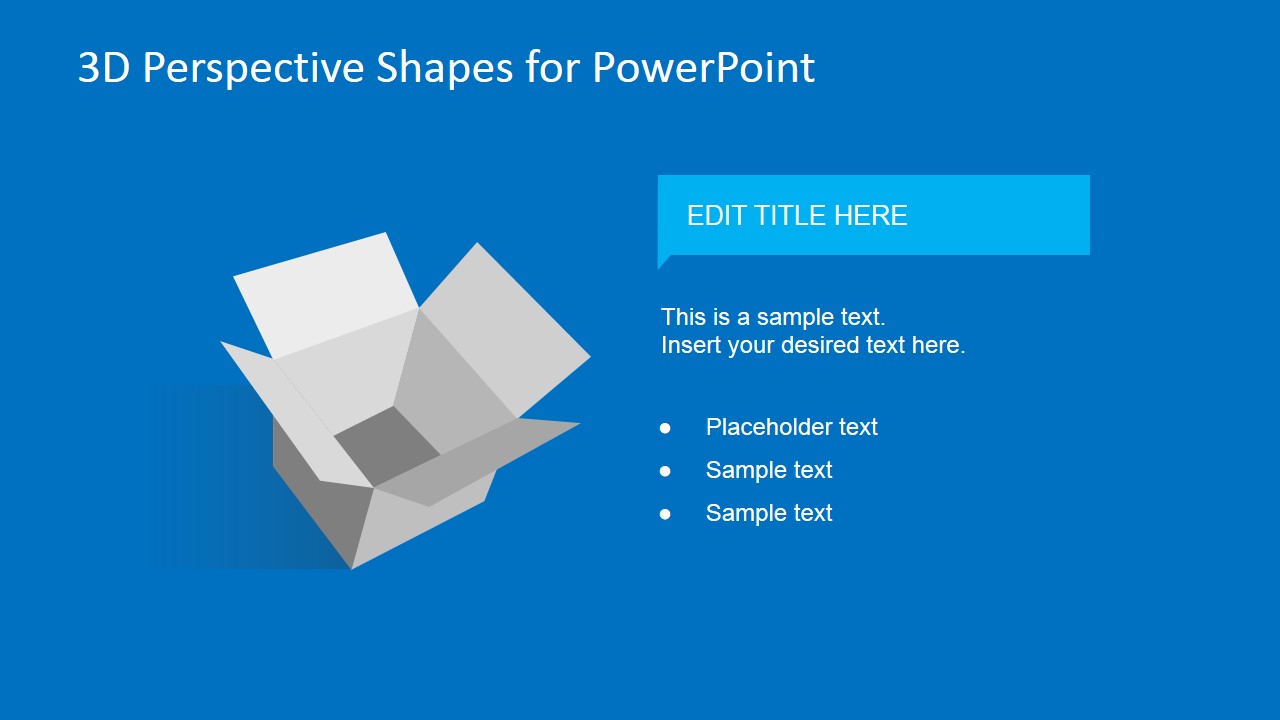
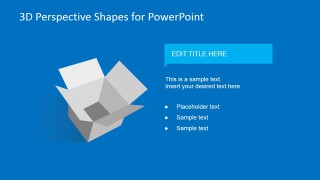
- 3D Shipping Package Box (opened)
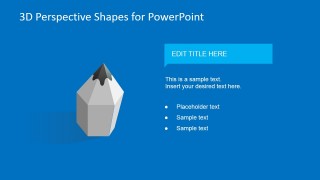
- Creative 3D Pencil
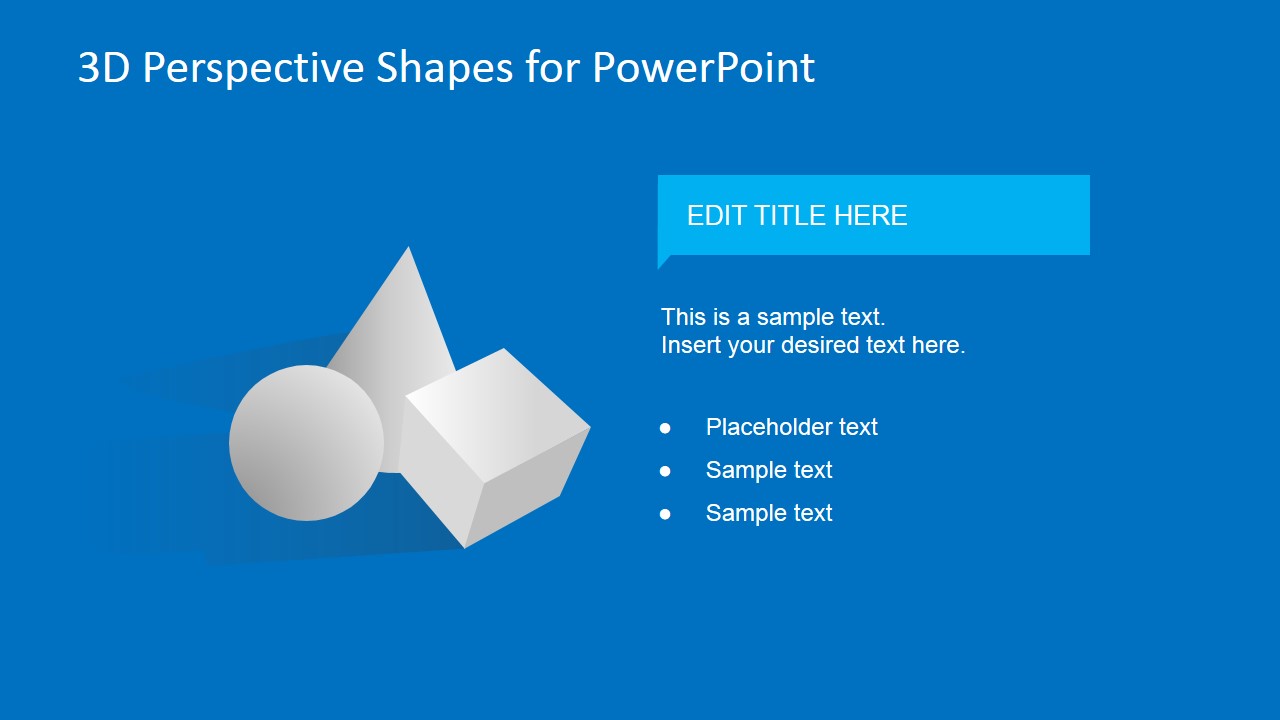
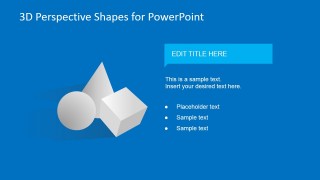
- 3D shapes including a sphere, box and cone
Alternatively you can download flat PowerPoint icons and slide designs containing creative graphics & clipart design that you can use in your presentations.
What’s inside this template
Example presentation scenarios
- A product manager can use the open box slide to explain packaging, delivery, or launch readiness while keeping the title ribbon and bullet list focused on the key message.
- A consultant can use the star slide to mark a priority, achievement, or key insight during a strategy workshop, then support it with the editable text block.
- An educator or trainer can use the pencil slide to introduce writing, planning, or creative work, pairing the large object with short instructional bullets.
- A marketing presenter can use the gallery slide to compare visual metaphors before assigning the star, box, pencil, or geometric shapes to campaign sections.
Features
- 100% editable presentation template
- Compatible with Microsoft PowerPoint and Google Slides
- 16:9 aspect ratio slides
- Scalable vector shapes, icons and illustrations
- AI-Ready for Microsoft Copilot and Claude
- Instant access and download
Frequently asked questions
Q: How should a presenter use these 3D shapes without making the slide feel decorative?
A: Assign one clear meaning to each object before placing it in the story. For example, use the star for a key insight, the open box for delivery or packaging, the pencil for planning, and the geometric group for abstract categories. Keep the bullet list short so the object acts as a visual anchor, not background decoration.
Q: Who is this template best suited for in a business presentation?
A: This template fits presenters who need a fast visual cue for an idea, product, process, or learning point. Consultants, product managers, trainers, and marketing teams can use the individual object slides when a single metaphor needs more emphasis than a flat icon, but less explanation than a full diagram.
Q: Why does the perspective style help communicate abstract ideas?
A: The perspective objects add depth and shadow, which makes each concept feel tangible. The large object on the left creates immediate recognition, while the title ribbon and bullets on the right create a simple reading path. This balance helps audiences connect an abstract topic to a concrete visual metaphor.

3D Perspective Shapes for PowerPoint
6-slide presentation template with 3D star, box, pencil, and geometric shape illustrations
3D Perspective Shapes for PowerPoint is a 6-slide presentation template with editable 3D-style PowerPoint shapes. It includes a shape index, individual star, open box, pencil, and geometric shape layouts, plus a white gallery slide. It is built for presenters who need visual symbols in Microsoft PowerPoint or Google Slides.
- Category
- Shapes
- Rating

 Loading...
- Aspect ratio
- 16:9
- Item ID
- 6620-01
- Colors
 Microsoft PowerPoint
  Microsoft Copilot
  Claude for PowerPoint
 Other formats supported
Subscribe today and get immediate
access to download our PowerPoint templates.