Slide 10 of 12 from Textboxes Template for PowerPoint with Colorful Header
6185-03-textbox-10
Textboxes - 2 Columns Layout for Presentations
- Text Layout
- Two Column Text
- Context Slide
- 16:9
- 100% Editable
The Textboxes - 2 Columns slide from the Textboxes Template for PowerPoint with Colorful Header offers a clear two-column layout ideal for feature comparison and side-by-side analysis. This slide template supports business presentations and educational content by organizing information in editable slides with balanced headers and body text areas, enhancing readability and structured communication within a corporate presentation or pitch deck template.
What’s on This Slide
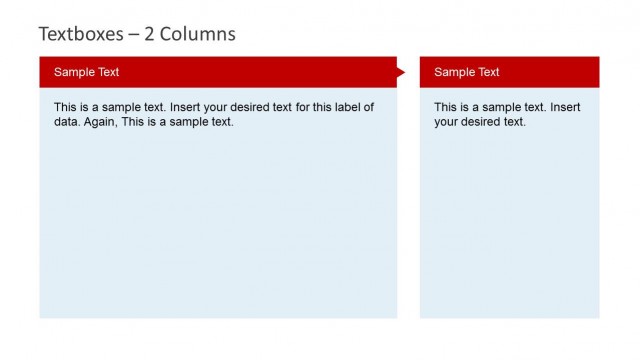
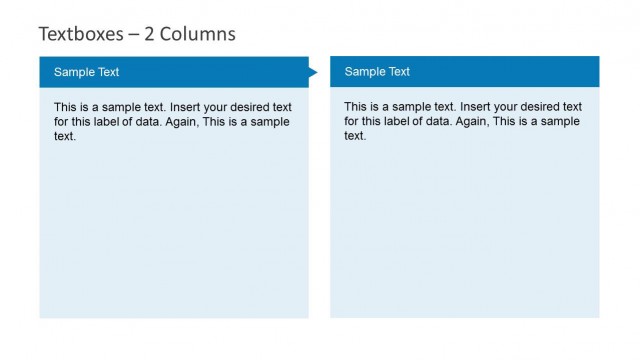
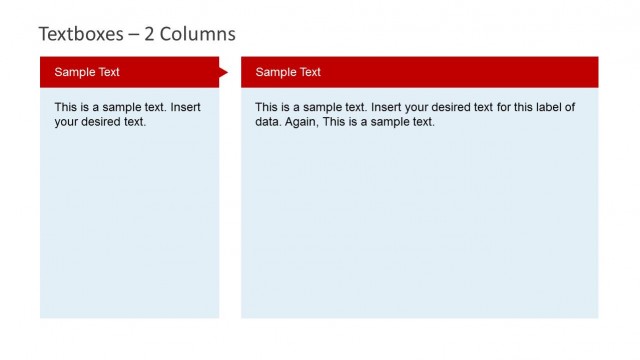
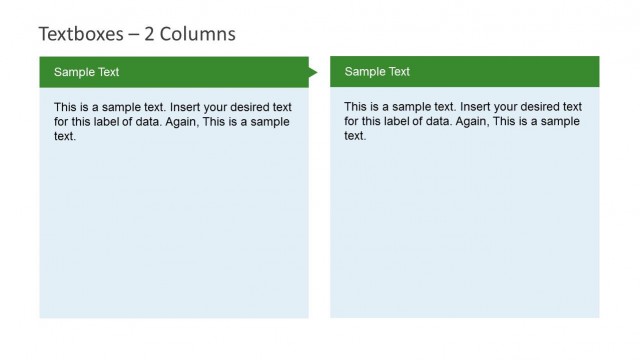
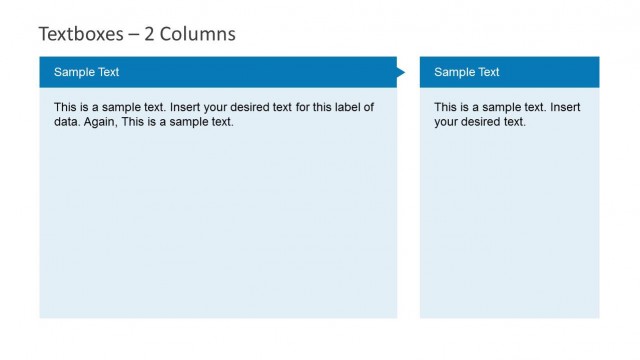
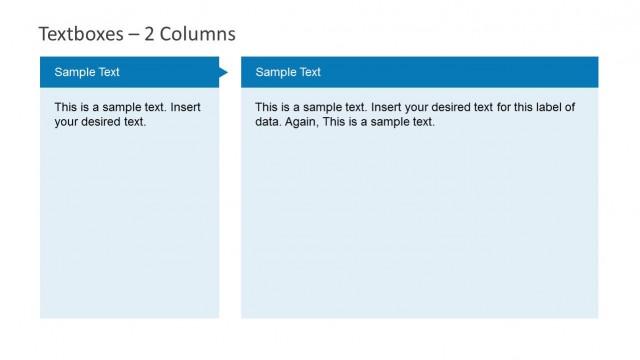
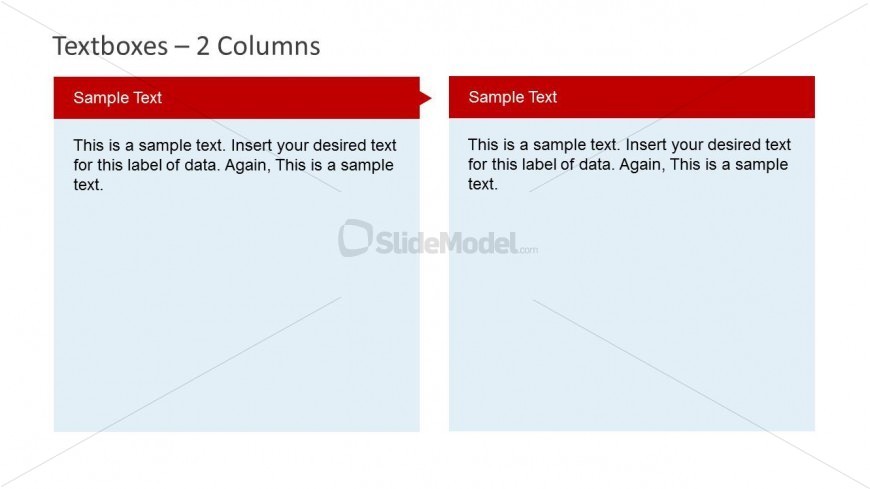
The layout features two equal-width columns, each containing a header and a body text area. The left column has a red header labeled 'Sample Text' positioned at the top, followed by a light blue body text area. The right column mirrors this structure with the same header and body text area. Both columns are aligned vertically, creating a balanced appearance. Text placeholders are present in both body areas, allowing for substantial content. The overall design is simple, focusing on text organization without additional graphics or images.
How to Use It
This layout serves as a two-column text comparison or information presentation format. It is suitable for scenarios such as side-by-side analysis, feature comparisons, or presenting different perspectives on a topic. Positioned in the middle of the presentation sequence, it can effectively follow an introductory slide or a problem statement. This format is ideal for business reports, educational content, or any context requiring clear text separation for easy reading and comprehension.
Text Placeholders & Capacity
Keep your copy within these limits so it fits without resizing. Body slots can accommodate around 40-50 words each.
| Placeholder | Count | Max characters (approx.) |
|---|---|---|
| Slide title | 1 | 30 |
| Item heading | 2 | 30 |
| Item body | 2 | 250 |
Slide Keywords
Download unlimited PowerPoint templates, charts and graphics for your presentations with our annual plan.
DOWNLOADReturn to Textboxes Template for PowerPoint with Colorful Header.