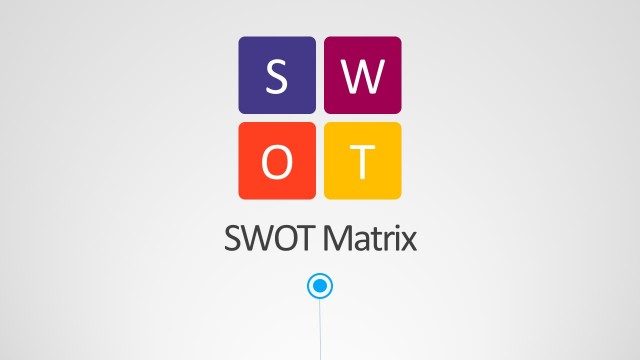
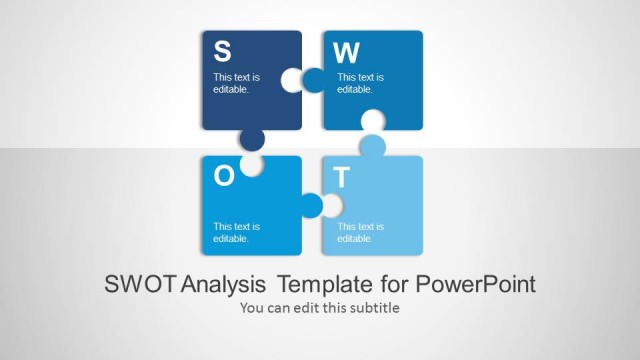
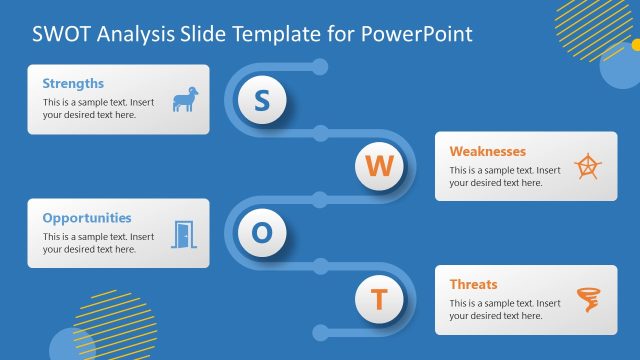
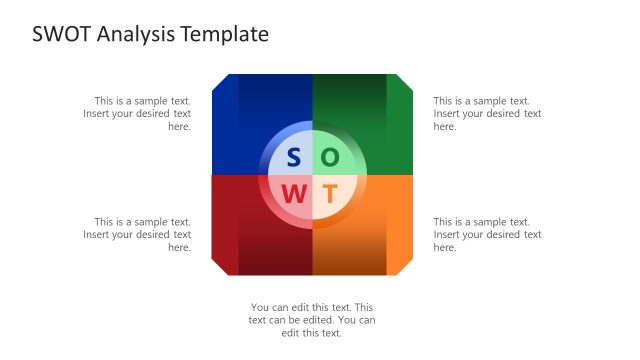
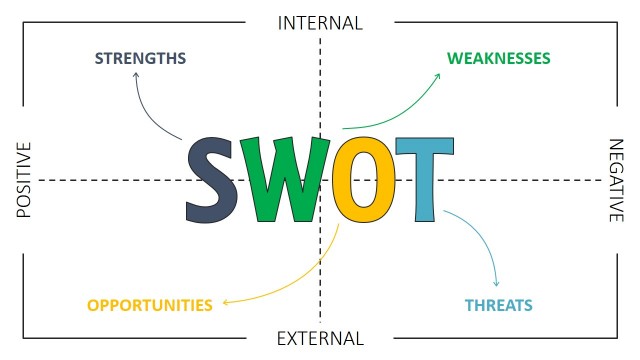
This is an animated SWOT Analysis PowerPoint Template that you can use to make compelling SWOT analysis and business PowerPoint presentations using Microsoft PowerPoint 2007, 2010 and 2013.
A SWOT matrix is a structured planning method that is widely used to evaluate the strengths, weaknesses, opportunities and threats involved in a project or in a business venture. It is part of a business plan but SWOT matrix is also used in many competitor analyses. Marketers can build detailed profiles of each competitor in and present them in a PowerPoint presentation where the focus is on their relative competitive strengths and weaknesses using SWOT Analysis.
What’s inside this template
Example presentation scenarios
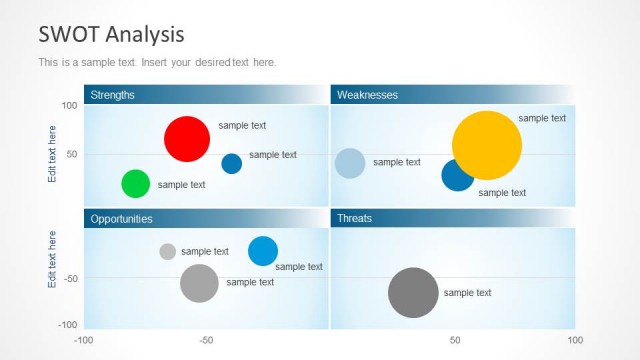
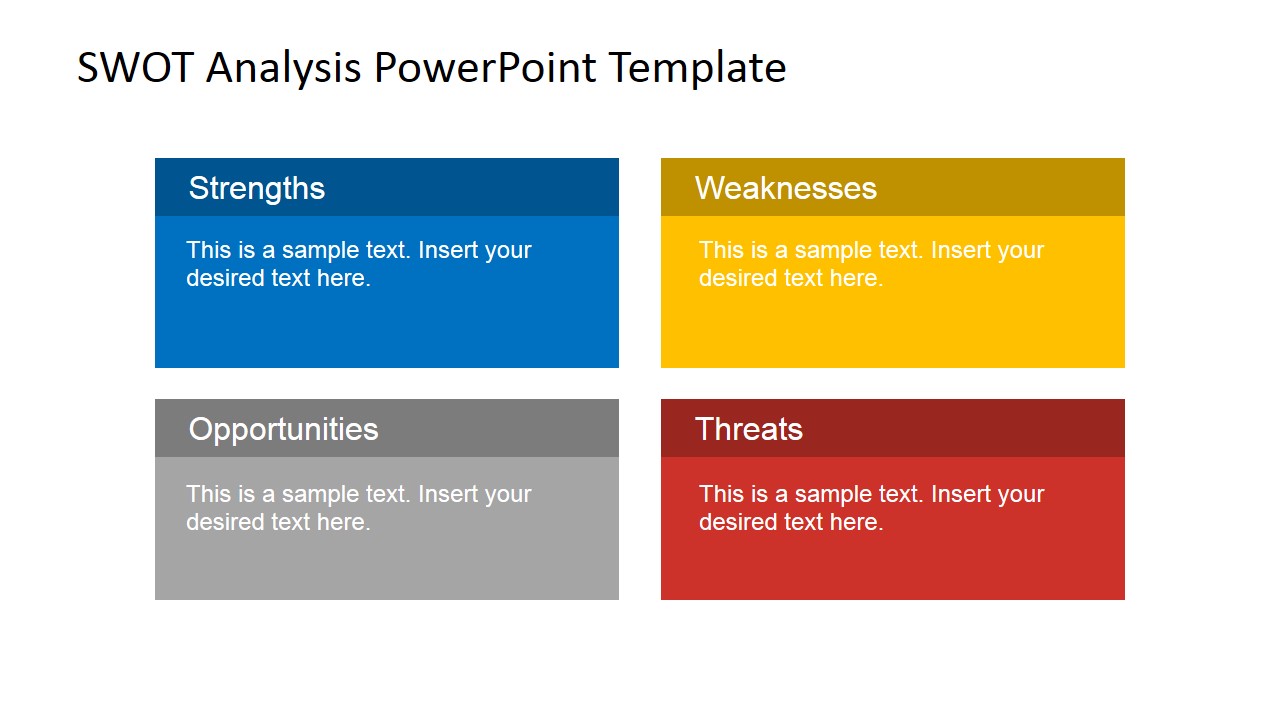
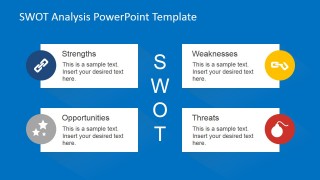
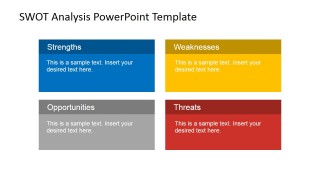
- A strategy consultant can use the four-quadrant SWOT matrix to summarize client findings before moving into the individual strengths and weaknesses detail slides.
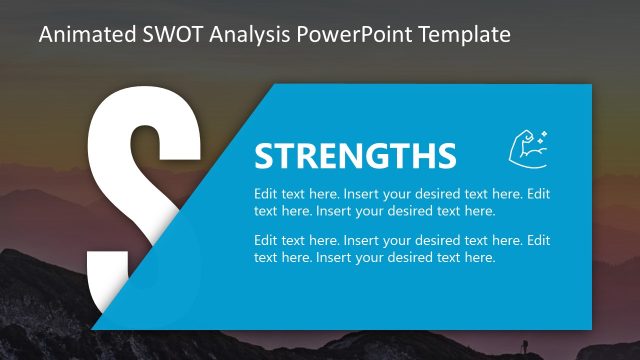
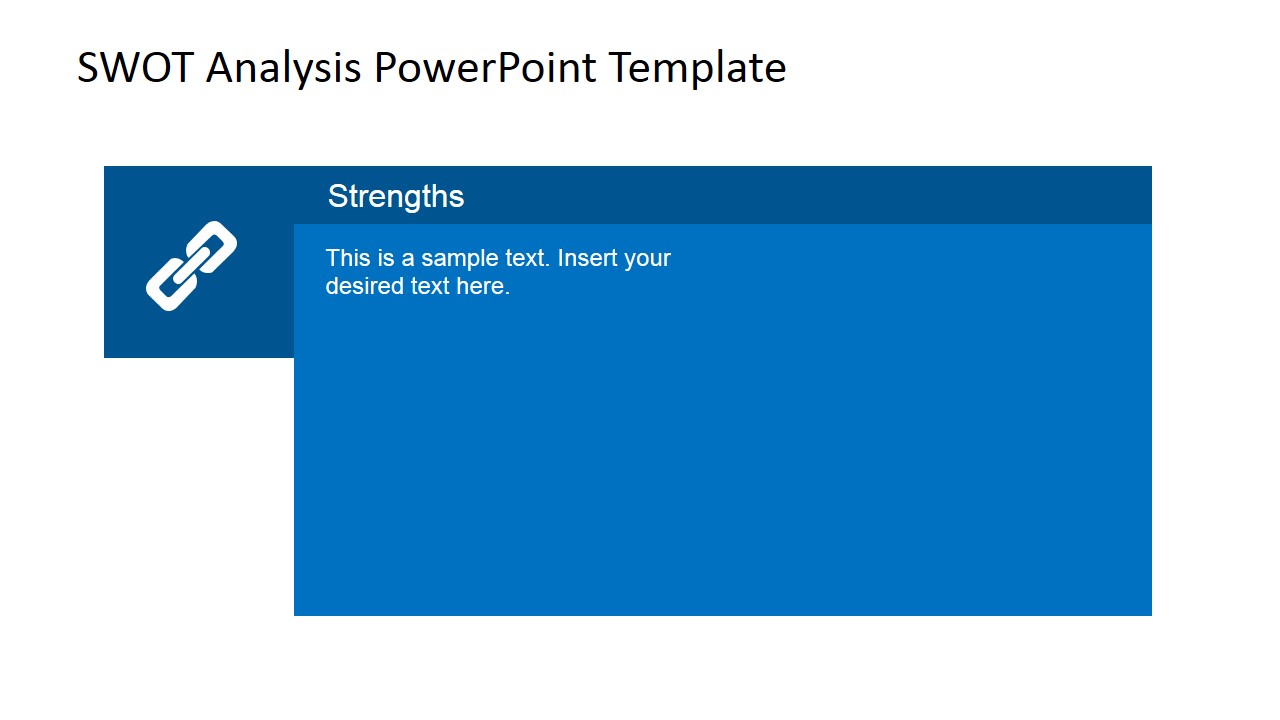
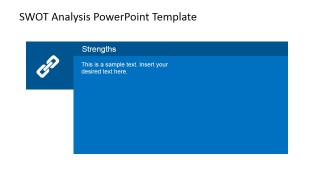
- A marketing manager can present a competitor review by placing internal advantages in the blue strengths panel and market risks in the red threats detail slide.
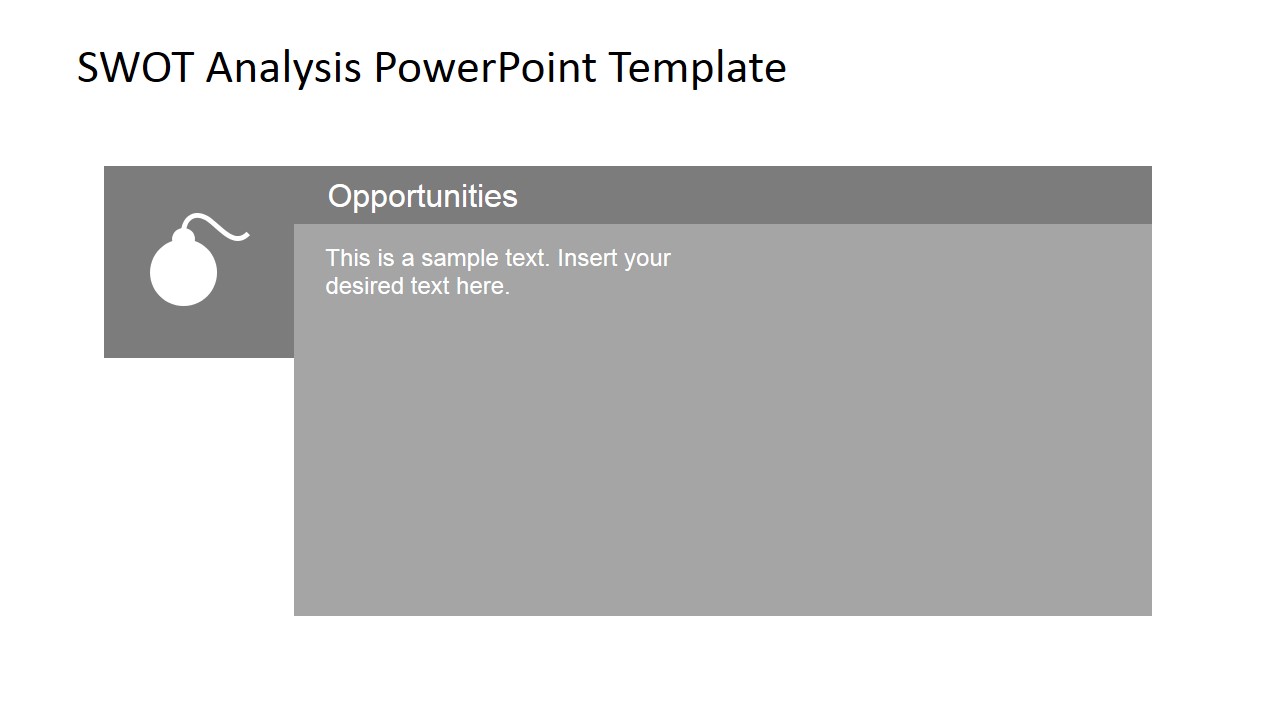
- A product manager can guide a roadmap discussion by using the opportunities and threats slides to separate market upside from external execution risks.
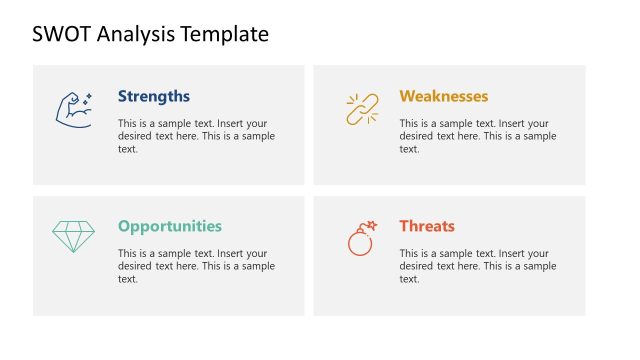
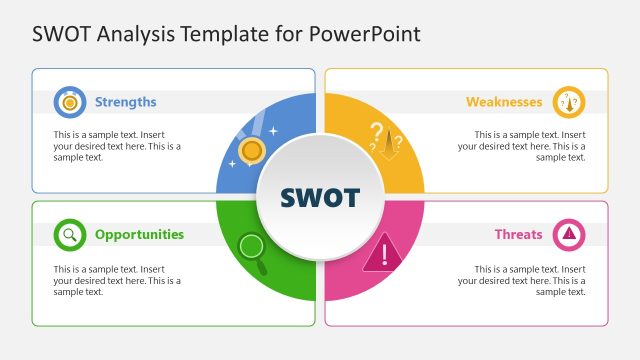
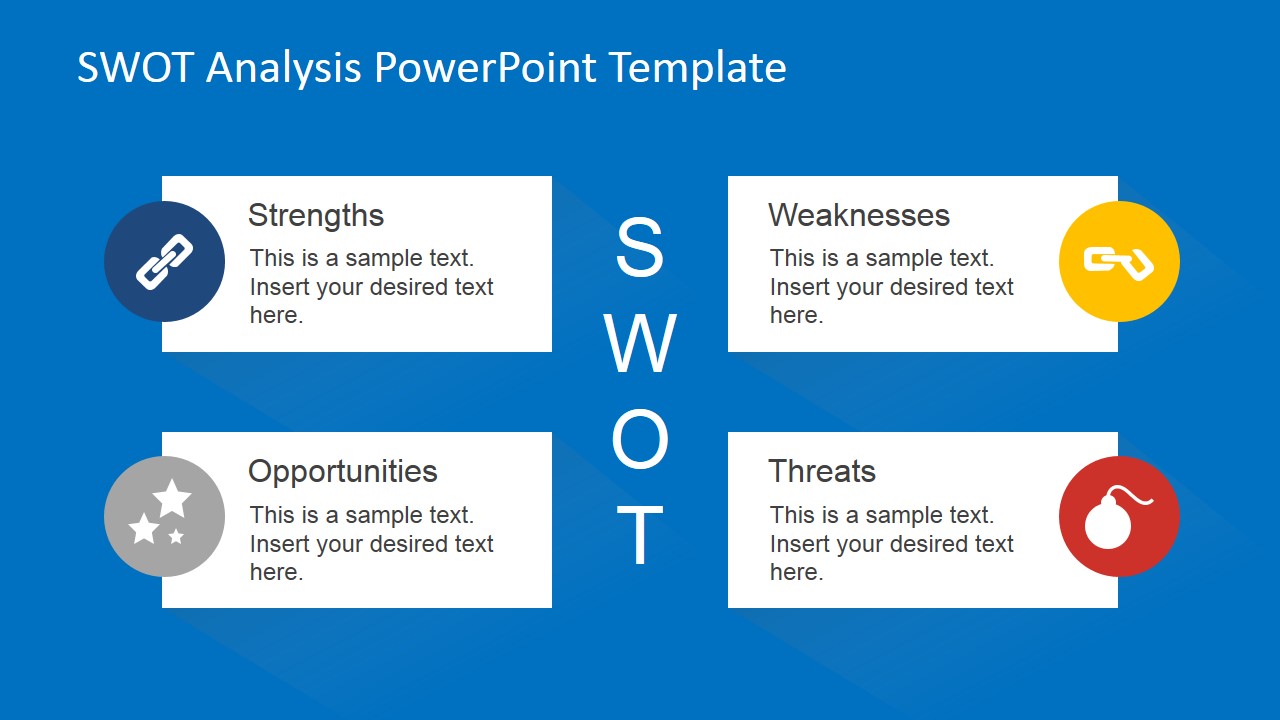
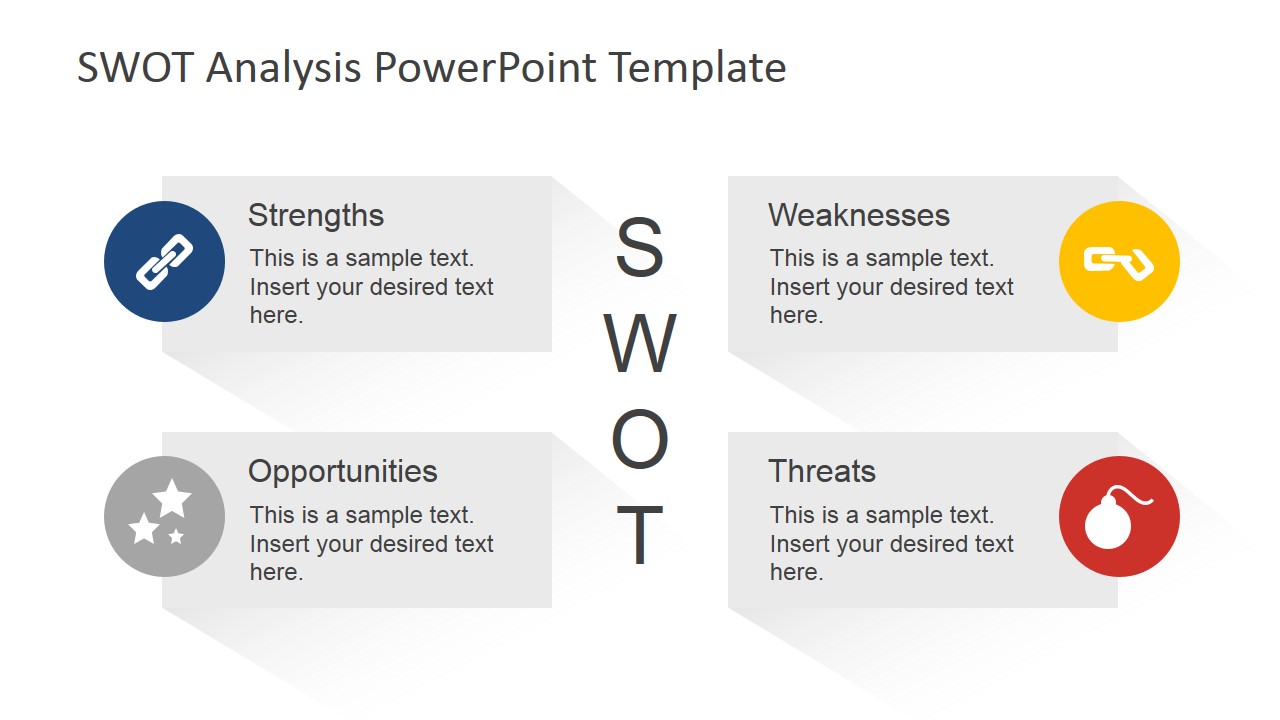
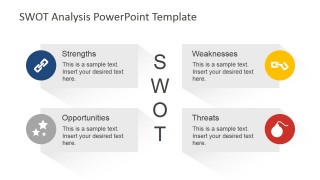
- An executive team can use the icon callout overview to align on the full SWOT picture before deciding which category deserves deeper discussion.
Features
- 100% editable presentation template
- Compatible with Microsoft PowerPoint and Google Slides
- 16:9 aspect ratio slides
- Scalable vector shapes, icons and illustrations
- AI-Ready for Microsoft Copilot and Claude
- Instant access and download
Frequently asked questions
Q: How should a presenter organize the SWOT message with this template?
A: Start with one of the overview slides to frame the four categories at the same level of importance. Use the four-quadrant matrix for the short executive readout, then move to the large detail slides only for the categories that need evidence, examples, or decisions. Keep each point concise so the audience can compare tradeoffs.
Q: Who is this SWOT template best suited for?
A: This template fits consultants, analysts, marketers, and managers who need to explain a qualitative strategy assessment in a meeting. It works well when the audience already understands the business context and needs a structured comparison of strengths, weaknesses, opportunities, and threats rather than a long narrative report.
Q: Why do the quadrant and icon layouts help communicate SWOT analysis?
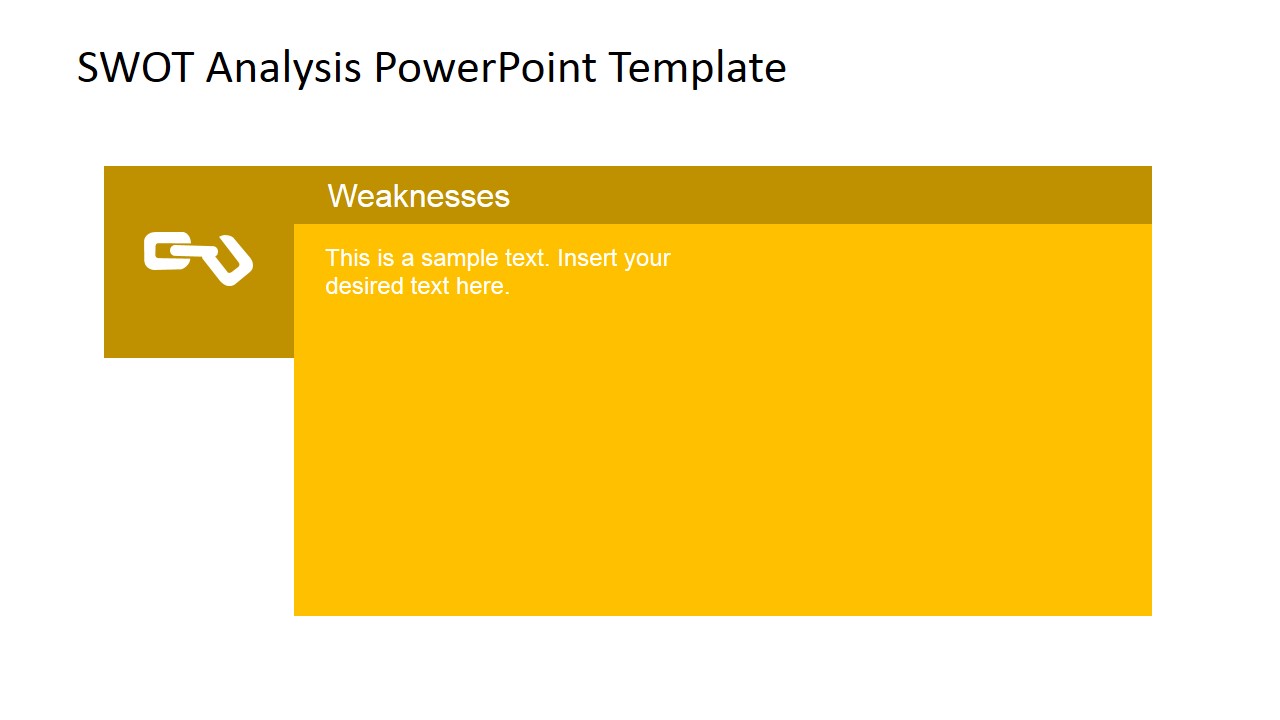
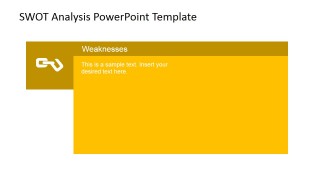
A: The quadrant layout makes the SWOT framework easy to scan because each category has a fixed position and color cue. The icon callout slides add visual anchors for the four concepts, while the large category slides give space for discussion. This separation helps prevent one busy matrix from carrying every detail.

Animated SWOT Analysis PowerPoint Template
7-slide SWOT analysis presentation template with matrix layouts, category detail slides, and editable icons
Animated SWOT Analysis PowerPoint Template is a 7-slide 16:9 strategy template for presenting strengths, weaknesses, opportunities, and threats. It includes icon callout SWOT overviews, a four-quadrant SWOT matrix, and individual category detail slides for business planning, competitor review, or project assessment in Microsoft PowerPoint and Google Slides.
- Category
- Strategy
- Rating


 Loading...
- Aspect ratio
- 16:9
- Item ID
- 6682-02
- Colors
 Microsoft PowerPoint
  Microsoft Copilot
  Claude for PowerPoint
 Other formats supported
Subscribe today and get immediate
access to download our PowerPoint templates.