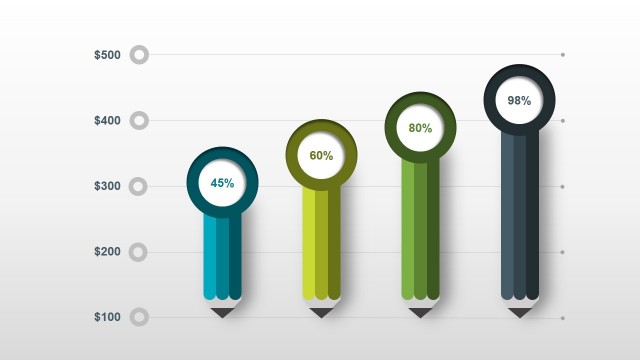
Stock Market PowerPoint Template is a professional presentation specifically designed for individuals and companies involved in the stock market business. It enables the user to incorporate well-organized information with a highly specialized layout. Well-designed, editable clipart icons give every presentation a pleasant, professional visual quality. Such feature is important considering that the human brain processes graphic illustrations much faster than plain text. The presenter will be able to effectively get the intended message across quickly and without much difficulty.
Showing stock results to investors will no longer be complicated with this great PowerPoint Diagram. All charts and tables needed for a comprehensive presentation regarding stock market are included in the template. The attention of the audience will definitely be captivated even as the presenter discusses Bullish and Bearish Markets, Bonds, Futures, Index, etc.
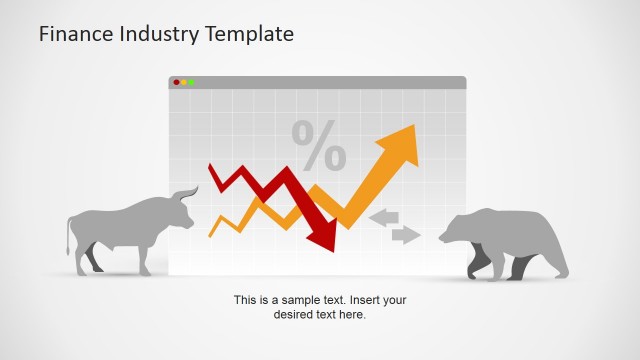
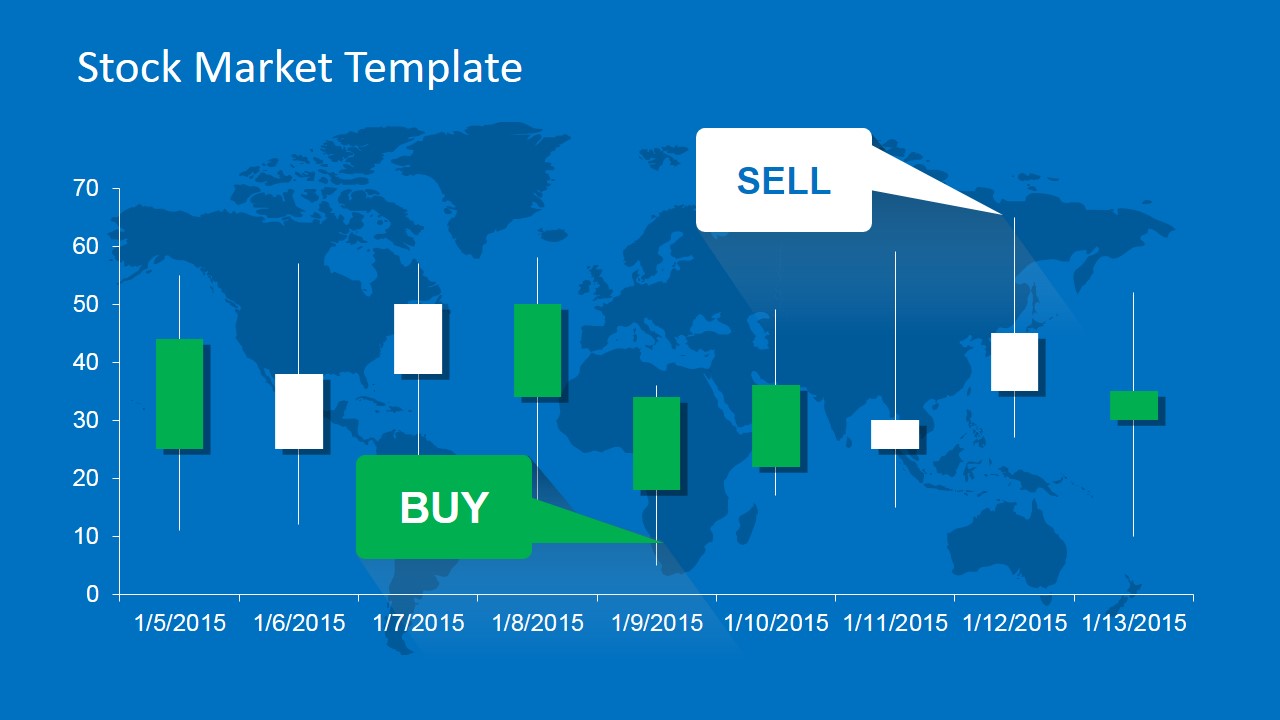
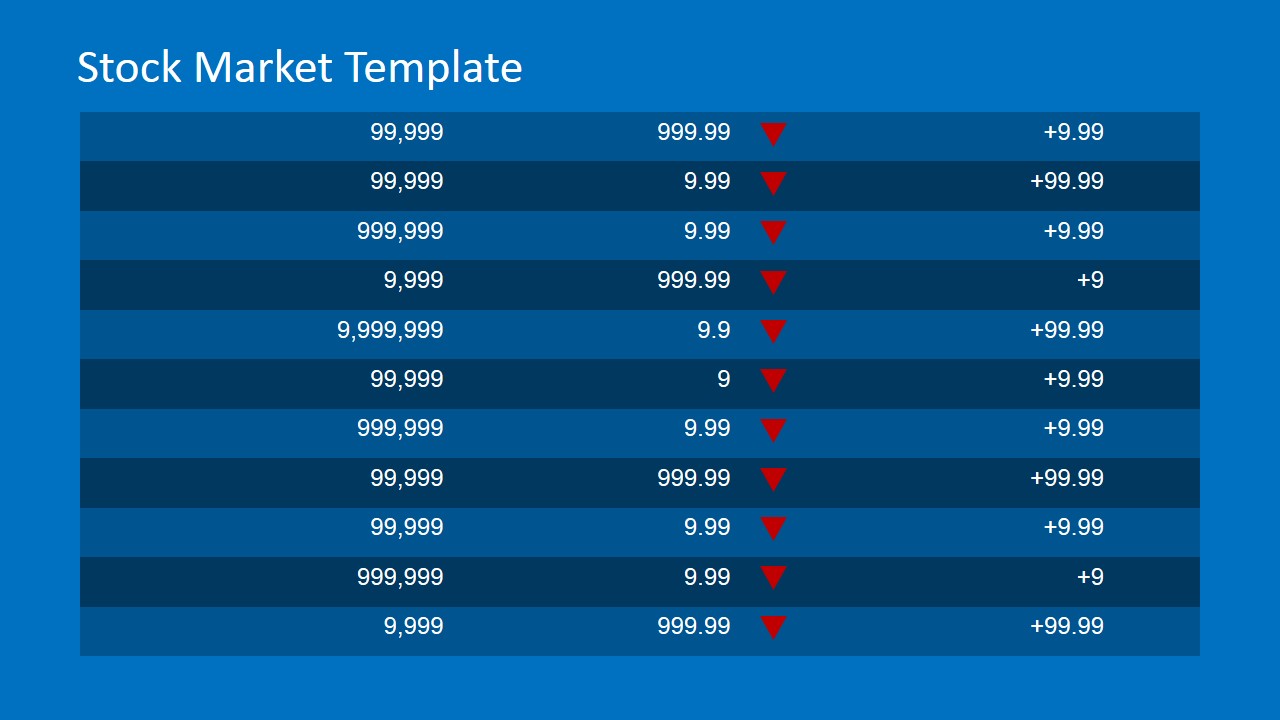
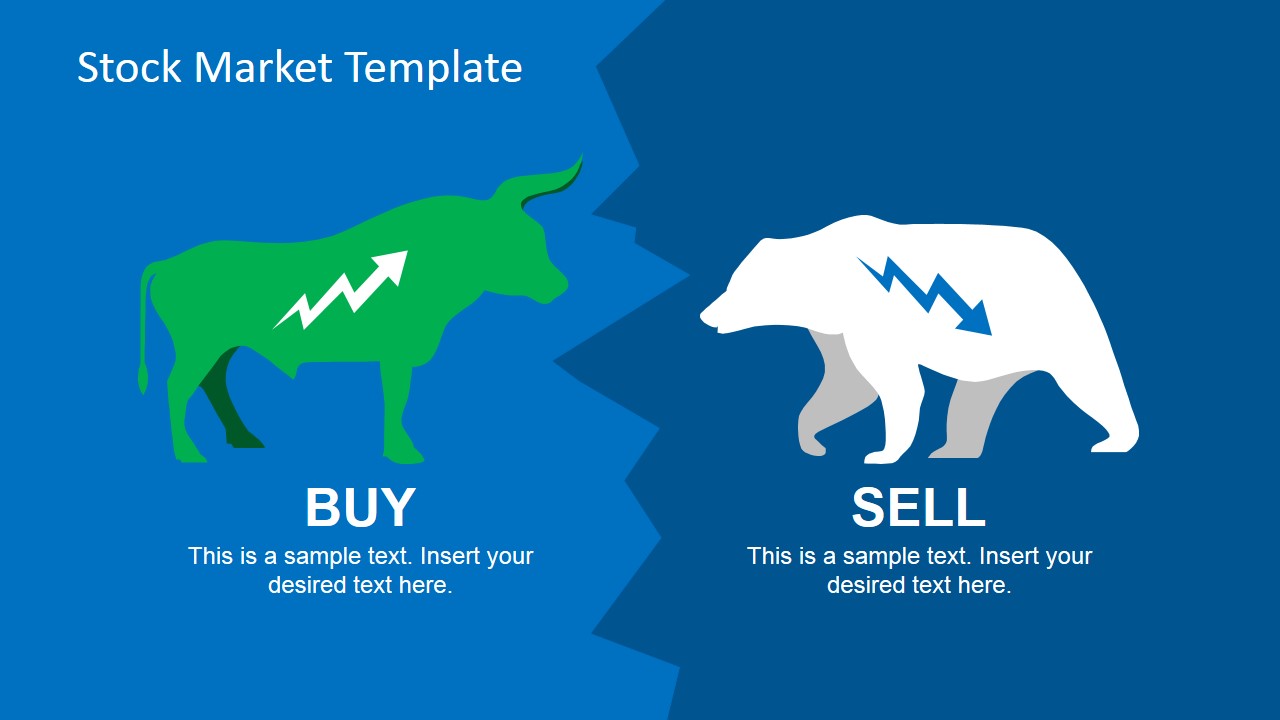
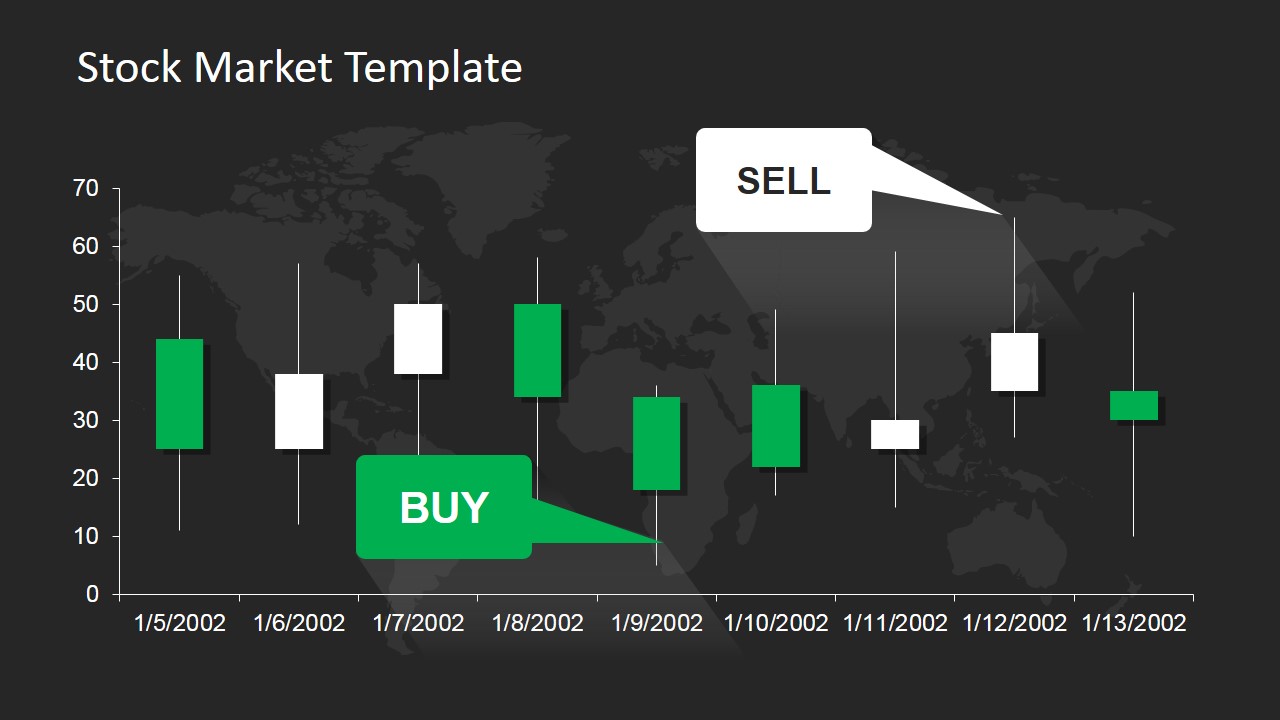
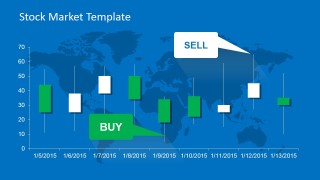
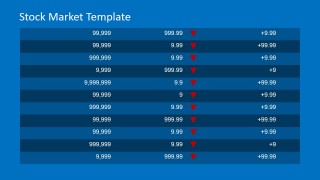
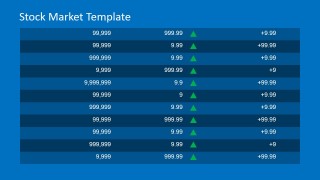
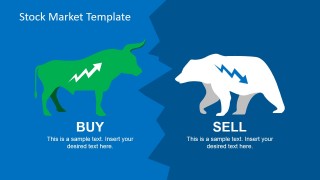
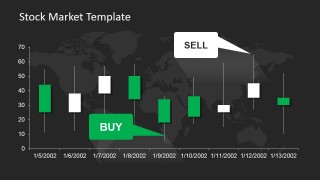
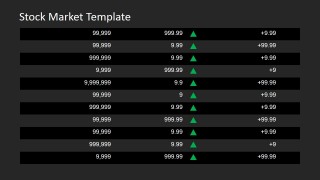
No presentation will ever be complete without discussing the Bull and Bear markets. In this PowerPoint template, the market status for both is given high quality visual representation. The same holds true with the candlestick chart which is very useful for stock analysts who use this visual aid in identifying the trending patterns of stocks and bonds. With regards to portfolio stock review, customizable tables complete with prices and trends represented by colored arrows are provided so that the presenter can discuss well in detail the stock portfolio of the company.
The user may expand on the details for each slide by inserting desired text on the area indicated. One will find the slides very convenient to use with all the clipart icons 100% editable in order to fit the need or preference of the individual or of the company. Moreover, the icons are reusable in other existing presentations as well. All the tables are created as PowerPoint tables, providing high flexibility when importing data from Microsoft Word or Excel.
Bring stock market presentations to the next level using the Stock Market PowerPoint Template.
What’s inside this template
Example presentation scenarios
- A financial analyst can use the candlestick chart slide to explain price movement, support and resistance behavior, and buy or sell signals during a market update.
- A portfolio manager can use the up and down indicator tables to compare holdings, prices, and trend direction in a client review meeting.
- An investment advisor can use the bull and bear comparison slide to frame a market outlook before recommending a defensive or growth-oriented allocation.
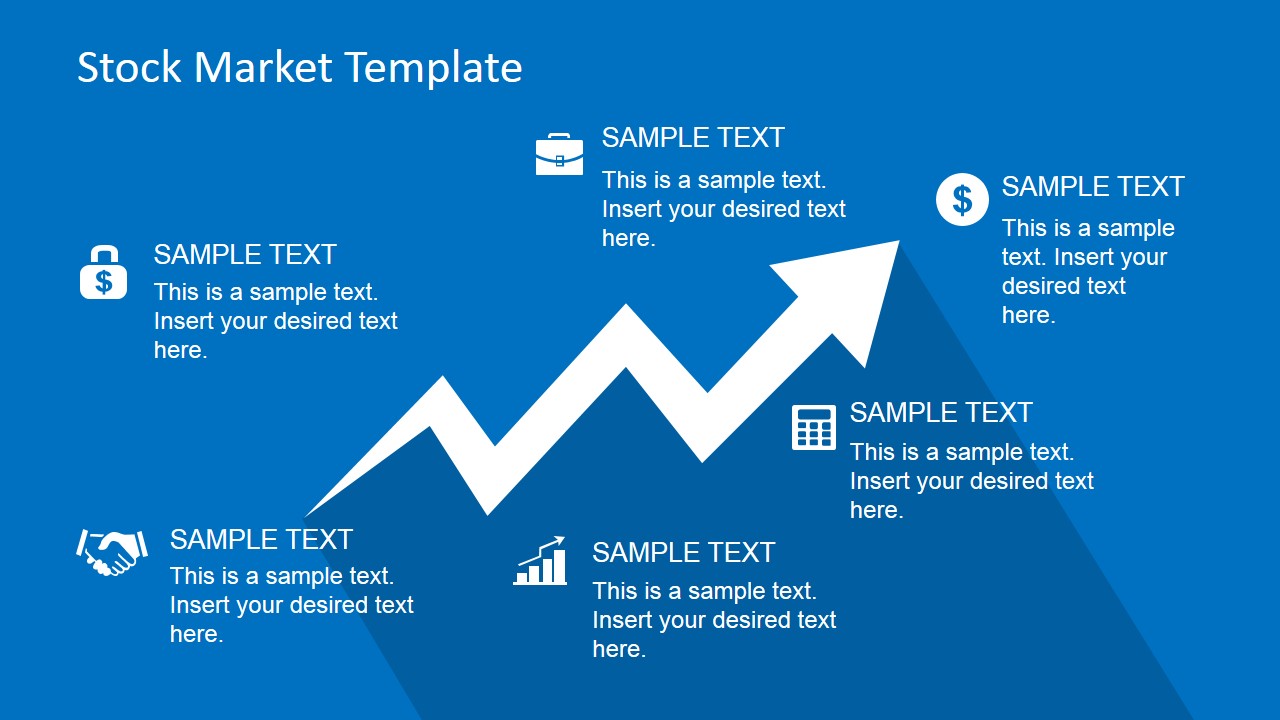
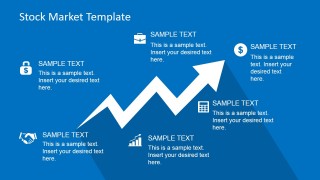
- A trainer can use the rising arrow infographic and finance icons to introduce common market concepts such as bonds, account value, and performance movement.
Features
- 100% editable presentation template
- Compatible with Microsoft PowerPoint and Google Slides
- 16:9 aspect ratio slides
- Scalable vector shapes, icons and illustrations
- AI-Ready for Microsoft Copilot and Claude
- Instant access and download
Frequently asked questions
Q: How should a presenter structure a clear market update with this template?
A: Start with the title slide to define the market or portfolio scope, then move to the candlestick chart for price behavior and trading signals. Follow with the up or down table to quantify the trend, and close with the bull versus bear slide to interpret what the numbers mean for the audience.
Q: Who is this template best suited for in a finance presentation?
A: This template fits analysts, advisors, portfolio managers, and investor relations teams who need to turn market movement into a concise visual briefing. It is best when the audience expects direction, trend, and status information rather than a long financial model or text-heavy research report.
Q: Why do the bull, bear, and arrow metaphors work for stock market communication?
A: The design uses market metaphors that audiences already recognize: the bull for buying pressure, the bear for selling pressure, and arrows for trend direction. These visuals reduce the time needed to explain context, so the presenter can spend more attention on the implication for portfolio decisions.




Stock Market PowerPoint Template
8-slide presentation template for stock market reporting with candlestick charts, portfolio tables, and bull-bear visuals
The Stock Market PowerPoint Template is an 8-slide finance deck for Microsoft PowerPoint and Google Slides. It includes a title cover, candlestick price chart, portfolio tables with up and down indicators, a bull and bear comparison, and a rising-market callout infographic for analysts, advisors, and investor-facing teams.
- Category
- Business PowerPoint Templates
- Rating


 Loading...
- Aspect ratio
- 16:9, 4:3
- Item ID
- 6752-02
- Colors
 Microsoft PowerPoint
  Microsoft Copilot
  Claude for PowerPoint
 Other formats supported
Subscribe today and get immediate
access to download our PowerPoint templates.