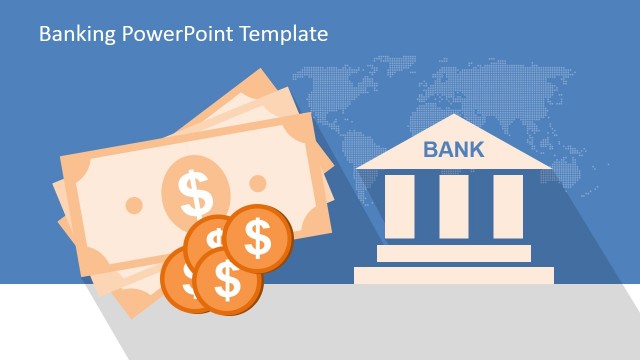
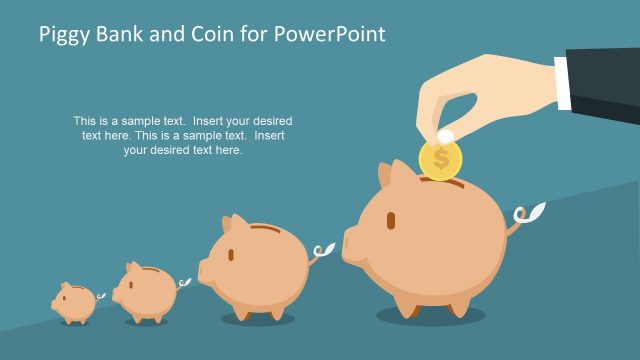
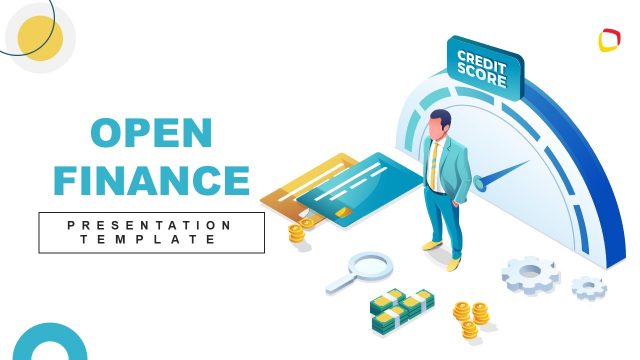
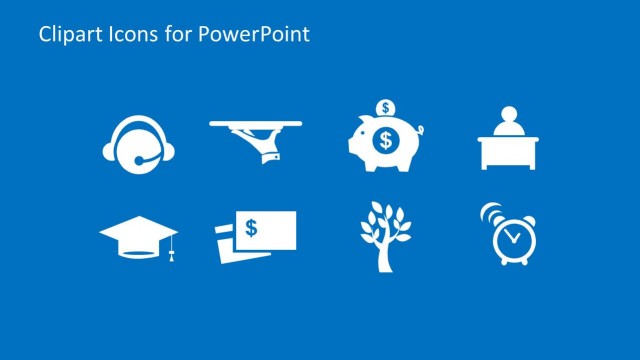
Finance Industry Theme Clipart and Icons for PowerPoint is a professional presentation with a set of shapes and icons themed with the Finance Industry and Banking Industry. The presenter can use the Bull and Bear shapes to decorate his presentations or the trend charts to speak about the actual market behavior. The icons include a wide range of metaphors in your financial presentations to give the additional visual impact that represents the data being shown.
The Finance Industry is the sector of the economy that provides financial services, including loans, Credits, Credit Cards, Insurance, Accountancy, Consumer Finance, Investment Funds, Real Estate Funds, and Government Sponsored Enterprises.
The Finance and Banking Industry is a complex environment, very competitive, where business presentations require impactful visual support to impress an audience with a “time is money” mindset. Every slide may show the exact data with the precise metaphor.
Every illustration is created as a composite of individual PowerPoint shapes, allowing the user to customize its appearance fully. Finance Industry Theme Clipart and icons for PowerPoint complement every presenter and marketers toolset, with the ideal themes to give a professional touch to the presentations.
Alternatively, you can download other modern presentation templates like the Beat the Market PowerPoint template design with awesome illustrations relevant to Wall Street, Investment and Finance. Create professional presentations that appeal to Global audiences by combining our Finance Industry Theme Clipart and Icons for PowerPoint with our 100% editable PowerPoint Templates and slides.
What’s inside this template
Example presentation scenarios
- A financial analyst can use the bull and bear market cover to introduce a market outlook and frame rising or falling performance before presenting detailed data elsewhere.
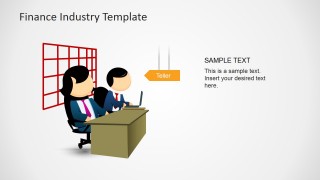
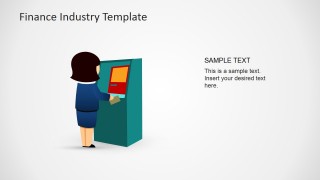
- A banking marketing team can use the teller scene, ATM scene, and finance icon grids to explain customer services in a branch, online banking, or consumer finance presentation.
- An investment consultant can use the bull and bear comparison layout to discuss market sentiment and then place the vector icons beside portfolio recommendations.
- A training presenter can use the icon grids to teach finance vocabulary such as credit cards, money bags, scales, growth charts, and currency exchange symbols.
Features
- 100% editable presentation template
- Compatible with Microsoft PowerPoint and Google Slides
- 16:9 aspect ratio slides
- Scalable vector shapes, icons and illustrations
- AI-Ready for Microsoft Copilot and Claude
- Instant access and download
Frequently asked questions
Q: How should a presenter use these finance clipart slides without making the message look crowded?
A: Start with one dominant metaphor per point. Use the bull and bear cover for market direction, the icon grids as a source for single supporting symbols, and the teller or ATM scenes for customer-facing banking topics. Avoid placing many icons on one content slide unless the goal is a category overview.
Q: Who is this clipart template best suited for in a finance presentation?
A: It works best for presenters who already have financial content and need visual support rather than a full report structure. Analysts, bankers, consultants, and financial service marketers can use the market animals, service scenes, and icon boards to make abstract topics such as growth, risk, credit, and transactions easier to recognize.
Q: Why do the bull, bear, teller, and ATM metaphors improve communication?
A: The artwork connects finance terms to familiar visual symbols. Bulls and bears quickly signal market sentiment, teller and ATM scenes show service delivery, and the icon grids create shortcuts for concepts such as deposits, payments, regulation, growth, and exchange. These metaphors reduce explanation time when the audience needs fast context.
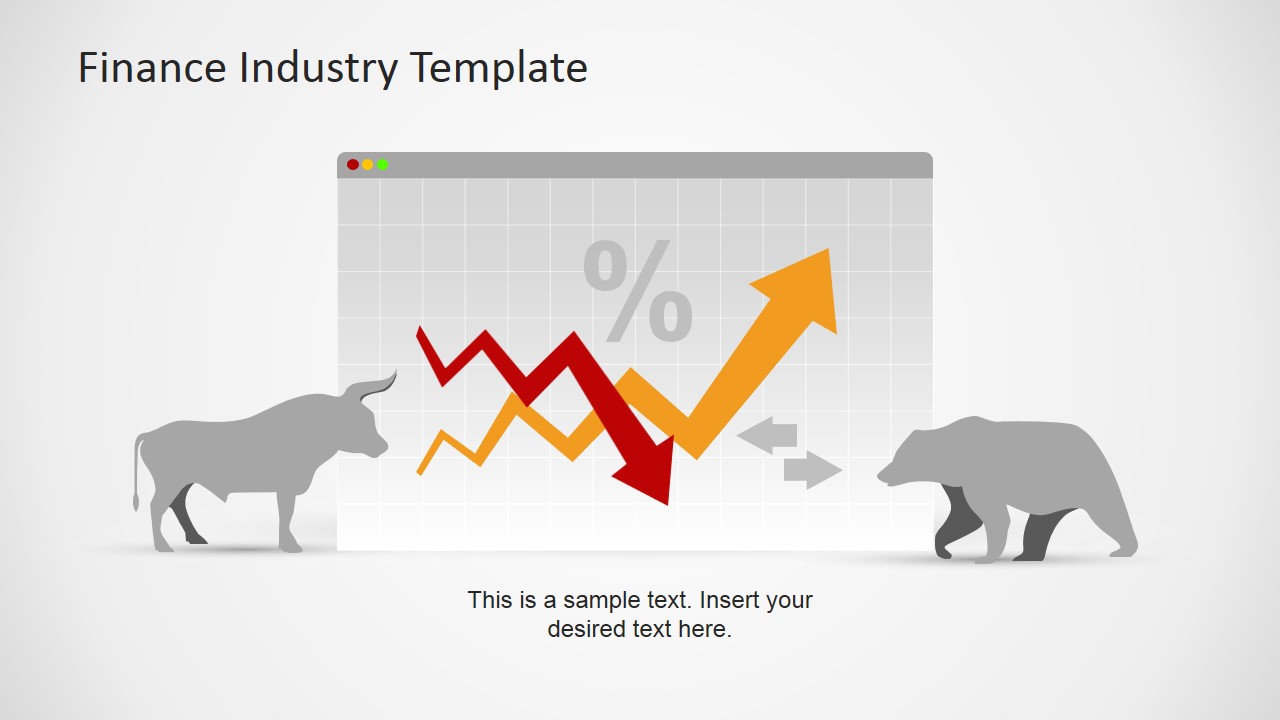


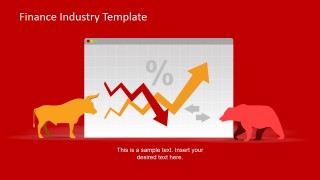
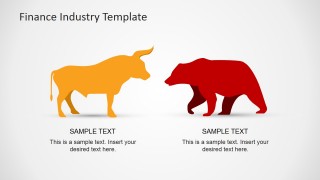
Finance Industry Clipart for PowerPoint
10-slide presentation template with finance clipart, market bull and bear icons, and banking scenes
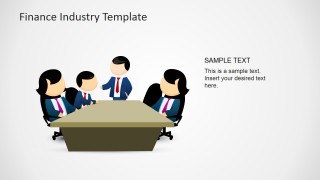
Finance Industry Clipart for PowerPoint is a 10-slide set of finance-themed illustrations for presentations. It includes bull and bear market covers, icon grids, banking customer scenes, and boardroom meeting artwork. The template is for finance, banking, and investment presenters working in Microsoft PowerPoint or Google Slides.
- Category
- Business PowerPoint Templates
- Rating


 Loading...
- Aspect ratio
- 16:9, 4:3
- Item ID
- 6752-01
- Colors
 Microsoft PowerPoint
  Microsoft Copilot
  Claude for PowerPoint
 Other formats supported
Subscribe today and get immediate
access to download our PowerPoint templates.