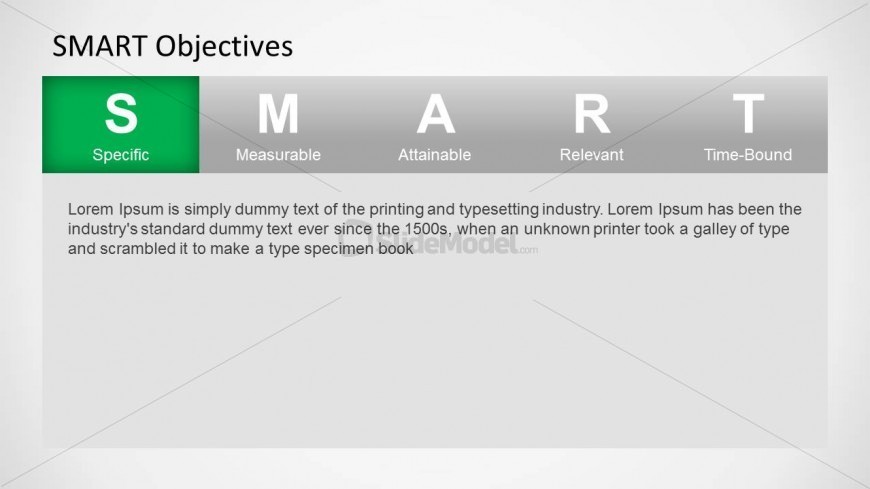
Slide 1 of 6 from SMART Objectives PowerPoint Template
6215-03-smart-objectives-1
SMART Objectives PowerPoint Slide
- Text Layout
- Single Statement
- Context Slide
- 16:9
- 100% Editable
What’s on This Slide
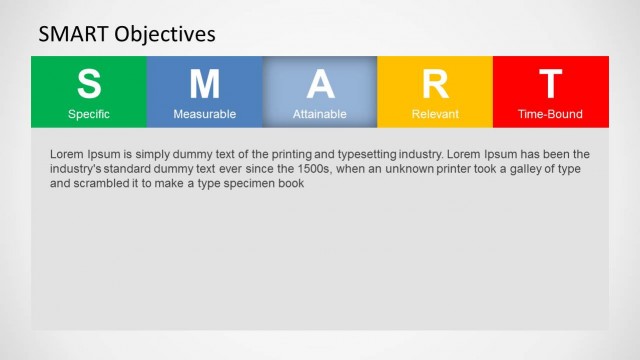
The slide features a horizontal layout with five labeled sections representing the SMART acronym: Specific, Measurable, Attainable, Relevant, and Time-Bound. The first section, labeled 'S' for Specific, is highlighted in green, while the others are in gray. Each section contains a label and a brief description, with the main text area at the bottom containing placeholder text aligned left. The overall composition is clean, with a focus on the acronym's clarity and visual hierarchy, emphasizing the first criterion.
How to Use It
This layout serves as an introductory slide for discussing SMART objectives, fitting well at the beginning of a presentation. It is suitable for project managers and team leaders aiming to explain goal-setting frameworks. The slide can be used to initiate discussions on specific objectives, making it effective in training sessions or performance reviews. It sets the stage for deeper exploration of each SMART criterion in subsequent slides.
Text Placeholders & Capacity
Keep your copy within these limits so it fits without resizing. Body slots can hold about 40-50 words each.
| Placeholder | Count | Max characters (approx.) |
|---|---|---|
| Slide title | 1 | 30 |
| Item heading | 5 | 15 |
| Item body | 5 | 100 |
| Body paragraph | 1 | 250 |
Slide Keywords
Download unlimited PowerPoint templates, charts and graphics for your presentations with our annual plan.
DOWNLOADReturn to SMART Objectives PowerPoint Template.