Slide 4 of 6 from SMART Objectives PowerPoint Template
6215-03-smart-objectives-4
SMART Objectives Relevant Panel Slide
- Text Layout
- Single Statement
- Concept Explanation Slide
- 16:9
- 100% Editable
What’s on This Slide
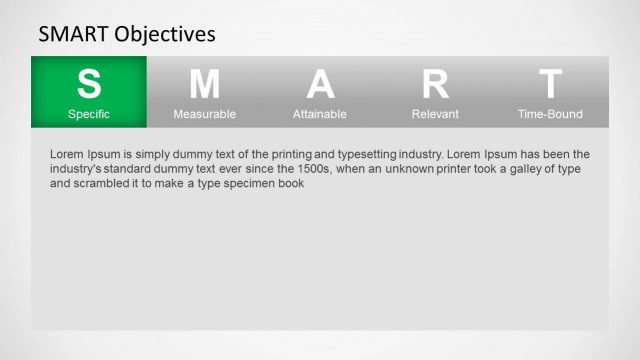
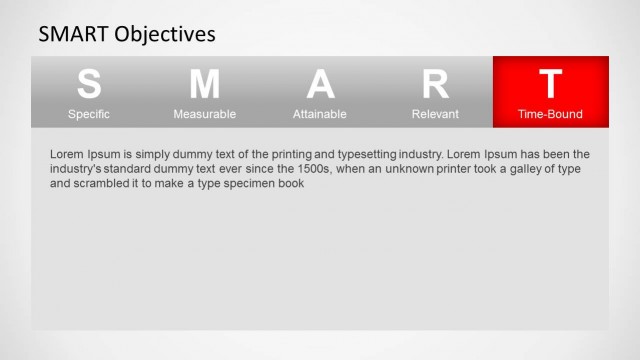
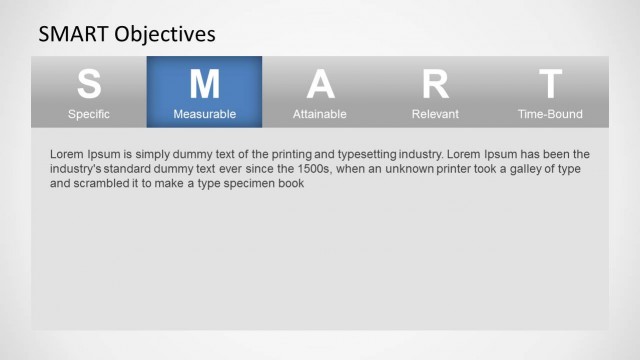
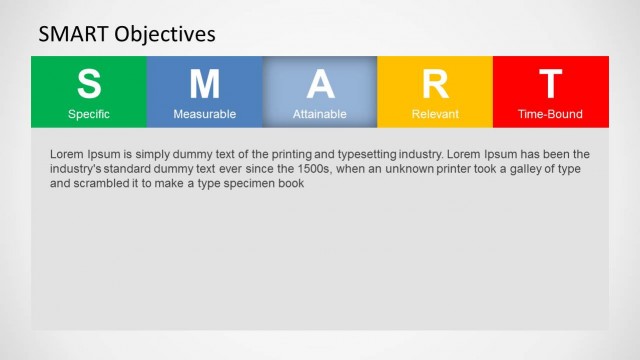
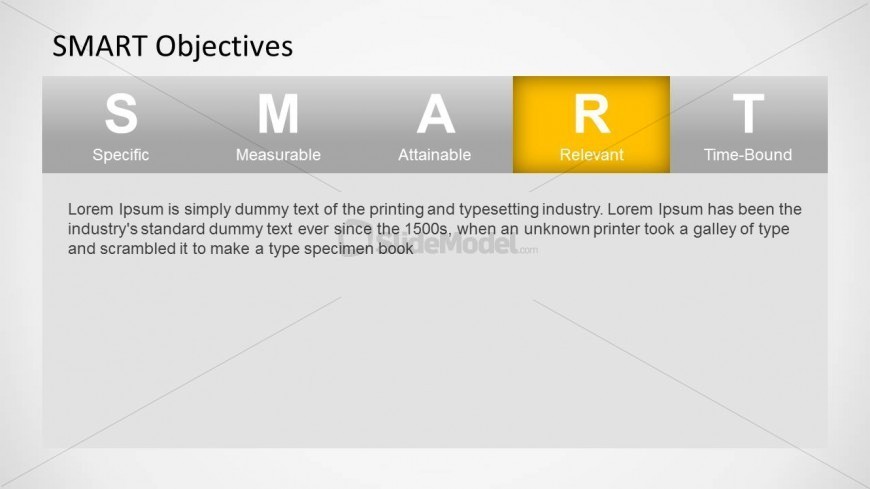
The slide features a horizontal layout divided into five sections labeled S, M, A, R, and T, representing the SMART criteria. The 'R' section, highlighted in yellow, stands for 'Relevant' and is larger than the others. Below these labels, there is a text placeholder that spans the width of the slide, positioned centrally. The background is a light gradient, enhancing the visibility of the text. Each section has a gray background, creating a clear visual hierarchy. The slide is structured to emphasize the highlighted criterion while maintaining a cohesive design.
How to Use It
This layout serves as a focused panel to discuss the 'Relevant' aspect of SMART objectives. It fits within a sequence that introduces each criterion individually, making it suitable for presentations on goal-setting or performance management. This structure is ideal for project managers and team leaders explaining the importance of relevance in objectives. It can be used in workshops or training sessions to guide discussions on effective goal formulation and evaluation.
Text Placeholders & Capacity
Keep your copy within these limits so it fits without resizing. Text placeholders can accommodate a moderate amount of content, roughly 40-50 words each.
| Placeholder | Count | Max characters (approx.) |
|---|---|---|
| Slide title | 1 | 20 |
| Item heading | 5 | 10 |
| Item body | 1 | 250 |
Slide Keywords
Download unlimited PowerPoint templates, charts and graphics for your presentations with our annual plan.
DOWNLOADReturn to SMART Objectives PowerPoint Template.