Slide 6 of 6 from SMART Objectives PowerPoint Template
6215-03-smart-objectives-6
SMART Objectives Diagram for Goal Setting
- Diagram
- Other
- Concept Explanation Slide
- 16:9
- 100% Editable
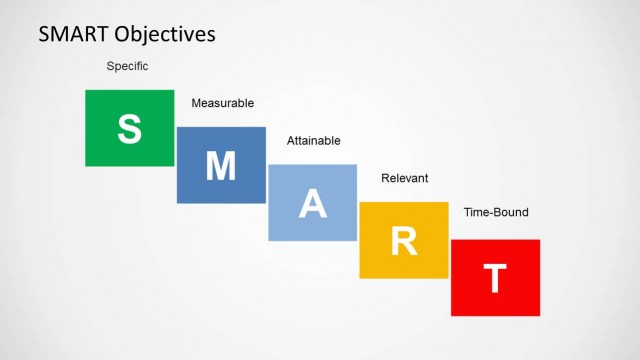
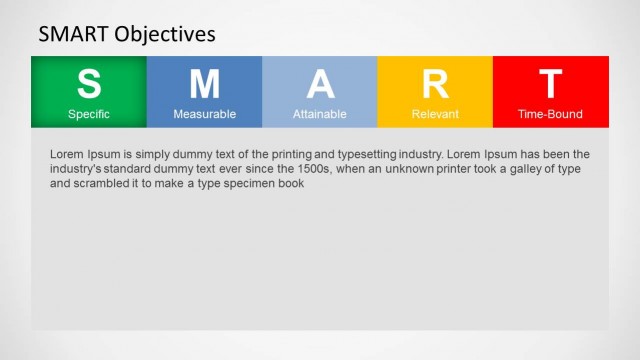
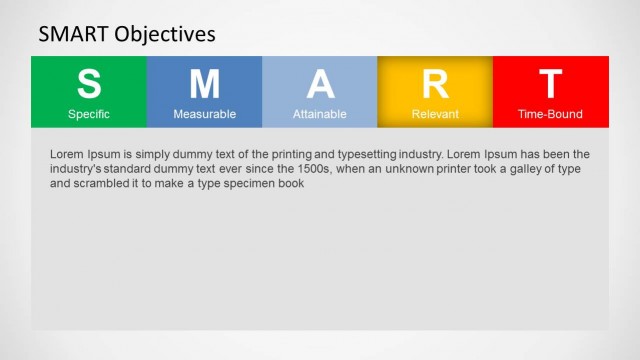
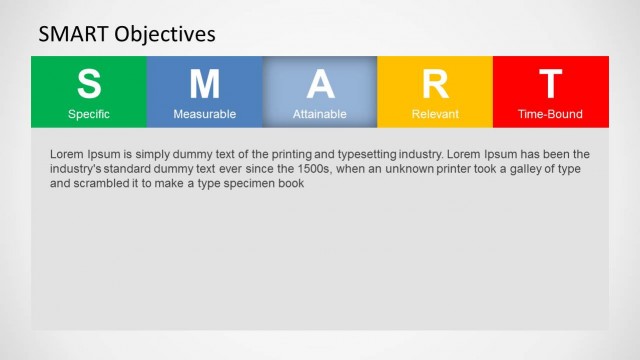
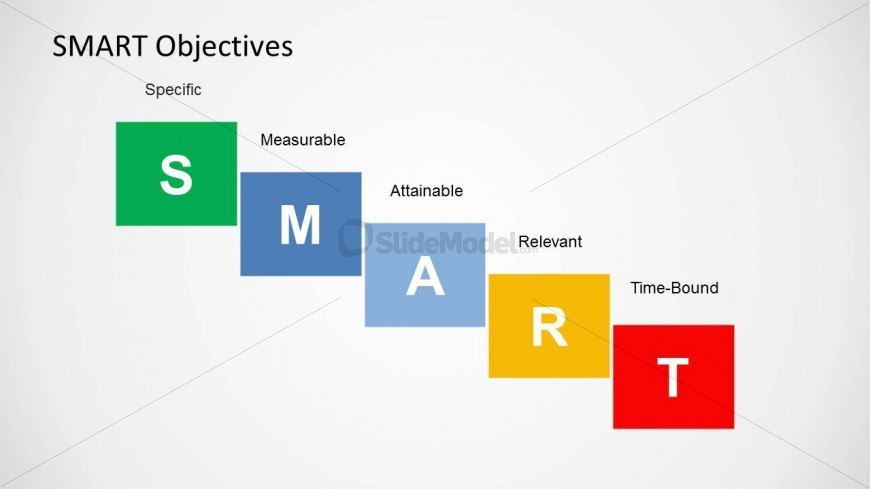
The SMART Objectives Diagram slide from the SMART Objectives PowerPoint Template visually explains the key criteria for effective goal-setting. This editable slide uses colored boxes to represent each SMART element, making it suitable for business presentations, training sessions, and performance management discussions. Its clear design supports corporate presentation needs by highlighting specific, measurable, attainable, relevant, and time-bound goals within a professional slide deck.
What’s on This Slide
The slide features a horizontal arrangement of colored boxes representing the SMART acronym. The boxes are labeled with the letters S, M, A, R, and T, each in distinct colors: green for S, blue for M and A, yellow for R, and red for T. Above the boxes, the title 'SMART Objectives' is prominently displayed. Each box has a label indicating its corresponding SMART criterion, with 'Specific' above the green box, 'Measurable' above the blue box, 'Attainable' above the second blue box, 'Relevant' above the yellow box, and 'Time-Bound' above the red box. The background is light gray, enhancing the visibility of the colored elements.
How to Use It
This layout serves as a visual representation of the SMART objectives framework, ideal for presentations focused on goal-setting. It fits well at the conclusion of a presentation, summarizing the SMART criteria after discussing each component in detail. This slide is useful for project managers, team leaders, and coaches when outlining performance management strategies. It can also be applied in training sessions to reinforce the importance of setting specific, measurable, attainable, relevant, and time-bound goals in various business contexts.
Text Placeholders & Capacity
Keep your copy within these limits so it fits without resizing. Node labels can accommodate up to 15 characters each.
| Placeholder | Count | Max characters (approx.) |
|---|---|---|
| Slide title | 1 | 30 |
| Item heading | 5 | 15 |
| Item body | 5 | 15 |
Slide Keywords
Download unlimited PowerPoint templates, charts and graphics for your presentations with our annual plan.
DOWNLOADReturn to SMART Objectives PowerPoint Template.