Six Sigma Slide Designs for PowerPoint is a perfect presentation template for making slides related to the Six Sigma methodology.
The sample layouts in this template provide a head start for presenters in designing their presentation slides to show different aspects tied to a process and to suggest improvements that can enhance productivity.
The editable slides offer everything from professional looking diagrams and attractive slide designs with a clean layout that can help your audience understand each aspect of your presentation with ease.
What’s inside this template
Example presentation scenarios
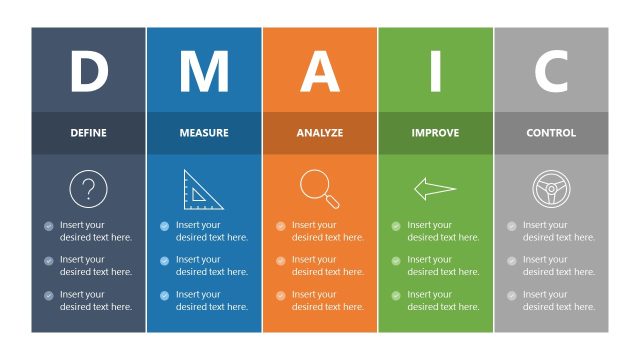
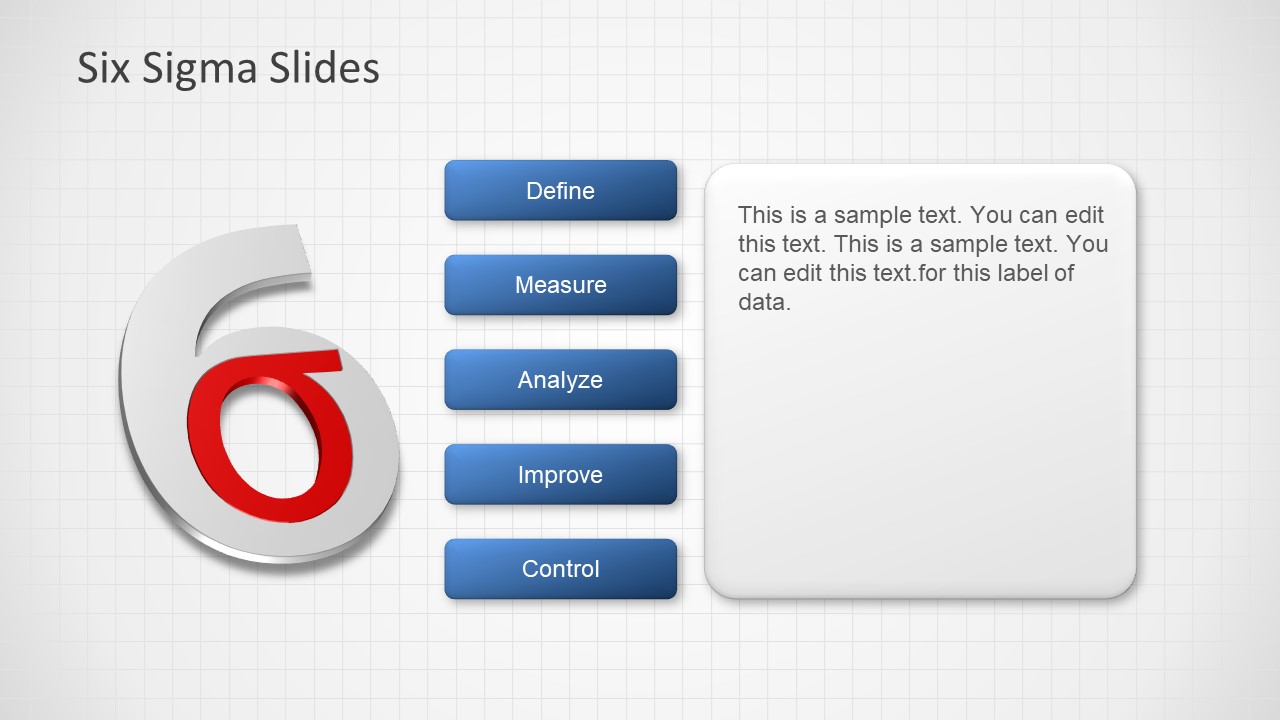
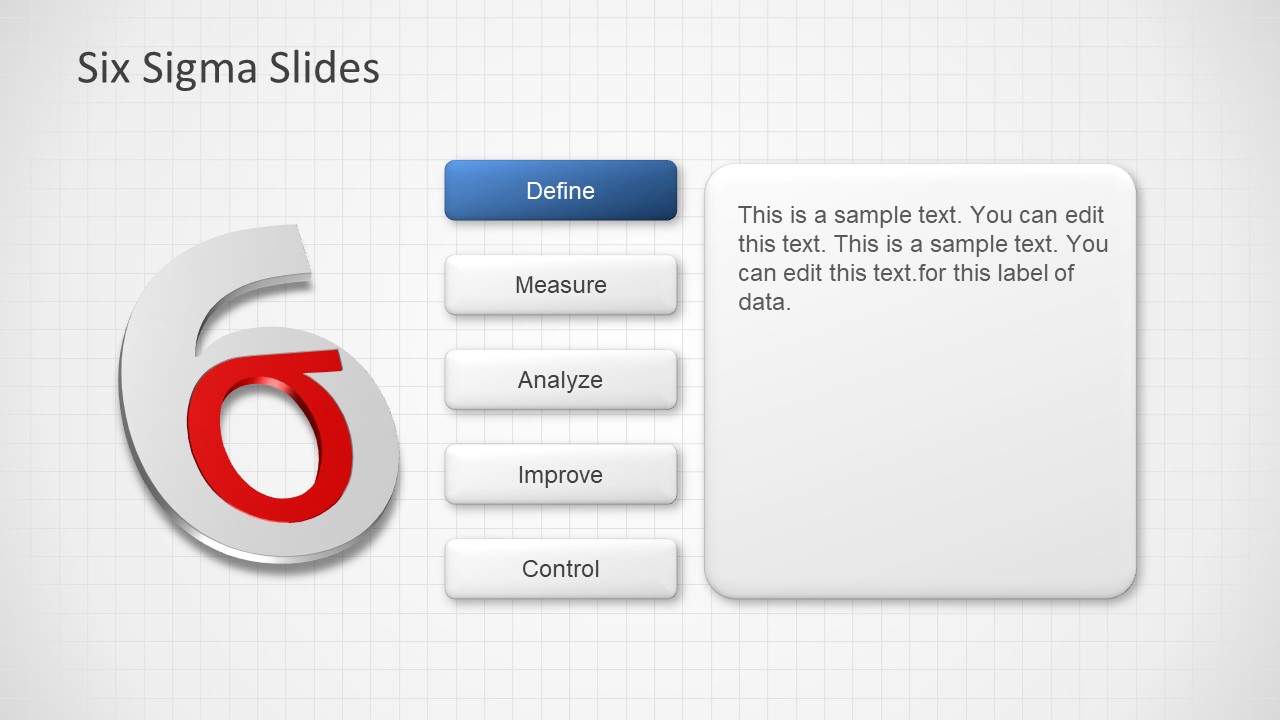
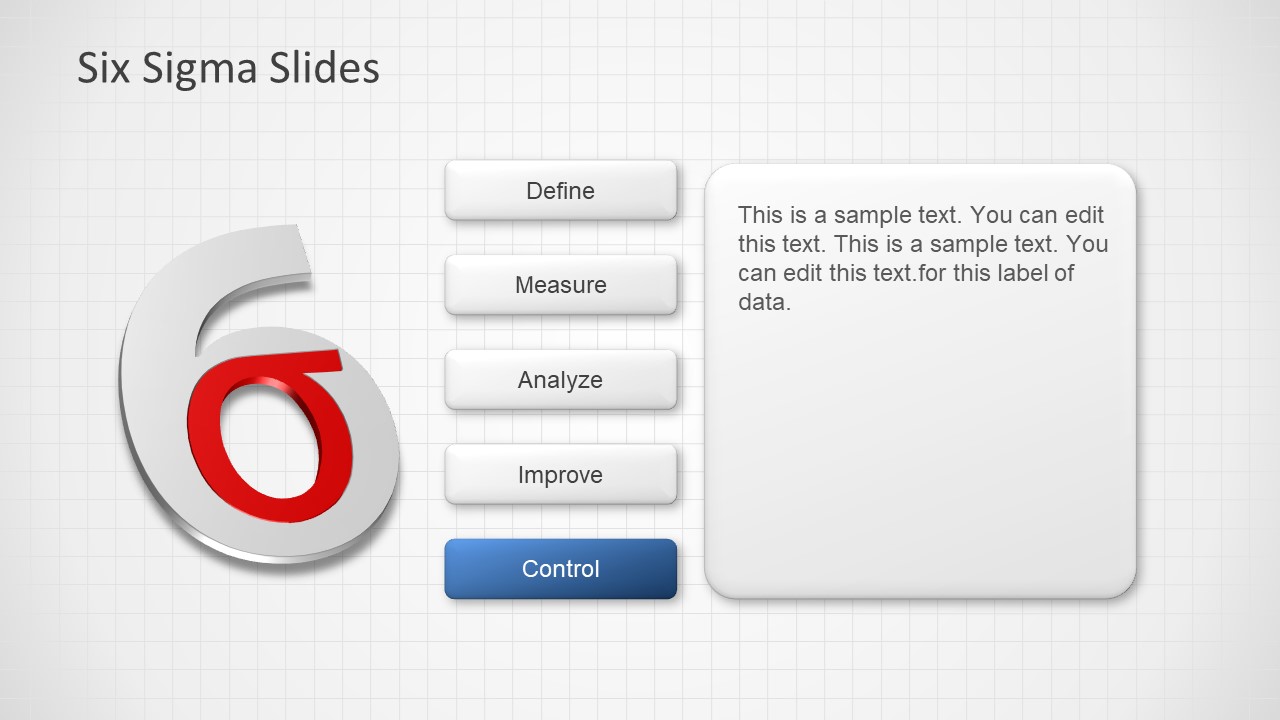
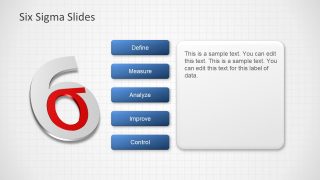
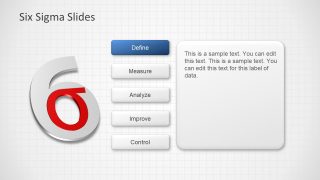
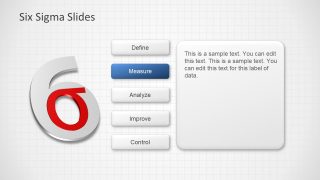
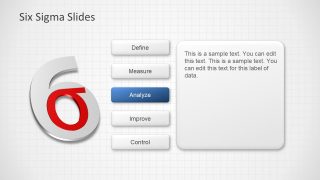
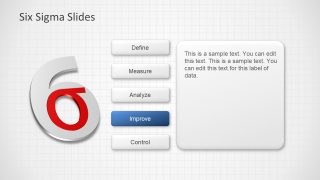
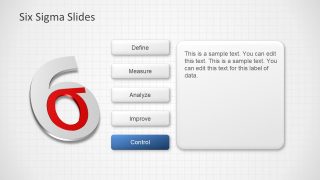
- A quality manager can use the stage-highlight menu slides to explain each DMAIC phase during a Six Sigma training session for process owners.
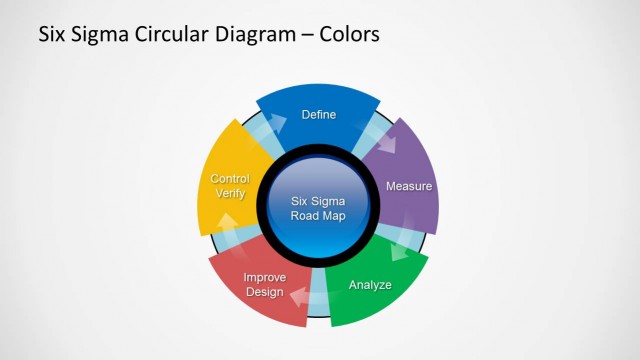
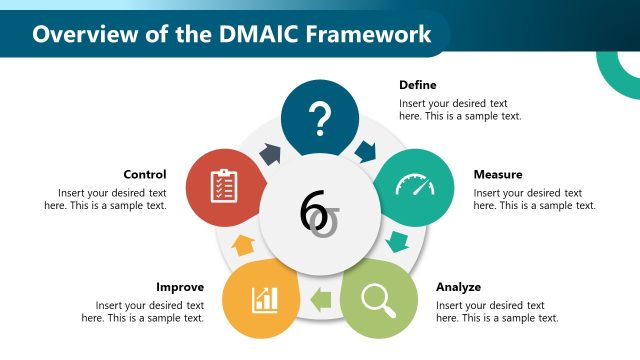
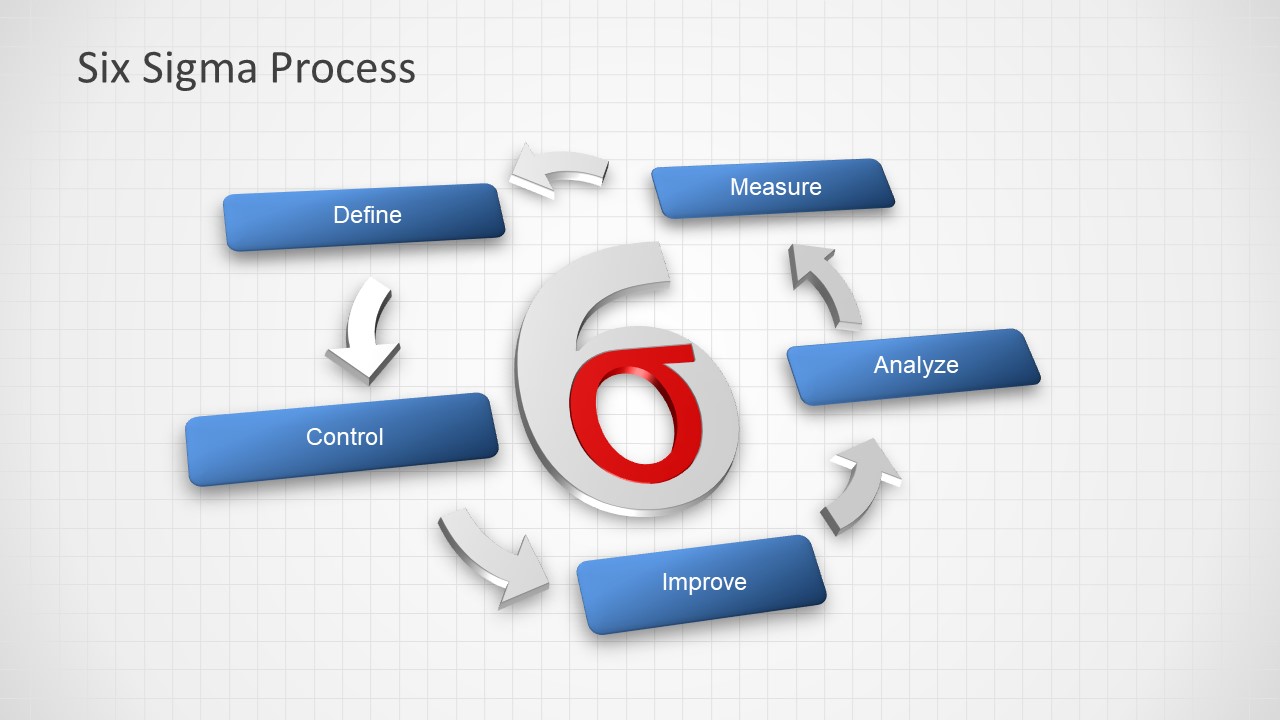
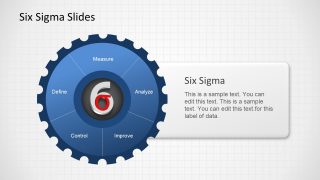
- An operations leader can use the circular process flow to show a production team how Define, Measure, Analyze, Improve, and Control repeat over time.
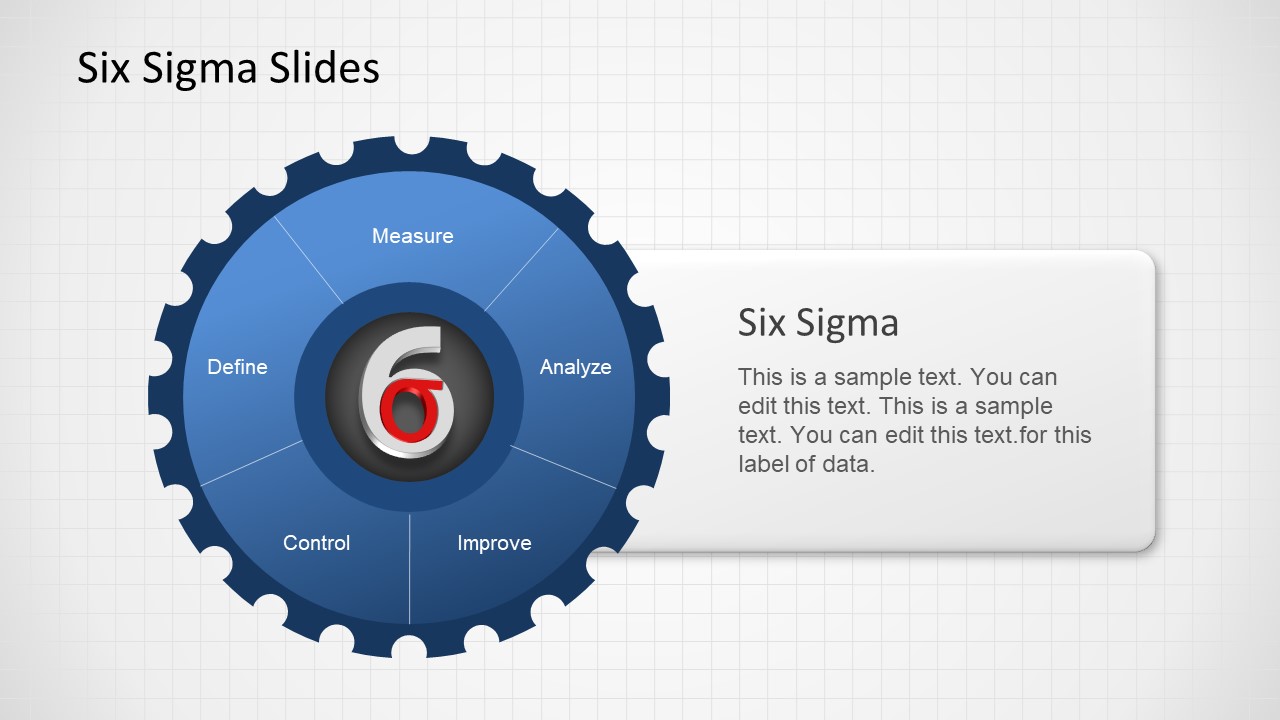
- A Lean consultant can use the DMAIC gear wheel and logo slides to open a client workshop on quality management system improvement.
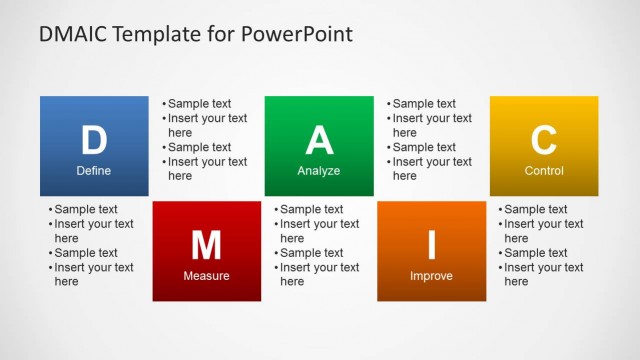
- A process improvement team can use the individual Define, Measure, Analyze, Improve, and Control slides to assign discussion topics during a project kickoff.
Features
- 100% editable presentation template
- Compatible with Microsoft PowerPoint and Google Slides
- Scalable vector shapes, icons and illustrations
- AI-Ready for Microsoft Copilot and Claude
- Instant access and download
Frequently asked questions
Q: How should a presenter structure a clear Six Sigma explanation with this template?
A: Start with the DMAIC gear wheel to define the full method, then use the stage-highlight slides to isolate one phase at a time. Keep each text card focused on the decision, input, or output for that phase. Close with the circular process flow to remind the audience that Six Sigma improvement is iterative.
Q: Who is this template best suited for in a business presentation?
A: This template fits quality managers, Lean Six Sigma facilitators, operations leaders, and process consultants who need to explain a method rather than report detailed metrics. It works well for training, project kickoff meetings, and quality management briefings where the audience must understand the role of Define, Measure, Analyze, Improve, and Control.
Q: Why do the gear and circular process metaphors help communicate Six Sigma?
A: The gear suggests process mechanics and operational control, while the circular arrows on the final slide show that DMAIC is not a one-time checklist. These metaphors help an audience see Six Sigma as a structured system of repeatable improvement steps instead of a collection of disconnected quality terms.



Six Sigma Slide Designs for PowerPoint
11-slide PowerPoint presentation template for Six Sigma logo layouts and DMAIC process diagrams
Six Sigma Slide Designs for PowerPoint is an 11-slide PowerPoint template for presenting DMAIC quality improvement concepts. Visible layouts include a DMAIC gear wheel, Six Sigma logo slides, stage-highlight menus, and a circular process flow. It is suited for quality managers, process improvement teams, and lean manufacturing presenters.
- Category
- Business PowerPoint Templates
- Rating


 Loading...
- Item ID
- 6230-02
- Colors
 Microsoft PowerPoint
  Microsoft Copilot
  Claude for PowerPoint
 Other formats supported
Subscribe today and get immediate
access to download our PowerPoint templates.