Slide 11 of 11 from Six Sigma Slide Designs for PowerPoint
6230-02-six-sigma-11
Six Sigma Process Overview Diagram
- Diagram
- Circular Cycle
- Process Slide
- 16:9
- 100% Editable
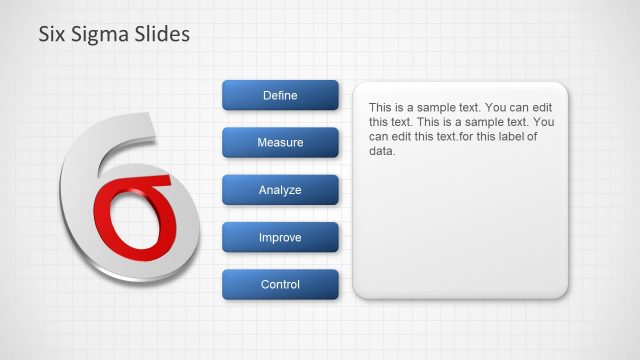
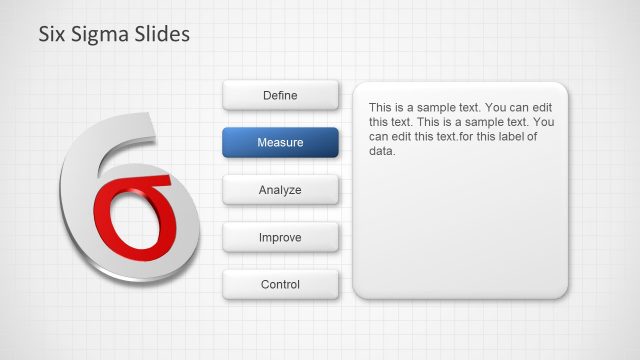
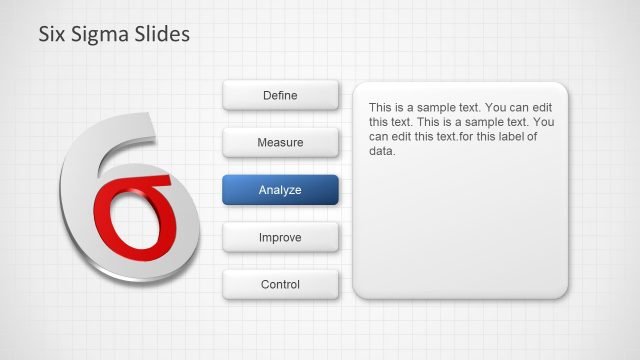
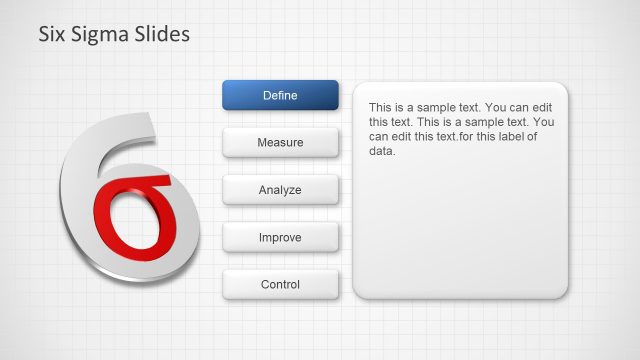
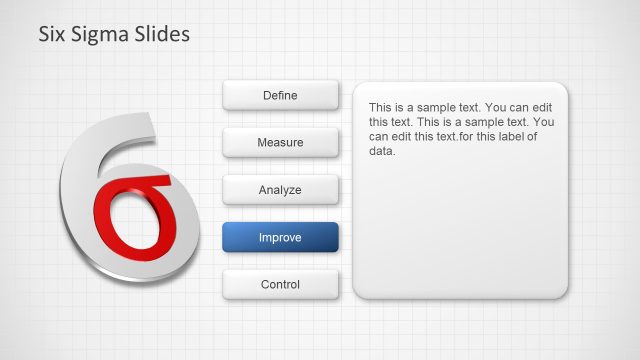
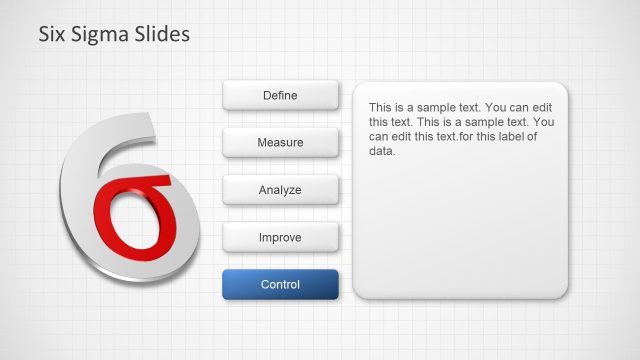
The Six Sigma Process slide from the Six Sigma Slide Designs for PowerPoint template visually represents the DMAIC cycle using editable shapes and vector icons arranged in a circular flow diagram. This slide layout is ideal for quality management training and process improvement presentations, providing a clear and professional way to communicate the stages of Define, Measure, Analyze, Improve, and Control within a business presentation or corporate slide deck.
What’s on This Slide
The layout features a central '6' icon in red, surrounded by five blue rectangular nodes labeled 'Define', 'Measure', 'Analyze', 'Improve', and 'Control'. Arrows connect these nodes in a circular flow, indicating the Six Sigma process. The nodes are evenly spaced around the central icon, with the arrows pointing in a clockwise direction. The background is a light grid pattern, enhancing the diagram's clarity. A title placeholder is positioned at the top left, while the central icon serves as the focal point, drawing attention to the process.
How to Use It
This layout serves as a process flow diagram, illustrating the Six Sigma methodology. It fits at the conclusion of a presentation, summarizing key stages in quality management. It is suitable for quality managers and process improvement teams to visually communicate the DMAIC framework. This structure can be used to highlight each stage's importance in a training session or workshop, making it ideal for educational contexts focused on quality management principles.
Text Placeholders & Capacity
Keep your copy within these limits so it fits without resizing. Node labels can accommodate up to 10 characters each.
| Placeholder | Count | Max characters (approx.) |
|---|---|---|
| Slide title | 1 | 30 |
| Item heading | 5 | 10 |
Slide Keywords
Download unlimited PowerPoint templates, charts and graphics for your presentations with our annual plan.
DOWNLOADReturn to Six Sigma Slide Designs for PowerPoint.