Slide 6 of 11 from Six Sigma Slide Designs for PowerPoint
6230-02-six-sigma-6
Six Sigma Process Overview Slide
- Diagram
- Process Flow
- Process Slide
- 16:9
- 100% Editable
The Six Sigma Process Overview slide from the Six Sigma Slide Designs for PowerPoint template provides a clear visual layout of the DMAIC methodology stages. This editable slide is ideal for quality management training and process improvement presentations, featuring distinct colored buttons and a structured flow that supports effective communication in corporate presentations and business slide decks.
What’s on This Slide
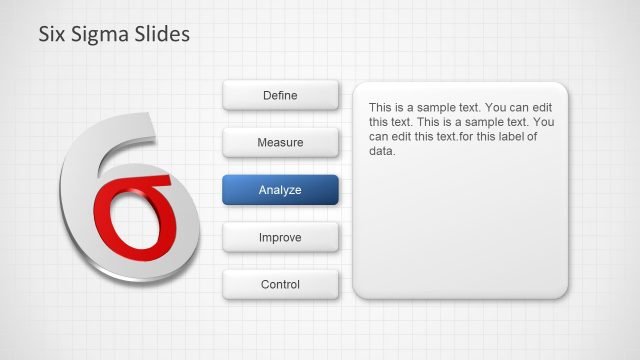
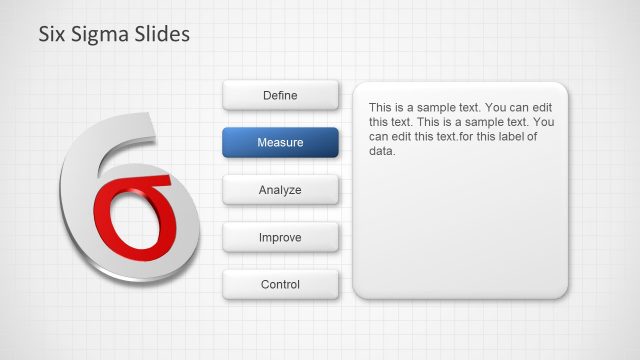
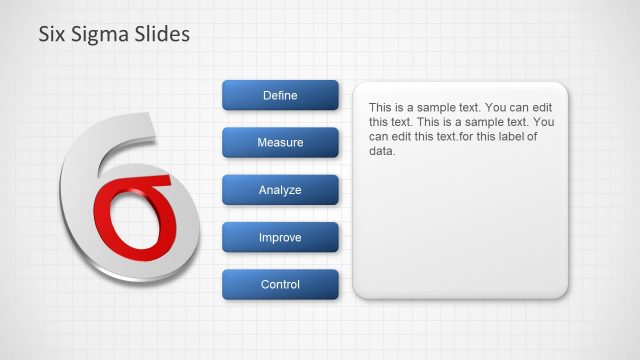
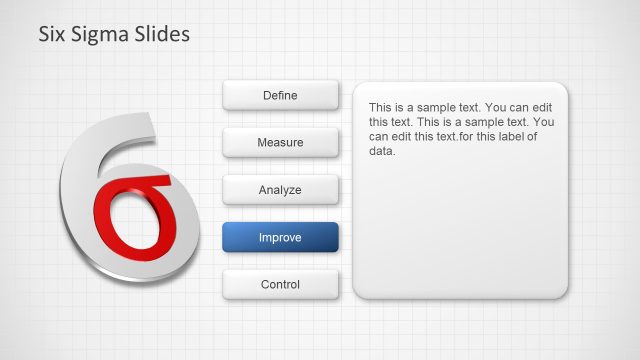
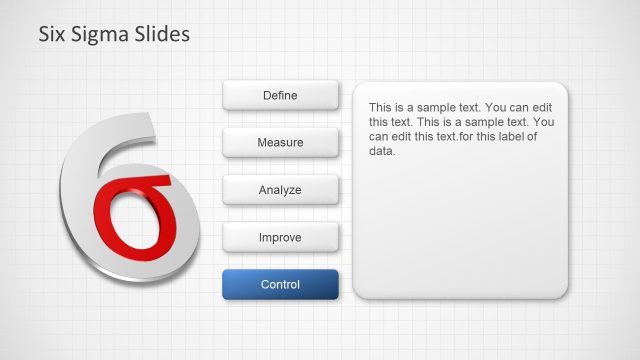
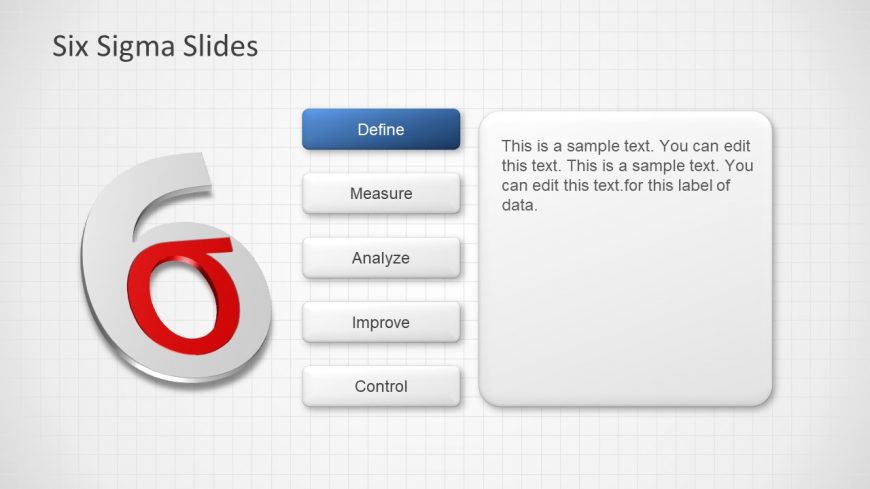
The slide features a large, stylized number '6' on the left, colored red and white, indicating the Six Sigma theme. To the right, there are five rectangular buttons labeled 'Define', 'Measure', 'Analyze', 'Improve', and 'Control', arranged vertically. Each button has a distinct color: 'Define' is blue, while the others are gray. A text placeholder is positioned to the right of the buttons, allowing for additional content. The background is a light grid pattern, enhancing the clarity of the elements. The overall layout emphasizes the Six Sigma process stages.
How to Use It
This layout serves as a structured overview of the Six Sigma process, highlighting key stages in a sequential manner. It fits well in a presentation sequence that introduces or summarizes the DMAIC methodology. This slide is suitable for quality management discussions, training sessions, or process improvement meetings, where clarity in the stages of Six Sigma is essential. It can be used to guide conversations about each phase, making it a practical tool for educators and facilitators in quality management contexts.
Text Placeholders & Capacity
Keep your copy within these limits so it fits without resizing. Body slot can hold about 30 words comfortably.
| Placeholder | Count | Max characters (approx.) |
|---|---|---|
| Slide title | 1 | 30 |
| Item heading | 5 | 10 |
| Body paragraph | 1 | 150 |
Slide Keywords
Download unlimited PowerPoint templates, charts and graphics for your presentations with our annual plan.
DOWNLOADReturn to Six Sigma Slide Designs for PowerPoint.