Slide 3 of 11 from Six Sigma Slide Designs for PowerPoint
6230-02-six-sigma-3
Six Sigma Logo Display Slide
- Media Layout
- Other
- Context Slide
- 16:9
- 100% Editable
The Six Sigma Logo Display slide from the Six Sigma Slide Designs for PowerPoint template offers a structured layout ideal for introducing key quality management concepts. This slide integrates editable shapes and a clear visual hierarchy to emphasize logos and titles, making it suitable for business presentations and process improvement discussions. Its design supports effective communication within corporate presentations and pitch deck templates focused on Six Sigma methodologies.
What’s on This Slide
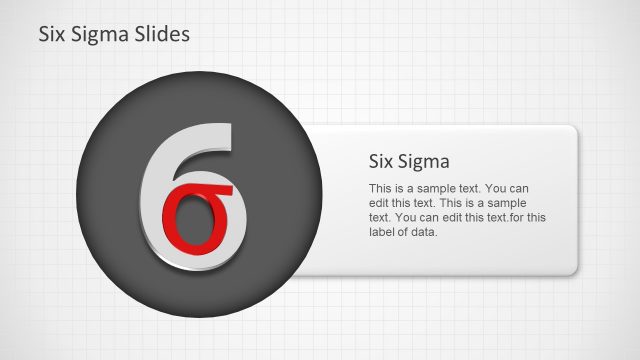
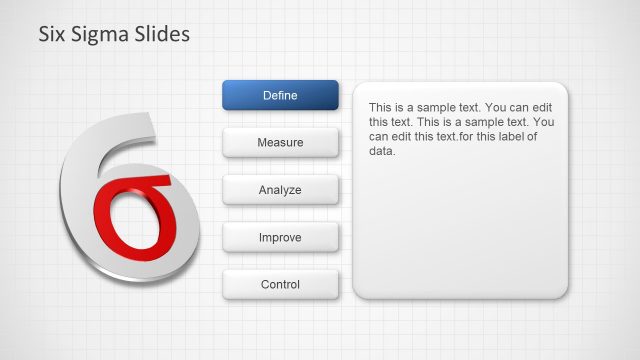
The layout features a large gray number '6' positioned on the left side, with a red '?' symbol adjacent to it. A rectangular text box is located on the right side, containing a title and sample text. The title is aligned at the top of the text box, while the sample text follows below. The background consists of a light grid pattern, enhancing the overall structure. The visual hierarchy emphasizes the logo and title, with the number and symbol being larger than the text. There are placeholders for editing text.
How to Use It
This layout serves to present a logo or key concept visually, suitable for introductory slides in a presentation. It fits well after a problem framing slide, establishing context for the Six Sigma methodology. This structure is effective for quality management discussions, process improvement presentations, or showcasing brand elements. It can be used to introduce specific phases or concepts within a Six Sigma framework, making it relevant for training sessions or workshops.
Text Placeholders & Capacity
Keep your copy within these limits so it fits without resizing. Text slots can accommodate concise information, roughly 15-20 words each.
| Placeholder | Count | Max characters (approx.) |
|---|---|---|
| Slide title | 1 | 30 |
| Item heading | 1 | 30 |
| Item body | 2 | 100 |
Slide Keywords
Download unlimited PowerPoint templates, charts and graphics for your presentations with our annual plan.
DOWNLOADReturn to Six Sigma Slide Designs for PowerPoint.