Slide 2 of 11 from Six Sigma Slide Designs for PowerPoint
Six Sigma Logo for PowerPoint
Six Sigma Overview Slide Design
- Diagram
- Other
- Context Slide
- 16:9
- 100% Editable
The Six Sigma Overview slide from the Six Sigma Slide Designs for PowerPoint template provides a clear introduction to key quality management concepts. This slide layout uses editable shapes and a focused design to highlight important metrics, making it suitable for business presentations and training sessions. Its structured format supports effective communication of Six Sigma principles within corporate presentation slide decks.
About This Slide
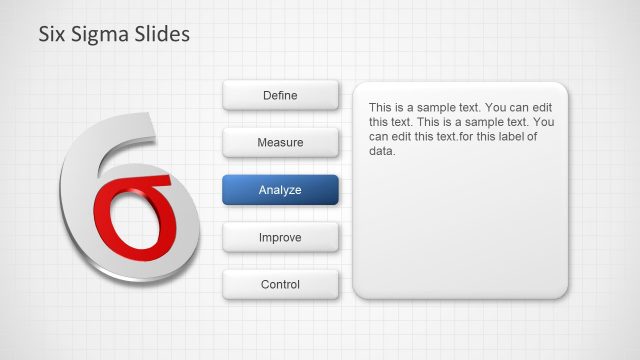
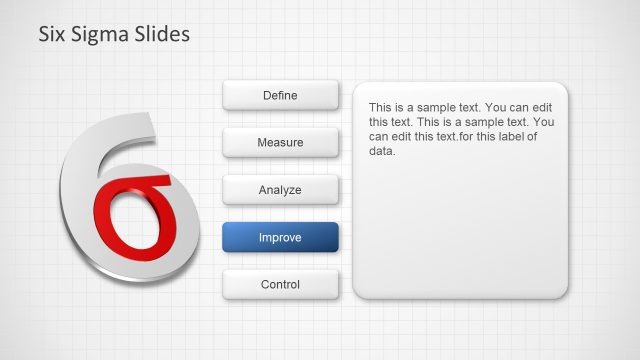
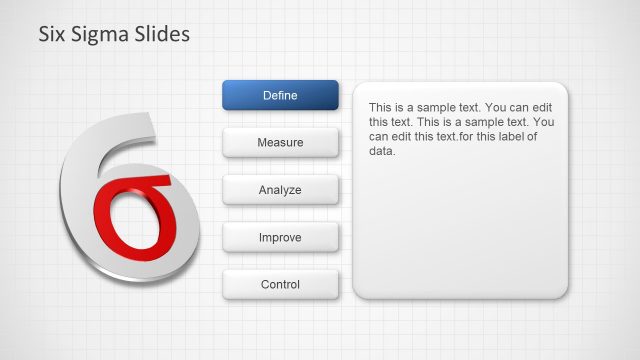
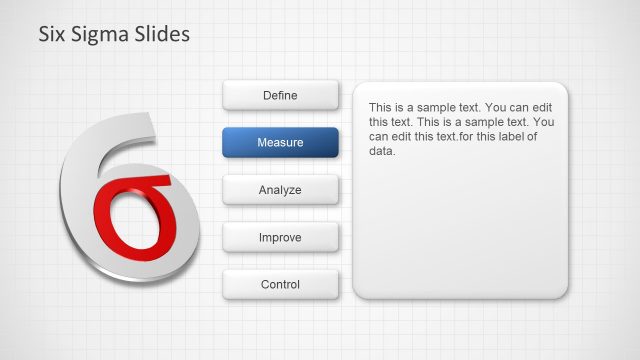
Six Sigma Logo design created in Microsoft PowerPoint using PowerPoint shapes
What’s on This Slide
The slide features a large circular shape positioned on the left side, displaying the number '6' in a bold font. The '6' is primarily gray with a red accent. Adjacent to this shape, on the right side, is a rectangular text box containing a title and two lines of sample text. The title is aligned at the top of the rectangle, while the sample text is positioned below it. The background is a light grid pattern, enhancing the overall layout. There are no images or additional icons present, focusing on the textual content and central number.
How to Use It
This layout serves as an introductory slide for presenting Six Sigma concepts, fitting well after a title slide. It is suitable for business presentations focused on quality management, process improvement, or training sessions. The design emphasizes key numerical data or concepts, making it effective for highlighting important metrics. This structure can also be adapted for various contexts, such as project updates or performance reviews, where a clear focus on a specific number is essential.
Text Placeholders & Capacity
Keep your copy within these limits so it fits without resizing. Body slots can accommodate roughly 15-20 words each.
| Placeholder | Count | Max characters (approx.) |
|---|---|---|
| Slide title | 1 | 30 |
| Body paragraph | 2 | 100 |
Slide Keywords
Download unlimited PowerPoint templates, charts and graphics for your presentations with our annual plan.
DOWNLOADReturn to Six Sigma Slide Designs for PowerPoint.