Slide 3 of 3 from Simple Text Tables for PowerPoint
Simple text table for PowerPoint
Editable Text Table for Presentations
- Text Layout
- Bullet List
- Context Slide
- 16:9
- 100% Editable
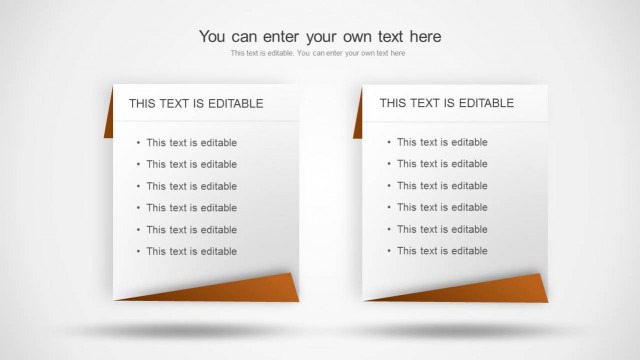
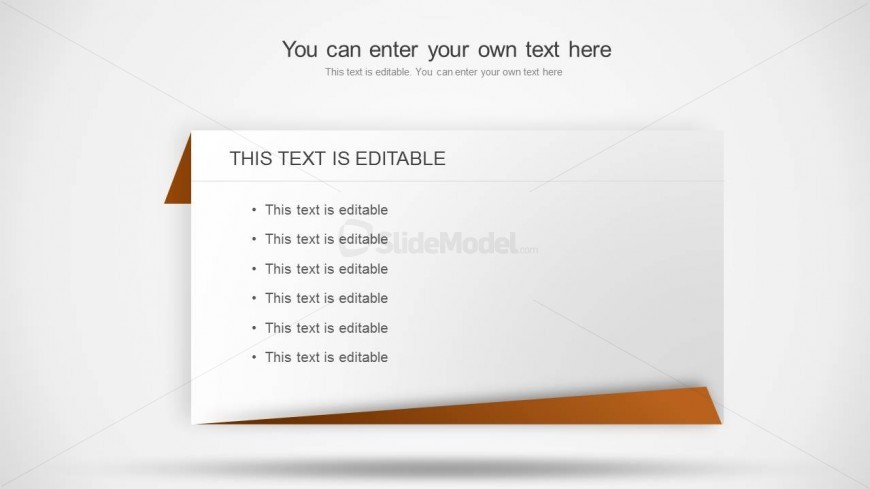
The Editable Text Table slide from the Simple Text Tables for PowerPoint template offers a clean, organized layout ideal for project updates and meeting notes. This slide template features editable text areas arranged in a bullet list format, making it easy to summarize key points effectively. Designed for use in business presentations and corporate slide decks, it supports quick customization with editable shapes and text, fitting seamlessly into professional slide templates and Google Slides templates.
What’s on This Slide
The layout features a large rectangular area at the center with a white background. At the top, there is a title placeholder that is centered and labeled 'THIS TEXT IS EDITABLE.' Below, a list of six bullet points is arranged vertically, each containing editable text. The left side has a triangular orange shape extending from the top, creating a visual accent. The overall composition is clean and organized, with a clear visual hierarchy emphasizing the title and list. There are no images or additional media placeholders present.
How to Use It
This layout serves as a simple text table, ideal for presenting lists or key points in a clear format. It fits well in a presentation sequence where summarizing information or highlighting important details is necessary. Common scenarios include project updates, meeting notes, or outlining steps in a process. The editable nature allows for quick customization to fit various content needs, making it versatile for different presentation contexts.
Text Placeholders & Capacity
Keep your copy within these limits so it fits without resizing. Body slots can hold roughly 5-6 words each.
| Placeholder | Count | Max characters (approx.) |
|---|---|---|
| Slide title | 1 | 30 |
| Item body | 6 | 30 |
Slide Keywords
Download unlimited PowerPoint templates, charts and graphics for your presentations with our annual plan.
DOWNLOADReturn to Simple Text Tables for PowerPoint.