Slide 2 of 3 from Simple Text Tables for PowerPoint
6005-04-simple-text-tables-wide-2
Editable Text Table Layout for Presentations
- Text Layout
- Two Column Text
- Comparison Slide
- 16:9
- 100% Editable
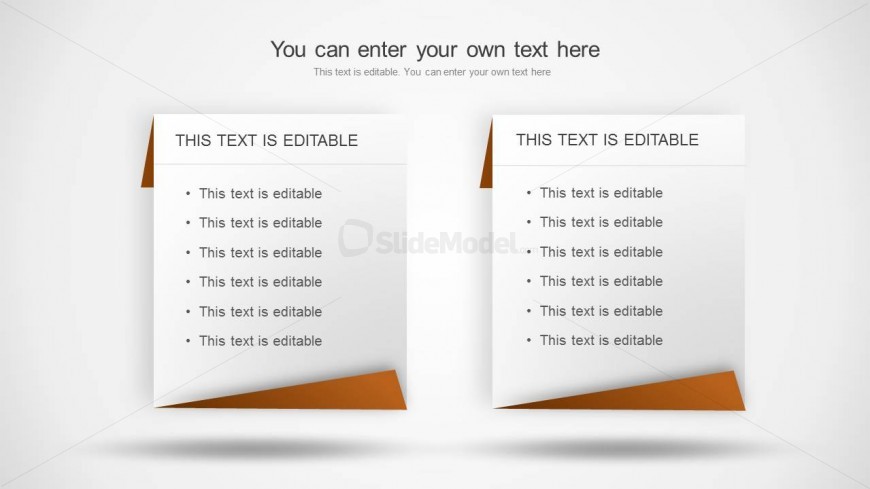
The Editable Text Table Layout from the Simple Text Tables for PowerPoint template offers a clear two-column design ideal for business presentations requiring feature comparisons or pros and cons lists. This slide layout includes editable shapes and text placeholders, facilitating easy customization within professional slide decks. Its balanced structure supports parallel topic presentations, making it a practical choice for corporate presentation sequences that demand clarity and readability.
What’s on This Slide
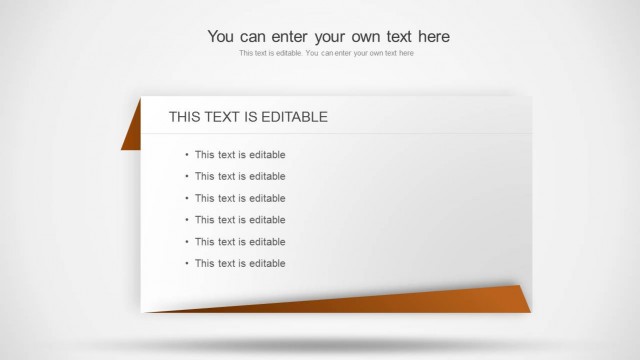
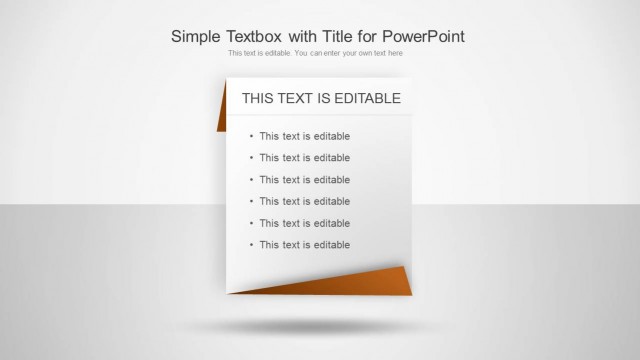
The layout features two side-by-side text boxes, each with a folded corner design. The left box contains a title labeled 'THIS TEXT IS EDITABLE' and a list of bullet points below it. The right box mirrors this structure with the same title and bullet points. The background is light, enhancing readability, while the folded corners are colored in a muted orange, providing a visual distinction. Text placeholders are present in both boxes, allowing for easy customization. The overall composition is balanced and symmetrical.
How to Use It
This layout serves as a two-column text table, ideal for comparing information or presenting parallel content. It fits well in a presentation sequence after an introductory slide, providing detailed insights or data. Business scenarios include side-by-side comparisons of features, pros and cons, or any two related topics requiring clear differentiation. This structure is useful for summarizing key points or presenting options in a concise format.
Text Placeholders & Capacity
Keep your copy within these limits so it fits without resizing. Body slots can hold about 5-6 words each comfortably.
| Placeholder | Count | Max characters (approx.) |
|---|---|---|
| Slide title | 2 | 25 |
| Item body | 14 | 30 |
Slide Keywords
Download unlimited PowerPoint templates, charts and graphics for your presentations with our annual plan.
DOWNLOADReturn to Simple Text Tables for PowerPoint.