Slide 1 of 3 from Simple Text Tables for PowerPoint
Simple Individual Text Table with Border for PowerPoint
Editable Textbox Layout for Presentations
- Text Layout
- Bullet List
- Context Slide
- 16:9
- 100% Editable
The Editable Textbox Layout from the Simple Text Tables for PowerPoint template offers a clean and customizable slide design ideal for outlining agendas or summarizing information. This slide layout supports clear communication in business presentations, featuring editable shapes and text placeholders that facilitate easy content updates. Suitable for corporate presentations and pitch deck templates, it integrates seamlessly with PowerPoint templates and Google Slides templates focused on clarity and simplicity.
What’s on This Slide
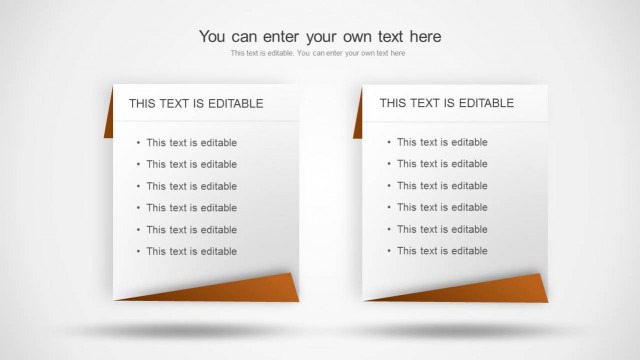
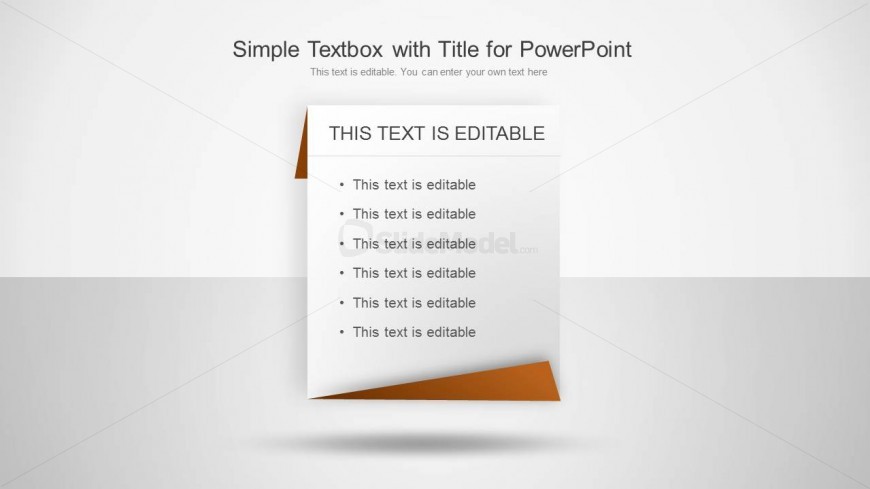
The layout features a prominent title at the top center, stating 'THIS TEXT IS EDITABLE.' Below, there are six bullet points arranged vertically, each marked with a bullet symbol. The background is a light gradient transitioning from white to light gray. A folded corner with an orange color accent is present at the bottom right of the textbox, adding visual interest. The text placeholders are aligned to the left, with ample space for content. The overall composition is clean and straightforward, emphasizing text clarity.
How to Use It
This layout serves as a straightforward text presentation tool, ideal for listing key points or information. It fits well at the beginning of a presentation to outline topics or during content-heavy sections. In business contexts, it can be used for agendas, summaries, or key takeaways. The design allows for easy customization, making it suitable for various presentation scenarios where clarity and simplicity are essential.
Text Placeholders & Capacity
Keep your copy within these limits so it fits without resizing. Body slots can accommodate roughly 5-6 words each.
| Placeholder | Count | Max characters (approx.) |
|---|---|---|
| Slide title | 1 | 30 |
| Body paragraph | 6 | 25 |
Slide Keywords
Download unlimited PowerPoint templates, charts and graphics for your presentations with our annual plan.
DOWNLOADReturn to Simple Text Tables for PowerPoint.