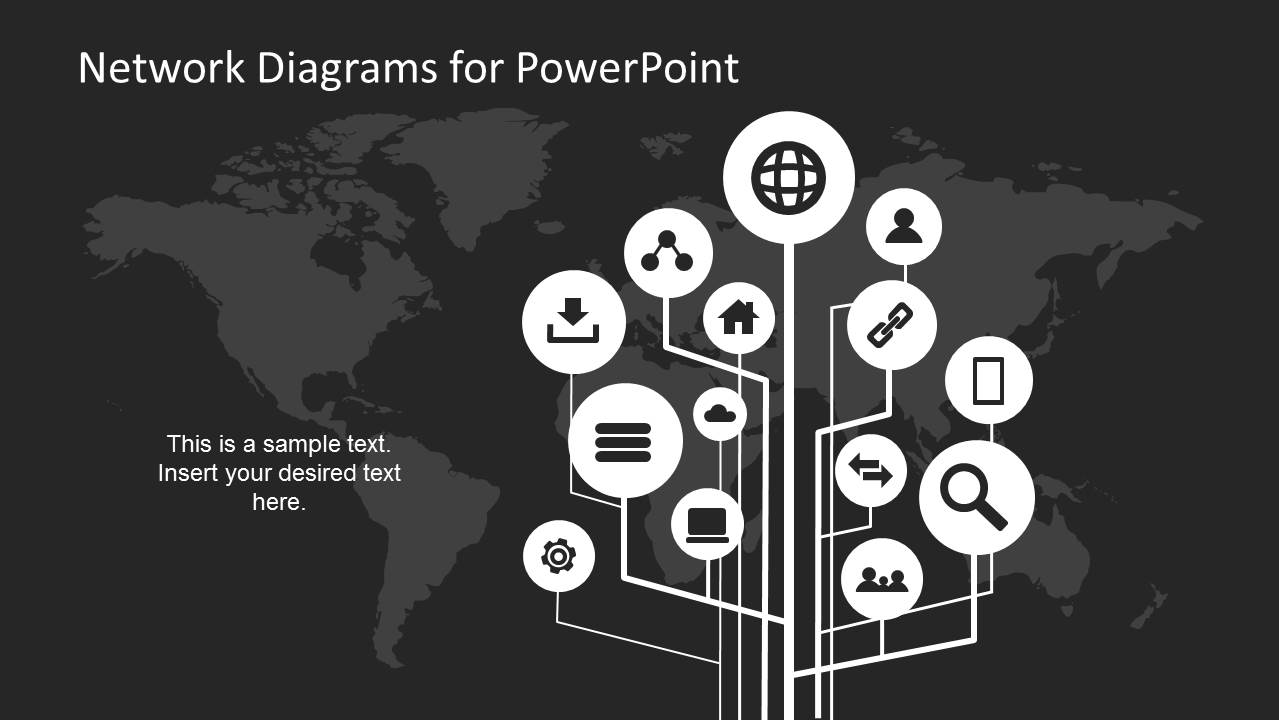
Dark Network Diagrams for PowerPoint is a presentation design containing useful network diagram and icons that you can use to make presentations on communications, Internet and IT networking. This PPT template design is the dark version of the network diagram template for PowerPoint that we have published earlier.
What’s inside this template
Example presentation scenarios
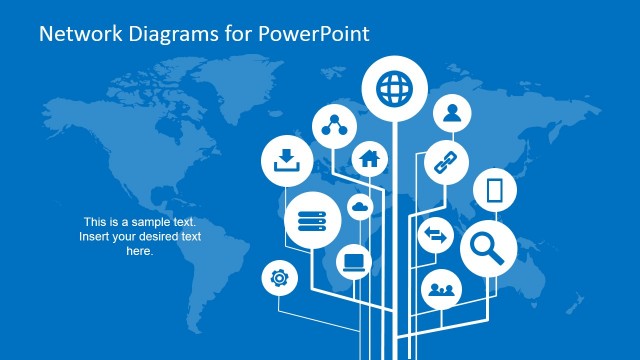
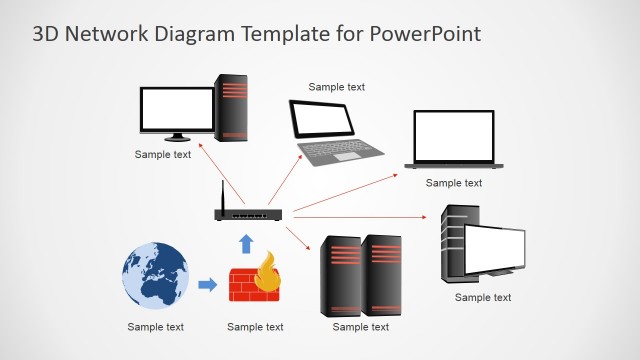
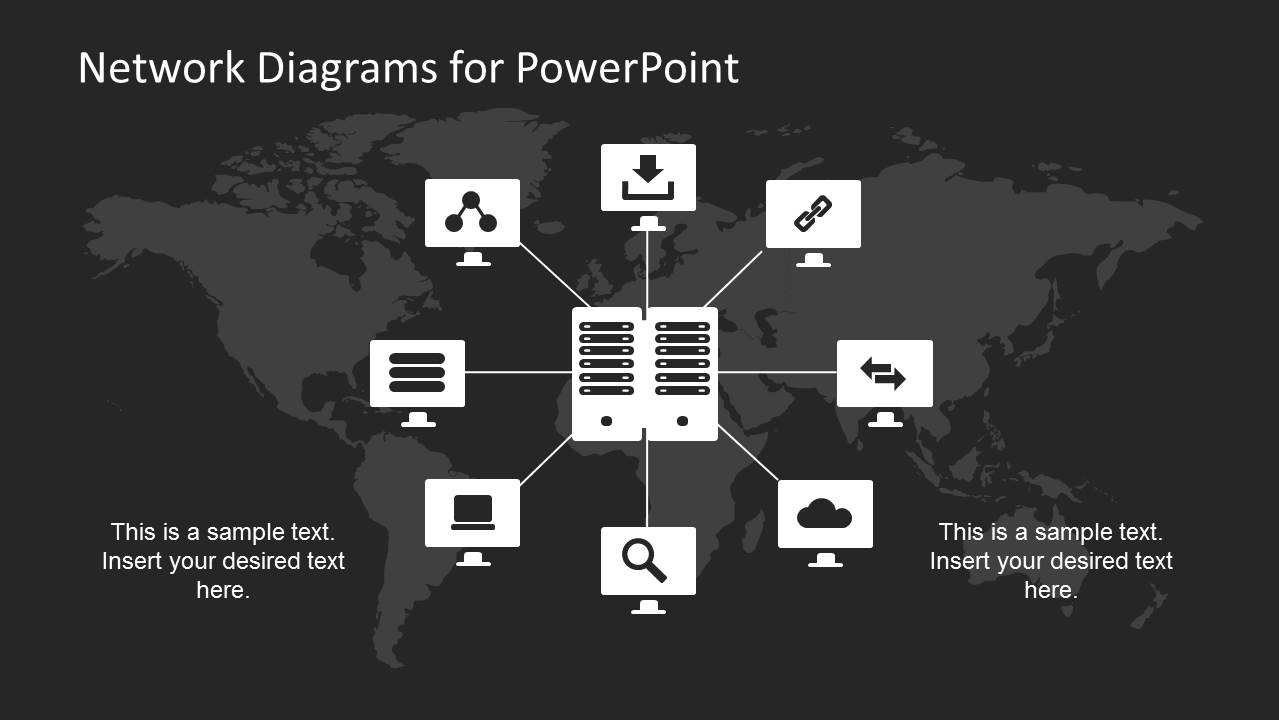
- A network architect can use the central server hub diagram to explain how systems, cloud services, workstations, and applications connect to a core infrastructure layer.
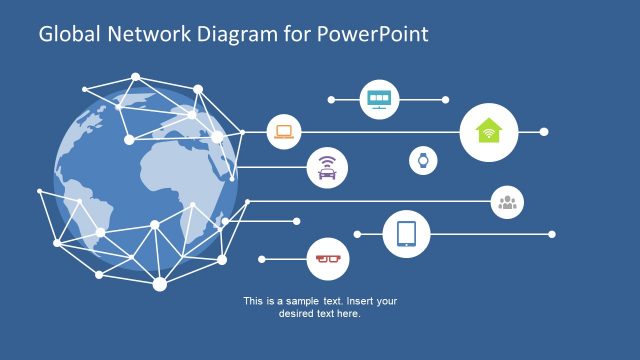
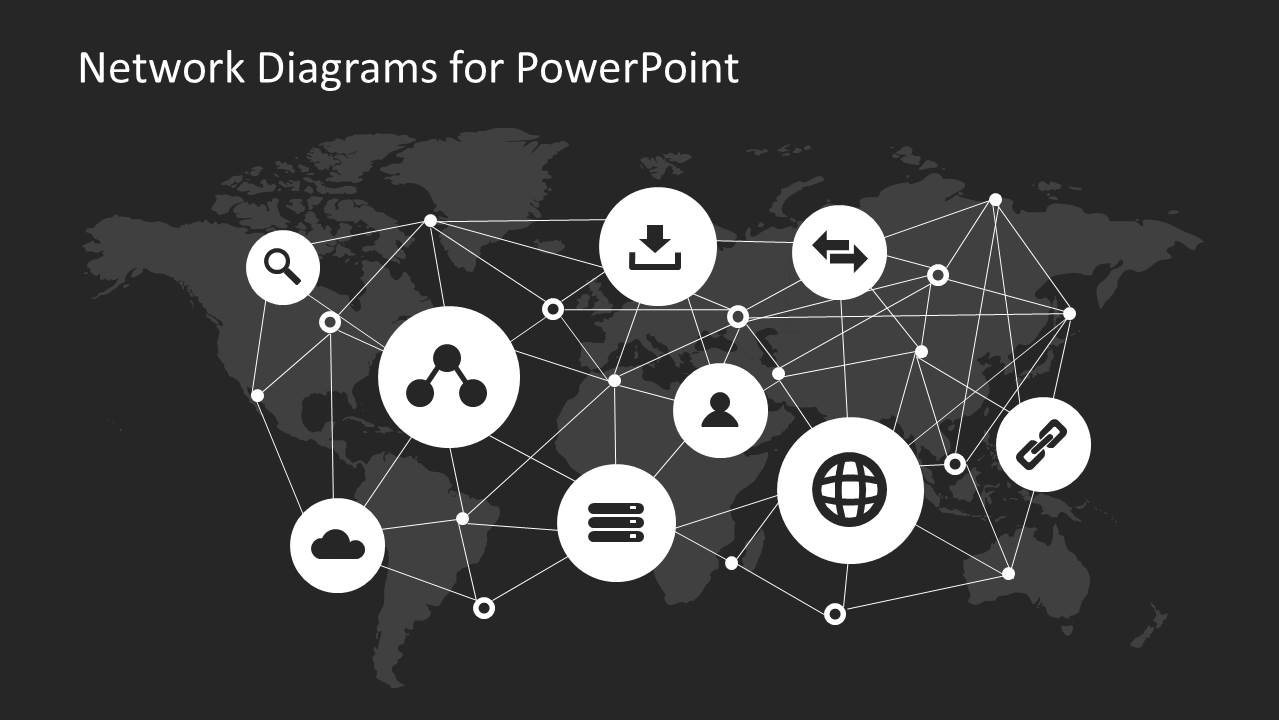
- An IT manager can use the global mesh map to brief executives on international connectivity, distributed users, or internet-based service relationships.
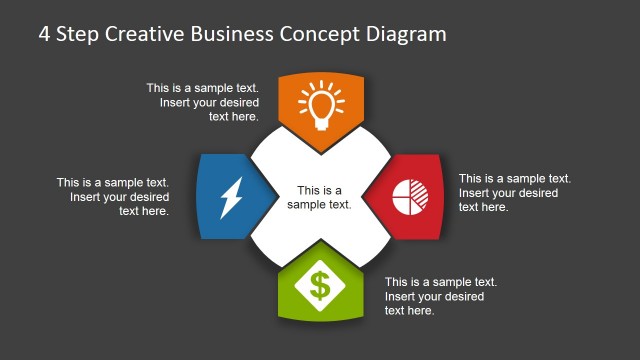
- A technology consultant can use the circular node network to simplify interoperability discussions between platforms, devices, users, and shared services.
- A training presenter can use the icon library slide to define network symbols before walking a nontechnical audience through the diagrams.
Features
- 100% editable presentation template
- Compatible with Microsoft PowerPoint and Google Slides
- 16:9 aspect ratio slides
- Scalable vector shapes, icons and illustrations
- AI-Ready for Microsoft Copilot and Claude
- Instant access and download
Frequently asked questions
Q: How should a presenter explain a network diagram without overwhelming a mixed technical and business audience?
A: Start with one visual relationship at a time. Use the server hub slide to identify the central system first, then introduce connected devices, cloud services, links, and users. Keep labels short and reserve details for speaker notes so the diagram communicates structure before the audience has to process technical terminology.
Q: Who is this template best suited for, and what kind of message does it communicate well?
A: It fits IT managers, network architects, systems engineers, and consultants who need to describe connectivity rather than deep configuration. The branching tree, global mesh, and circular node layouts are strongest for explaining how digital services, users, servers, and devices relate across an infrastructure or internet-based environment.
Q: Why do the map, mesh, and node metaphors work for network communication?
A: The dark world map gives context for scale, while white nodes and lines make connections the dominant visual signal. The mesh metaphor suggests many-to-many relationships, the hub layout shows dependency on a central system, and the circular network helps present an ecosystem instead of a linear process.






Simple Network Diagrams for PowerPoint Dark Version
5-slide presentation template for network diagrams, infrastructure maps, and IT connectivity icons.
Simple Network Diagrams for PowerPoint Dark Version is a 5-slide diagram template for explaining IT infrastructure and connectivity. It includes a branching network tree, central server hub, global mesh map, circular node network, and icon library. It is designed for technical presenters using Microsoft PowerPoint or Google Slides.
- Category
- Diagrams
- Rating


 Loading...
- Aspect ratio
- 16:9
- Item ID
- 6678-02
- Colors
 Microsoft PowerPoint
  Microsoft Copilot
  Claude for PowerPoint
 Other formats supported
Subscribe today and get immediate
access to download our PowerPoint templates.