Ship PowerPoint Templates
Maritime operations, logistics case studies, and naval history lectures all lean on the same visual anchor: a clear, recognizable image of a vessel rather than a vague transportation icon. A Ship PowerPoint template supplies that anchor directly, with cargo vessels, cruise liners, and naval ships rendered as editable graphics instead of stock photography that clashes with the rest of a deck.
Our ship templates are built for logistics teams, maritime educators, and consultants who need a specific vessel type on screen rather than a generic boat icon. The set covers enough vessel types that a single file can support a full fleet review without switching between separate images.

Global Logistics PowerPoint Template
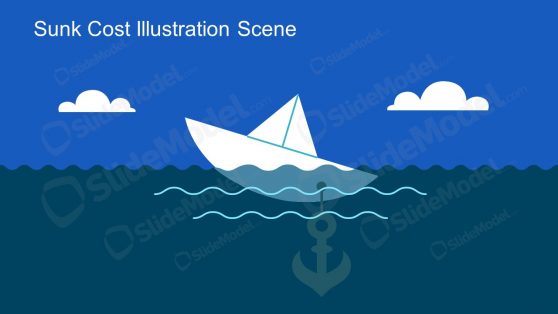
Sunk Cost Illustration Scene for Presentations

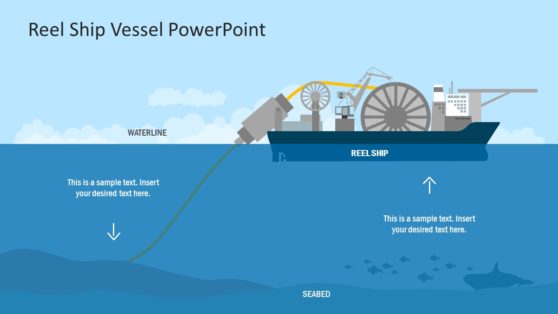
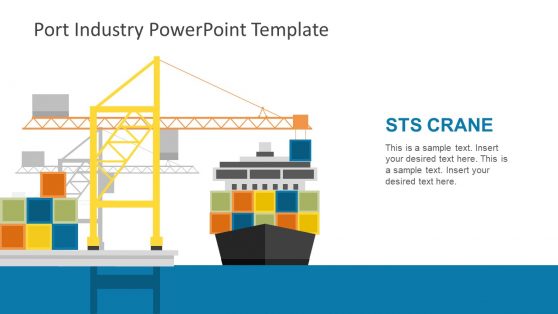
Why Logistics and Maritime Teams Choose Ship Slides
A shipping timeline or fleet overview reads faster when the vessel type is drawn accurately rather than approximated. Cargo container ships, tankers, and cruise liners have distinct silhouettes, and an audience with maritime experience notices the difference immediately. Ship templates give presenters that accuracy without commissioning custom artwork, so a fleet capacity slide or a route diagram can use the correct vessel shape without slowing down deck production.
You get consistent scale and style across every vessel included in the file, which matters when comparing ship classes side by side. For logistics teams building a broader case for modernization, pairing a ship diagram with the reasoning behind digitizing supply chain management ties the visual to the operational story rather than leaving it as decoration.
What’s Included in a Ship PowerPoint Template
A ship PPT template is a slide set built around vessel graphics and shipping-related diagrams rather than a generic transportation icon set. What’s actually inside usually covers:
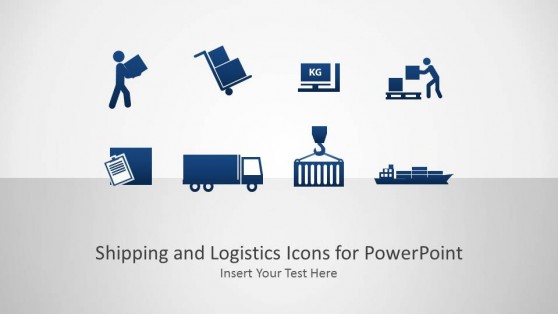
- Cargo and container ship graphics with editable hull colors
- Cruise liner and passenger ship illustrations
- Naval and military vessel icons for defense presentations
- Port and route diagram layouts for shipping lanes
Where Ship Templates Get Used
Logistics coordinators use the cargo ship graphics when presenting fleet capacity or route changes to operations leadership, while maritime studies instructors use the naval vessel set to illustrate historical case studies without having to redraw ships for every lecture. Tourism and hospitality teams adapt cruise-liner graphics for itinerary presentations, and defense consultants use naval icons in briefings that require a recognizable silhouette rather than a labeled box.
Because these teams often work across agencies or client organizations, sharing the file through Google Slides keeps the vessel graphics editable for a collaborator who was not part of the original build. Insurance underwriters assessing marine risk also use vessel graphics to illustrate policy terms specific to a ship class, keeping technical conversations grounded in a shared visual reference.
What is a ship presentation template?
It’s a slide deck built around vessel graphics, cargo ships, cruise liners, and naval vessels, used for logistics, maritime education, or defense presentations that need an accurate vessel silhouette rather than a generic icon.
How do I create a ship PowerPoint template?
Start with a layout where the vessel type is already drawn as an editable shape, then recolor the hull and add your own route, fleet, or capacity data around it.
Where can I find a free ship presentation template?
Our collection includes free and premium ship layouts, covering cargo vessels, cruise liners, and naval ships, from single-slide graphics to full shipping-themed decks.
Are ship PowerPoint templates suitable for training or educational use?
Yes. The vessel graphics work well in maritime training modules and classroom presentations, where a labeled ship diagram helps students identify vessel types faster than a photograph would.
Can the cargo ship graphics show different container load levels, like fully loaded versus partially empty?
Yes, the container stack height on the ship graphic is adjustable, so load level can be represented visually rather than always showing a fully loaded vessel.
Do the port and route diagrams show multiple ships simultaneously in the same shipping lane?
Yes, multiple ship icons can be placed along a single route line, useful for illustrating shipping density or a fleet’s positions rather than a single vessel’s journey.
Can the naval vessel icons be recolored for a non-military maritime context, like coast guard or research vessels?
Yes, hull colors and markings are editable, so the same vessel silhouette can be adapted for coast guard, research, or other non-combat maritime uses.