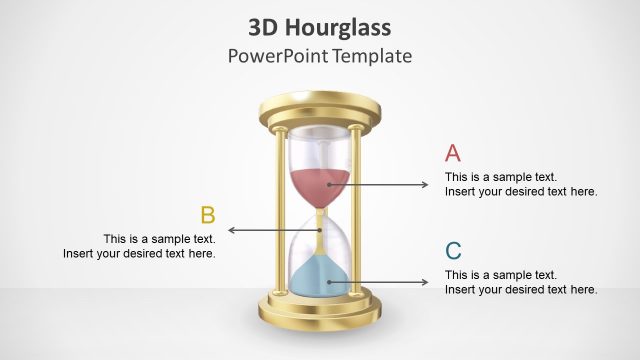
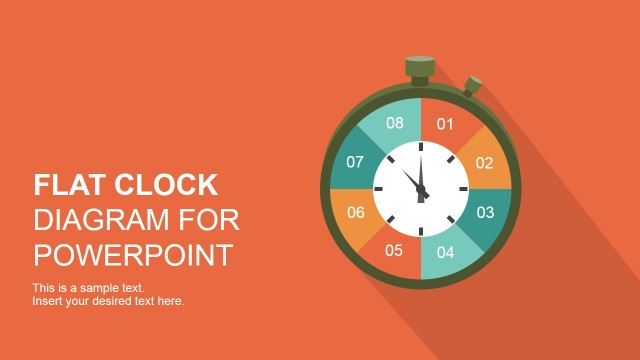
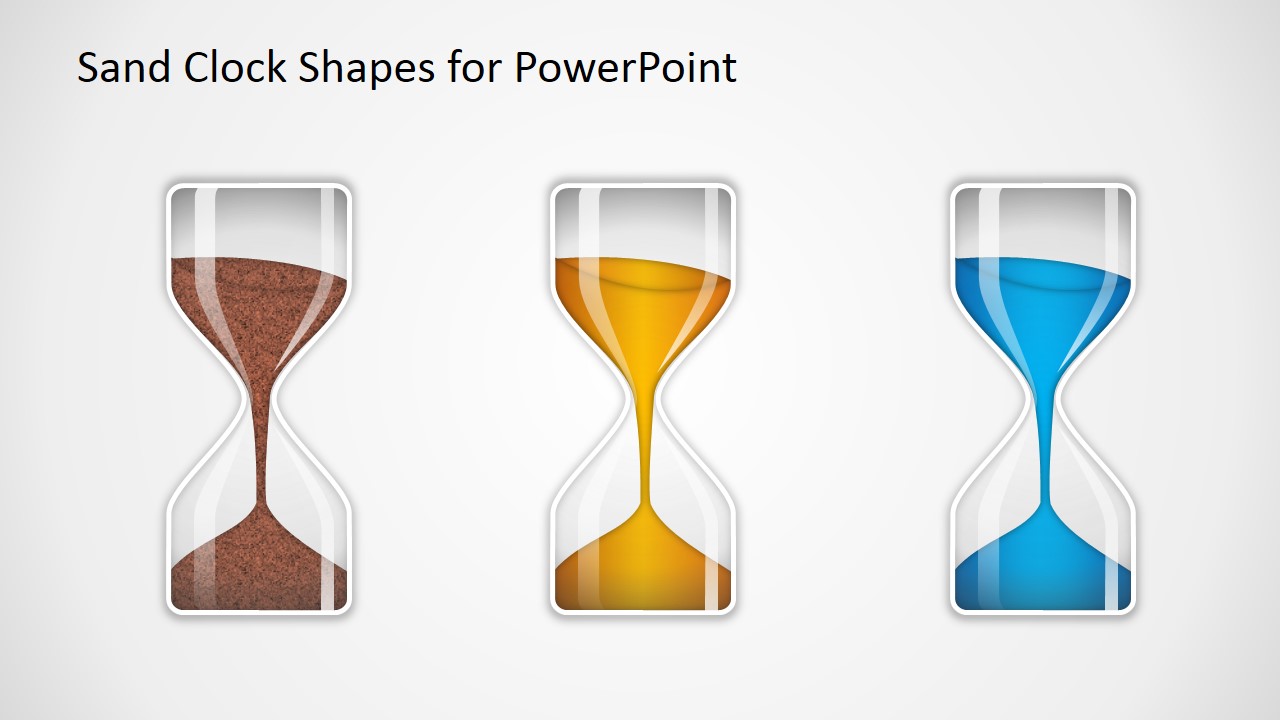
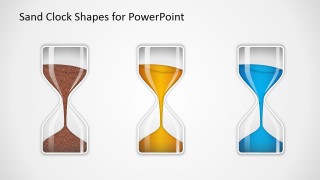
Sand Clock Shapes for PowerPoint contains three presentation slides with sand clock graphics that you can use in PowerPoint to decorate your own slides and make presentations on time management or show a metaphor of time in your slides.
The sand clock graphics for PowerPoint can be easily edited and copied into your existing slides and are provided as PowerPoint shapes. You can easily change colors and shadows by editing the shape properties.
What’s inside this template
Example presentation scenarios
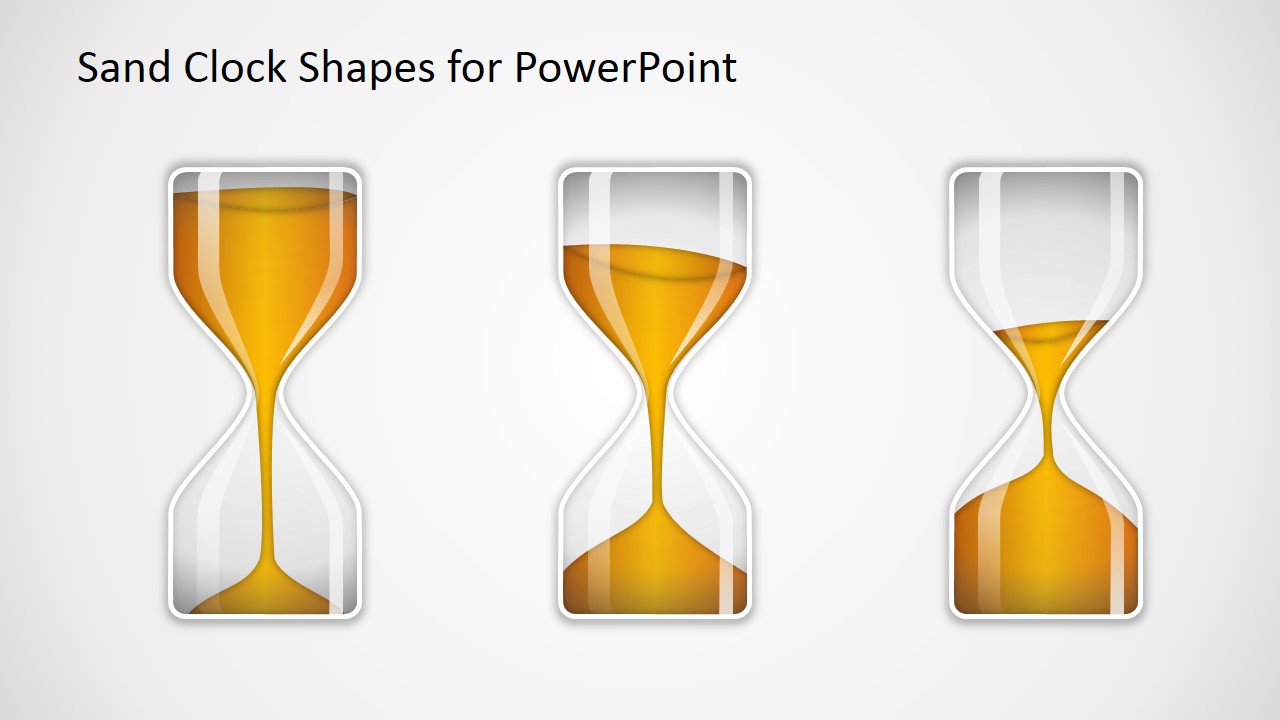
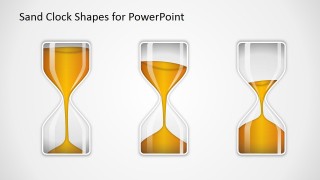
- A project manager can use the fullness-state hourglass sequence to explain how much time remains before a milestone or deadline.
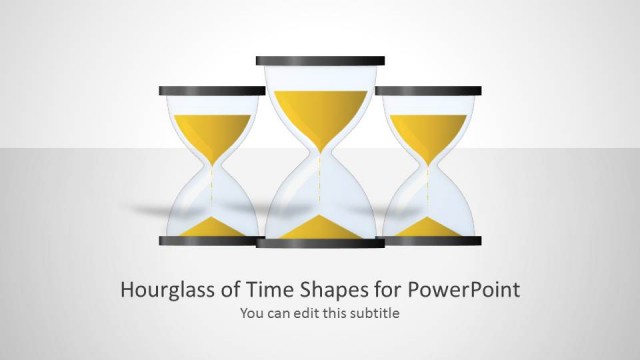
- A trainer can use the three-column sand clock display to introduce time management concepts such as planning, focus, and completion.
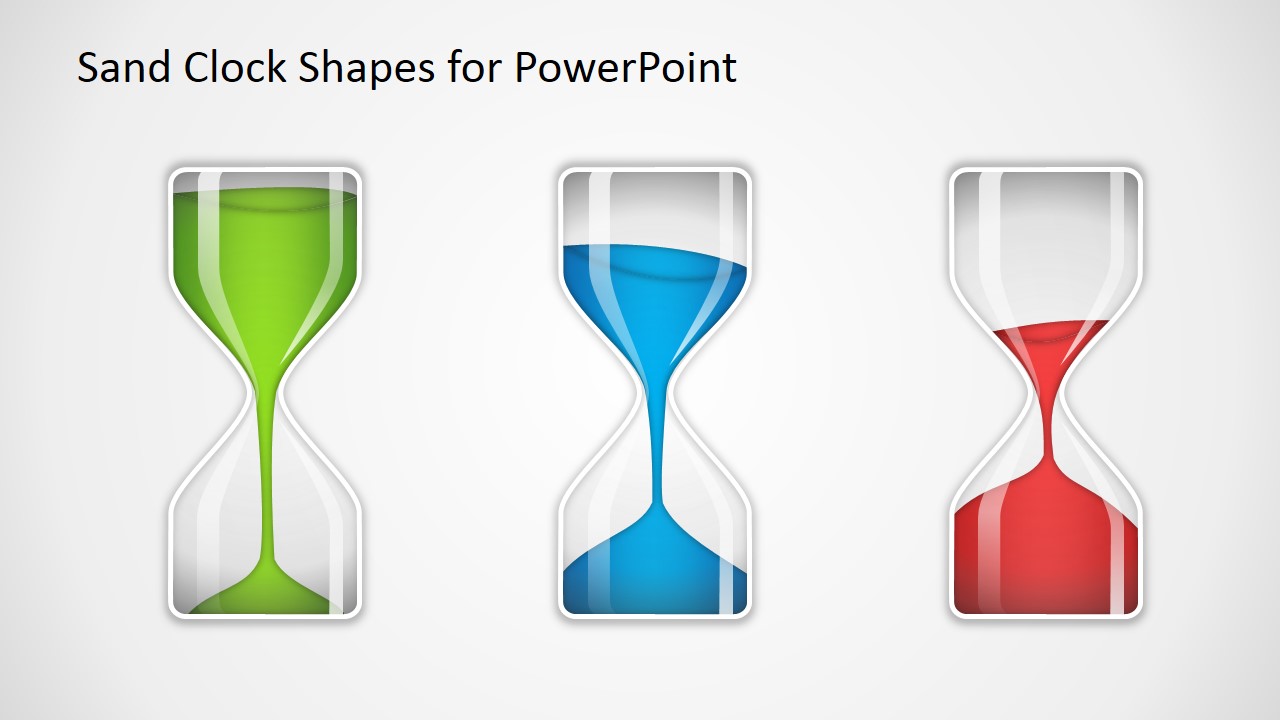
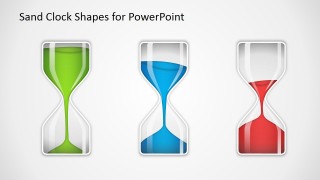
- A consultant can use the green, blue, and red hourglass set to compare priority levels, schedule risk, or urgency across workstreams.
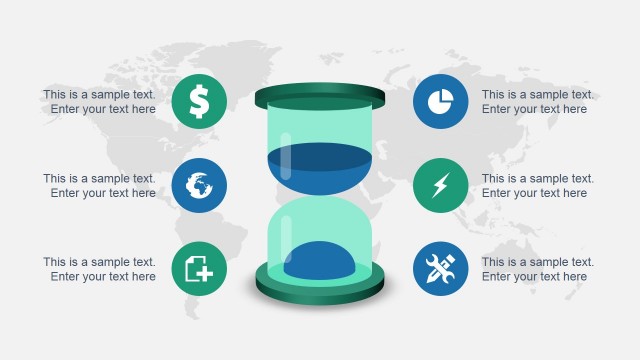
- An operations leader can add one hourglass shape to an existing report slide to call attention to waiting time, cycle time, or process delays.
Features
- 100% editable presentation template
- Compatible with Microsoft PowerPoint and Google Slides
- 16:9 aspect ratio slides
- Scalable vector shapes, icons and illustrations
- AI-Ready for Microsoft Copilot and Claude
- Instant access and download
Frequently asked questions
Q: How should a presenter use these hourglass shapes without making the slide feel decorative?
A: Assign a clear meaning to each hourglass before presenting it. For example, use the fullness-state sequence to show time elapsed, time remaining, and completion. Add short labels under each shape and keep supporting text brief so the audience reads the hourglass as a timing cue, not as background artwork.
Q: Who is this template best suited for in a business presentation?
A: This template fits presenters who need a quick visual metaphor for time rather than a detailed schedule. Project managers, consultants, trainers, and operations leads can use the sand clock graphics to introduce deadlines, countdowns, waiting periods, or urgency before moving into more specific tables, plans, or actions.
Q: Why does the hourglass metaphor work for time management messages?
A: An hourglass makes time visible because the audience can immediately interpret sand as time moving from available to consumed. The slide set reinforces that metaphor through different fill levels and color-coded versions, helping the presenter show urgency, progress, or risk with less explanation than a text-only slide.
Sand Clock Shapes for PowerPoint
3-slide presentation template with editable sand clock shapes for time management and deadline metaphors
Sand Clock Shapes for PowerPoint is a 3-slide, 16:9 shapes template for Microsoft PowerPoint and Google Slides. It contains editable hourglass graphics in three-column displays, fullness-state sequences, and color-coded sand clock variants for time management, deadlines, waiting periods, and urgency metaphors.
- Category
- Shapes
- Rating

 Loading...
- Aspect ratio
- 16:9
- Item ID
- 2022-01
- Colors
 Microsoft PowerPoint
  Microsoft Copilot
  Claude for PowerPoint
 Other formats supported
Subscribe today and get immediate
access to download our PowerPoint templates.