Generate Office templates for time-based presentations with the Analog Stopwatch Shapes for PowerPoint. The presentation template can be downloaded whenever in need of a stopwatch illustration for use in PowerPoint dashboards and presentations.
A stopwatch graphic is ideal for highlighting deadlines and periods. Stopwatches are common tools for timed competitions. The well-established concept behind the image makes it easier for the audience to connect the slide designs with time management. The stopwatch itself implies limited deadlines and strictly scheduled events.
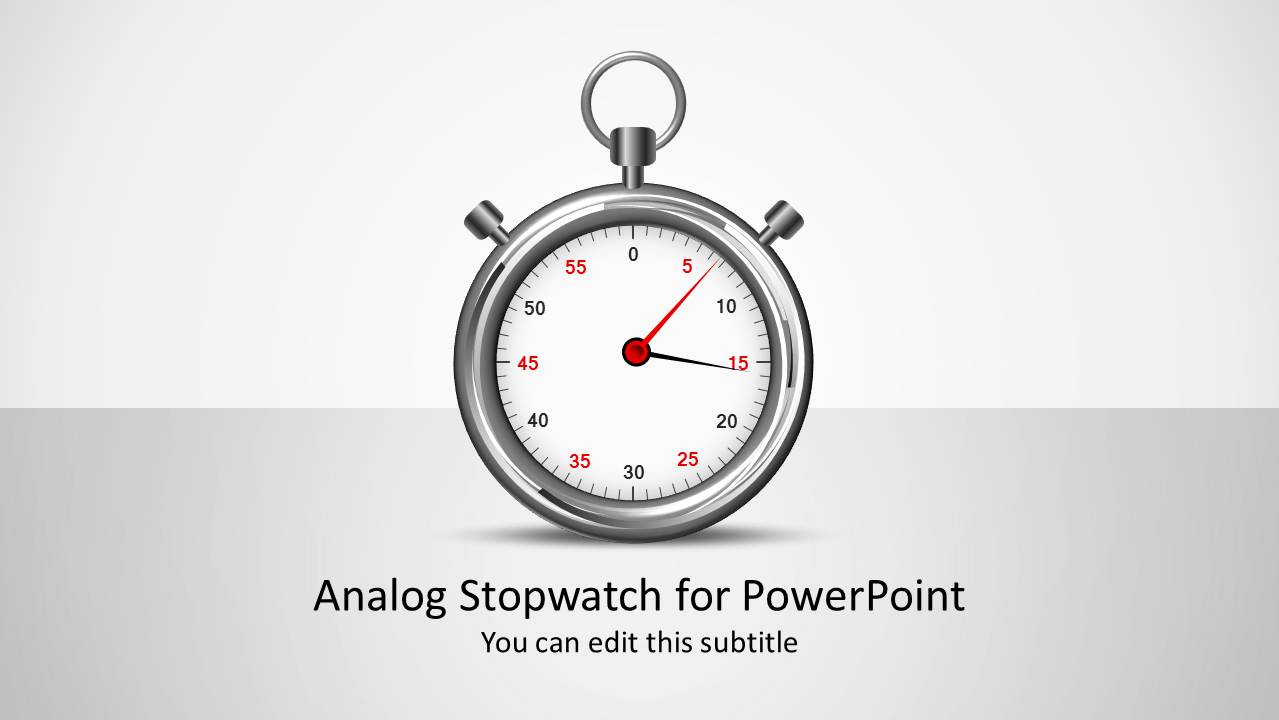
The PowerPoint template is composed of three slide variants. The first is a cover slide featuring an analog stopwatch clipart at the center. The title introduces the topic to the audience, giving them a general idea about the content of the presentation. The second slide layout is displayed as a two vertical panels ; the left panel contains an Analog Stopwatch PowerPoint Shape, the right panel a text placeholder where the user can elaborate a topic.
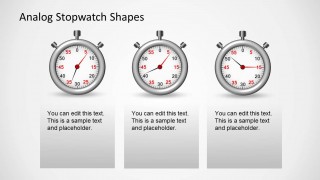
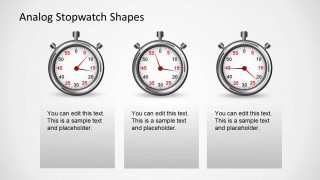
Relative timings can be compared using the third slide design, which shows three stopwatches next to each other. The viewers can compare easily each shape value in the side by side layout.
The Analog Stopwatch Shape for PowerPoint is created grouping individual smaller clipart elements. Each element is traced as a vector. The vectorial properties of the individual elements is what give the analog stopwatch its realistic look and feel. It also provides flexibility to customize its appearance. Users can reuse the shapes in existing presentations without affecting its resolution or visual properties. Just drag and drop over an existing presentations and the stopwatch will remain the same.
Give your presentation a professional touch with the Analog Stopwatch Shapes for PowerPoint.
What’s inside this template
Example presentation scenarios
- A project manager can introduce a deadline review by using the cover stopwatch slide, then explain the time constraint with a two-column stopwatch and text layout.
- A trainer can set expectations for a timed exercise by using the stopwatch illustration as a visual cue and the text placeholders to describe instructions.
- An operations lead can compare three response times or process windows with the three-stopwatch comparison layout and short explanatory text under each item.
- A consultant can add a time-management section to a client deck by reusing the stopwatch shapes beside recommendations, milestones, or urgency statements.
Features
- 100% editable presentation template
- Compatible with Microsoft PowerPoint and Google Slides
- 16:9 aspect ratio slides
- Scalable vector shapes, icons and illustrations
- AI-Ready for Microsoft Copilot and Claude
- Instant access and download
Frequently asked questions
Q: How should a presenter communicate urgency without making the slide feel alarmist?
A: Start with one clear time-related message, such as a deadline, response window, or timed activity. Use the large stopwatch as the visual anchor and keep the supporting text short. On the three-stopwatch slides, label each item with a distinct duration or phase so the audience compares timing rather than reading long paragraphs.
Q: Who is this template best suited for in a business presentation?
A: This template fits project managers, trainers, consultants, and operations leads who need a recognizable symbol for limited time. It works best for brief sections about countdowns, service response periods, meeting timeboxes, or deadline comparisons. The stopwatch metaphor is direct, so it is most useful when time is the central idea.
Q: Why use analog stopwatch shapes instead of a plain clock or timeline?
A: A stopwatch suggests measured intervals, urgency, and controlled duration more strongly than a general clock. The two-column slides pair that metaphor with explanation, while the three-stopwatch layouts create quick side-by-side comparison. This helps the audience understand whether the presenter is discussing elapsed time, a target window, or competing deadlines.


Analog Stopwatch Shapes for PowerPoint
5-slide presentation template with editable analog stopwatch shapes for time management and deadline comparisons
Analog Stopwatch Shapes for PowerPoint is a 5-slide shape template for Microsoft PowerPoint and Google Slides. It includes a cover with a central stopwatch, two-column stopwatch and text layouts, and three-stopwatch comparison panels. It is suited for presenters explaining deadlines, durations, countdowns, or time management concepts.
- Category
- Shapes
- Rating


 Loading...
- Aspect ratio
- 16:9, 4:3
- Item ID
- 1223-01
- Colors
 Microsoft PowerPoint
  Microsoft Copilot
  Claude for PowerPoint
 Other formats supported
Subscribe today and get immediate
access to download our PowerPoint templates.