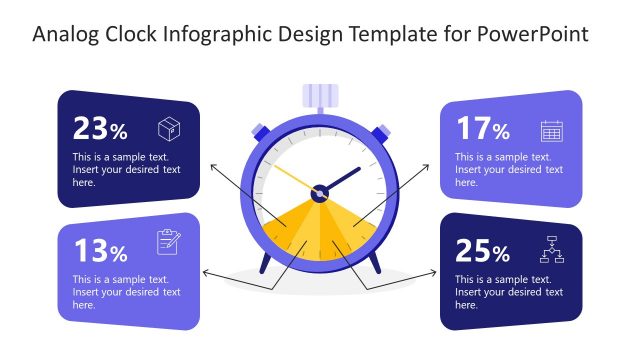
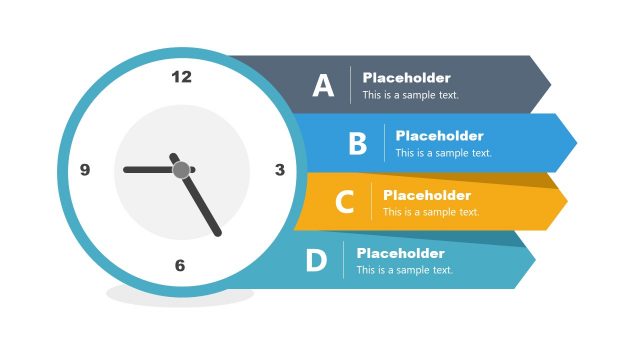
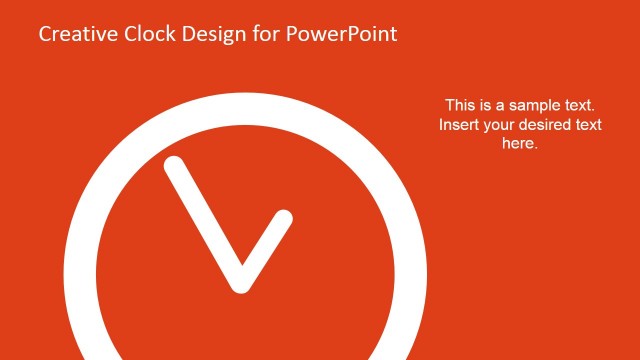
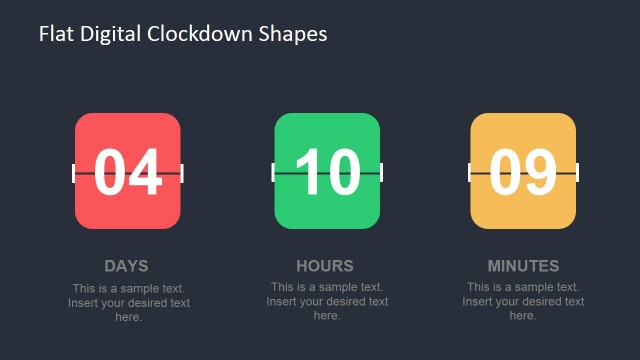
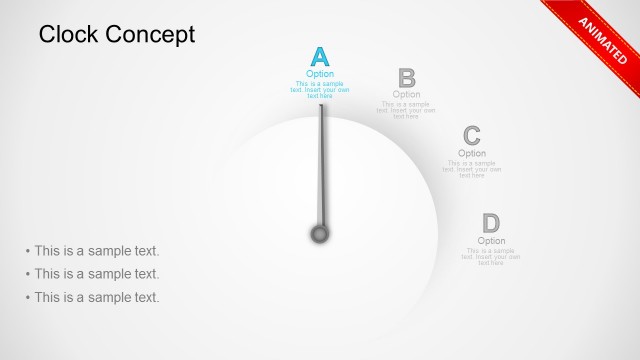
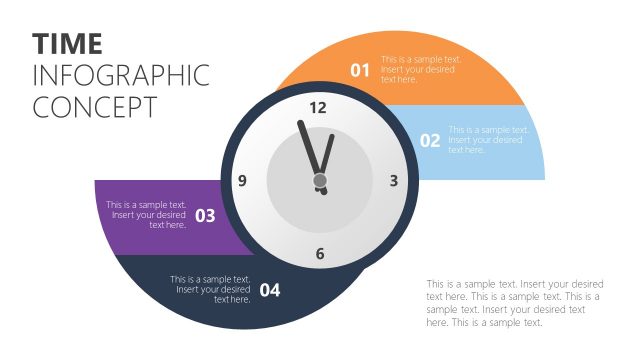
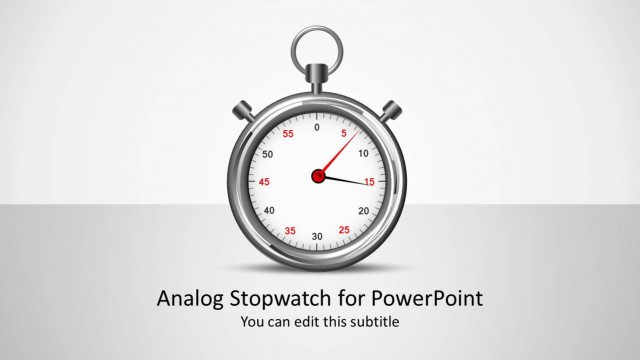
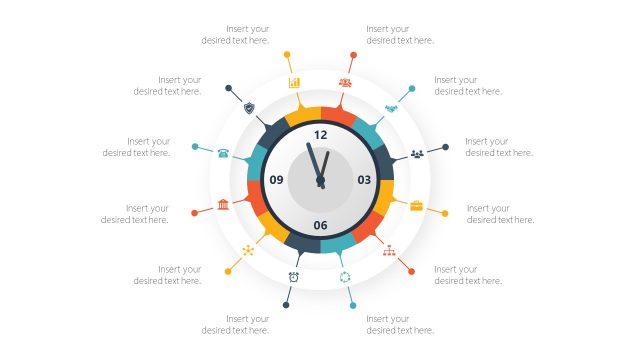
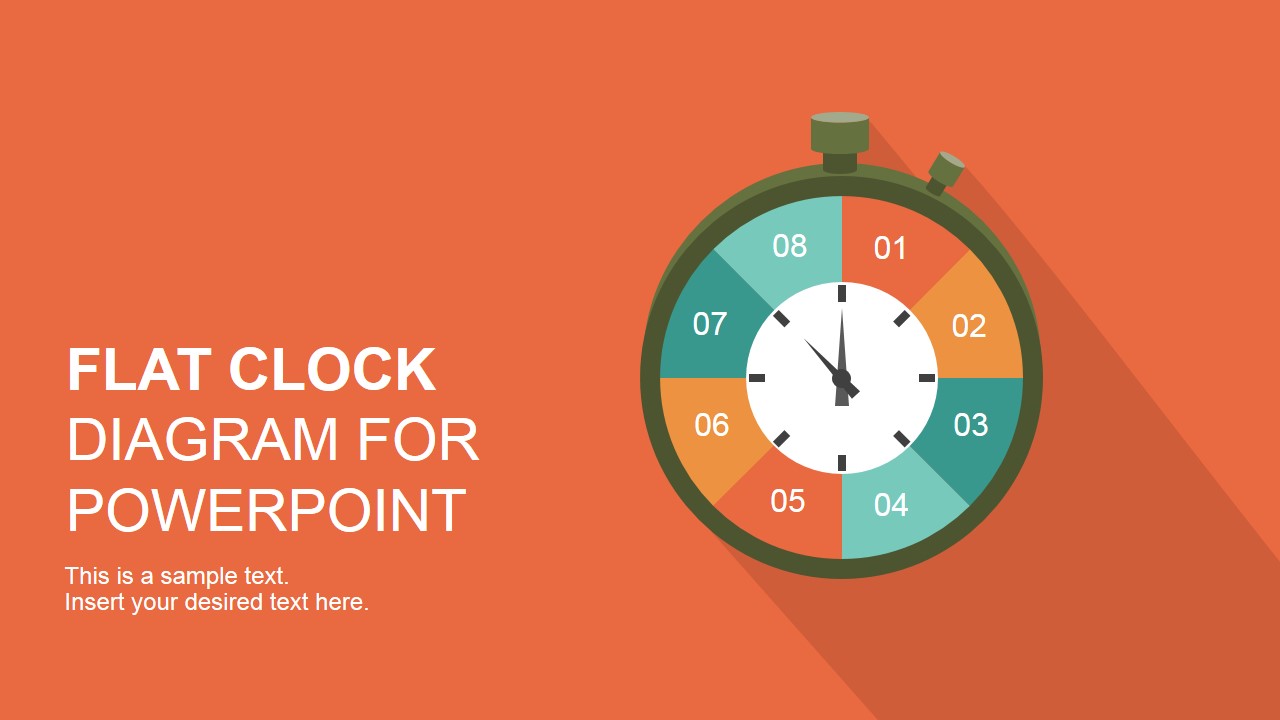
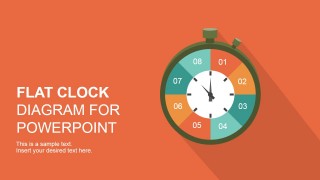
Flat Analog Clock Diagram PowerPoint Template is a presentation design containing a nice illustration of an analog clock featuring a flat style. You can use this clock diagram design to make a presentation describing a circular process or make slides on time management, productivity or business PowerPoint slides.
What’s inside this template
Example presentation scenarios
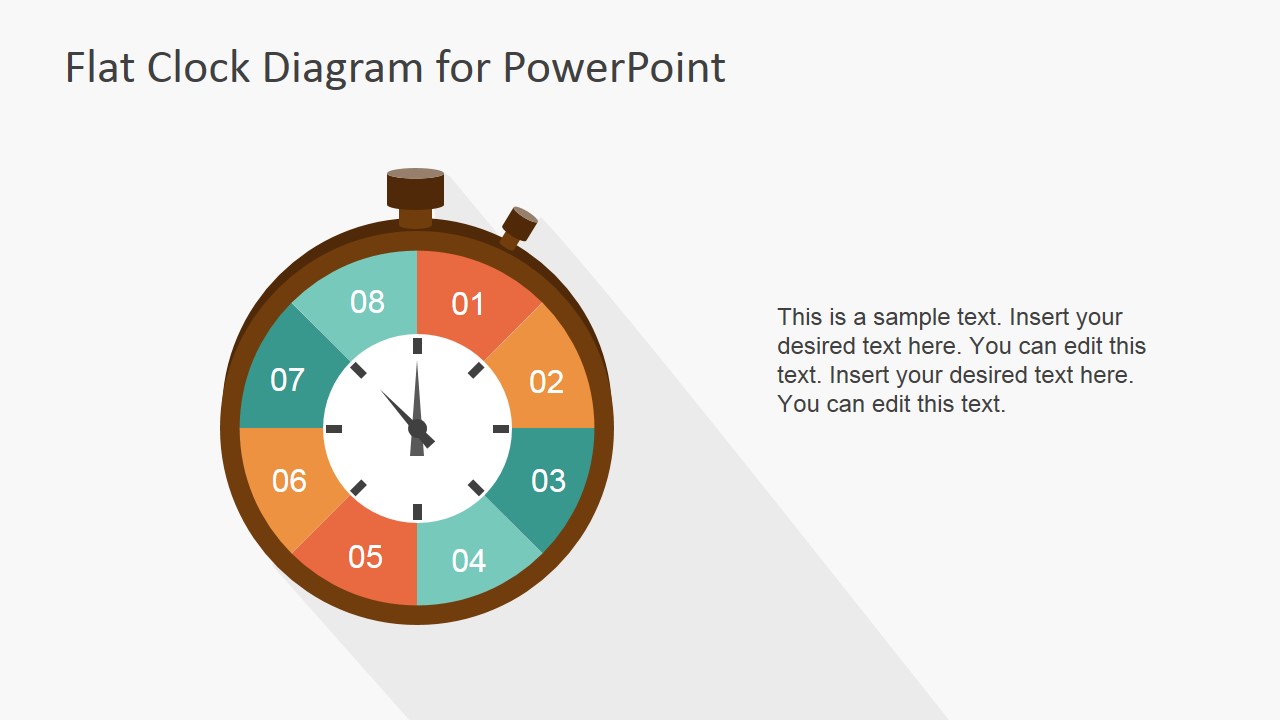
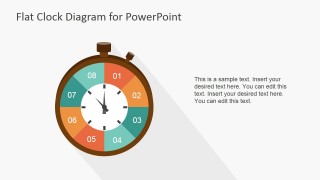
- A project manager can explain how team effort is distributed across phases by using the segmented analog clock and replacing each hour block with a project activity.
- A business trainer can teach time management habits by pairing the text-and-clock slide with a short rule, example, and action step.
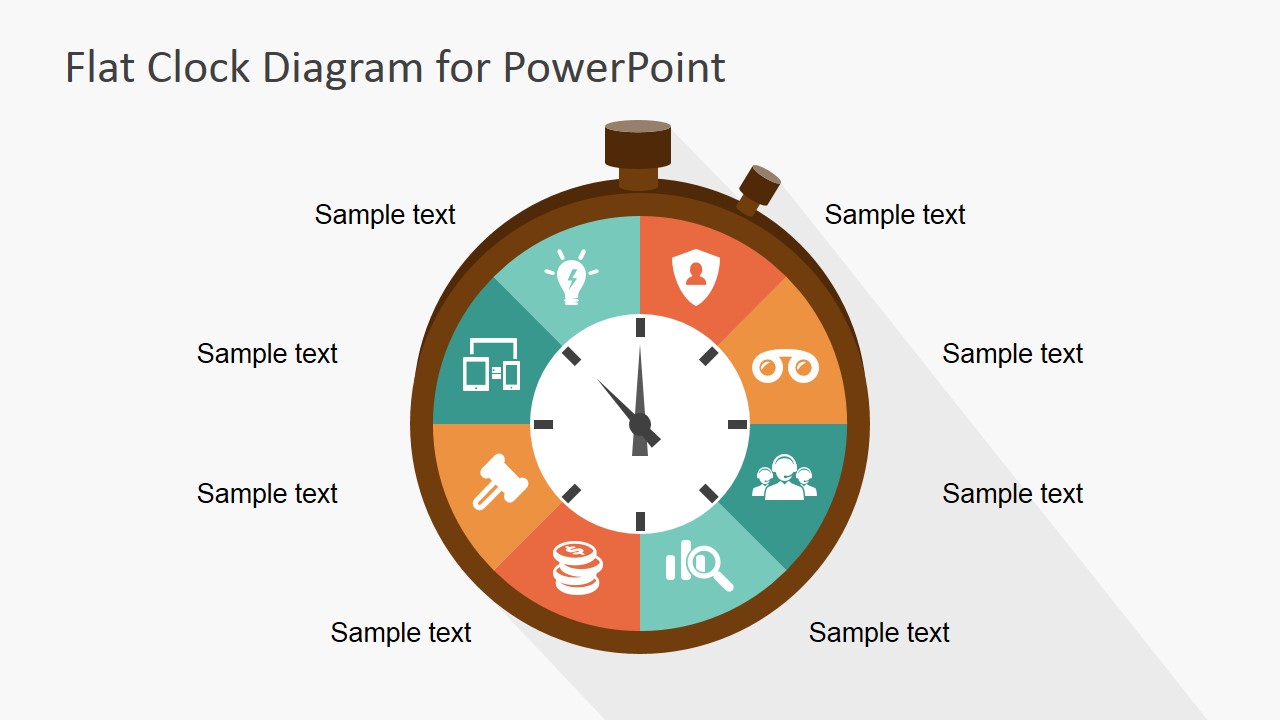
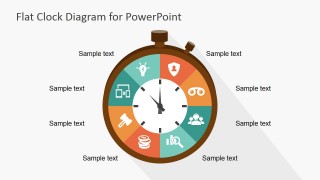
- A consultant can present a recurring operational cycle by using the labeled circular diagram and placing process names around the clock.
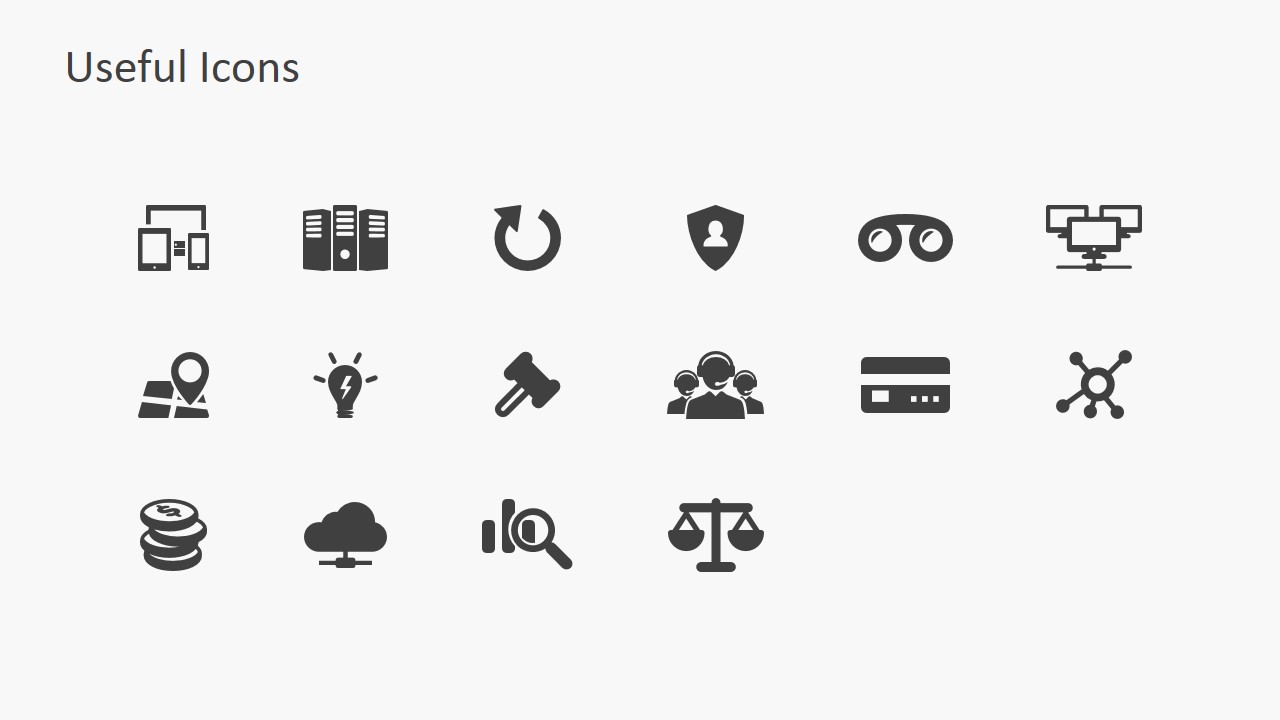
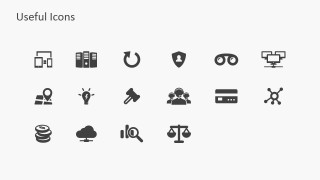
- A team lead can prepare a short meeting opener by using the title cover to frame the topic and the icon sheet to select symbols for priorities, risks, or resources.
Features
- 100% editable presentation template
- Compatible with Microsoft PowerPoint and Google Slides
- 16:9 aspect ratio slides
- Scalable vector shapes, icons and illustrations
- AI-Ready for Microsoft Copilot and Claude
- Instant access and download
Frequently asked questions
Q: How should a presenter use the clock metaphor without making the slide feel too literal?
A: Treat the clock as a structure for prioritization, not as a precise schedule unless the content needs exact hours. Use each colored segment for a work category, phase, or recurring behavior. Keep the surrounding labels short, then explain the tradeoff or rhythm that each segment represents.
Q: Who is this template best suited for in a business presentation?
A: It is best for presenters who need to make time allocation or repeat cycles easy to discuss, such as project managers, operations leads, consultants, and trainers. The segmented clock works well for planning workshops, productivity briefings, meeting timing, and recurring process explanations where the concept is more important than detailed metrics.
Q: Why does the circular analog clock layout help explain process and time concepts?
A: A clock is a familiar visual metaphor for duration, order, and repetition. The circular layout lets the audience see phases as connected parts of one cycle, while the colored segments separate topics quickly. The icon version adds recognition cues, helping viewers remember each part without reading long labels.
Flat Analog Clock Diagram PowerPoint Template
4-slide presentation template with flat analog clock diagram and time management icon set
The Flat Analog Clock Diagram PowerPoint Template is a 4-slide, 16:9 diagram set for presenting time management, productivity, or circular process ideas. It includes a title cover, segmented analog clock, labeled circular diagram, text-and-clock layout, and icon sheet for Microsoft PowerPoint and Google Slides.
- Category
- Shapes
- Rating

 Loading...
- Aspect ratio
- 16:9
- Item ID
- 6928-01
- Colors
 Microsoft PowerPoint
  Microsoft Copilot
  Claude for PowerPoint
 Other formats supported
Subscribe today and get immediate
access to download our PowerPoint templates.