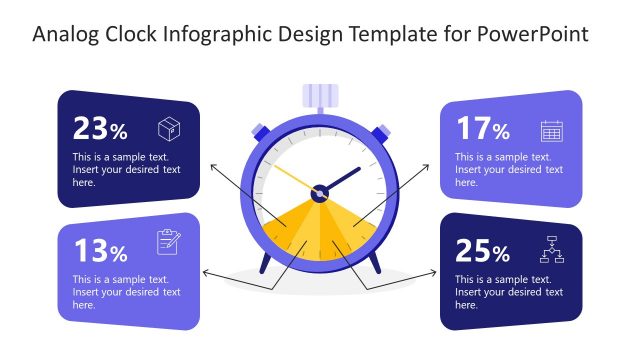
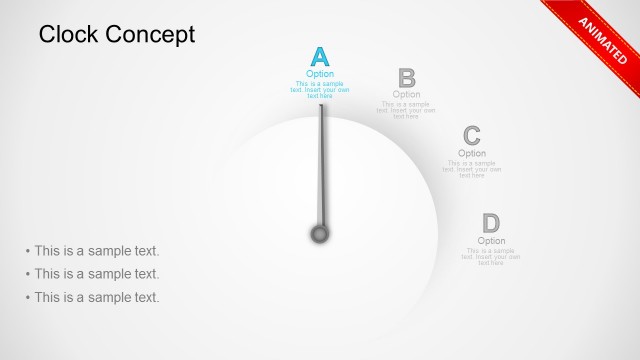
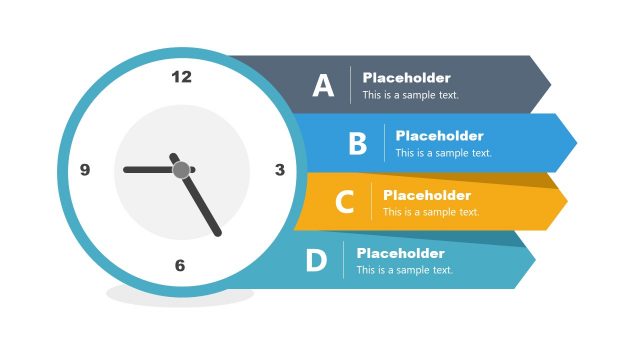
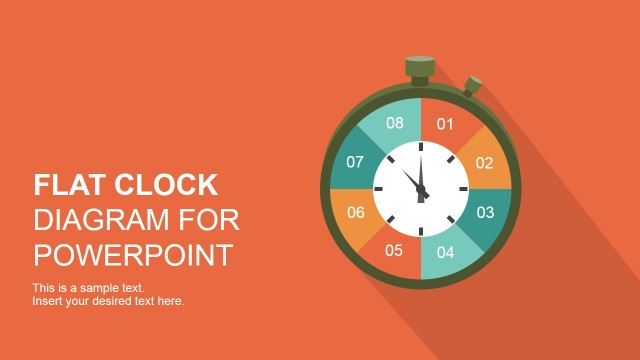
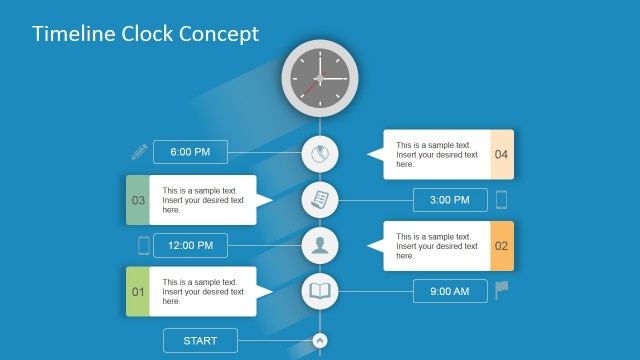
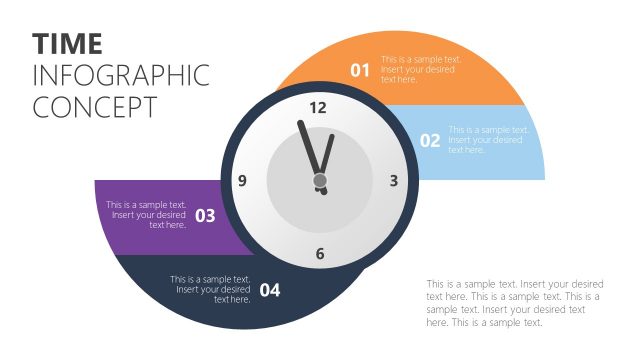
Impress professional audiences with the Creative Analog Clock Slides for PowerPoint. The templates features helpful PowerPoint Shapes that applicable to all types of business presentations. Provide interactive visual aids to help the audience gain a better understanding of the presentation and its content.
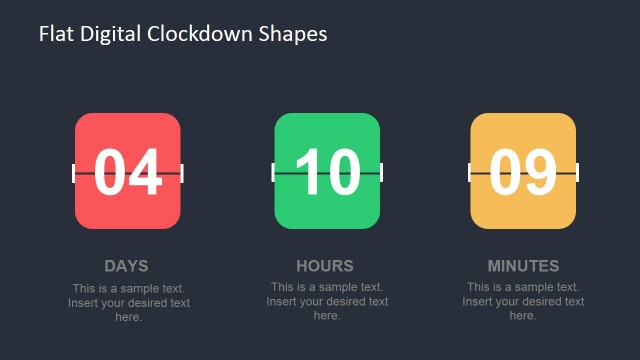
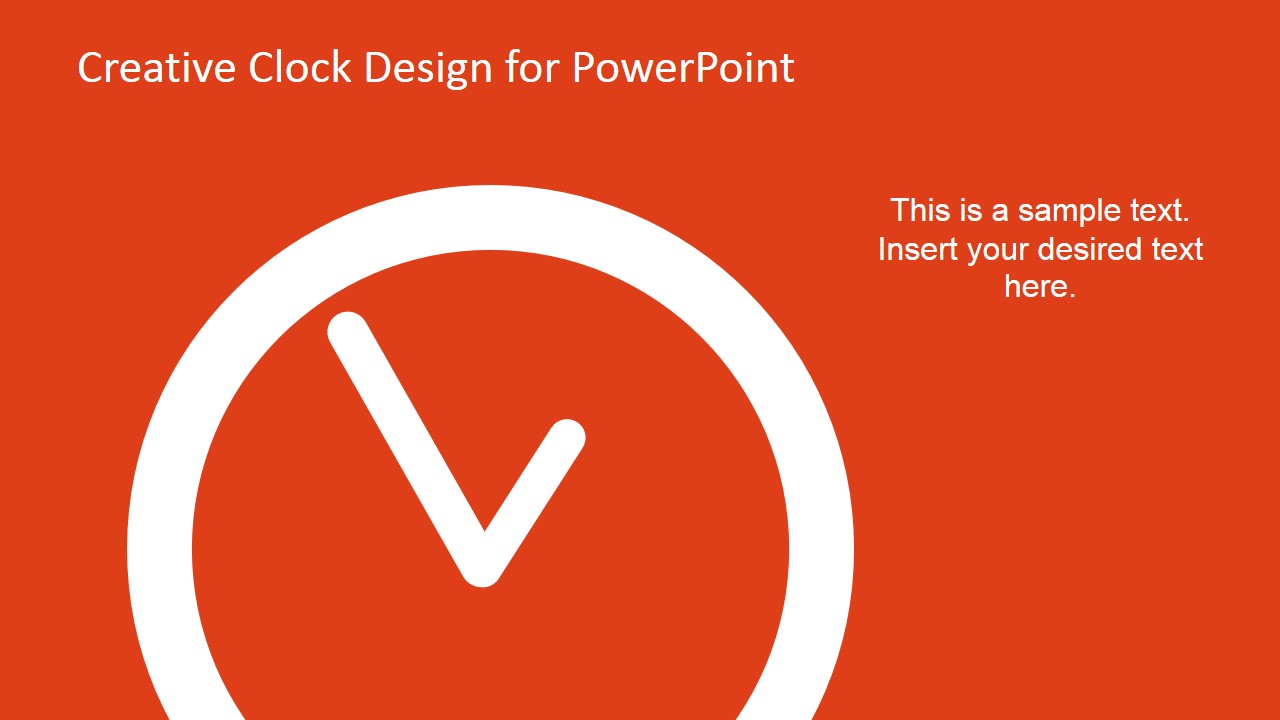
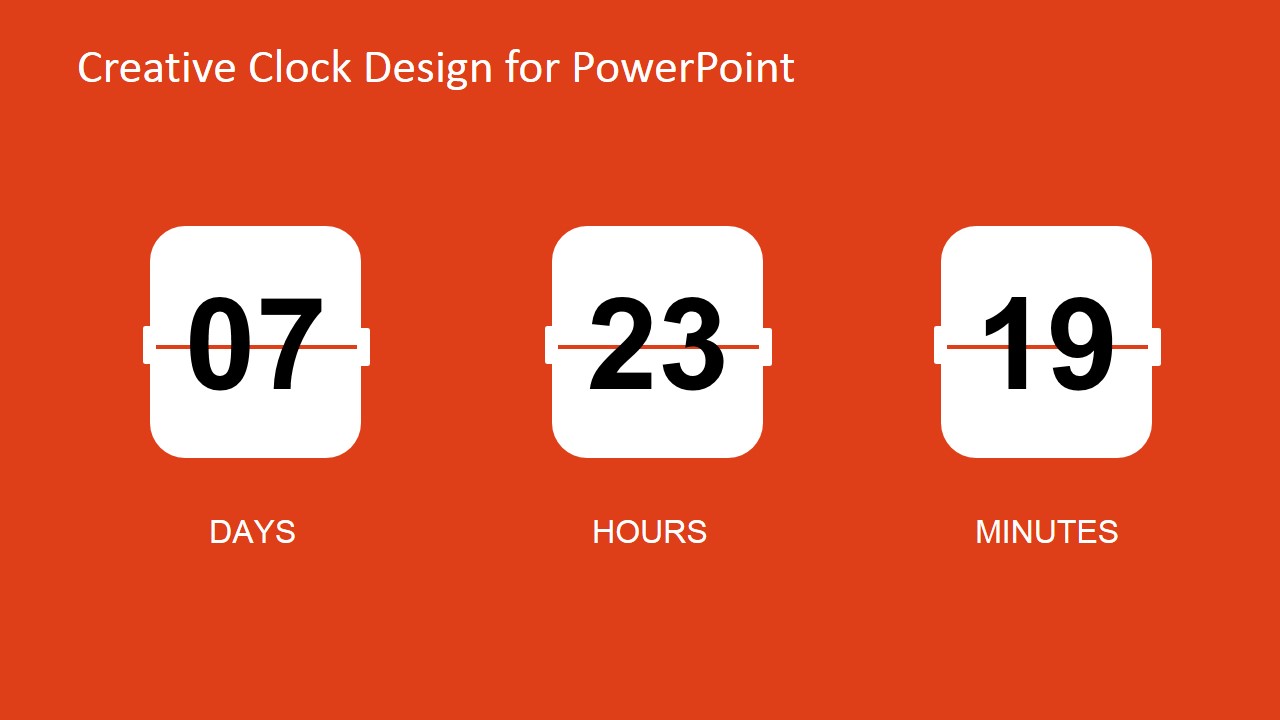
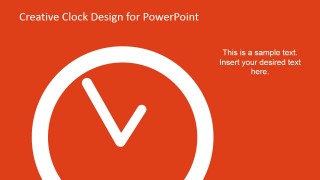
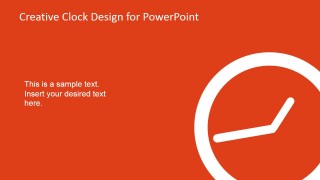
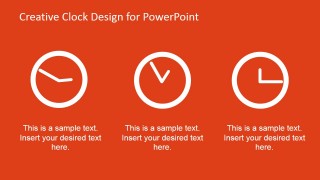
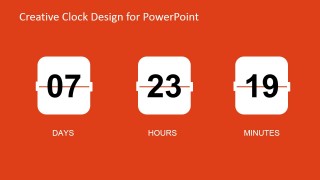
The template is a design for PowerPoint featuring analog clock illustrations against an orange presentation background. Also included in the template is an vectorial graphic, resembling an old-fashioned mechanical calendar. It is designed to express time in terms of days, hours, and minutes.
Examples of usage for this metaphor includes:
- Explain the importance of time and schedules during the execution of a business plan.
- Apply the clock illustrations to indicate specific points of interest during the length of the project.
- Initial employee orientation to show specific activities which are done at a particular time of the day.
- Explain certain company policies and traditions related to time-management; include activities such as lunch times , coffee breaks which all employees must observe.
Examples are important to establish routines, and ensuring that the message is clearly understood. When presenters implement metaphors through the use of engaging visuals, the audience retains the message associated not only with the speech but also with the images applied.
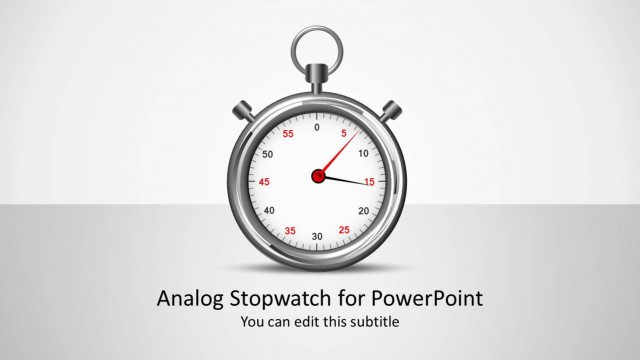
With the use of the Creative Analog Clock Slides for PowerPoint, the presenter can create reusable PowerPoint templates which can be used in other business presentations. The fully-customizable design of the slides ensure that the presenter can adjust the graphics and other content to suit specifications. The presenter can also choose to download other PowerPoint templates from the Gallery, like the Stopwatch Shapes for PowerPoint. to better complement the business metaphors.
What’s inside this template
Example presentation scenarios
- A project manager can use the large analog clock slide to introduce a deadline discussion and explain why timing matters before reviewing a task schedule.
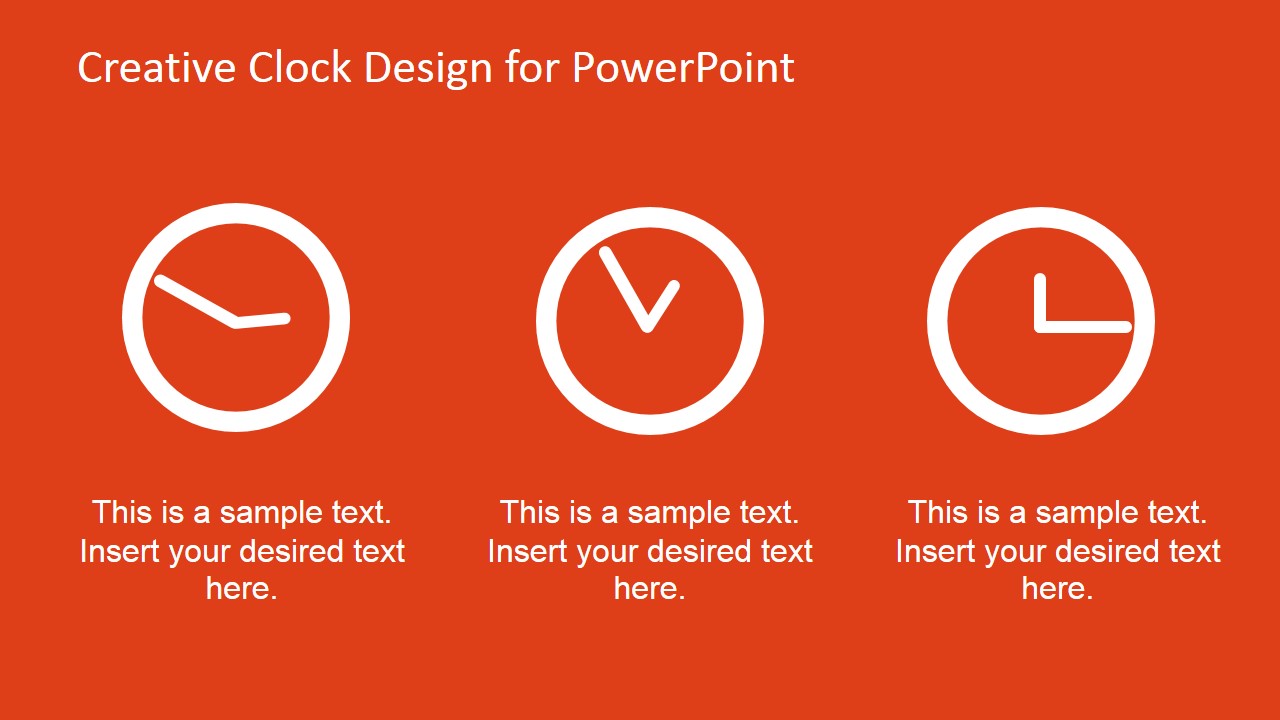
- An HR trainer can use the three clock icon layout to show daily orientation blocks, break times, or required activities for new employees.
- An operations lead can use the days-hours-minutes countdown counter to present time remaining before a launch, maintenance window, or process cutoff.
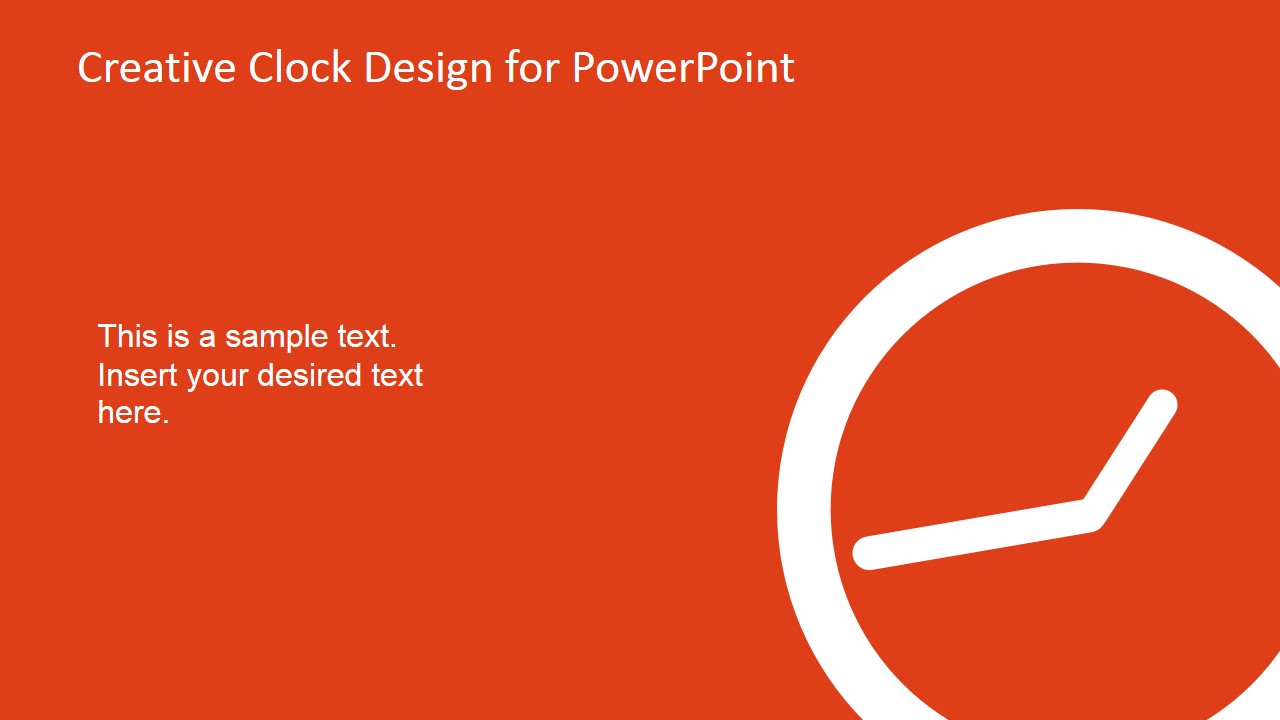
- A team supervisor can use the cropped side-clock layout to frame a time-sensitive policy reminder with a short explanatory text block.
Features
- 100% editable presentation template
- Compatible with Microsoft PowerPoint and Google Slides
- 16:9 aspect ratio slides
- Scalable vector shapes, icons and illustrations
- AI-Ready for Microsoft Copilot and Claude
- Instant access and download
Frequently asked questions
Q: How should a presenter use these clock visuals without making the message feel too literal?
A: Use one clock slide as a framing device, then connect it to a concrete decision or behavior. For example, introduce the deadline with the large clock, explain the action with a short text block, and use the countdown counter only when the remaining time is central to the message. Keep captions brief so the metaphor stays clear.
Q: Who is this template best suited for in a business presentation?
A: This template fits presenters who need to make timing visible: project managers explaining deadlines, HR trainers teaching daily routines, and operations leads briefing teams on cutoffs or shift schedules. The slides work best when the audience needs a simple time cue rather than a detailed calendar, dependency map, or performance report.
Q: Why does the analog clock metaphor work for schedule and deadline communication?
A: Analog clocks are instantly recognized, so they reduce setup time before the presenter explains the point. The oversized cropped clocks create urgency, the three-icon row separates time-based topics, and the flip-card counter turns days, hours, and minutes into a visible countdown. The metaphor helps audiences remember timing as the central idea.
Creative Analog Clock Slides for PowerPoint
4-slide presentation template with analog clock graphics and a days-hours-minutes countdown counter
Creative Analog Clock Slides for PowerPoint is a 4-slide time management template for Microsoft PowerPoint and Google Slides. It includes a large analog clock layout, a cropped side-clock slide, a three-icon time row, and a days-hours-minutes countdown counter for schedules, deadlines, routines, and time-sensitive business messages.
- Category
- Shapes
- Rating


 Loading...
- Aspect ratio
- 16:9
- Item ID
- 8211-01
- Colors
 Microsoft PowerPoint
  Microsoft Copilot
  Claude for PowerPoint
 Other formats supported
Subscribe today and get immediate
access to download our PowerPoint templates.