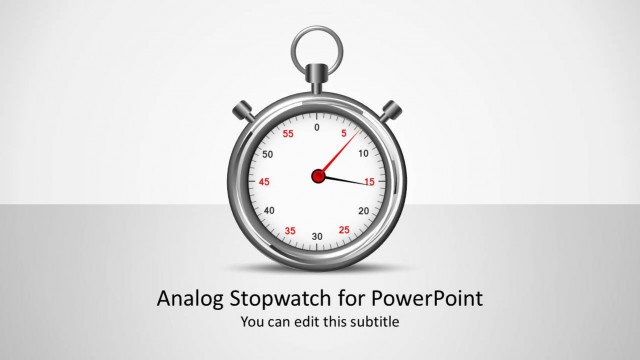
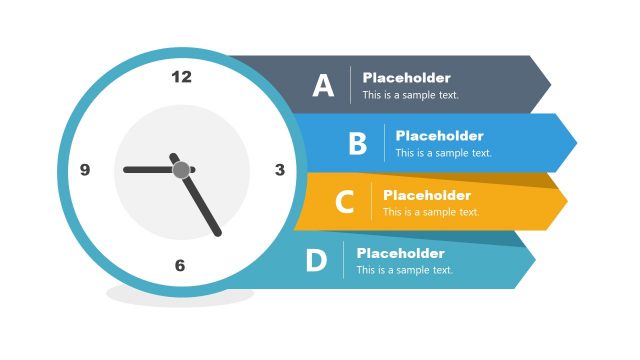
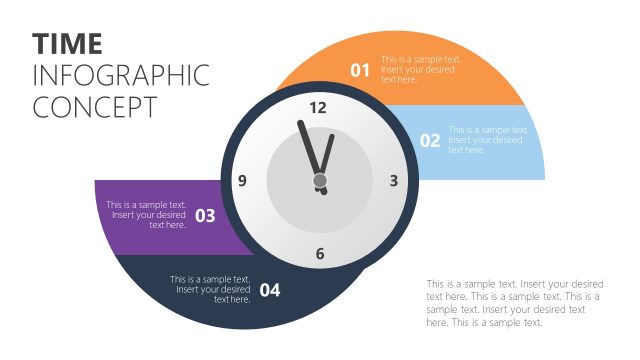
Use Flat Time Clock Shapes for PowerPoint to generate modern and professional PowerPoint presentations. The flat style of the PowerPoint objects creates a casual look. This can make a participative atmosphere by making the audience feel welcomed.
Time is a progress of existence generally measured in minutes, hours, days, etc. These units are based on the International System of Quantities and International System of Units. This time tracking measurement idea was first developed by the early Egyptians. It is a concept of order from the past, present, future and the intervals in between those events. Time is essential to record and keep track of every activity. It defines quantities like velocity and space.
Clocks represent time which is an important part of people’s daily routines. It is a vital requirement in terms of business and organization. The clocks can refer to an aspect of time. For example, the team is doing a project planning. The icons can mean the target date or deadline for the preparation period of the project. In history, it is also a necessary variable. Accounts of an event are studied to be able to estimate the date it happened. Time can be applied in personal schedules and in making a to-do list. It is ideal for topics like religion, philosophy and science.
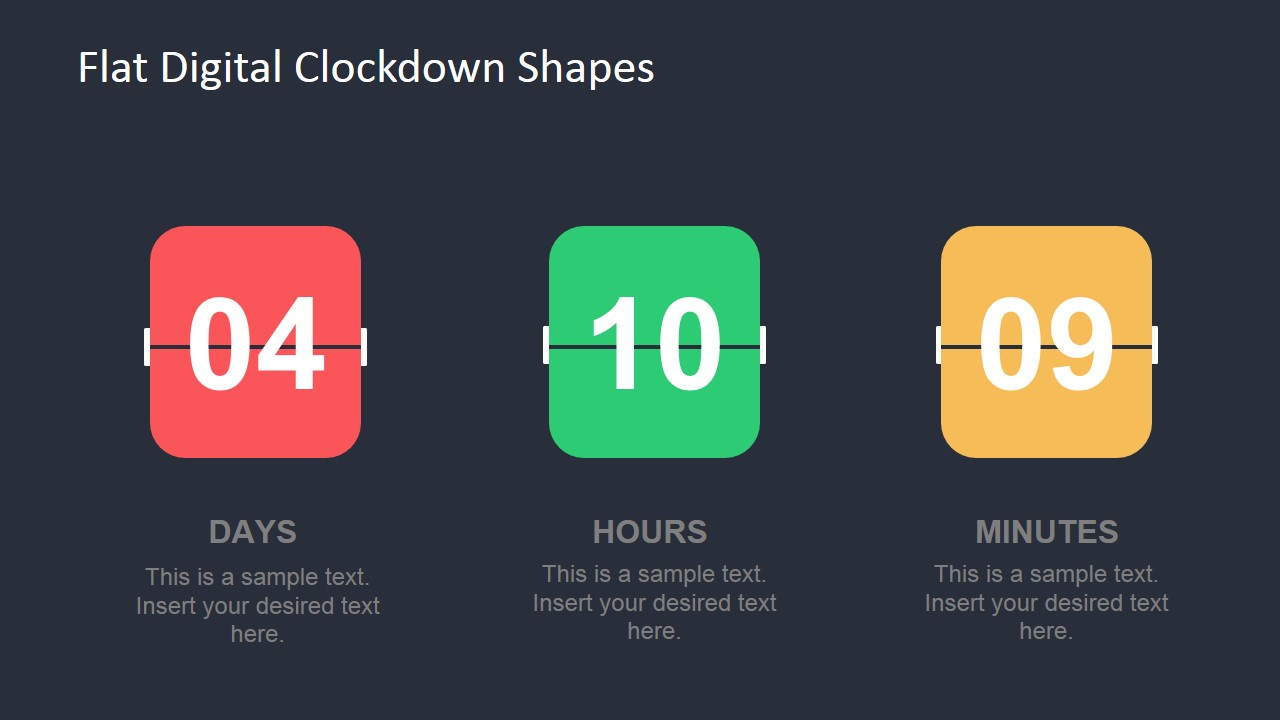
The first slide design includes an analog clock PowerPoint shape. The date counter slide design for PowerPoint has 3 slots entitled Days, Hours and Minutes. They are colored red, green and yellow. In the second slide, the user can find 3 analog clocks. Each clock has different shade of neutral colors with second hand displayed in red. Under the shapes are text placeholders where the presenter can key in few descriptions.
Competent and flexible layouts using Use Flat Time Clock Shapes for PowerPoint can amaze international audiences. Additional outstanding shapes like Flat Analog Clock Diagram PowerPoint Template are downloadable from the SlideModel gallery.
What’s inside this template
Example presentation scenarios
- A project manager can use the digital countdown counters to show the remaining days, hours, and minutes before a launch deadline in a team status meeting.
- An event planner can use the analog clock trio to compare agenda timing, session start times, or scheduling options for stakeholders.
- A business trainer can use the clock shapes and caption fields to explain time management habits, meeting pacing, or task prioritization.
- An operations lead can use the countdown layout to call attention to shift timing, delivery cutoffs, or preparation windows during a process briefing.
Features
- 100% editable presentation template
- Compatible with Microsoft PowerPoint and Google Slides
- 16:9 aspect ratio slides
- Scalable vector shapes, icons and illustrations
- AI-Ready for Microsoft Copilot and Claude
- Instant access and download
Frequently asked questions
Q: How should a presenter use the countdown slide without overloading the audience?
A: Use the three counter blocks as the main message, not as decoration. Put the most important deadline values in the large number fields, keep each label short, and use the small text areas only for context such as launch phase, review window, or cutoff rule. The audience should understand the timing before reading the captions.
Q: Who is this template best suited for in a business presentation?
A: It fits presenters who need a simple time cue inside a larger deck, such as project managers, event planners, trainers, and operations leads. The digital countdown works well for urgency and deadlines, while the analog clock trio works better for comparing time slots, agenda blocks, or time management ideas.
Q: Why do the clock and counter metaphors make the message easier to understand?
A: The visuals use familiar time metaphors that the audience can decode quickly. A countdown block signals remaining time and urgency, while analog clocks suggest schedules, moments, or time allocation. This reduces the need for long explanations and lets the presenter connect each visual to a specific action or decision.


Flat Time Clock Shapes for PowerPoint
2-slide presentation template with digital countdown counters and analog clock shapes for time management visuals
Flat Time Clock Shapes for PowerPoint is a 2-slide shape template for Microsoft PowerPoint and Google Slides. It includes a digital countdown layout with days, hours, and minutes blocks, plus an analog clock trio with text captions. It is suited for deadlines, schedules, countdowns, and time management explanations.
- Category
- Shapes
- Rating


 Loading...
- Aspect ratio
- 16:9
- Item ID
- 8211-02
- Colors
 Microsoft PowerPoint
 Microsoft Copilot
 Claude for PowerPoint
Other formats supported
Subscribe today and get immediate
access to download our PowerPoint templates.