Use our SAMR Model PowerPoint Template in your academic and business sessions to discuss technology integration in the educational system. The SAMR model, developed by Ruben Puentedura in 2010, is a potent tool for determining good tech integration. It is all about using technology in the learning system to enhance the quality of education, empower the students with authentic knowledge, and improve the educational capabilities of slow learners. The SAMR model promotes unique ways to engage with students in a virtual environment. We have designed this engaging SAMR model PPT template using 100% editable PowerPoint features. Educational researchers, professors, and counselors can use this template to discuss edtech integration and its various levels. The four SAMR tiers based on their technology advancements are:
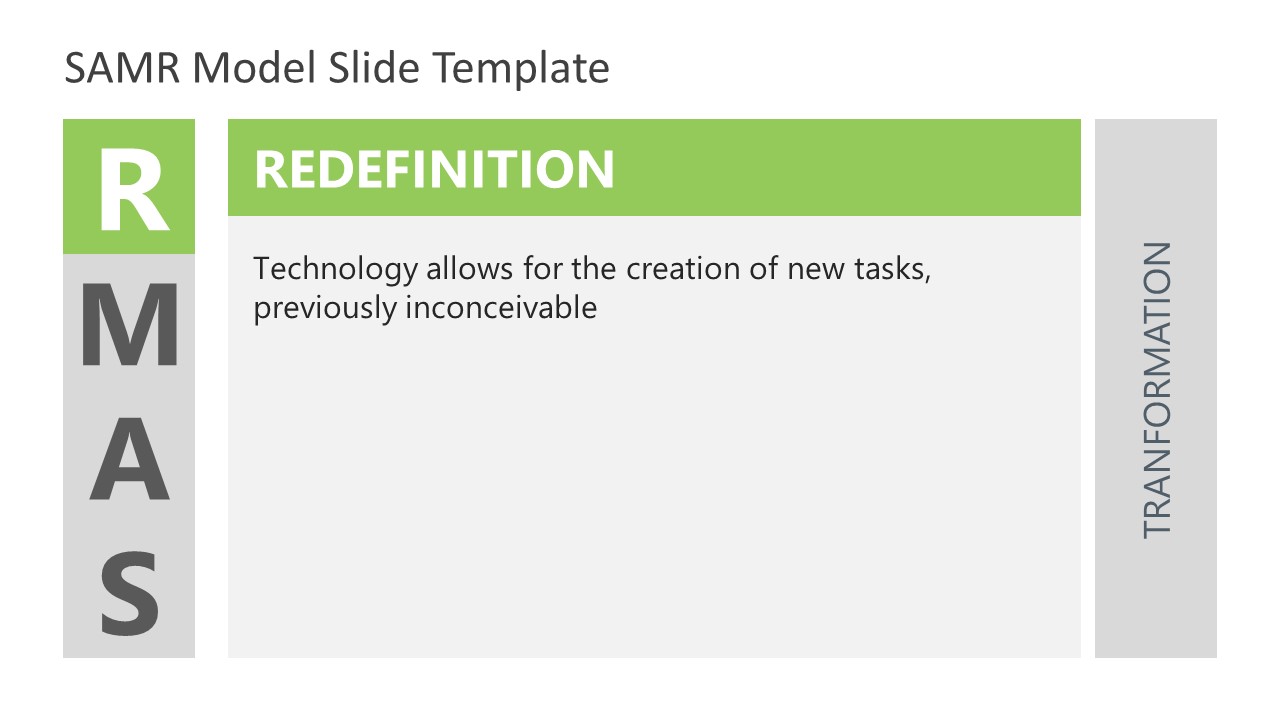
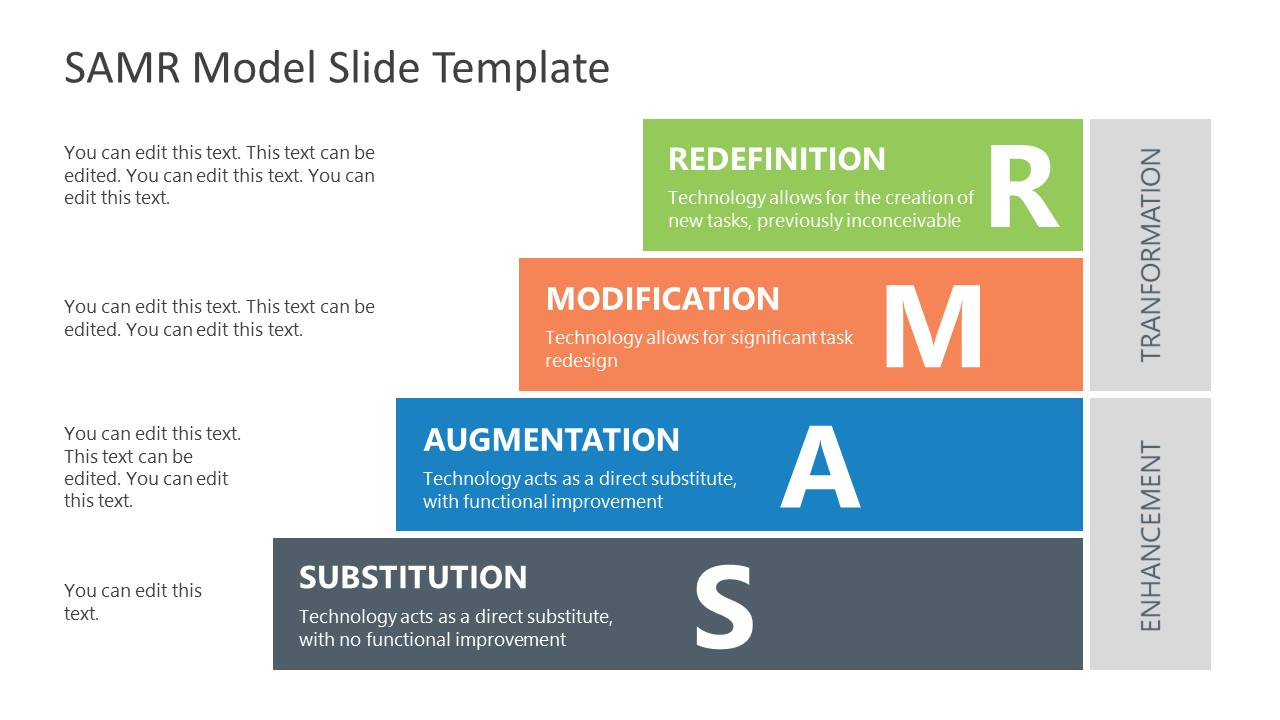
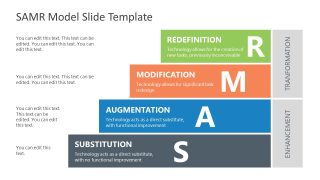
- Redefinition (R): This stage involves transforming the learning practices and digitalizing them altogether. It provides students with virtual field trips, virtual seminars, and classrooms.
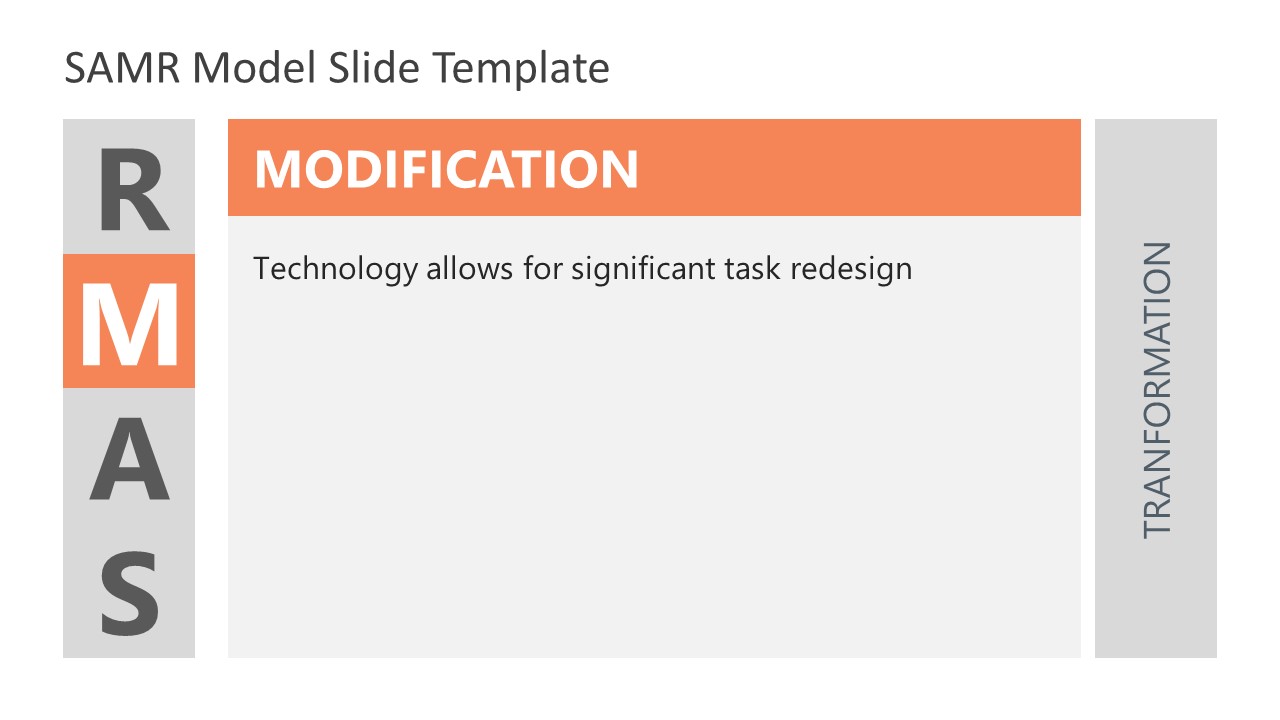
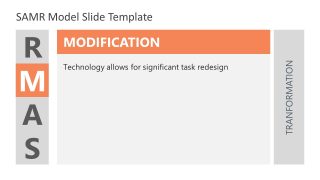
- Modification (M): This tier is slightly less advanced than the redefinition level. It includes significant task redesign and learning management systems to captivate the students’ attention.
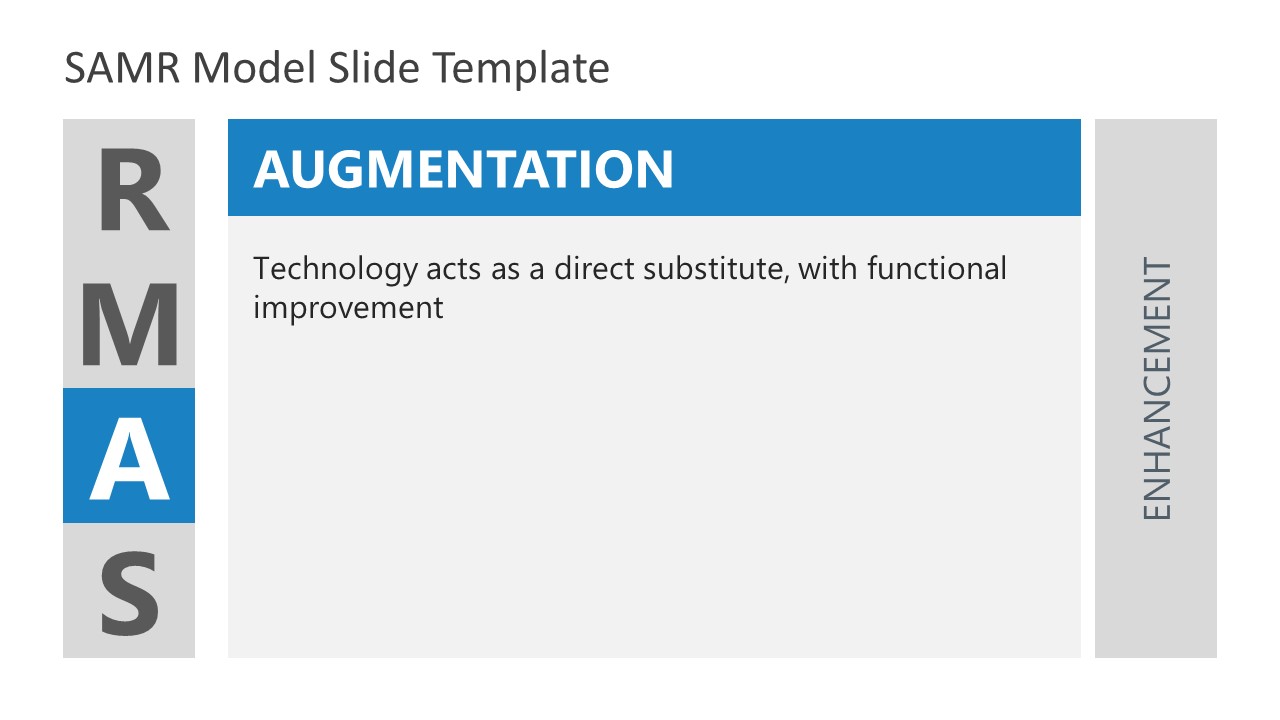
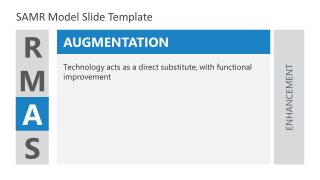
- Augmentation (A): It allows for substituting technology with slight improvements. For instance, using digital apps for quizzes and delivering course content by incorporating multimedia in traditional lectures.
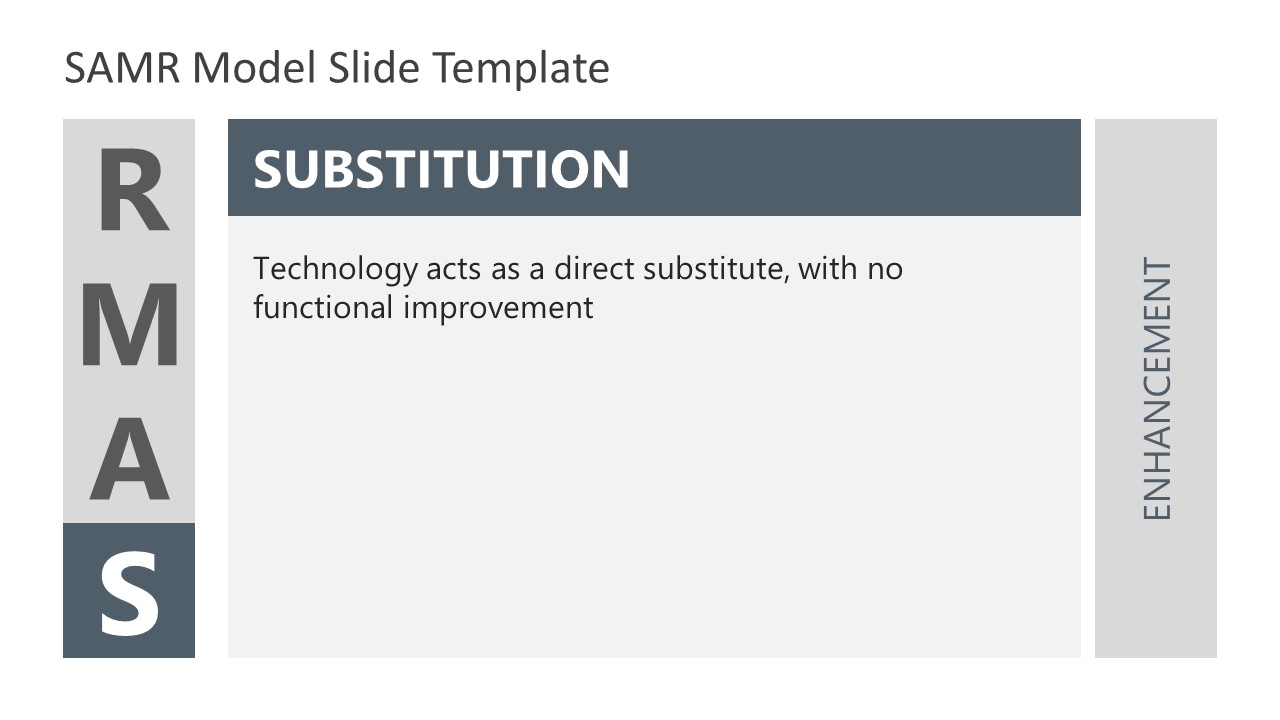
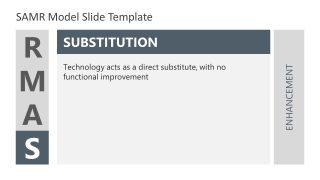
- Substitution (S): This level promotes using digital formats like PDFs, which are used and shared via different cloud-sharing services instead of papers.
Our creative SAMR Model PowerPoint Template carries 6 interactive slides made on a white background. The title slide includes four steps of the SAMR model, i.e., Substitution, Augmentation, Modification, and Redefinition. This template can assist you in discussing the transformation steps (Modification and redefinition) first and then the enhancement steps (substitution and augmentation). Next to the title slide, the four tiers of the SAMR model are presented individually in top-down layout slides with editable text boxes. The highest technology levels are discussed first. The last slide can help you summarize the details and provide a quick presentation overview through a creative pyramid diagram.
On all PowerPoint slides, we have provided editable text boxes to populate the slides with required data. Users can conveniently edit the placeholder text to prepare their presentations. Professionals can customize the template according to the overall theme of the institute or company. This template is compatible with Google Slides, Keynote, and all Microsoft PowerPoint versions. Download it now!
What’s inside this template
Example presentation scenarios
- A professor can use the SAMR overview grid to introduce how classroom activities move from simple substitution to redefinition in an online education seminar.
- An instructional designer can use the four individual tier slides to train teachers on how each level changes lesson design and student activity.
- A school technology leader can use the stepped pyramid summary to align faculty on transformation and enhancement priorities during a digital learning planning meeting.
- An education consultant can use the Modification and Redefinition detail slides to explain higher-order technology adoption goals to administrators.
Features
- 100% editable presentation template
- Compatible with Microsoft PowerPoint and Google Slides
- 16:9 aspect ratio slides
- Scalable vector shapes, icons and illustrations
- AI-Ready for Microsoft Copilot and Claude
- Instant access and download
Frequently asked questions
Q: How should a presenter explain the SAMR model with this template without making it feel abstract?
A: Start with the overview grid to define all four levels in one view, then move through the individual Redefinition, Modification, Augmentation, and Substitution slides with one classroom example per tier. Use the final stepped pyramid to compare the tiers again and ask the audience where their current practices belong.
Q: Who is this template best suited for in an education technology conversation?
A: This template fits educators, instructional designers, consultants, and academic leaders who need to explain technology integration as a maturity model. It is strongest in training, curriculum planning, and digital learning strategy sessions where the audience must distinguish basic tool substitution from redesigned or newly possible learning tasks.
Q: Why does the design separate transformation and enhancement instead of showing only four equal steps?
A: The transformation and enhancement labels help the audience see that the SAMR model is not just a list of tools. The upper tiers are framed as deeper task redesign, while the lower tiers show technology as a substitute or improvement. The stepped summary reinforces that conceptual climb visually.

SAMR Model PowerPoint Template
6-slide presentation template for SAMR technology integration with tier diagrams and a pyramid summary
The SAMR Model PowerPoint Template is a 6-slide educational technology presentation for explaining technology integration maturity. It includes a four-quadrant SAMR overview, individual tier detail slides for Redefinition, Modification, Augmentation, and Substitution, and a stepped pyramid summary. It is made for educators, instructional designers, and consultants using Microsoft PowerPoint or Google Slides.
- Category
- Models
- Rating

 Loading...
- Aspect ratio
- 16:9
- Item ID
- 21086-01
- Colors
 Microsoft PowerPoint
 Microsoft Copilot
 Claude for PowerPoint
Other formats supported
Subscribe today and get immediate
access to download our PowerPoint templates.