Download our RASE Model PowerPoint Template for presenting your course design strategy and plans. RASE is the acronym of four words: Resources, Activity, Support, and Evaluation. It is an approach to developing an effective learning environment that is well-planned about the resources, activities, support, and evaluation protocol. Course planning teams employ this planning method to guide the trainers about the important aspects of the courses. We have prepared this 100% editable RASE model template for our users to create comprehensive documents about their course outlines. Presenters can edit this PowerPoint template using all PowerPoint versions, Google Slides, and Keynote software.
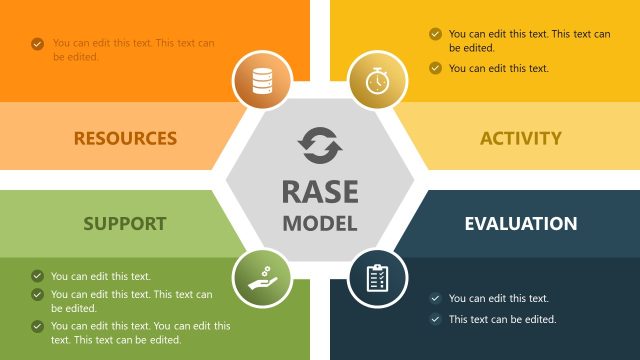
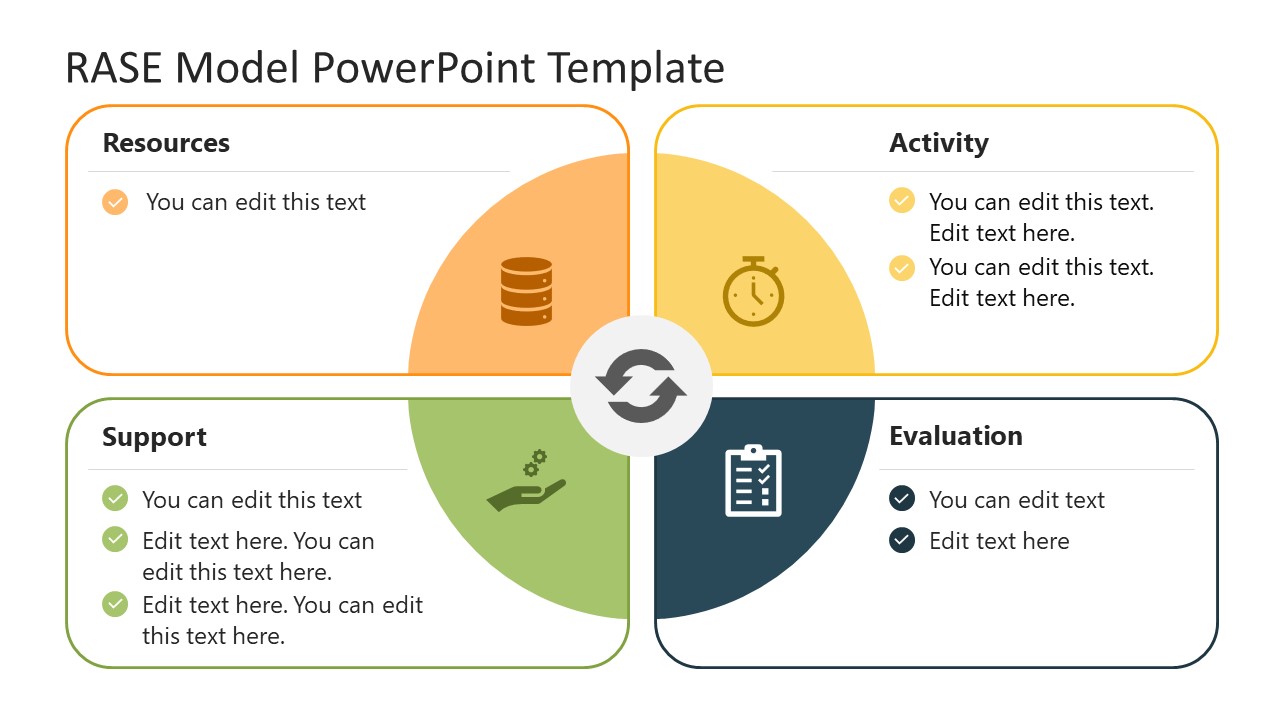
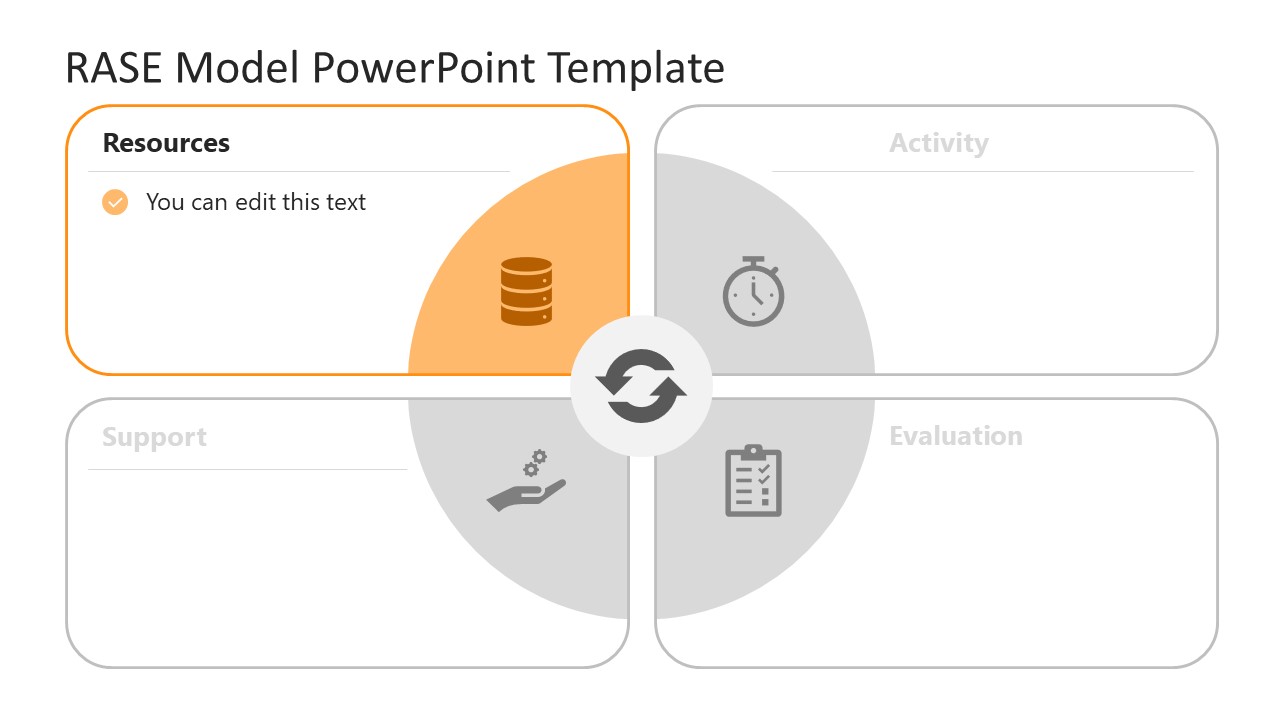
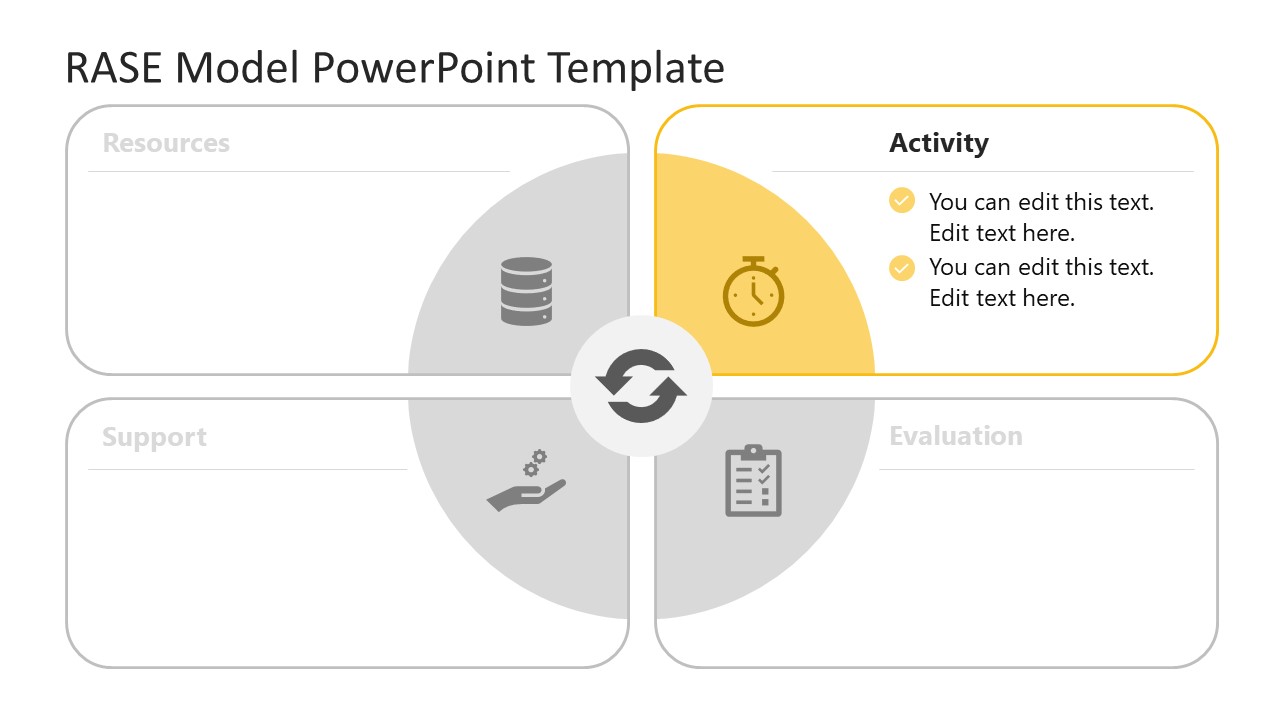
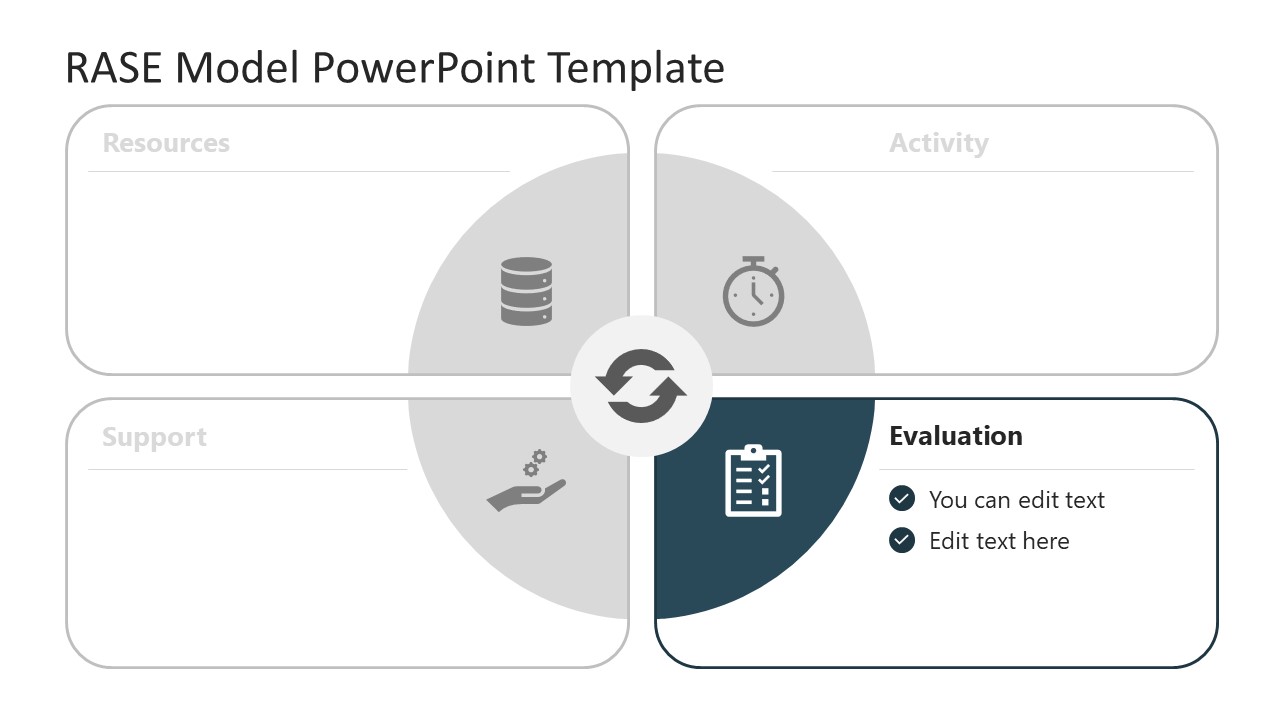
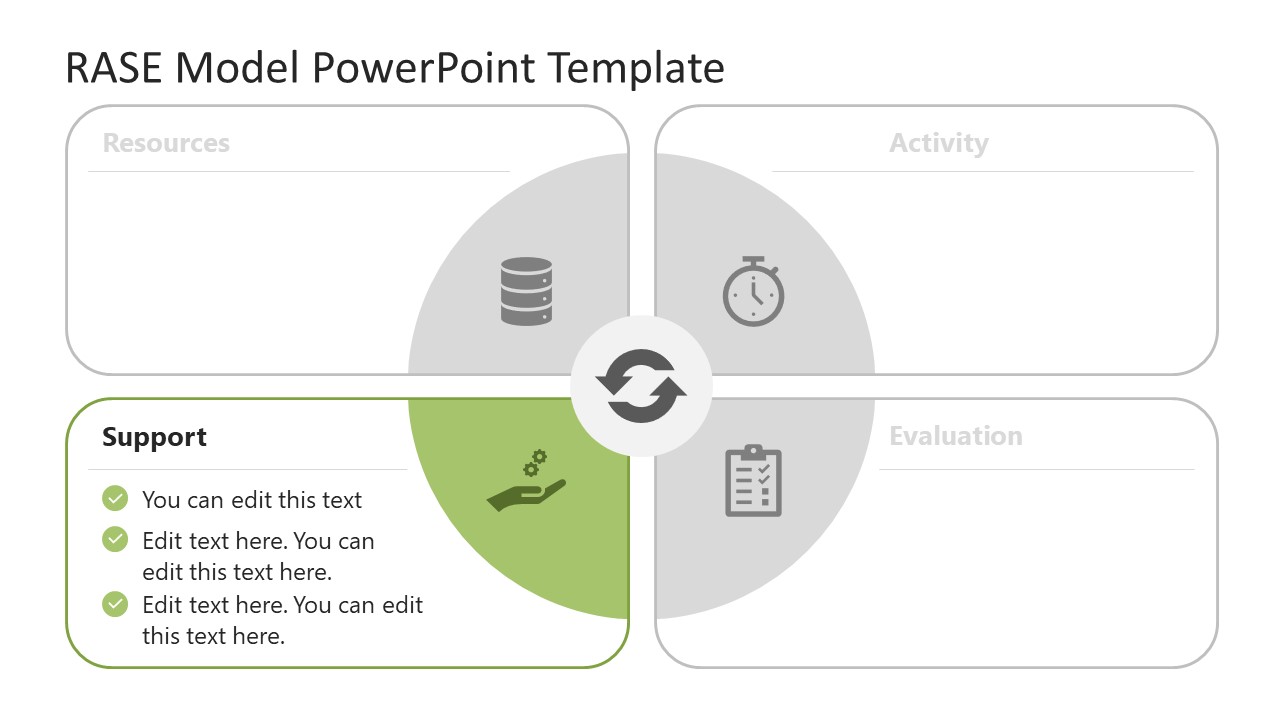
This RASE Model PowerPoint Template shows a four-segment figure with a central circular element. The circular core segment in the middle of the slide is divided into four quarter sections, each carrying representative icons. In the center, a turning arrow symbol is added, indicating the RASE concept. Outlined sections with titles and text boxes are on each side of the circle. The colors of the outlines and their corresponding quarter in the circle are the same for effective representation. After the first one, the following slides help individually discuss the components of the RASE model. This effect is achieved by showing only one colored segment on the slide and greying the others. Professionals can efficiently discuss each aspect in their presentations with these spotlight slides.
Presenters can conveniently personalize these slides by changing the colors, font styles, and other design features. The company logos and presenters’ names can also be added to the bottom corners of the slides. So, if you are an educationist, a course planner, or an advisor for an educational institute, grab this best PPT template for your next presentation. Try editing it now!
What’s inside this template
Example presentation scenarios
- An instructional designer can use the full RASE model diagram to introduce how resources, activities, support, and evaluation work together in a new course plan.
- A training manager can use the Activity spotlight slide to explain learner tasks, timing, and participation expectations during a facilitator briefing.
- An education consultant can use the Support and Evaluation spotlight slides to guide a client discussion about learner assistance, feedback loops, and assessment methods.
- An academic program lead can use the quadrant text callouts to compare current course materials against the RASE framework during a curriculum review meeting.
Features
- 100% editable presentation template
- Compatible with Microsoft PowerPoint and Google Slides
- 16:9 aspect ratio slides
- Scalable vector shapes, icons and illustrations
- AI-Ready for Microsoft Copilot and Claude
- Instant access and download
Frequently asked questions
Q: How should a presenter explain the RASE model without making the framework feel abstract?
A: Start with Slide 1 to show the whole system, then move into each spotlight slide with a concrete course example. For each component, replace the bullets with decisions the audience recognizes, such as required readings, learner tasks, tutor support, and assessment checks. This keeps the model tied to course design work rather than theory alone.
Q: Who is this template best suited for in an education or training presentation?
A: This template fits instructional designers, trainers, education consultants, and course planning teams who need to align stakeholders around a learning environment. It is most useful when the audience must understand how content resources, learner activities, support systems, and evaluation methods connect before a course is built or revised.
Q: Why does the design use a central circular model with grayed-out spotlight slides?
A: The circular model shows RASE as an interconnected system rather than a checklist. The grayed-out spotlight slides preserve that system view while directing attention to one component at a time. This visual method helps audiences remember that each decision belongs to the larger learning design, even during detailed discussion.


RASE Model PowerPoint Template
5-slide presentation template for RASE course design with four-segment model and component spotlight slides
The RASE Model PowerPoint Template is a 5-slide education planning presentation for explaining Resources, Activity, Support, and Evaluation in course design. It includes a four-segment circular RASE model, quadrant text callouts, and four component spotlight slides for trainers, instructional designers, and academic teams in Microsoft PowerPoint and Google Slides.
- Category
- Models
- Rating

 Loading...
- Aspect ratio
- 16:9
- Item ID
- 22038-02
- Colors
 Microsoft PowerPoint
 Microsoft Copilot
 Claude for PowerPoint
Other formats supported
Subscribe today and get immediate
access to download our PowerPoint templates.