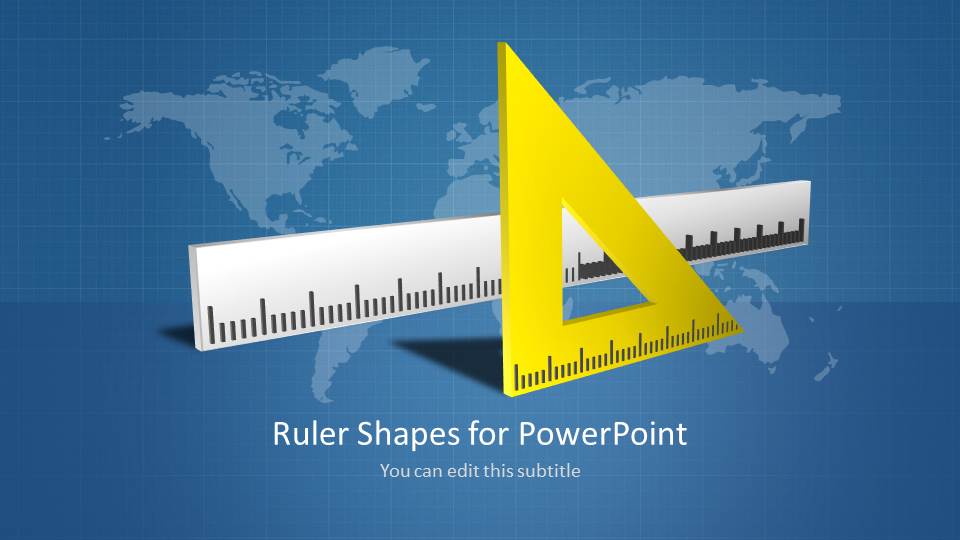
Ruler Shapes for PowerPoint is a selection of creative and functional ruler PowerPoint shapes. The contrasting foreground and background create an appealing atmosphere. The presenter can surely enhance the report to draw global audiences to attention through the slide design graphics.
The PowerPoint template is ideal for measurement related reports. This is perfect for subjects like engineering and construction. More matters such as mathematics and physics can use the slides to supplement a much broader concept. The user can associate the world map background to universal measuring laws- Standard Units of Measurement, difference between the Imperial System and US Metric System of Measurement, etc.
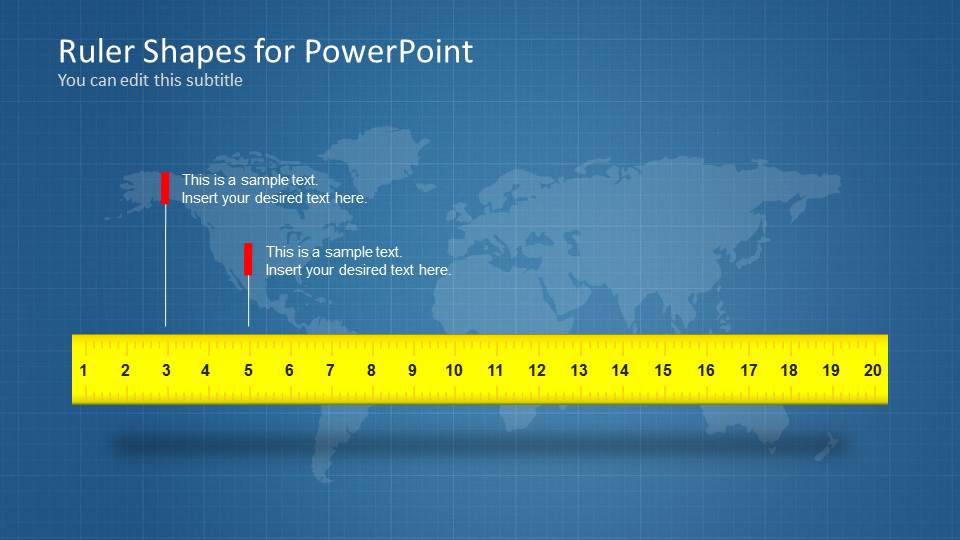
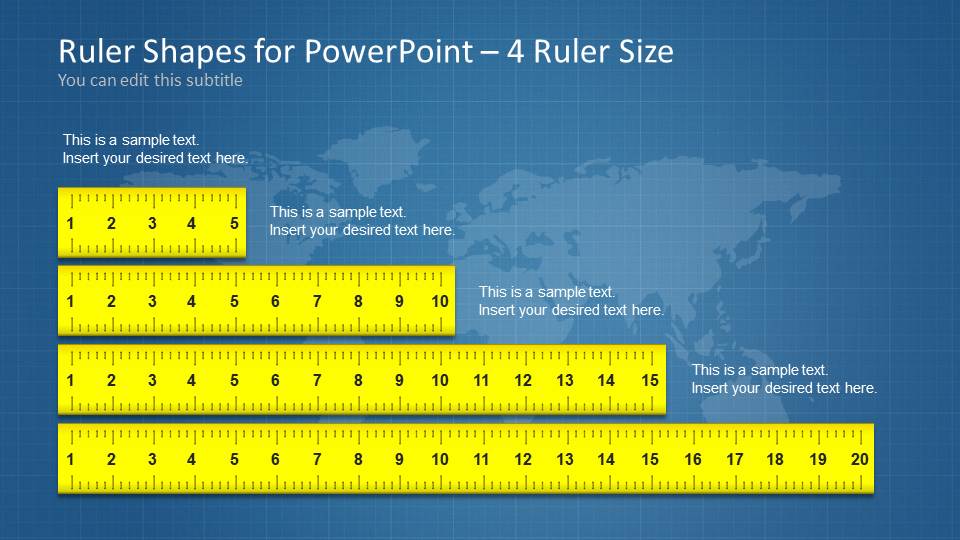
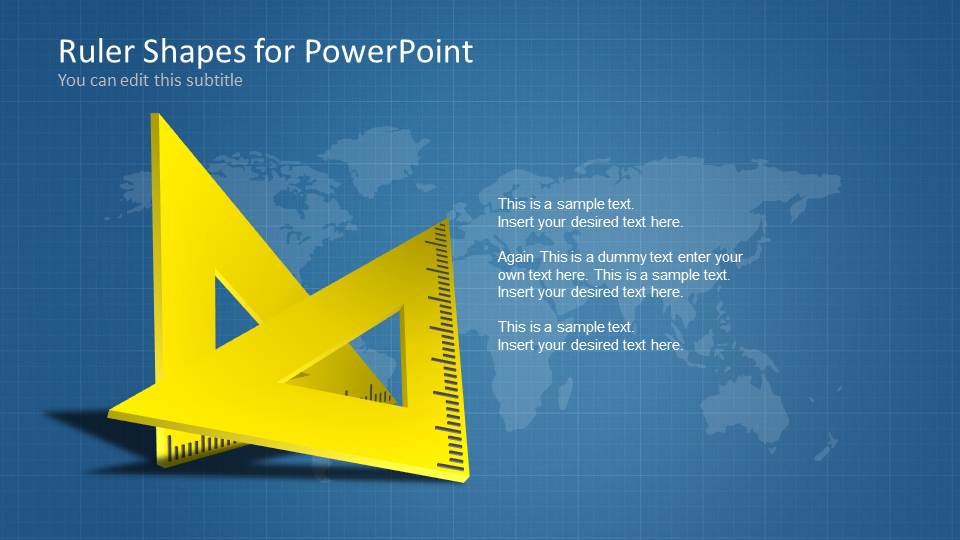
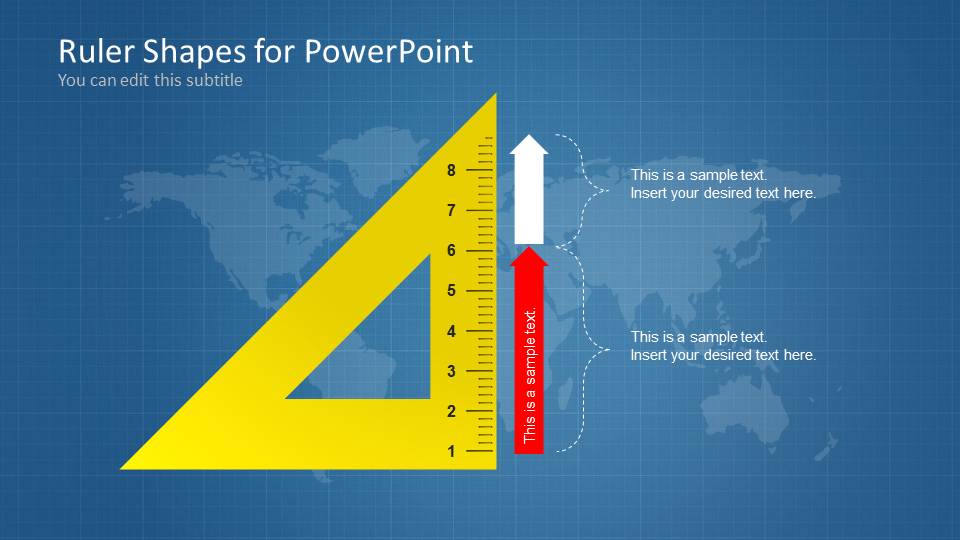
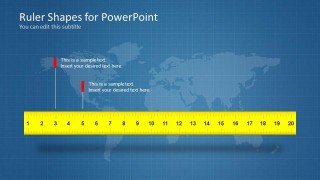
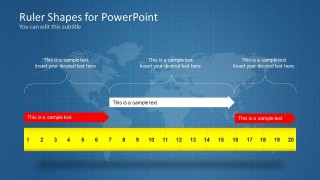
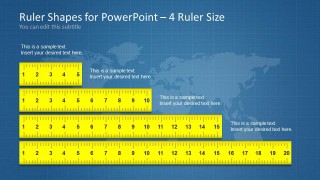
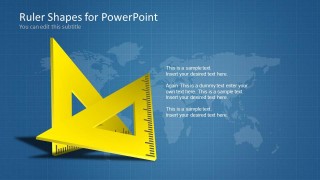
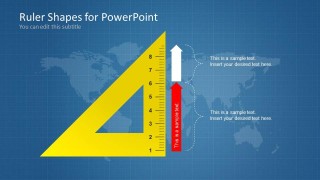
In the first slide, the presenter can find a linear and triangular ruler. The background is a shadowy cool blue and a gray world map outline. There are subtle grids in the slides which serve as a texture and emphasis on the measurement idea of the template. The second and third slides highlight the linear ruler and its parts. The fourth slide focus on the length difference between various linear rulers. The user can elaborate on the uses of triangular rulers on the 5th slide. Lastly, in the sixth slide, the function of each part of a triangular ruler can be given significance.
A ruler is a measuring instrument marketed in standard intervals and units. In definition, it can be any rigid material used to create or trace straight lines. It can measure distances and lengths. In engineering, multiple ruler types are used – protractor, triangle, T-square and the regular straight ruler. Triangles and straight rulers appear in the Ruler Shapes for PowerPoint.
Impress professional audiences with Ruler Shapes for PowerPoint and stimulate productive presentation results. The PowerPoint shapes are fully customizable. The presenter can opt to modify the visuals to fit on the report. Aside from this slide rule, many stunning shapes and PowerPoint infographics are also available for download at the SlideModel gallery.
What’s inside this template
Example presentation scenarios
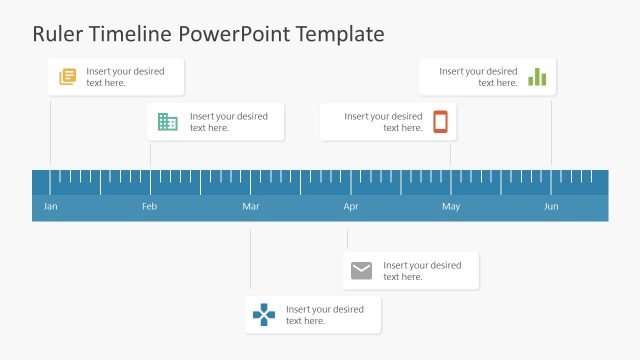
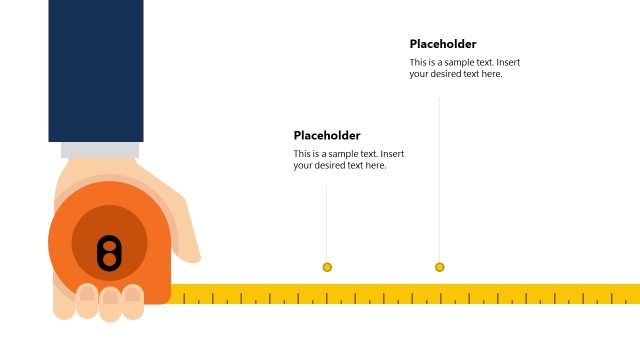
- An engineering presenter can explain measurement conventions by using the linear ruler callout slide to connect scale markings with short technical notes.
- A construction trainer can compare tool sizes or unit ranges by using the four-ruler comparison layout with labels placed next to each ruler length.
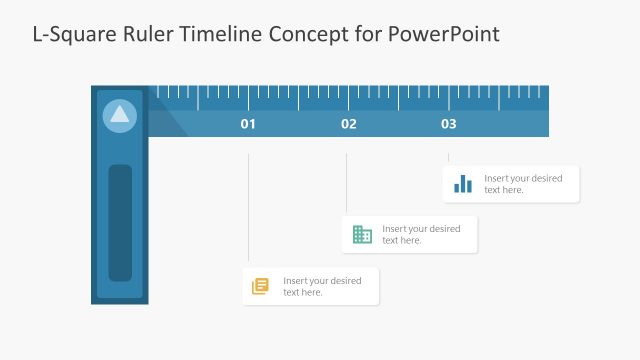
- A math or geometry teacher can introduce set squares by using the triangular ruler slides to show angle tools, scale markings, and labeled parts.
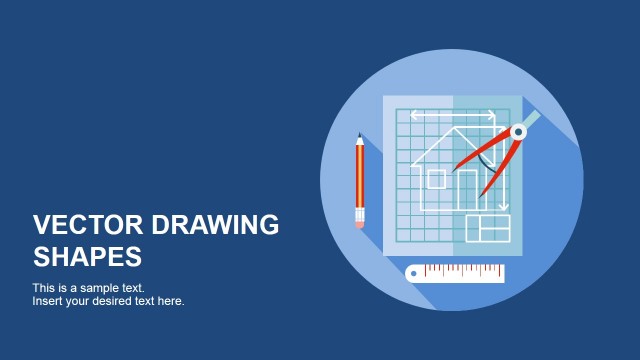
- A project manager can frame a measurement standards briefing with the cover slide and world map background before moving into ruler diagrams and unit explanations.
Features
- 100% editable presentation template
- Compatible with Microsoft PowerPoint and Google Slides
- 16:9 aspect ratio slides
- Scalable vector shapes, icons and illustrations
- AI-Ready for Microsoft Copilot and Claude
- Instant access and download
Frequently asked questions
Q: How should a presenter explain measurement concepts with this template?
A: Start with the cover to establish the measurement theme, then use the straight ruler slides for scale, units, or dimension references. Keep each callout tied to one visible marking or ruler section. The triangular ruler slides work best for explaining drawing tools, geometry concepts, or parts of an instrument one point at a time.
Q: Who is this ruler shape deck best suited for?
A: This deck fits presenters who need a visual prop for measurement rather than a generic technical background. Engineers, construction trainers, math teachers, physics instructors, and standards teams can use the ruler comparison and set square layouts to make abstract units, dimensions, and tool functions easier to follow.
Q: Why do the ruler and blueprint metaphors help the presentation?
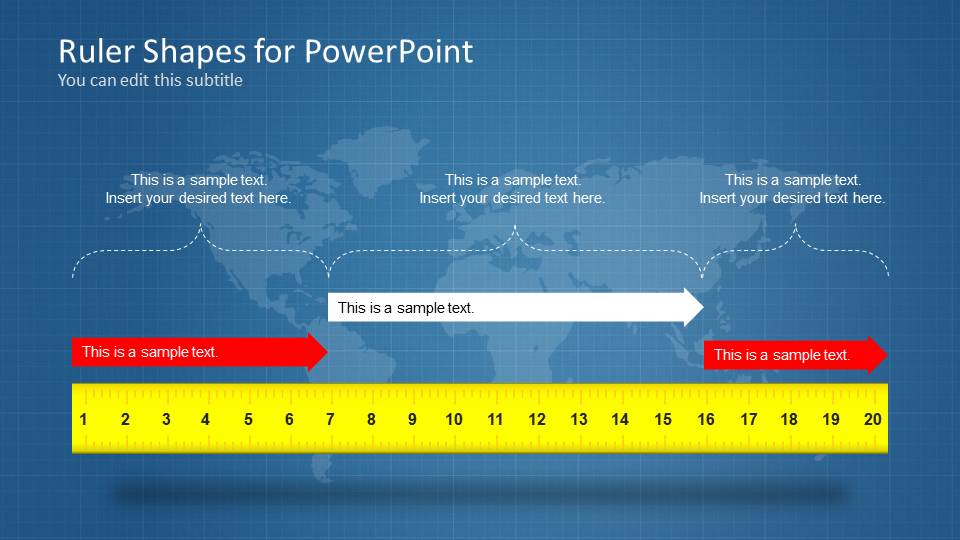
A: The ruler shapes give the audience an immediate reference for precision, scale, and technical accuracy. The blue grid and map background create a blueprint-like context without requiring dense detail. Arrows, brackets, and scale markings guide the eye from instrument to explanation, which makes the slide feel instructional instead of decorative.
Ruler Shapes for PowerPoint
6-slide presentation template with ruler shapes, measurement callouts, and technical drawing visuals
Ruler Shapes for PowerPoint is a 6-slide measurement-themed presentation template for technical, engineering, construction, math, and training content. It includes a cover with ruler instruments, a linear ruler callout layout, a ruler comparison layout, and triangular ruler diagrams. Files are prepared for Microsoft PowerPoint and Google Slides.
- Category
- Shapes
- Rating


 Loading...
- Aspect ratio
- 16:9
- Item ID
- 6073-01
- Colors
 Microsoft PowerPoint
  Microsoft Copilot
  Claude for PowerPoint
 Other formats supported
Subscribe today and get immediate
access to download our PowerPoint templates.