Slide 2 of 6 from Ruler Shapes for PowerPoint
6073-01-ruler-powerpoint-templater-2
Ruler Shapes for PowerPoint Slide 2
- Media Layout
- Other
- Concept Explanation Slide
- 16:9
- 100% Editable
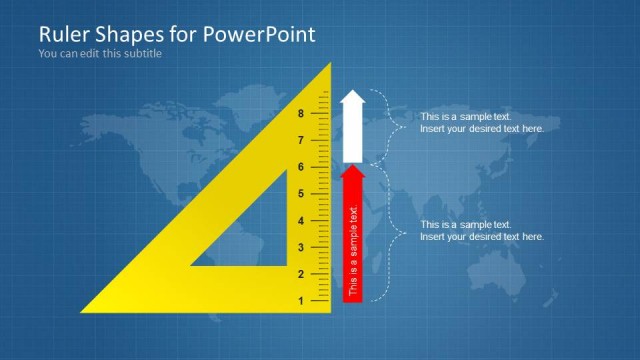
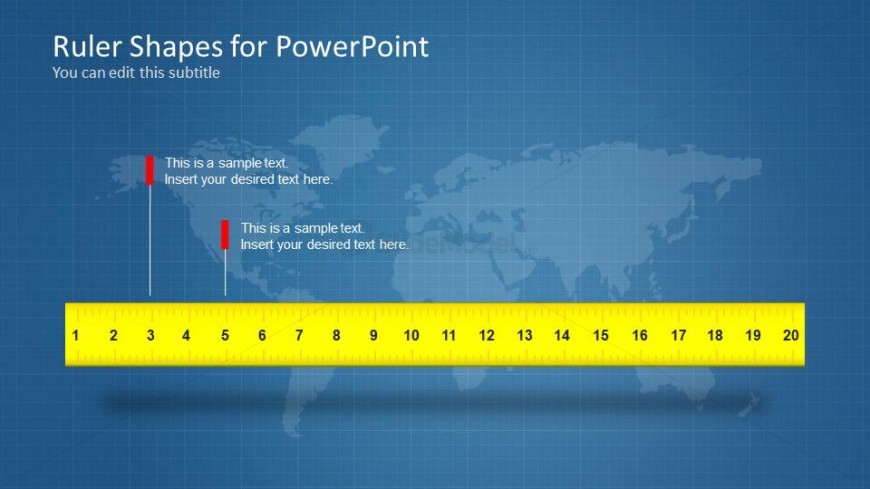
The Ruler with Text Placeholders slide from the Ruler Shapes for PowerPoint template offers a clear visual tool for technical presentations involving measurement and design specifications. Featuring editable shapes like a horizontal ruler and vertical markers with text placeholders, this slide supports precise communication of metrics. Its structured layout suits business presentations and slide decks that require detailed explanation of dimensions or scales, enhancing clarity in both PowerPoint and Google Slides templates.
What’s on This Slide
The layout features a horizontal yellow ruler at the bottom, spanning the width of the slide. Above the ruler, there are two vertical red markers positioned at varying lengths, indicating points of measurement. Each marker has a text placeholder aligned vertically, with the first marker located closer to the left side and the second marker towards the center. The background consists of a blue grid pattern with a faint world map overlay. The title and subtitle are placed at the top, centered, with the subtitle positioned directly beneath the title.
How to Use It
This layout serves as a visual representation of measurement, ideal for presentations discussing metrics or technical specifications. It fits well after introductory slides, providing a clear visual reference for discussions on dimensions or scales. This structure is useful in contexts like engineering, design, or educational settings where precise measurements are relevant. The ruler can be annotated to highlight specific data points or comparisons, enhancing clarity in presentations focused on measurement-related topics.
Text Placeholders & Capacity
Keep your copy within these limits so it fits without resizing. Node labels can accommodate roughly 5-6 words each.
| Placeholder | Count | Max characters (approx.) |
|---|---|---|
| Slide title | 1 | 30 |
| Subtitle | 1 | 50 |
| Item heading | 2 | 30 |
| Item body | 2 | 50 |
Slide Keywords
Download unlimited PowerPoint templates, charts and graphics for your presentations with our annual plan.
DOWNLOADReturn to Ruler Shapes for PowerPoint.