Slide 6 of 6 from Ruler Shapes for PowerPoint
Yellow Squad for PowerPoint
Ruler Shape Slide for PowerPoint
- Media Layout
- Other
- Context Slide
- 16:9
- 100% Editable
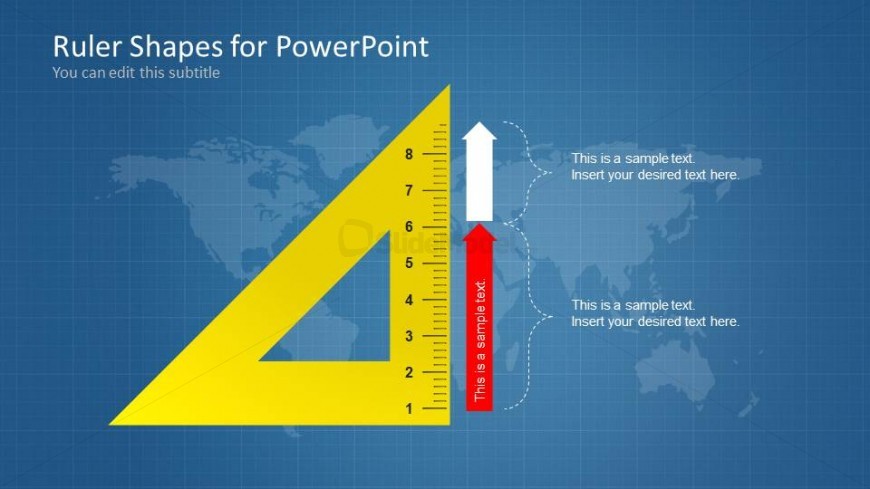
The Ruler Shape with Text Placeholders slide from the Ruler Shapes for PowerPoint template offers a structured layout ideal for technical presentations and educational content. Featuring editable shapes including a large yellow triangular ruler and distinct text placeholders, this slide supports clear communication of measurement and design concepts within business presentations or slide decks.
What’s on This Slide
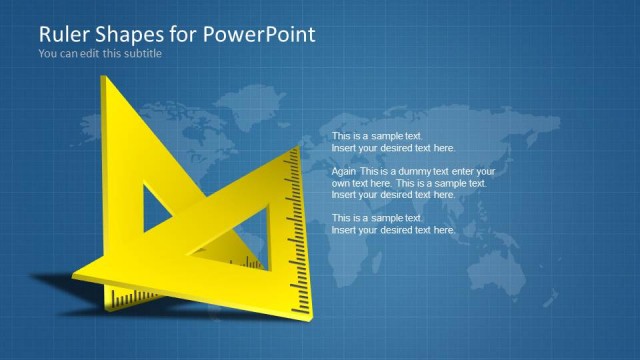
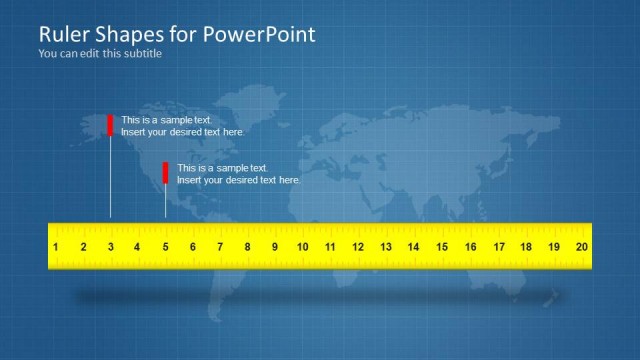
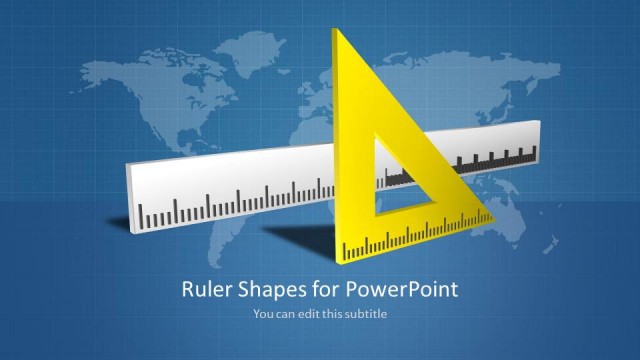
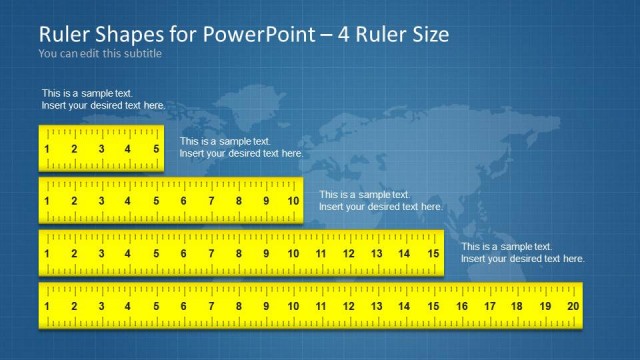
The slide features a large yellow triangular ruler positioned on the right side, with measurement markings from 1 to 8. To the left, there are two vertical text placeholders, one aligned at the top and another at the bottom, both with sample text indicating where to insert desired content. The background is a light blue grid pattern with a faint world map overlay. The visual hierarchy emphasizes the ruler shape, while the text placeholders are clearly defined and separated from the ruler, allowing for easy content insertion.
How to Use It
This layout serves as a visual aid for presentations that require measurement or technical drawing concepts. It is suitable for educational contexts, design discussions, or technical specifications. Positioned as the final slide in a series, it can summarize key points or provide a concluding remark. The ruler shape effectively conveys precision and measurement, making it ideal for discussions about metrics, geometry, or design principles.
Text Placeholders & Capacity
Keep your copy within these limits so it fits without resizing. Text slots can hold approximately 30-50 characters each.
| Placeholder | Count | Max characters (approx.) |
|---|---|---|
| Slide title | 1 | 30 |
| Subtitle | 1 | 30 |
| Item body | 2 | 50 |
Slide Keywords
Download unlimited PowerPoint templates, charts and graphics for your presentations with our annual plan.
DOWNLOADReturn to Ruler Shapes for PowerPoint.