Slide 4 of 6 from Ruler Shapes for PowerPoint
6073-01-ruler-powerpoint-templater-4
Ruler Shapes for PowerPoint - Ruler Size
- Media Layout
- Other
- Concept Explanation Slide
- 16:9
- 100% Editable
The Ruler Size Display slide from the Ruler Shapes for PowerPoint template offers a structured layout ideal for educational presentations and technical drawing discussions. Featuring editable slides with multiple ruler shapes and measurement markings, it supports clear explanations of measurement concepts. This slide layout is well-suited for geometry lessons and corporate presentations requiring precise visual aids, integrating vector icons and text placeholders for effective communication within a business presentation or pitch deck template.
What’s on This Slide
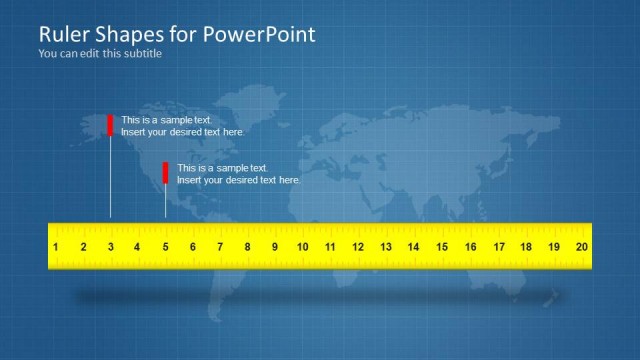
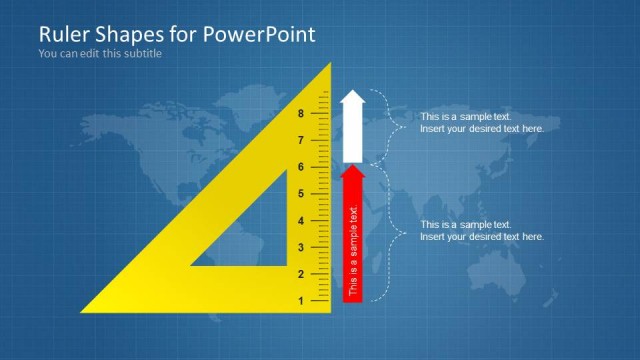
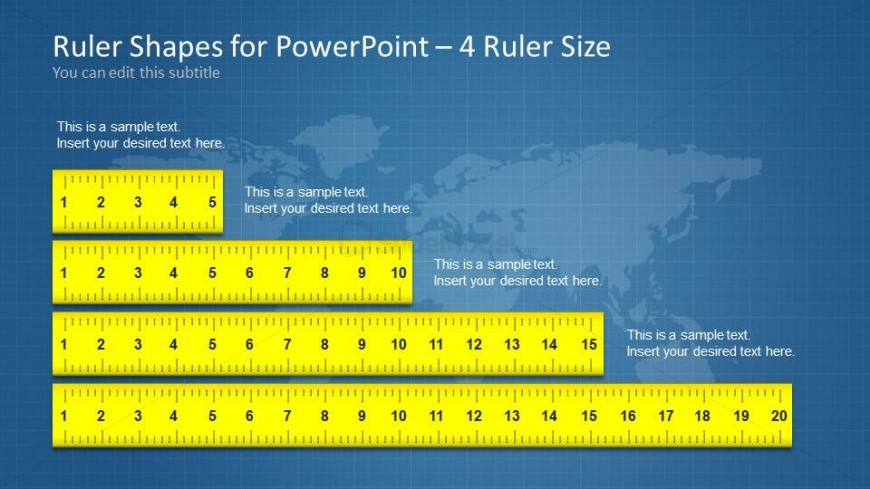
The slide features a blue grid background with a world map overlay. It contains four horizontal yellow ruler shapes, each with measurement markings. The rulers are aligned in a stacked arrangement from top to bottom. Each ruler has a text placeholder above and below it, aligned to the left and right respectively. The top ruler has five segments, the second has ten, the third has fifteen, and the bottom ruler has twenty segments. The visual hierarchy emphasizes the rulers, with placeholders for text positioned clearly.
How to Use It
This layout serves to display ruler sizes in a clear, structured manner, making it suitable for educational or technical presentations. It fits well after introductory slides discussing measurement concepts or tools. This slide can be used in contexts such as teaching geometry, discussing technical drawing tools, or demonstrating measurement techniques. The sequential arrangement of rulers allows for easy comparison of different sizes.
Text Placeholders & Capacity
Keep your copy within these limits so it fits without resizing. Node labels can hold about 20 characters each, while body text slots are tighter.
| Placeholder | Count | Max characters (approx.) |
|---|---|---|
| Slide title | 1 | 40 |
| Subtitle | 1 | 40 |
| Item body | 4 | 30 |
| Item heading | 4 | 20 |
Slide Keywords
Download unlimited PowerPoint templates, charts and graphics for your presentations with our annual plan.
DOWNLOADReturn to Ruler Shapes for PowerPoint.