Slide 1 of 6 from Ruler Shapes for PowerPoint
6073-01-ruler-powerpoint-templater-1
Ruler Shapes for PowerPoint Presentation Slide
- Media Layout
- Other
- Context Slide
- 16:9
- 100% Editable
The Ruler Shapes Display slide from the Ruler Shapes for PowerPoint template offers a clear and structured introduction to measurement tools, ideal for educational and technical drawing presentations. This slide layout features editable shapes and vector icons that enhance visual communication in business presentations or pitch deck templates focused on design and measurement concepts.
What’s on This Slide
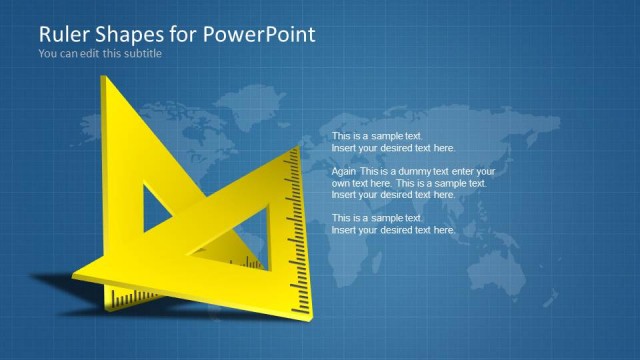
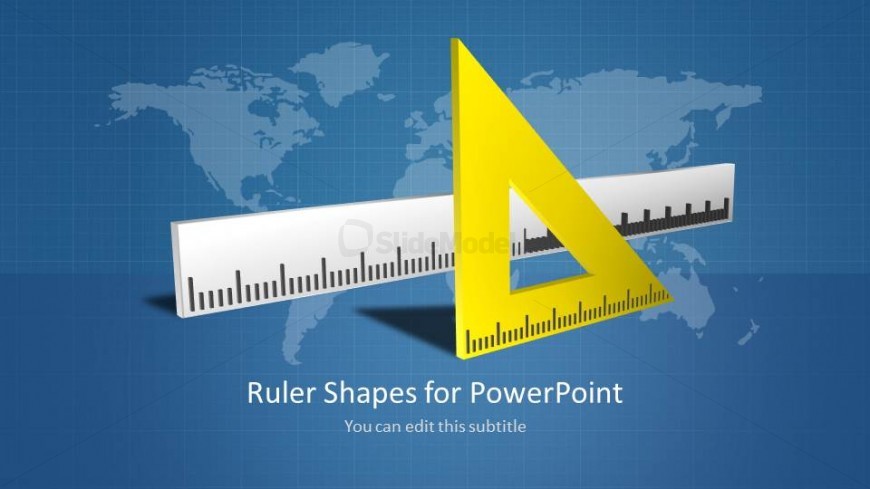
The slide features a blue background with a world map faintly visible. Centered is a yellow triangular ruler positioned in front of a horizontal ruler. The triangular ruler is angled, creating a sense of depth. Below these shapes, there is a title placeholder aligned centrally, stating 'Ruler Shapes for PowerPoint,' with a subtitle placeholder directly beneath it. The visual hierarchy emphasizes the rulers, while the title and subtitle are clearly defined, allowing for easy editing. The overall composition is balanced and structured.
How to Use It
This layout serves as an introductory slide, ideal for presentations focused on measurement tools or design concepts. It fits well at the beginning of a presentation sequence, setting the stage for technical discussions. This slide is suitable for educational contexts, product demonstrations, or workshops related to geometry, drafting, or technical drawing. It can effectively introduce topics that require visual representation of measurement instruments, making it versatile for various audiences.
Text Placeholders & Capacity
Keep your copy within these limits so it fits without resizing. Title slot can accommodate about 5-6 words, subtitle about 10-12 words.
| Placeholder | Count | Max characters (approx.) |
|---|---|---|
| Slide title | 1 | 30 |
| Subtitle | 1 | 50 |
Slide Keywords
Download unlimited PowerPoint templates, charts and graphics for your presentations with our annual plan.
DOWNLOADReturn to Ruler Shapes for PowerPoint.